Baby Panda's Town: Home - Explore and Create
Baby Panda's Town: Home is a free educational app by BabyBus that lets you create characters, explore scenes, and play different roles.
Get APK · v8.76.00.01Baby Panda's Town: Home has been installed over 50 million times and holds a 4.76 rating from more than 27,600 ratings. The app requires Android 6.0 or newer and includes ads and in-app purchases. It is aimed at children aged 0-8, offering seven scenes, hundreds of items, and over 50 characters to encourage creativity and role-play.
Screenshots
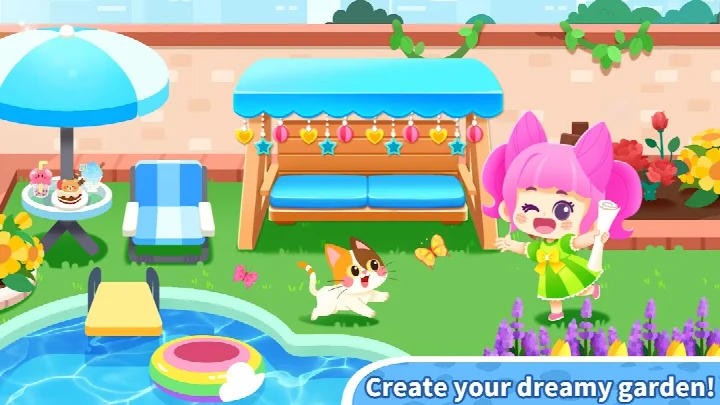

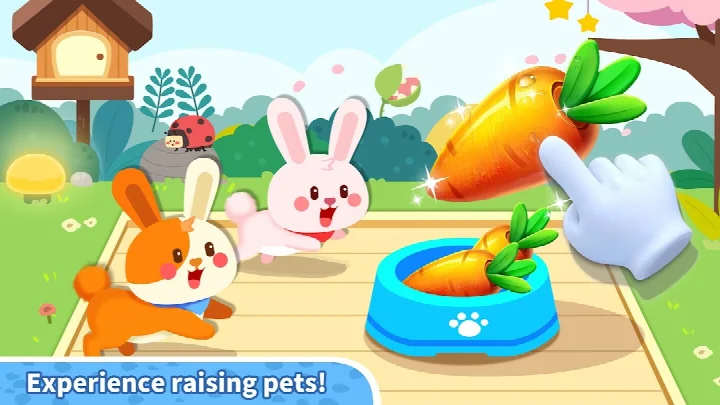
- Version
- 8.76.00.01
- Requires Android
- 6.0
- Updated
- Sep 9, 2026
- Installs
- 50M+
- Rating
- ★ 4.76 (27,645)
- Category
- Educational
- Developer
- BabyBus
- Content rating
- Everyone
- Package
- com.sinyee.babybus.marketIII
- Free
- ✓ · Contains ads · In-app purchases
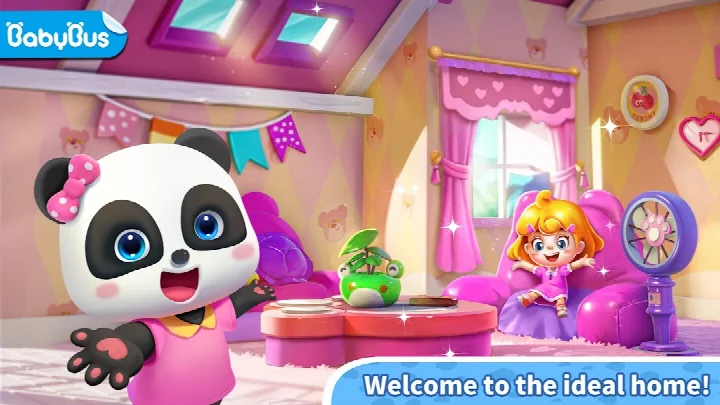
Baby Panda's Town: Home is an educational life-simulation app by BabyBus that lets young children explore a virtual town, create characters, and role-play everyday activities. Designed for curious minds, it offers a safe, colorful sandbox where kids can freely roam between seven scenes, from a hospital to a food street, and invent their own stories. The app encourages creativity through character customization, home decoration, and town building, all presented with the cheerful, kid-friendly art style BabyBus is known for. In version 8.76.00.01, a new day-and-night switch function was added, allowing children to see how the town changes from morning to evening and adding a fresh layer of exploration. The update also refines the overall experience, making it smoother for younger players. With over 50 million installs and a rating of 4.76 from more than 27,000 users, it has become a popular choice for parents seeking imaginative play. The app includes ads and offers in-app purchases, but the core experience is free to enjoy. A Wi-Fi connection is used for certain features, though most of the town can be explored without an internet connection.
Key features
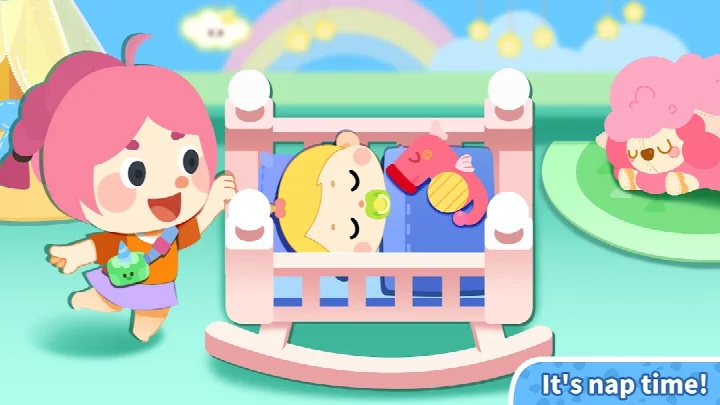
- 7 interactive scenes, including a hospital, nursery, pet store, and food street
- Create and customize multiple characters with skin tone, eyes, nose, clothes, and accessories
- Role-play as a dessert master, doctor, ballet dancer, pet store clerk, or food cart vendor
- Design and decorate furniture to personalize your home
- Build and design your own town layout
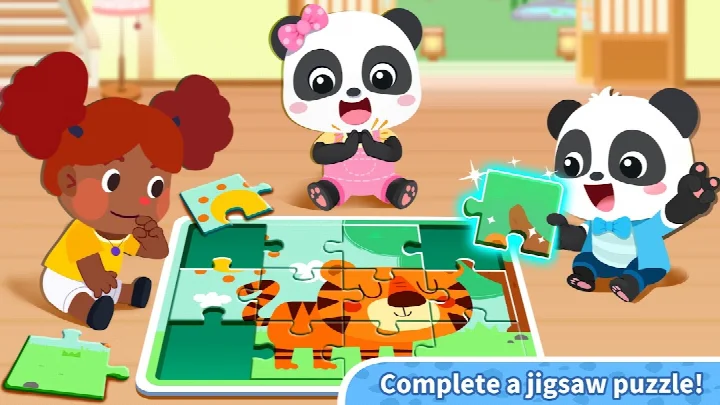
- Hundreds of items with rich interactions, including cross-scene use
- 50+ cute characters to play with
- New day and night switch function to see the town in different lighting
- Realistic simulation of everyday life for an immersive experience
How to install
- Tap the download button on this page to get the APK file. The file size is not specified, but the app requires Android 6.0 or higher.
- When prompted, allow your browser or file manager to install apps by enabling the 'Install unknown apps' setting in your device settings.
- Open the downloaded APK file from your notifications or file manager.
- Tap 'Install' on the installation screen and wait for the process to complete.
- Once installed, tap 'Open' to launch Baby Panda's Town: Home and start playing.
Pros
- Encourages creativity and imagination through open-ended play
- Multiple roles and scenes keep the experience varied
- Simple, child-friendly interface with bright visuals
- Supports character creation with many customization options
- Day and night switch adds a new dynamic to exploration
- Free to download with optional in-app purchases
Cons
- Contains ads, which may interrupt play
- In-app purchases can be tempting for children
- Some scenes may feel repetitive after extended play
- Requires Android 6.0 or later, so older devices may not be supported
Older versions
| Version | Size | Requires Android | Updated |
|---|---|---|---|
| 8.76.00.01 | — | 6.0 | Sep 9, 2026 |
This app is ideal for preschoolers and early elementary kids (ages 3-8) who enjoy pretend play and storytelling, as well as parents looking for a safe, educational digital environment that fosters creativity. It's also great for siblings who want to play together and share the experience.
To get the most out of the day and night switch, try changing the time of day in each scene—some items and interactions might behave differently in the evening, revealing hidden surprises.
Permissions
FAQ
What can I do to personalize my character at the start of the game?
When you first enter Baby Panda's Town: Home, you can create your own character by choosing a skin tone, eyes, and nose. Then you can pick clothes and accessories to complete the look, and you can even make additional characters to play with.
How many scenes are there to explore, and what kind of places can I visit?
The app includes 7 scenes to explore. You can visit places like a hospital, a nursery, a pet store, and a food street, among others, and freely move around to create your own story.
Is there a way to change the time of day in the game?
Yes, a day and night switch function has been added to the app. This lets you change the lighting and atmosphere in the town, which can change how your home and scenes look.
Can I interact with characters and items across different scenes?
Yes, the game offers hundreds of items with rich interactions, and you can use items across different scenes. You can mix and match them freely to create different home stories and discover hidden surprises.
Does the game allow me to design and build parts of the town itself?
Absolutely. In addition to decorating your own house with furniture you design, you can also design and build your town by yourself, letting you turn your ideas into reality within the game.
Baby Panda's Town: Home offers a charming and engaging sandbox for young children, blending role-play, creativity, and gentle learning. While ads and in-app purchases are a drawback, the free core experience is rich and replayable. For parents seeking a quality educational app that encourages imagination, this is a solid choice—just monitor purchases and guide kids through the ad prompts.
Similar apps




More from this developer
Updated: Oct 22, 2026