bitworld Keyboard Theme for Android
bitworld Keyboard Theme is a comic-style keyboard app from Fun Keyboard Theme for Android for personalizing your device with colorful themes and smart typing.
Download bitworld Keyboard · v5.0bitworld Keyboard Theme is for Android users who want to personalize their keyboard with comic-style themes and enjoy smarter typing. It is free to download, requires Android 4.1 or higher, and the app size is 3.7 MB.
Screenshots
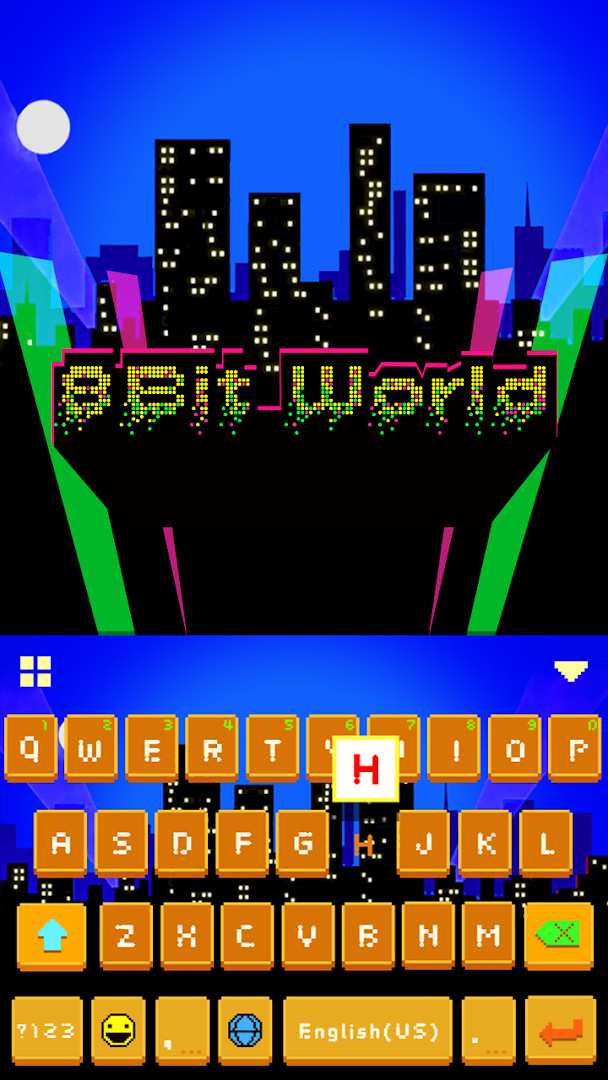
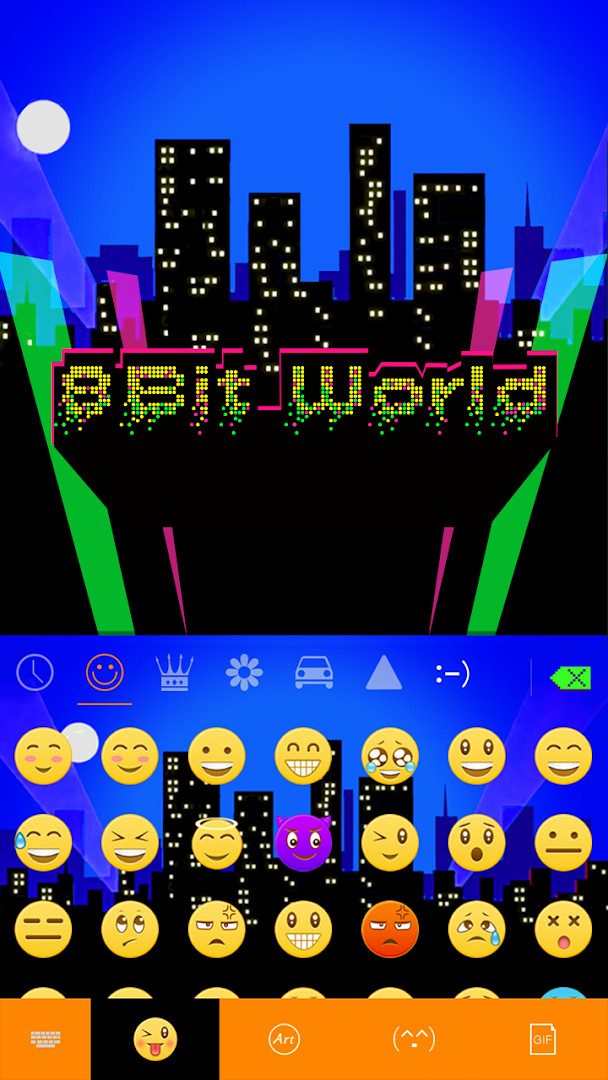
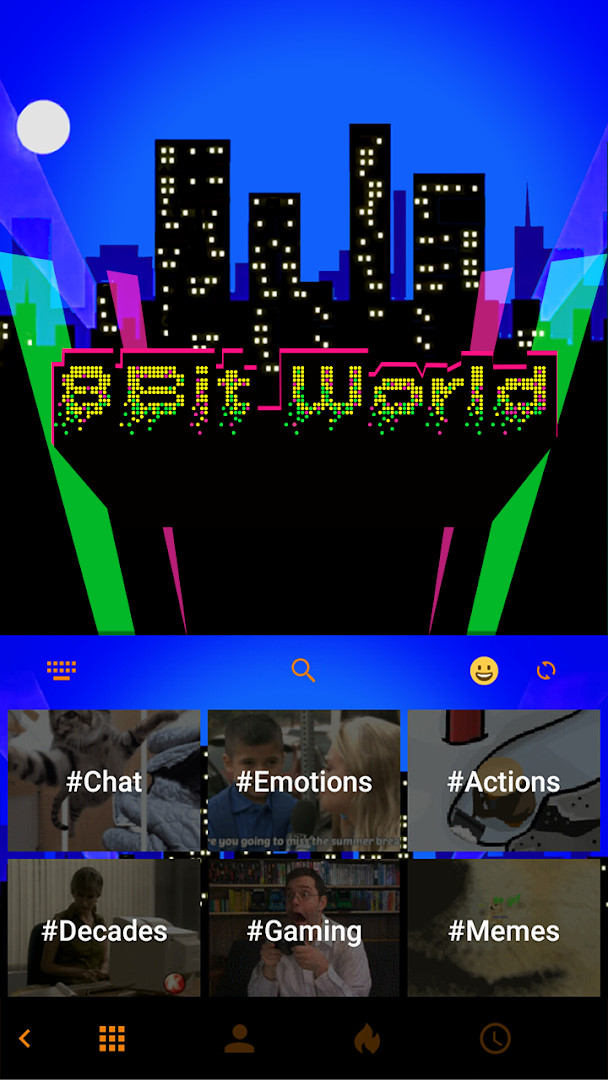
- Version
- 5.0
- Size
- 3.7 MB
- Requires Android
- 4.1
- Updated
- Oct 12, 2020
- Installs
- 100K+
- Rating
- ★ 4.56 (1,767)
- Category
- Comics
- Developer
- Fun Keyboard Theme for Android
- Content rating
- Mature 17+
- Package
- com.ikeyboard.theme.bitworld
- Free
- ✓ · Contains ads
bitworld Keyboard Theme is a keyboard personalization app by Fun Keyboard Theme for Android that applies a comic-style bitworld look to your typing interface. It focuses on changing the visual appearance of the keyboard rather than providing a separate messaging app.
The app is designed for people who want a quick way to refresh how their phone looks while typing. After applying the theme, you can continue using familiar smart typing tools such as autocorrect, next-word prediction, and a clipboard for copying multiple items. It also gives access to a large library of additional themes and emoji content.
Since the package is small and works with older Android versions, it can be a practical choice for devices with limited storage or aging operating systems. The theme is aimed at casual users who value visual customization more than advanced keyboard utilities.
Key features
- Over 150 supported languages for multilingual typing.
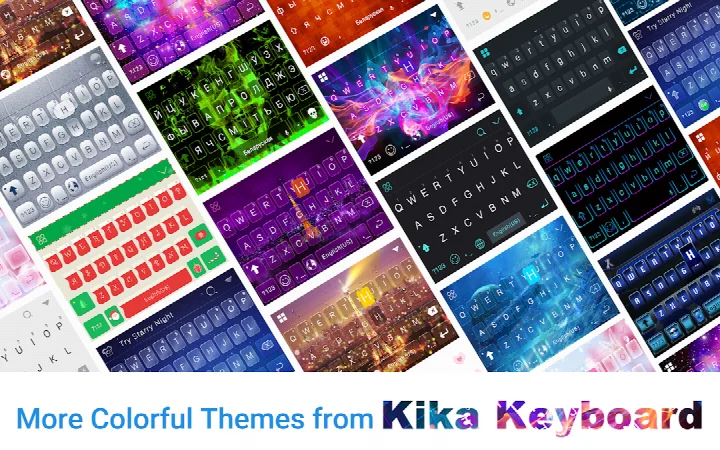
- Access to more than 3000 colorful themes with options to create your own.
- Clipboard for copying and pasting multiple items quickly.
- Customizable keyboard colors, wallpapers, and layout.
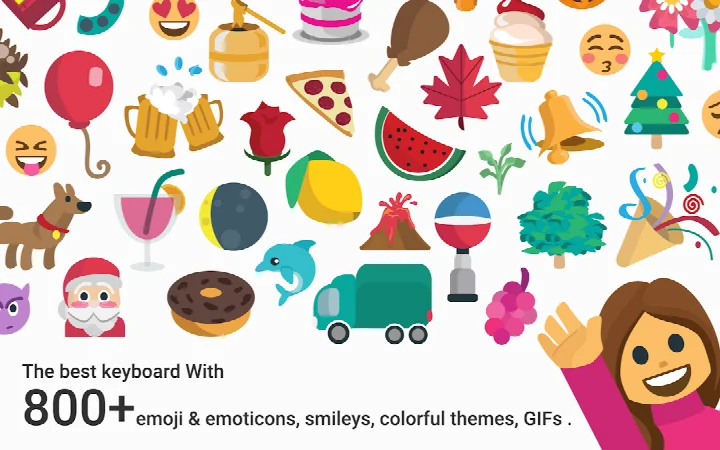
- Thousands of emojis, GIFs, emoticons, stickers, and dictionaries.
- Contextual prediction with autocorrect for spelling and capitalization.
- Cloud prediction to improve next-word suggestions.
How to install
- Tap the download button on this page to get the APK file, which is about 3.7 MB.
- When Android asks for permission, allow your browser or file manager to install apps by enabling the “Install unknown apps” setting.
- Open the downloaded APK file from your notifications or file manager.
- Tap Install and wait for the process to finish.
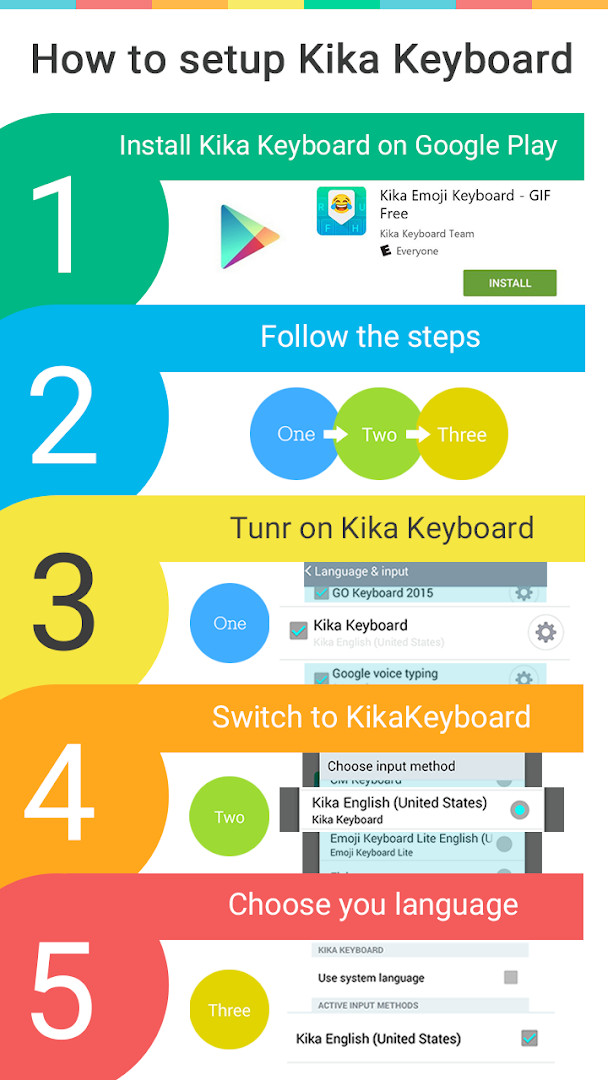
- Open the app, then follow the on-screen steps to apply the theme to your keyboard.
- The app requires Android 4.1 or newer, so most older devices are supported.
Pros
- Compact 3.7 MB size makes it lightweight for older phones.
- Free to download and use.
- Supports a wide range of languages and input options.
- Offers extensive visual customization with thousands of themes.
- Works on Android 4.1 and later, covering many older devices.
Cons
- Contains ads, which may interrupt the typing and theme-browsing experience.
- Rated Mature 17+, so it is not intended for younger users.
- Requires storage-related permissions to use the theme and clipboard features.
- No in-app purchases means customization options are fixed within the free version.
Latest changes · 5.0
Version 5.0 brings performance and loading speed enhancements for a smoother experience. A bug that prevented some users from downloading the keyboard engine has been resolved. The interface interaction has also been refined, offering a better visual appearance, easier operation, and faster typing.
Older versions
| Version | Size | Requires Android | Updated |
|---|---|---|---|
| 5.0 | 3.7 MB | 4.1 | Oct 12, 2020 |
bitworld Keyboard Theme is for Android users who like comic-style visuals and want an easy, low-storage way to personalize their keyboard without switching to a different messaging app. It suits people using older phones or anyone who enjoys frequent theme changes.
After applying the theme, try switching between different keyboard layouts and colors to find a combination that is comfortable for daily typing. If autocorrect feels too aggressive, adjust the prediction and correction settings from within the keyboard options.
Permissions
FAQ
What version of bitworld Keyboard Theme is current, and when was it last updated?
The latest listed version is 5.0, updated on October 12, 2020. The app was originally released on September 13, 2015.
How large is the download, and which Android versions can run it?
The app is 3.7 MB in size and requires Android 4.1 or newer. It is described as compatible with nearly all Android phones.
How many languages does the keyboard support?
More than 150 languages are supported, with the count still growing. Examples include English, Arabic, Croatian, Czech, Dutch, French, German, Greek, Hebrew, Indonesian, Italian, Malay, Filipino, Polish and Portuguese.
What theme options and customization features does it offer?
There are over 3000 colorful themes to choose from, and you can also create your own. Keyboard color, wallpaper and layout can be adjusted, and new themes are typically added five times a week.
Which permissions does the app request?
It asks for Photos/Media/Files, Storage, and Wi-Fi connection information permissions. According to the developer, personal information is not collected and photos used as wallpapers are not gathered; typed words are used only to improve prediction accuracy.
Is there a cost, and does the app contain advertising?
The app is free to download at a price of 0.00 USD. It does include ads, while no in-app purchases are offered. Its content rating is Mature 17+.
bitworld Keyboard Theme gives you a quick, low-storage way to refresh how typing feels on an older Android phone. It works best as a visual upgrade first and a typing tool second, and the free price makes it easy to try without commitment.
Similar apps




Updated: Oct 22, 2026