eFootball™ Online Soccer Game
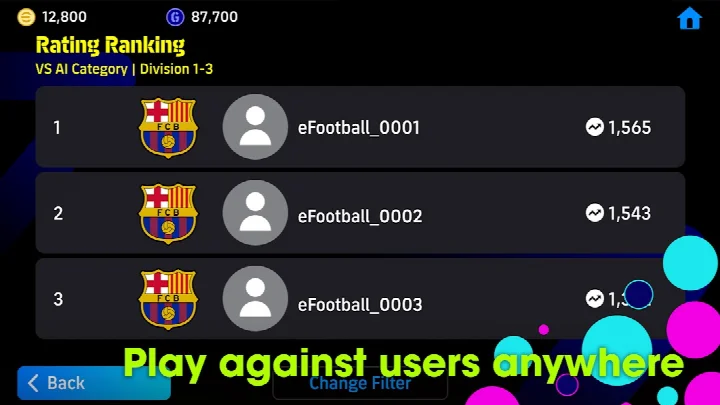
eFootball™ is a free sports game by KONAMI that lets you play digital soccer matches with users around the world.
Get eFootball™ · v11.1.0eFootball™ requires about 3.1 GB of free storage space and works on Android 7.0 or newer. The game includes ads and in-app purchases, and an internet connection is required to play. It is suited for soccer fans who want online matches, player development, and weekly data updates reflecting real-world soccer.
Screenshots


- Version
- 11.1.0
- Requires Android
- 7.0
- Updated
- Oct 6, 2026
- Installs
- 100M+
- Rating
- ★ 4.15 (18,999,853)
- Category
- Sports
- Developer
- KONAMI
- Content rating
- Everyone
- Package
- jp.konami.pesam
- Free
- ✓ · Contains ads · In-app purchases
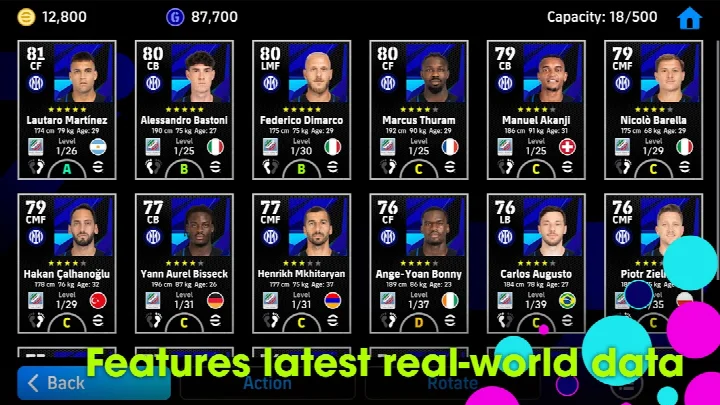
eFootball is a sports game by KONAMI that lets players build soccer teams and compete against others in real-time online matches. It addresses the problem of keeping a sports title current by regularly downloading weekly data that reflects real-life player transfers and match achievements, so team building stays tied to the latest happenings in the sport. Newcomers are guided through a step-by-step tutorial with practical demonstrations, and a Smart Assist setting simplifies the controls for dribbling, passing and shooting, reducing the need for complex command inputs. Friend Matches and Co-op Matches with up to three players per side add a social layer, while a player development system allows athletes to be improved through matches and special items, either manually or through an Auto Select option. Stadium customization with elements such as tifos and giant props extends the experience beyond the match itself. Rated for everyone, the game is free to download and relies on an active internet connection for play.
Key features
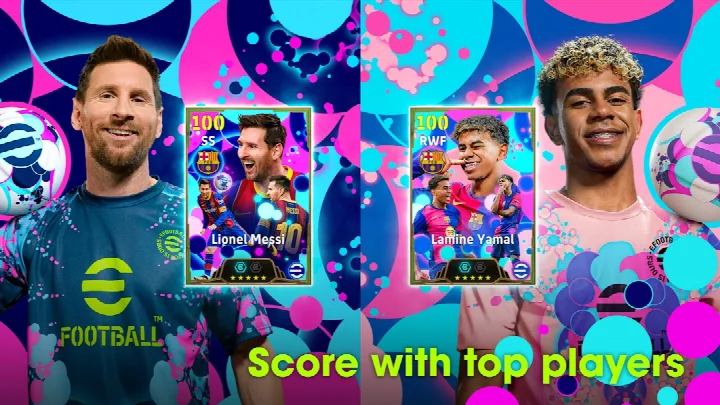
- Step-by-step tutorial with practical demonstrations, and completing it rewards the player with Lionel Messi
- Smart Assist setting that helps newcomers execute dribbles, passes and shots without complex commands
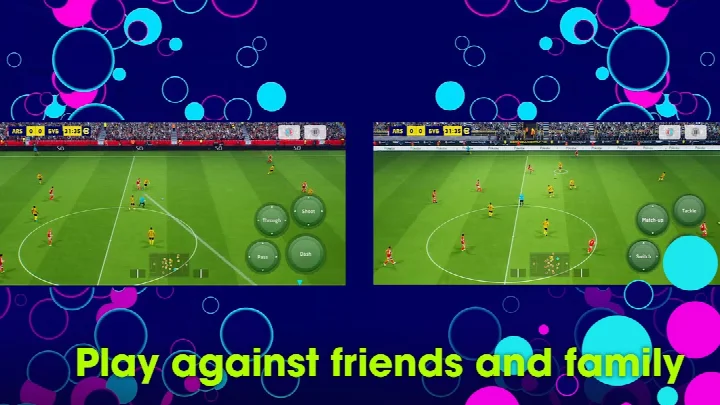
- Friend Matches and Co-op Matches supporting up to three players on each side
- Player development through matches and special items, with an Auto Select setting for automated growth
- Weekly data downloads that reflect real-life player transfers and match achievements
- Stadium customization using Stadium Elements such as tifos and giant props
- Recent additions include Select Skill Token, Select Position Token and an Order of Signing option for sorting managers
How to install
- Tap the download button on this page to obtain the APK file; the exact APK file size is not specified here, but plan for approximately 3.1 GB of free storage for the full install.
- When Android prompts you, allow your browser or file manager to install apps by enabling the 'Install unknown apps' setting.
- Open the downloaded APK file from your notifications or file manager.
- Tap Install and wait for the process to finish; Android 7.0 or newer is required.
- Launch the app and complete the initial setup; a Wi-Fi connection is recommended for downloading the base game and updates.
Pros
- Free to download and play, with in-app purchases available
- Over 100 million installs and a user rating of 4.15 based on more than 18.9 million ratings
- Tutorial and Smart Assist lower the barrier for new players
- Weekly data updates keep rosters and match context current
- Flexible player development with an automated Auto Select option
- Social modes allow friend matches and three-a-side co-op
Cons
- An internet connection is required to play, so offline use is not possible
- Contains ads
- In-app purchases are present, including loot boxes that require eFootball Coins in some regions
- Requests access to photos, media, files, storage and Wi-Fi connection information
- Loot boxes may be restricted or require parental consent for minors in certain countries such as Belgium, Brazil, Germany, Denmark and the United States
Latest changes · 11.1.0
Update 11.1.0 adds a Select Skill Token for choosing which skill to train a player in, and a Select Position Token for choosing a position to train. An Order of Signing sort option is now available for managers in My Team. Various in-game data was updated, and other issue fixes were applied.
Older versions
| Version | Size | Requires Android | Updated |
|---|---|---|---|
| 11.1.0 | — | 7.0 | Oct 6, 2026 |
eFootball is suited to soccer fans who want a live, online-focused football experience with constantly refreshed data. It works well for casual players who prefer simplified controls thanks to Smart Assist, for groups of friends who want co-op or friendly matches of up to three per side, and for users who enjoy team building, player progression and stadium customization. Because a stable internet connection is mandatory, it is best for players who have reliable connectivity at home or on the go. Minors in certain regions may need parental consent when accessing coin-based loot boxes, so younger players should check regional rules.
Use a Wi-Fi connection for the initial download and updates, since the game needs about 3.1 GB of free storage and stable online play. Complete the tutorial to receive Lionel Messi, and use Auto Select if you prefer a hands-off approach to player development.
Permissions
FAQ
How much storage space do I need to install eFootball™?
You'll need about 3.1 GB of free storage to download and install the game. It's recommended to use a Wi-Fi connection for the base download and updates.
What is the Smart Assist setting and how does it help beginners?
Smart Assist is an optional setting that helps newcomers enjoy matches without entering complex commands. It assists with dribbling, passing, and shooting to get past defenses and score goals more easily.
Can I get a special player for completing the tutorial?
Yes, after downloading the game you can go through a step-by-step tutorial with practical demonstrations. Completing all the tutorial steps rewards you with Lionel Messi.
Are there restrictions on loot boxes in certain regions?
Yes. Users in Belgium, and users in Brazil under 18, cannot access loot boxes that require eFootball™ Coins. In Germany (under 12), Denmark (under 15), and the United States (under 16), parent or legal guardian consent is needed to access coin-based loot boxes.
What's new in version 11.1.0?
This update introduces 'Select Skill Token' and 'Select Position Token' for training players, adds an 'Order of Signing' sorting option for managers in My Team, and includes various in-game data updates and bug fixes.
eFootball offers a substantial free-to-play soccer package with live data updates and a strong online focus. It is best suited to players with a reliable connection who appreciate frequent content refreshes, though ads and in-app purchases are part of the experience.
Similar apps





Updated: Oct 22, 2026