Ludo King® for Android
Ludo King® is a classic board game from Gametion for playing Ludo with friends, family, and kids.
Download Ludo KingLudo King® brings the traditional dice game of Pachisi to Android, offering a nostalgic experience for players of all ages. The app supports offline play against the computer and local pass-and-play modes, so no internet connection is required for solo or face-to-face matches.
Screenshots




- Requires Android
- 7.0
- Updated
- Sep 28, 2026
- Installs
- 1B+
- Rating
- ★ 4.14 (10,329,184)
- Category
- Casual
- Developer
- Gametion
- Content rating
- Everyone
- Package
- com.ludo.king
- Free
- ✓ · Contains ads · In-app purchases
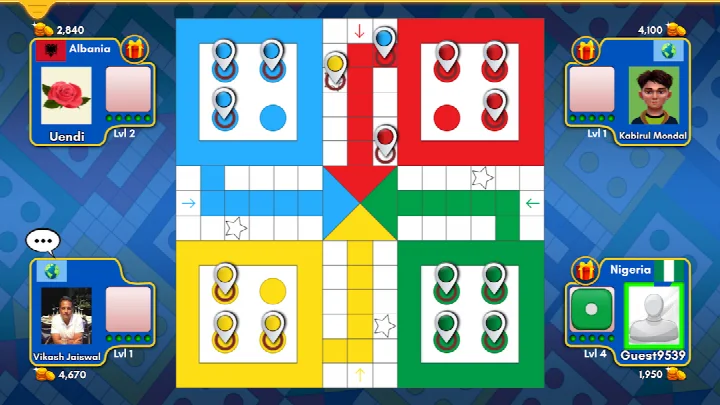
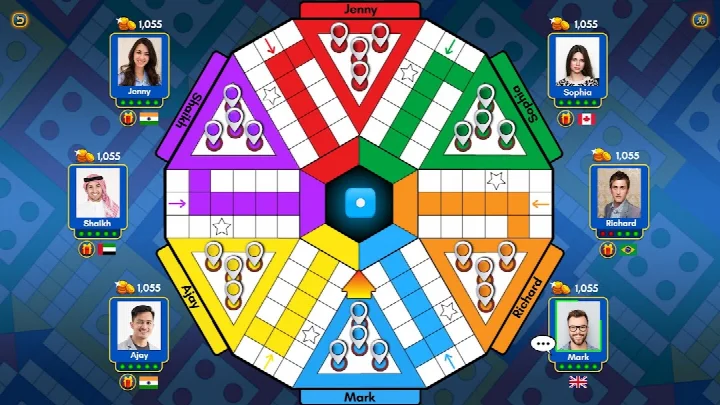
Ludo King® is a board game app by Gametion that brings the classic dice-and-token game to Android devices, letting you play against a computer opponent or with friends and family. It solves the problem of needing a physical Ludo board and enough people in the same room to enjoy a match. The app recreates the traditional rules and old-school look of Ludo, also known in some regions as Parchisi, Pachisi, Parcheesi or Fia, and adds a Snakes and Ladders mode with seven different board variations. You can roll the dice, move your tokens toward the center and try to send opponents back, all on your phone or tablet. The game supports offline play against the computer and local pass-and-play, so no internet connection is required for those modes, while online multiplayer lets you compete with players around the world. Extra touches such as daily goals, tournaments and monthly Ludo seasons give you reasons to return. The interface is designed to be simple enough for newcomers, and low-end devices are supported.
Key features
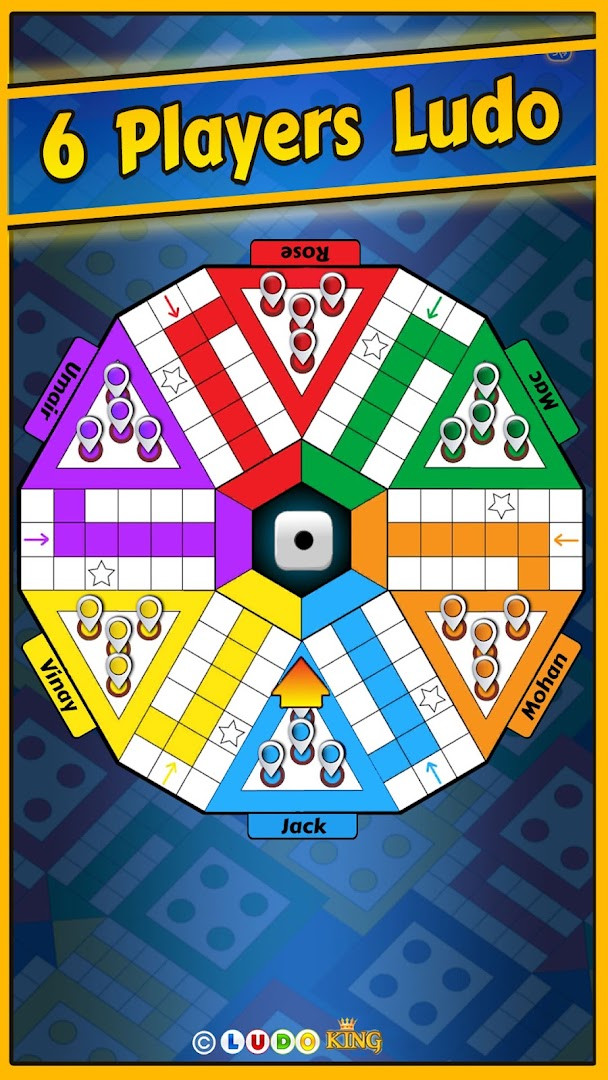
- Online Ludo matches for 2, 3, 4, 5 or 6 players
- Snakes and Ladders mode for 2, 3 or 4 players with 7 board variations
- 8-player tournament mode
- Offline play against the computer, with no internet connection required
- Local pass-and-play multiplayer for 2 to 6 players
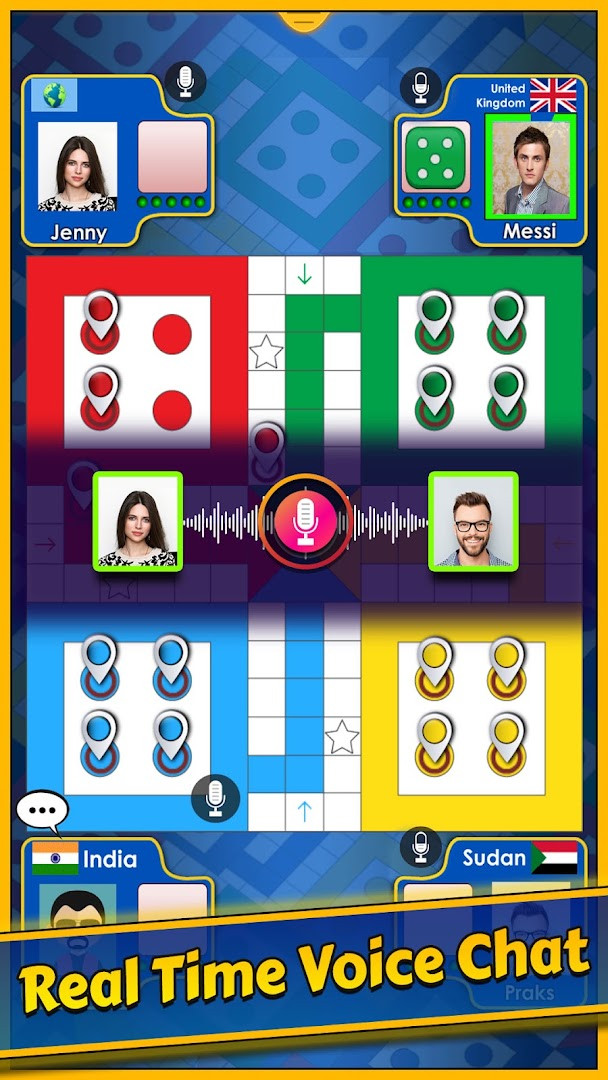
- Invite and challenge friends in a private game room, with text and voice chat
- Daily goals that reward free dice, coins and diamonds
- A new Ludo season released each month, plus many unlockable board themes
How to install
- Tap the download button on this page to get the APK file.
- When Android asks for permission, allow your browser or file manager to install apps by enabling the Install unknown apps setting.
- Open the downloaded APK file from your notifications or file manager.
- Tap Install and wait for the process to finish.
- Open the app once installation completes. The file size is not available, and the minimum Android version required is 7.0.
Pros
- Free to download and play
- Works offline against the computer
- Supports local multiplayer for 2 to 6 players
- Familiar rules that are easy for beginners to pick up
- Runs on low-end devices and Android 7.0 and above
Cons
- Contains ads
- Offers in-app purchases
- Requests microphone permission, which may concern privacy-conscious users
Latest changes
The latest version of Ludo King® brings a new game mode. The developer, Gametion, lists "New Mode Added" as the change in this release, so the update focuses on adding fresh gameplay content rather than on fixes. The app was last updated on September 28, 2026. It remains a free board game with optional in-app purchases and ads, and it asks for microphone permission.
This app suits anyone who grew up playing Ludo or Snakes and Ladders and wants a convenient way to play again, as well as beginners who have never tried a board game like this. Families and groups of friends can pass one device around, while solo players can practise against the computer. Because the rules are simple and the rating is 4.14 from a large number of reviews, it works well for casual players looking for a light time-pass game.
If you are new to Ludo, start with an offline match against the computer to learn how tokens move and how safe squares work. Use local pass-and-play when you have friends nearby, and try the daily goals to collect free dice, coins and diamonds without spending money.
Permissions
FAQ
How do I install Ludo King on my Android device?
To install, download the APK from this page and open the file on your Android device. Make sure to allow installation from unknown sources if prompted, then follow the on-screen instructions.
What is the current version of Ludo King?
The latest update was released on September 28, 2026. The specific version number is not listed, but the update introduced a new mode.
Does Ludo King contain ads or in-app purchases?
Yes, the game includes ads and offers in-app purchases. It is free to download and play, but you can buy items like dice, coins, and diamonds if you wish.
Can I play Ludo King without an internet connection?
Yes, offline mode is available. You can play against the computer or with friends locally using pass-and-play mode without needing an internet connection.
Are there other board games similar to Ludo King?
Yes, Ludo King also includes Snakes and Ladders, which is a classic board game with a similar structure. You can play it within the same app.
What is the minimum Android version required for Ludo King?
Ludo King requires Android 7.0 or higher to run properly.
How many players can play Ludo King online?
Online multiplayer supports 2 to 6 players, and there are also tournaments with up to 8 players.
Ludo King® offers a straightforward way to enjoy a familiar board game on Android, with offline and multiplayer options that cover most situations. It is a reasonable choice for casual players, provided you accept the ads, in-app purchases and microphone permission.
Similar apps








Updated: Oct 14, 2026