AI Face Swap Video App-Swapme for Android
AI Face Swap Video App-Swapme is a face swap video app from Face swap video for placing a face from a photo onto videos and photos.
Download Swapme · v2.0.0AI Face Swap Video App-Swapme is aimed at people who want to put a face from a selfie onto a video or photo without complicated editing work. The app is free to download, runs on Android 6.0 and up, and version 2.0.0 was updated on August 11, 2026. Swapme has about 1 million installs and a rating of 4.24 from 12,070 ratings.
Screenshots
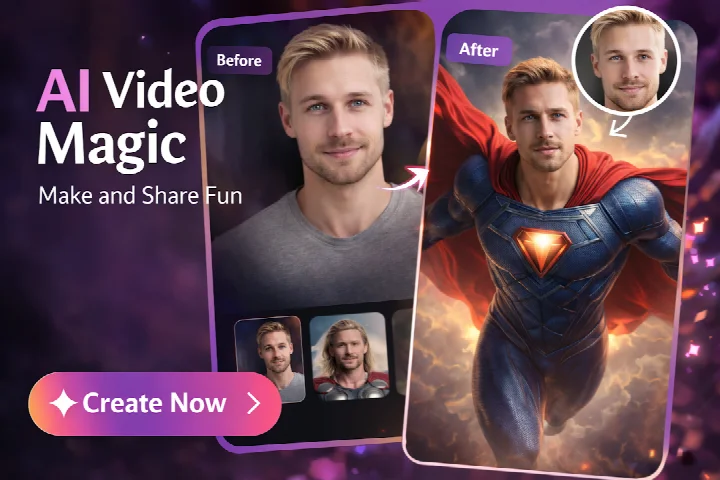
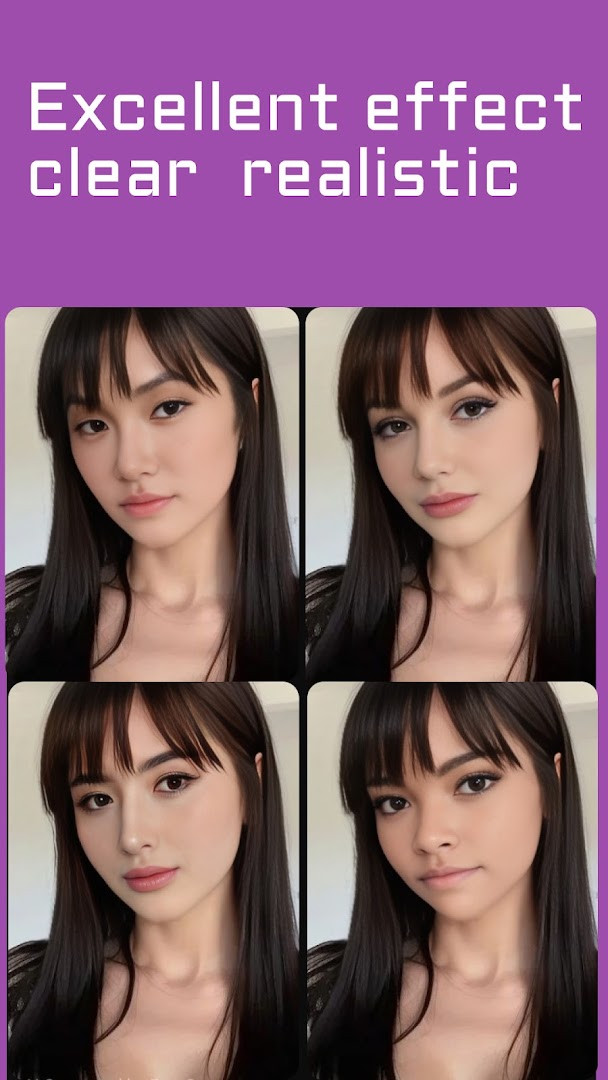


- Version
- 2.0.0
- Requires Android
- 6.0
- Updated
- Aug 11, 2026
- Installs
- 1M+
- Rating
- ★ 4.24 (12,070)
- Category
- Art & Design
- Developer
- Face swap video
- Content rating
- Teen
- Package
- video.faceswap.app
- Free
- ✓ · In-app purchases
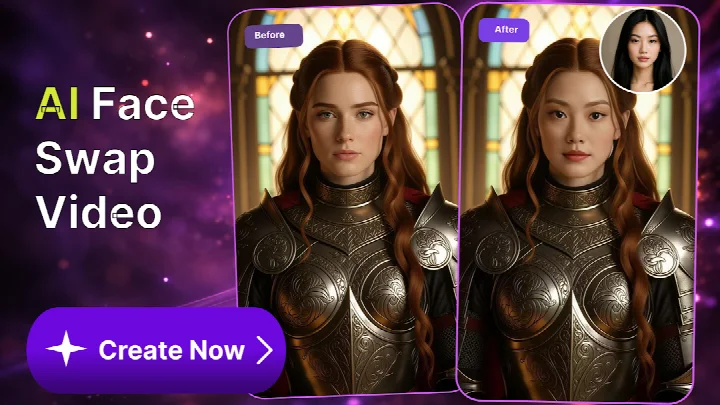
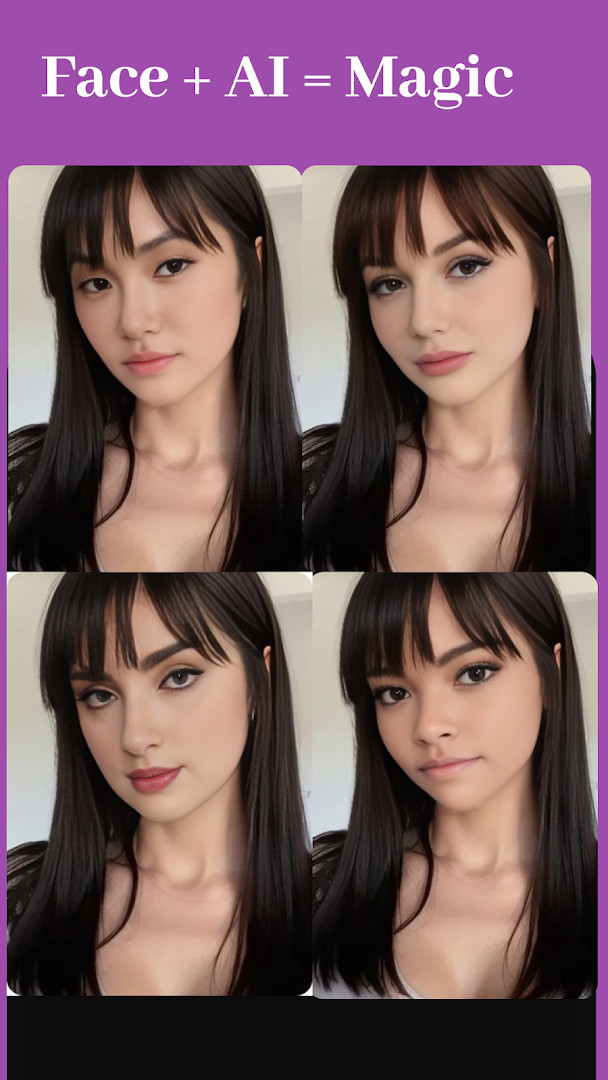
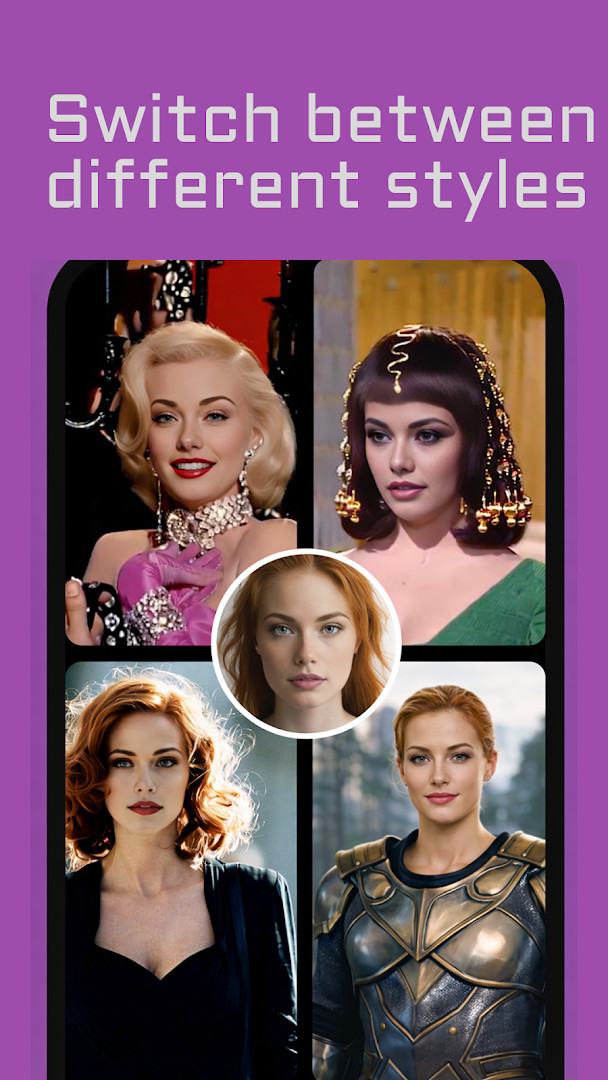
AI Face Swap Video App-Swapme is a face-swapping utility by developer Face swap video that lets users replace faces in both photos and videos. The app is designed for quick, casual edits, allowing you to upload a source video and a selfie, after which the software generates a new clip with the swapped face. It is positioned as an entertainment tool, with the developer explicitly stating that it is intended for fun and creative use rather than professional production work.
The workflow is straightforward: pick a video from your device or gallery, choose a face photo, and the app processes the swap in a few seconds. All source videos remain in a personal gallery within the app, so you can reuse them for future swaps without re-uploading. Once a video is generated, you can share it directly to social platforms like TikTok, Instagram, Facebook, or Snapchat, or export it for further editing in tools such as CapCut or InShot to add effects, stickers, or filters.
The latest update, version 2.0.0, released on August 11, 2026, focuses on performance improvements: it fixes bugs, increases video generation speed, and enhances video clarity. This version also supports custom video uploads of extended lengths, making it possible to swap faces in longer clips, such as movie scenes or social media videos. The app is free to download with no ads, though it offers in-app purchases for advanced features and an ad-free experience. It is rated Teen and requires Android 6.0 or higher, with an average user rating of 4.24 based on over 12,000 reviews.
Key features
- Swap faces in both photos and videos with a simple upload-and-generate process.
- Personal gallery stores source videos for quick reuse in future swaps.
- Support for extended-length custom video uploads, including movie clips and longer social media videos.
- Direct sharing to TikTok, Instagram, Facebook, Snapchat, and other apps.
- Compatibility with third-party editors like CapCut and InShot for further enhancement.
- Free to use with numerous built-in templates.
- In-app purchases for advanced features and ad-free experience.
- Version 2.0.0 includes bug fixes, faster video generation, and improved clarity.
How to install
- Tap the download button on this page to get the APK file.
- When Android prompts, allow your browser or file manager to install apps by enabling the 'Install unknown apps' setting.
- Open the downloaded APK file from your notification bar or file manager.
- Tap Install and wait for the installation to complete.
- Open the app from your app drawer or the install confirmation screen.
- The app requires Android 6.0 or higher; the file size is not specified.
Pros
- Simple and fast face swap generation.
- No ads in the free version.
- Supports long videos for more creative options.
- Personal gallery for reusable source material.
- Direct sharing to popular social platforms.
- Regular updates with performance improvements.
Cons
- In-app purchases required for advanced features.
- Requires camera and storage permissions, which may raise privacy concerns.
- Content rating Teen, so not suitable for all ages.
- Face swap results may vary in quality depending on source material.
Latest changes · 2.0.0
Version 2.0.0 addresses bug fixes, improves video generation speed, and enhances video clarity.
Older versions
| Version | Size | Requires Android | Updated |
|---|---|---|---|
| 2.0.0 | — | 6.0 | Aug 11, 2026 |
This app suits casual users who want to create funny videos for friends, social media content creators looking for quick face-swap effects, and advertisers or marketers who want to personalize promotional videos by letting customers see themselves in ads.
For best results, use a clear, front-facing selfie with even lighting and a video where the face is visible and not moving too fast; this helps the swap look more natural.
Permissions
FAQ
What do I need to provide to create a face swap video in SwapMe?
Two things: a source video, either uploaded from your device or picked from your gallery, and a face photo. After both are in place, you tap to start and the app generates the swapped video in a matter of seconds.
Can I use longer videos, such as movie clips or social media clips, as source material?
Yes. The app accepts custom video uploads of extended lengths, so you are not restricted to short clips. Favorite movie scenes, longer recordings and short social media videos are all listed as valid inputs.
Where are my source videos kept after I use them?
They are saved in a personal gallery inside the app, so you can return to them and reuse them with a single click instead of uploading them again each time.
Is SwapMe free, and what does the membership change?
The app is free to download and use and includes a collection of free templates. A membership is offered for access to more advanced features and for an ad-free experience. The listing shows in-app purchases and no ads.
What version of Android does SwapMe require, and how large is its user base?
The current release is version 2.0.0, published on August 11, 2026, and it runs on Android 6.0 and up. The app has been available since March 15, 2024, has passed 1,000,000 installs, and holds a 4.24 rating from 12,070 ratings.
Can I keep editing a swapped video after SwapMe creates it?
Yes. The finished video can be taken into editing tools such as CapCut or InShot to add effects, stickers and filters, and it can then be shared on TikTok, Instagram, Facebook, Snapchat or other apps.
AI Face Swap Video App-Swapme is a practical tool for quick, entertaining face swaps, offering a straightforward workflow and useful sharing options. The version 2.0.0 update improves speed and clarity, though the need for in-app purchases for advanced features and the required permissions are worth considering. Overall, it delivers on its promise of easy face swapping for casual and creative use.
Similar apps





Updated: Oct 19, 2026