Behance - Creative Portfolios for Android
Behance is a creative portfolio app from Adobe Inc for showcasing work, discovering inspiration, and connecting with a global art community.
Download Behance · v26.813.952Behance - Creative Portfolios is for artists and designers who want to display their projects, find freelance work, and get feedback from peers. The app is free with no ads or in-app purchases, requires Android 8.0 or higher, and takes up modest space.
Screenshots
- Version
- 26.813.952
- Requires Android
- 8.0
- Updated
- Aug 13, 2026
- Installs
- 10M+
- Rating
- ★ 4.54 (203,008)
- Category
- Art & Design
- Developer
- Adobe Inc
- Content rating
- Mature 17+
- Package
- com.behance.behance
- Free
- ✓
Behance - Creative Portfolios is an art and design community app by Adobe Inc that lets users showcase creative work, discover inspiration, and connect with other professionals. The app addresses the challenge of finding a centralized place where visual creatives can present portfolios, receive feedback, and locate paid freelance opportunities. It solves this by combining curated project browsing, searchable creative fields, moodboard building, private messaging, and on-platform hiring and payment tools in one interface.
Key features
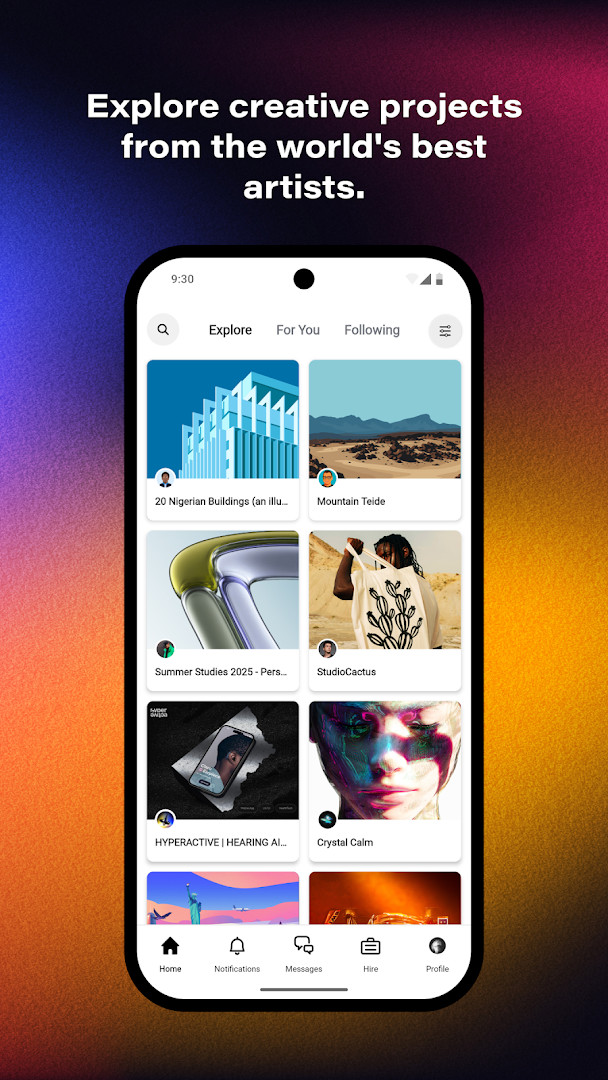
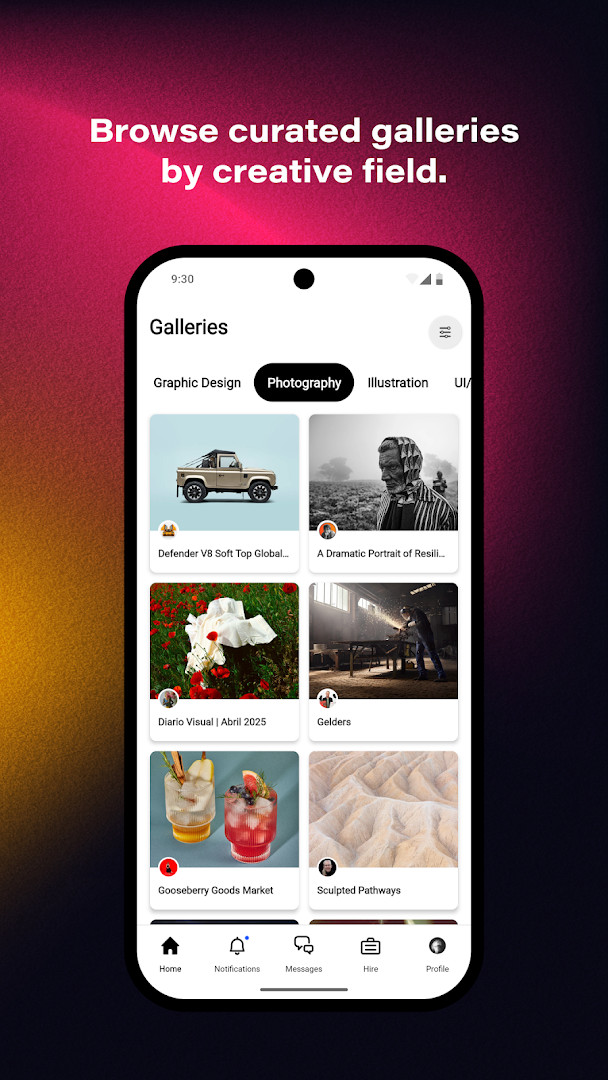
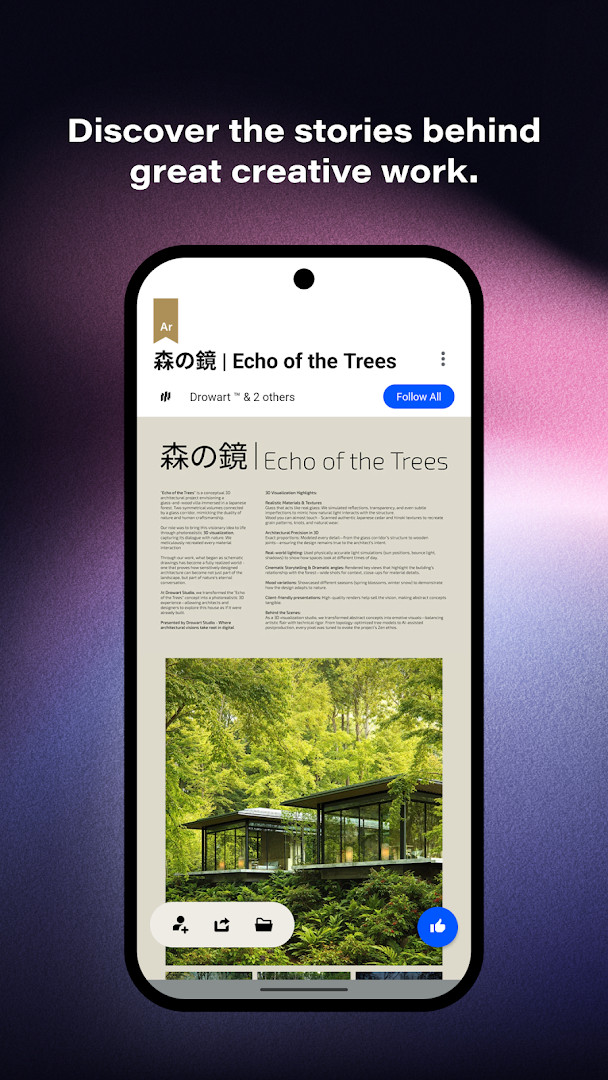
- Browse curated projects across graphic design, photography, illustration, 3D art, UI/UX, motion graphics, architecture, product design, fashion, advertising, fine arts, crafts, game design, and sound design.
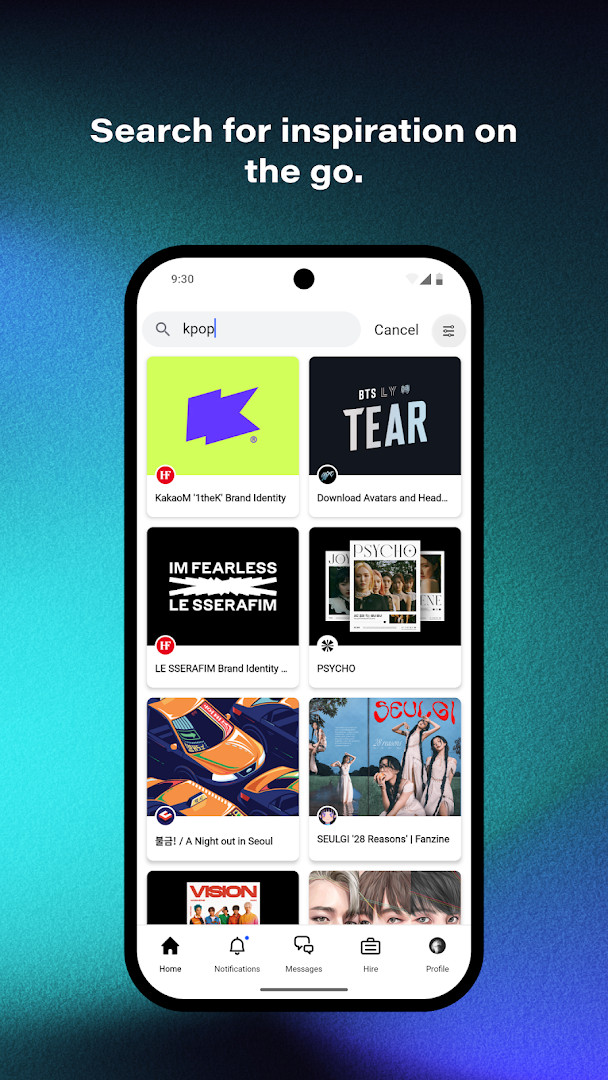
- Search projects by creative field, specific tools, or color.
- Build moodboards from projects that inspire you.
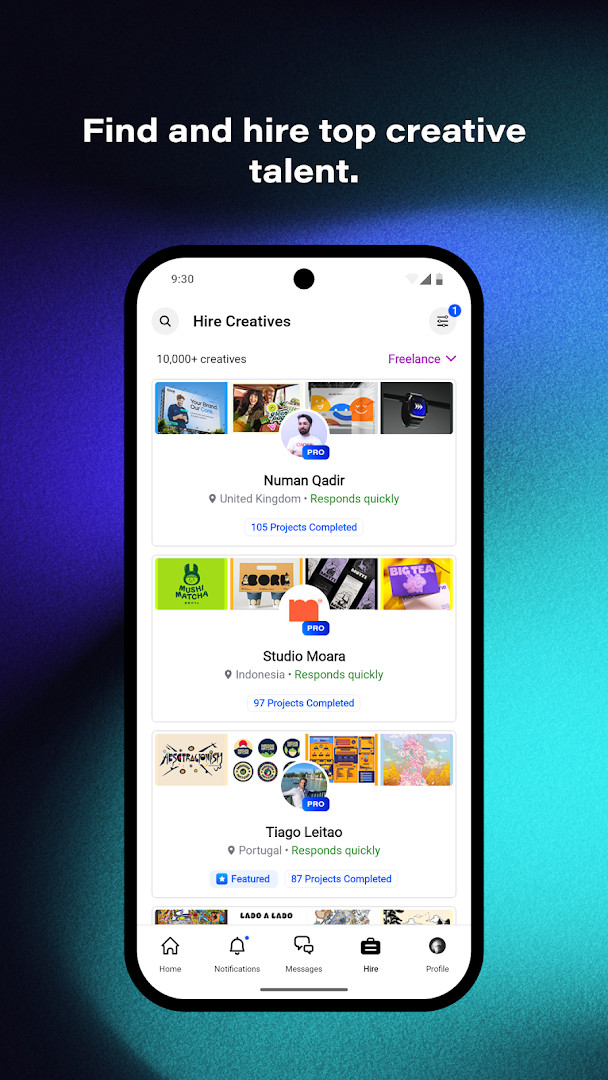
- Browse portfolios and hire freelancers, with on-platform payment for artists.
- Edit your availability to indicate openness to new opportunities and receive direct payment through the platform.
- Send and receive private messages, images, videos, and files through the inbox.
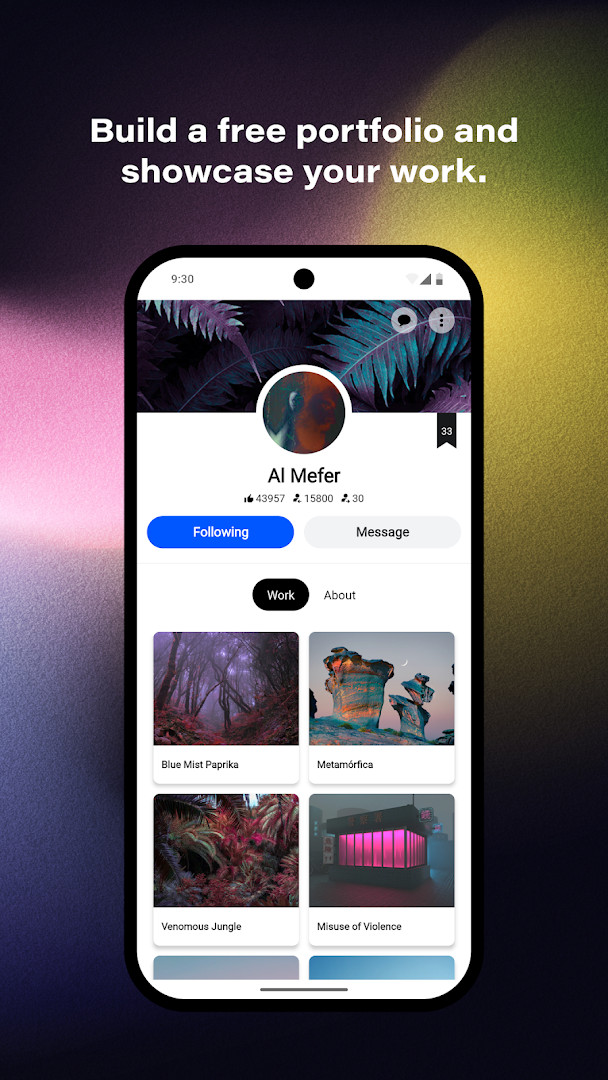
- Follow artists and connect with a global network of creatives.
- Share your own work and get feedback from the community.
- Create and send proposals to hirers.
- Connect and verify social media accounts.
How to install
- Tap the download button on this page.
- If Android asks, allow your browser or file manager to install apps by enabling the Install unknown apps setting.
- Open the downloaded APK file.
- Tap Install and wait for the process to finish.
- Open the app and sign in or create an account to start browsing portfolios.
- The app requires Android 8.0 or newer.
Pros
- No ads and no in-app purchases are present.
- Large catalog of creative fields and millions of projects to explore.
- Includes built-in hiring and payment tools for freelancers.
- Moodboard creation helps organize visual references.
- Private messaging supports sharing images, videos, and files.
- Availability editing and proposal tools support job discovery.
Cons
- Requests identity, contacts, and location permissions that may feel broad for a portfolio app.
- Rated Mature 17+, which may limit suitability for younger users.
- File sharing and messaging depend on a stable connection and can consume storage over time.
- The large feature set can feel busy if you only want a simple portfolio viewer.
- No option to remove ads is listed because ads are absent, but there is also no paid tier for advanced controls.
Latest changes · 26.813.952
Version 26.813.952 introduces a simplified search experience and new ways to explore featured work. A Notifications Dashboard now centralizes activity tracking and feedback. Additionally, users can edit their availability to signal openness to opportunities, create and send proposals to hirers, receive direct payments on Behance, and share images, videos, and files through the inbox. Social media account connection and verification is now supported.
Older versions
| Version | Size | Requires Android | Updated |
|---|---|---|---|
| 26.813.952 | — | 8.0 | Aug 13, 2026 |
Behance is best suited for graphic designers, photographers, illustrators, 3D artists, UI/UX designers, motion designers, architects, product designers, and other visual creatives who want to publish a portfolio, gather feedback, and find freelance work. It is also useful for clients and art directors who need to browse talent and hire professionals directly.
Use the search filters for tools and colors to narrow results when researching a specific visual style. If you plan to offer freelance services, keep your availability status updated and respond to messages promptly to improve visibility.
Permissions
FAQ
How can I let potential clients know I'm available for freelance work?
You can edit your availability directly in the app to signal that you're open to new opportunities. This feature was recently improved to help you get noticed by hirers, and you can also create and send proposals to clients, getting paid through Behance.
Can I share files and communicate with other creatives privately?
Yes, the app includes an inbox where you can send and receive private messages and share images, videos, and other files. This is part of the app's tools for connecting with the community and collaborating with clients or peers.
What creative fields can I explore for inspiration on Behance?
The app covers hundreds of creative fields, including graphic design, photography, illustration, 3D art, UI/UX, motion graphics, architecture, product design, fashion, advertising, fine arts, crafts, game design, and sound design. You can search millions of projects across these areas.
Is there a way to gather inspiration from projects I find?
Yes, you can build moodboards from projects that inspire you. The app also lets you search for projects by specific tools, colors, and other criteria, making it easier to find exactly what you're looking for.
Can I hire freelancers and pay them through the app?
Yes, you can browse portfolios and hire talent for freelance projects. Payments are handled securely on the platform, and artists can get paid directly through Behance. The app also supports sending and receiving private messages and files during the hiring process.
For creatives who want a single place to publish work, find inspiration, and connect with potential clients, Behance covers the core workflow well. Its strength lies in the scale and variety of the community, though the permissions and audience rating are worth reviewing before installation.
Similar apps





Updated: Oct 22, 2026