Autolink for Vehicle Screen Mirroring
Autolink is a vehicle connectivity application from 凌阳成芯科技(成都)有限公司 for mirroring a mobile phone display onto a car multimedia screen via USB.
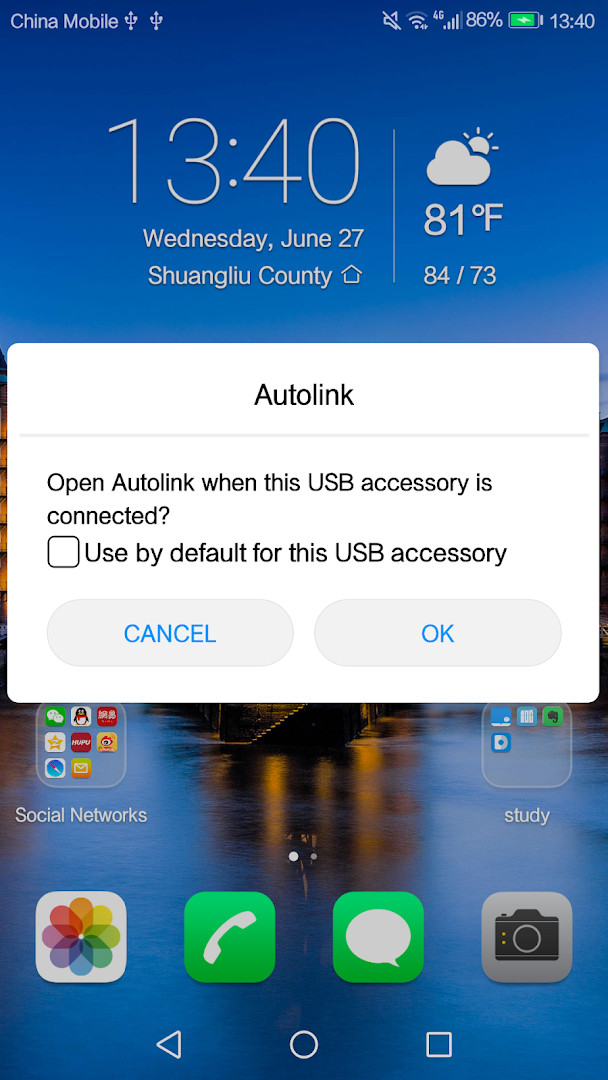
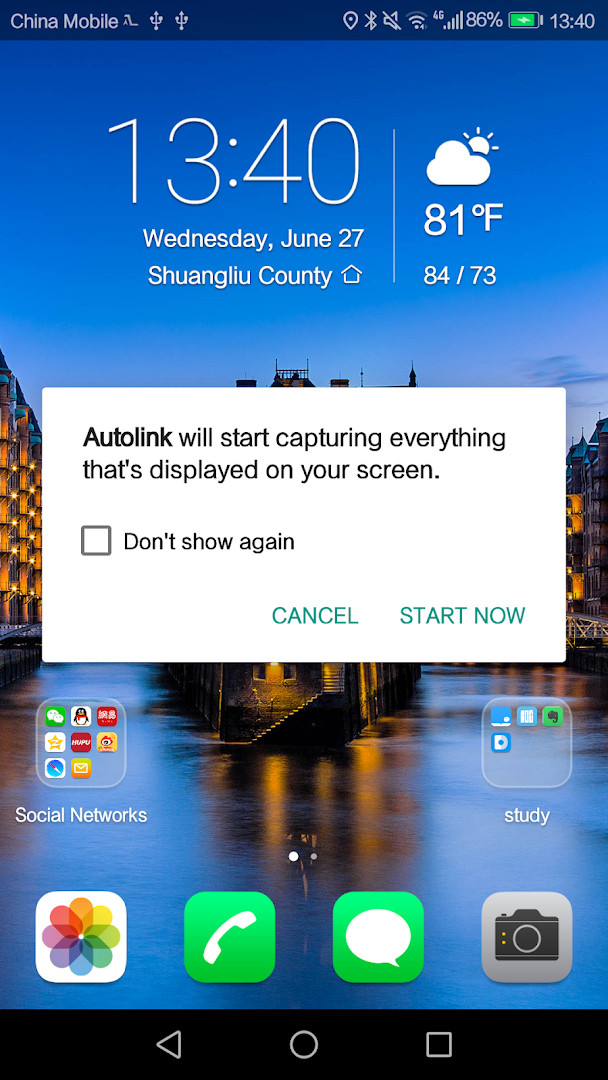
Download Autolink · v2.0.59Autolink is designed for drivers who want to safely access their phone's features on a larger in-vehicle display. The app mirrors the phone screen to the vehicle's touchscreen through a USB connection, allowing control of the mobile device directly from the car interface.
Screenshots
- Version
- 2.0.59
- Size
- 4.1 MB
- Requires Android
- 5.0
- Updated
- Dec 12, 2025
- Installs
- 1M+
- Rating
- ★ 2.98 (14,399)
- Category
- Auto & Vehicles
- Developer
- 凌阳成芯科技(成都)有限公司
- Content rating
- Everyone
- Package
- com.link.autolink
- Free
- ✓
Autolink is a vehicle-to-phone integration tool by 凌阳成芯科技(成都)有限公司 that projects a mobile device's screen onto a compatible car infotainment display through a USB connection. This screen mirroring approach transforms the vehicle's built-in touchscreen into a remote interface for the smartphone, allowing drivers to interact with apps, media, and other phone functions without physically handling the handset. The core intention is to merge the convenience of a smartphone with the larger, more accessible display of the car, aiming to reduce distractions while on the road. Version 2.0.59, released in December 2025, addressed specific compatibility issues for devices running newer Android operating system releases, focusing on stability improvements for higher OS versions.
The application establishes a hardwired link, which theoretically provides a more reliable and latency-free connection compared to wireless projection methods. Once connected, the vehicle's screen duplicates the phone's display, and touch inputs on the car's panel are relayed back to the phone. This makes the entire mobile ecosystem—navigation, communication, and entertainment—accessible within the automotive environment. However, the experience is not without its challenges, as reflected by a user rating of roughly 2.98 out of 5 from over 14,000 reviews, indicating that for many, the execution does not always match the promise.
Despite having been in distribution since April 2017 and amassing over one million installs, Autolink occupies a niche that has been heavily influenced by the rise of standardized projection protocols. It requires specific hardware compatibility and a USB cable, which can feel like an extra step. The recently released version 2.0.56 in January 2026 and the prior update to 2.0.58 suggest an ongoing, though perhaps slow-moving, development effort to maintain functionality on evolving mobile platforms.
Key features
- Mirrors the smartphone display onto the vehicle's infotainment screen via a USB cable.
- Allows full touchscreen control of the phone directly from the vehicle's built-in display.
- Enables access to all mobile phone functions through the car's multimedia system.
- Provides a direct, wired connection for a stable video and control signal.
- Designed to improve driving safety by reducing direct interaction with the handset.
- Supports playback of phone-based media through the vehicle's audio system.
- Compatible with Android devices running version 5.0 and higher.
How to install
- Tap the download button on this page to get the Autolink APK file, which is approximately 4.1 MB in size.
- When prompted by your browser or file manager, grant permission to install applications from this source by enabling the 'Install unknown apps' setting.
- Locate the downloaded APK file, typically in the 'Downloads' folder, and tap on it.
- Tap 'Install' on the system dialog to begin the installation process.
- Once the installation is complete, tap 'Open' to launch Autolink.
- Ensure your device is running Android 5.0 or a newer version, as this is the minimum operating system requirement.
Pros
- Does not contain advertisements or in-app purchases, providing an uninterrupted experience.
- Uses a wired connection, which can offer a more consistent data stream than Wi-Fi-based mirroring.
- Simple core concept that requires minimal setup beyond plugging in a USB cable.
- The APK file size is very small at 4.1 MB, making it a lightweight installation.
- Free to download and use.
Cons
- Low average user rating (2.98 out of 5) suggests widespread stability or compatibility issues.
- Depends entirely on a USB wired connection, which can be less convenient than wireless alternatives.
- The interface and interaction logic may feel dated compared to modern projection standards.
- Permissions requested include location and device ID, which may concern privacy-focused users.
- Functionality is heavily dependent on the specific vehicle's touchscreen and hardware compatibility.
Latest changes · 2.0.59
This update for version 2.0.59 addresses compatibility issues with newer Android operating system versions. If you've been experiencing problems on a recent Android release, this fix should help improve stability and functionality.
Older versions
| Version | Size | Requires Android | Updated |
|---|---|---|---|
| 2.0.56 | 4.4 MB | 5.0 | Jan 22, 2026 |
| 2.0.58 | 4.1 MB | 5.0 | Dec 30, 2025 |
| 2.0.59 | 4.1 MB | 5.0 | Dec 12, 2025 |
This app is for drivers of older or specialized vehicles whose infotainment systems lack modern smartphone projection and rely on mirroring protocols. It is also suitable for users who prefer a direct, wired connection for stability and those who need a basic, no-frills method to get their phone's display onto a larger car screen without dealing with advertisements or subscription fees.
If you encounter connection failures, first ensure your vehicle's USB port is designed for data transfer and not just charging, and try a high-quality, short USB cable to minimize signal loss.
Permissions
FAQ
How do I install Autolink on an Android phone?
Autolink is installed like any standard Android APK: download the file, open it, and allow installations from unknown sources if prompted. Since it requires Android 5.0 or higher, make sure your device meets that minimum version.
What is the current version of Autolink and what does it improve?
The current version is 2.0.59, updated on December 12, 2025. It focuses on fixing compatibility issues for newer Android OS versions, with 2.0.58 and 2.0.56 among earlier releases.
Does Autolink contain ads or require purchases?
Autolink is free to use and has no ads or in-app purchases. The listed price is 0.00 USD, and no paid features are mentioned.
Can Autolink be used offline or without mobile data?
The app connects the phone to the vehicle through a USB line and mirrors the phone screen onto the vehicle display. This function is intended for use while driving, but the source material does not specify offline behavior or data usage details.
What are some alternatives to Autolink in the Auto & Vehicles category?
Autolink is a screen-mirroring tool for connecting a phone to a vehicle multimedia system. If you are looking for similar functionality, consider other apps in the Auto & Vehicles category that support USB screen projection or phone-to-car display mirroring.
Overall, Autolink provides a straightforward bridge between a smartphone and a compatible vehicle infotainment system. While its core screen mirroring concept is practical, users should be aware of mixed feedback regarding stability and a user interface that feels dated, making it best suited for those with specific, compatible hardware willing to accept its quirks.
Similar apps




Updated: Oct 19, 2026