
FIXD OBD2 Scanner for Android
FIXD OBD2 Scanner is an auto and vehicles app from FIXD that turns check engine light codes into plain-language explanations.
Download FIXD OBD2 Scanner · v26.22FIXD OBD2 Scanner is made for drivers who want to understand what a check engine light means without decoding technical jargon, and it also tracks scheduled service. FIXD OBD2 Scanner is free to download with no ads and optional in-app purchases, and version 26.20 requires Android 11 or later.
Screenshots
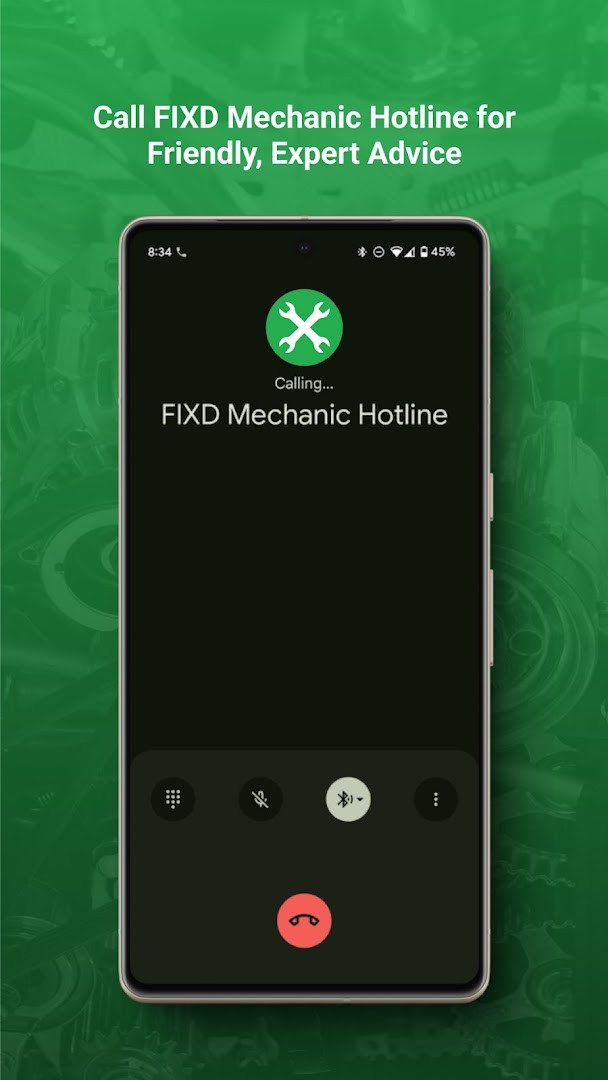
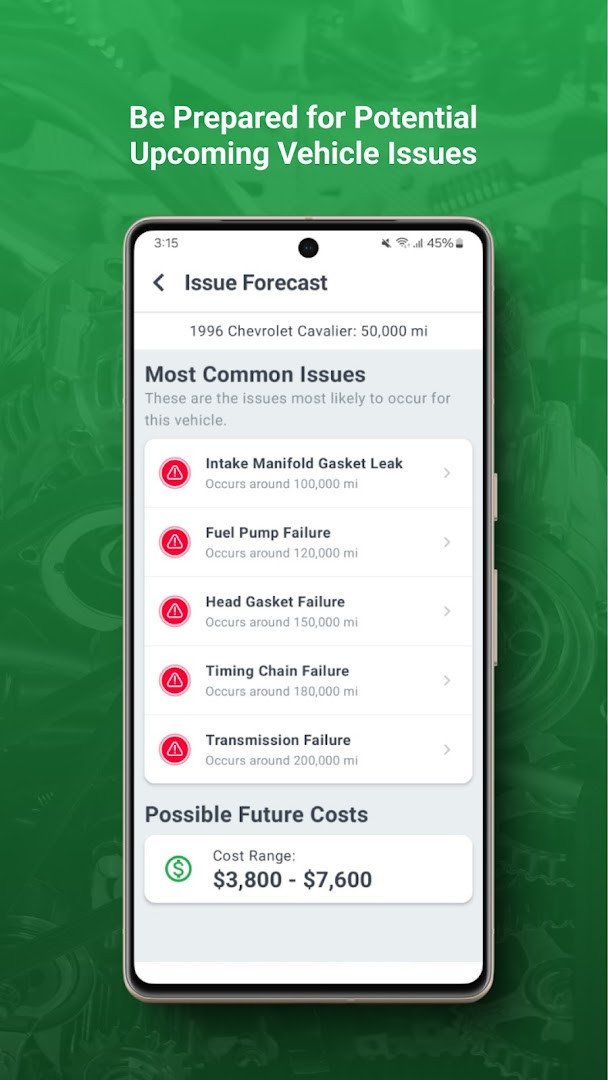
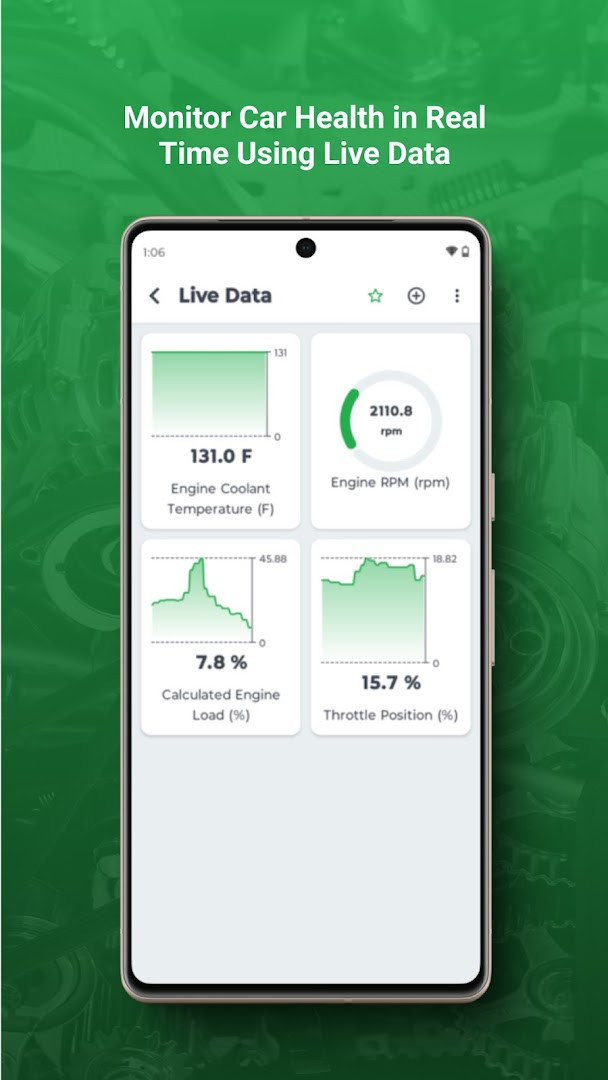
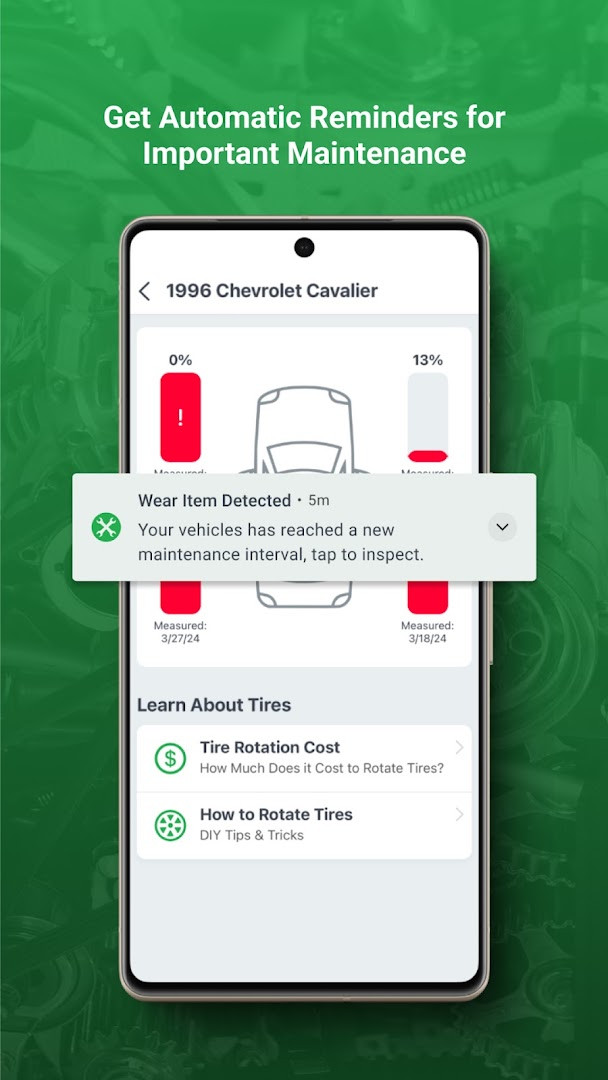
- Version
- 26.22
- Requires Android
- 11
- Updated
- Oct 22, 2026
- Installs
- 1M+
- Rating
- ★ 4.04 (30,114)
- Category
- Auto & Vehicles
- Developer
- FIXD
- Content rating
- Everyone
- Package
- com.fixdapp.two
- Free
- ✓ · In-app purchases
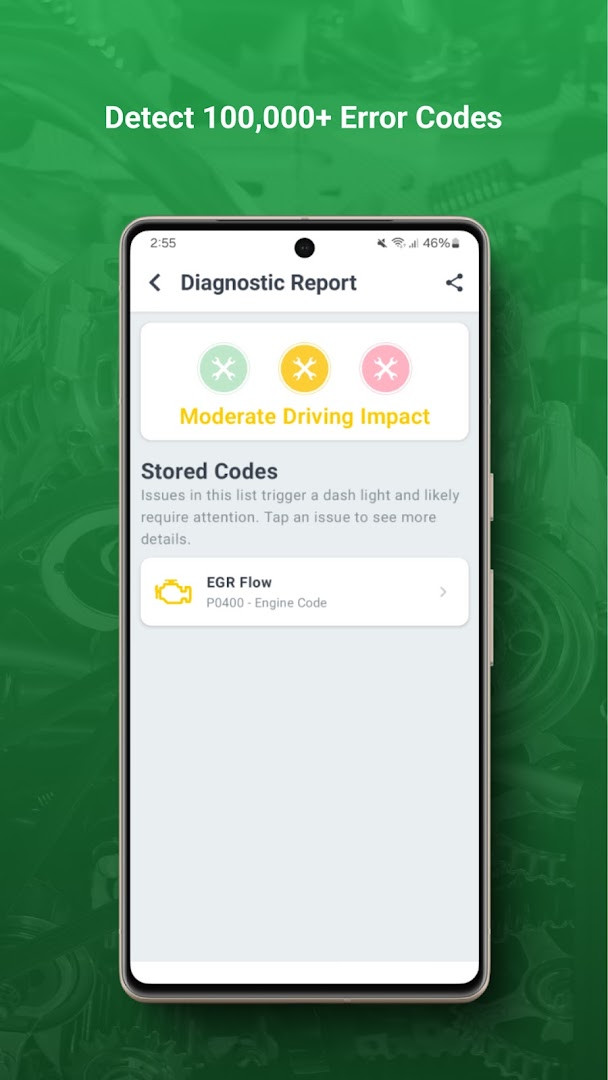
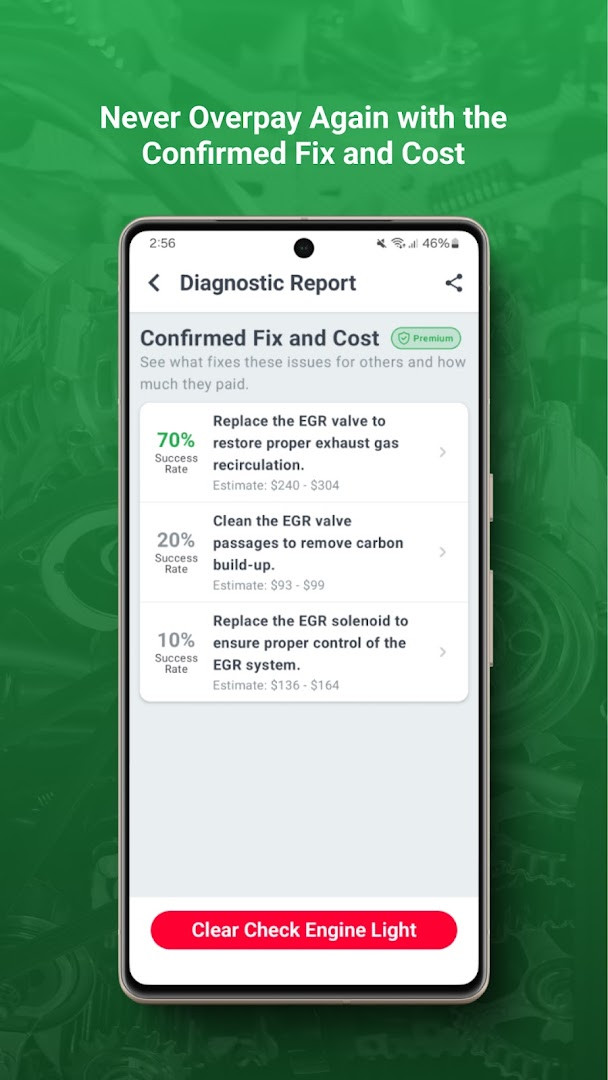
FIXD OBD2 Scanner is a vehicle diagnostics and maintenance app by FIXD that translates check engine lights into simple, understandable terms. Instead of leaving drivers guessing about cryptic dashboard warnings, the app aims to explain what your car is trying to communicate. It also helps track scheduled service so routine upkeep is easier to manage. The current version is 26.20, released on October 9, 2026, and it requires Android 11 or above. The app is free to download with no ads, though optional in-app purchases are available. It has been installed over one million times and holds a rating of around 4.04 based on more than 30,000 user reviews.
The core purpose is to reduce the anxiety that comes with an illuminated check engine light. By connecting to compatible OBD2 hardware, the app reads diagnostic trouble codes and converts them into plain-language explanations. This helps you understand whether a problem is urgent or something you can address later. Beyond diagnostics, FIXD keeps a record of maintenance schedules, giving you a clearer picture of upcoming oil changes, tire rotations, or other service intervals. The app was first released in September 2015, so it has had years of refinement and user feedback shaping its current form.
Version 26.20 brings several improvements. The inspection camera and photo review tools have been enhanced, which may be useful for documenting vehicle conditions or sharing visual details with a mechanic. Sensor discovery has also been improved, and the app now offers clearer help when a scan fails. These updates suggest a focus on making the diagnostic process smoother and reducing confusion when the app cannot immediately read data. The permission list includes location, phone, photos and media, storage, camera, microphone, and device ID and call information, which is broader than what a basic OBD2 reader might strictly need.
Key features
- Translates check engine light codes into plain, easy-to-understand language.
- Tracks scheduled maintenance so you can see when service is due.
- Improved inspection camera and photo review tools in the latest release.
- Better sensor discovery with clearer guidance when a scan fails.
- Works with compatible OBD2 hardware to read vehicle diagnostics.
- Free to install with no ads, while optional in-app purchases unlock more capabilities.
How to install
- Tap the download button on this page to get the FIXD OBD2 Scanner APK file.
- When Android asks for permission, allow your browser or file manager to install apps by enabling the "Install unknown apps" setting.
- Open the downloaded APK file from your notifications or file manager.
- Tap Install and wait for the process to finish. The file size is listed as n/a, so make sure you have enough free space.
- Open the app and follow the on-screen prompts. Your device must run Android 11 or newer.
- If you have a FIXD-compatible OBD2 adapter, pair or connect it when prompted to begin reading vehicle data.
Pros
- Turns confusing check engine lights into plain-language explanations.
- Helps you stay on top of scheduled maintenance.
- Free to install with no ads.
- Large user base and a long release history suggest reliability.
- Recent update improves camera tools and scan failure guidance.
Cons
- Asks for permissions that go beyond core OBD2 scanning, such as camera, microphone, location, and call information.
- In-app purchases are present, so some features may require an additional paid upgrade.
- Requires Android 11 or newer, which excludes owners of older devices.
- Real-time sensor data depends on a supported OBD2 adapter, which may be a separate hardware cost.
Latest changes · 26.22
Version 26.20, released October 9, 2026, brings two main improvements. The inspection camera and photo review have been enhanced. Sensor discovery is improved, and clearer help messages now appear when a scan fails.
Older versions
| Version | Size | Requires Android | Updated |
|---|---|---|---|
| 26.22 | — | 11 | Oct 22, 2026 |
| 26.20 | — | 11 | Oct 9, 2026 |
| 24.13 | 23 MB | 7.0 | Aug 25, 2026 |
FIXD OBD2 Scanner is best for everyday drivers who want to understand check engine lights without technical jargon, car owners who prefer to track maintenance intervals themselves, and DIY-minded users who already own or plan to buy a compatible OBD2 adapter.
Before relying on the app for a diagnosis, review which permissions you actually need and consider disabling camera, microphone, or location access if you only plan to read trouble codes and track maintenance.
Permissions
FAQ
How do I install the FIXD APK on my Android device?
Installing the FIXD APK on Android requires your device to have version 11 or higher. You simply need to follow the standard installation process for any APK file on your device.
What is new in the current version 26.20 of the FIXD app?
Version 26.20, released on October 9, 2026, brings an improved inspection camera and photo review, along with better sensor discovery and clearer help messages when a scan fails.
Does the FIXD app have ads or require any purchases?
The app itself is free to download and does not contain ads, but it does offer in-app purchases for additional features or services.
Can the FIXD app be used offline without a data connection?
Yes, the app requires an internet connection to communicate with the FIXD sensor and translate diagnostic information from your vehicle.
What are some alternatives to FIXD for diagnosing car issues?
There are many other apps in the Auto & Vehicles category that can read engine codes and monitor vehicle health, often with similar features like check engine light diagnostics and service tracking.
What permissions does the FIXD app require to work properly?
The app needs several permissions to function, including access to location, phone, photos and media, storage, camera, microphone, and device ID and call information.
How popular is the FIXD app based on user installs and ratings?
With over 1 million installs and more than 30,000 user ratings, the app has an average score of 4.04 out of 5.
FIXD OBD2 Scanner is a practical tool for demystifying dashboard warnings and keeping basic maintenance on schedule. Its broad permission set and upgrade prompts may deter privacy-focused users, but the clear explanations and large install base suggest it delivers real value for everyday drivers.
Similar apps




Updated: Oct 26, 2026