OpenDocument Reader - view ODT: document reader and editor
OpenDocument Reader - view ODT is a document reader and editor by Stefl und Taschauer OG that opens and modifies ODF files such as ODT and ODS.
Download OpenDocument ReaderOpenDocument Reader - view ODT is a free tool for viewing and editing LibreOffice and OpenOffice documents on a mobile device. It suits students and professionals who need to read, search, or correct ODT, ODS, and other ODF files offline. The app requires Android 8.0 or newer and has a download size of 38 MB.
Screenshots
- Size
- 38 MB
- Requires Android
- 8.0
- Updated
- Oct 25, 2026
- Installs
- 5M+
- Rating
- ★ 4.35 (66,963)
- Category
- Education
- Developer
- Stefl und Taschauer OG
- Content rating
- Everyone
- Package
- at.tomtasche.reader
- Free
- ✓ · Contains ads · In-app purchases
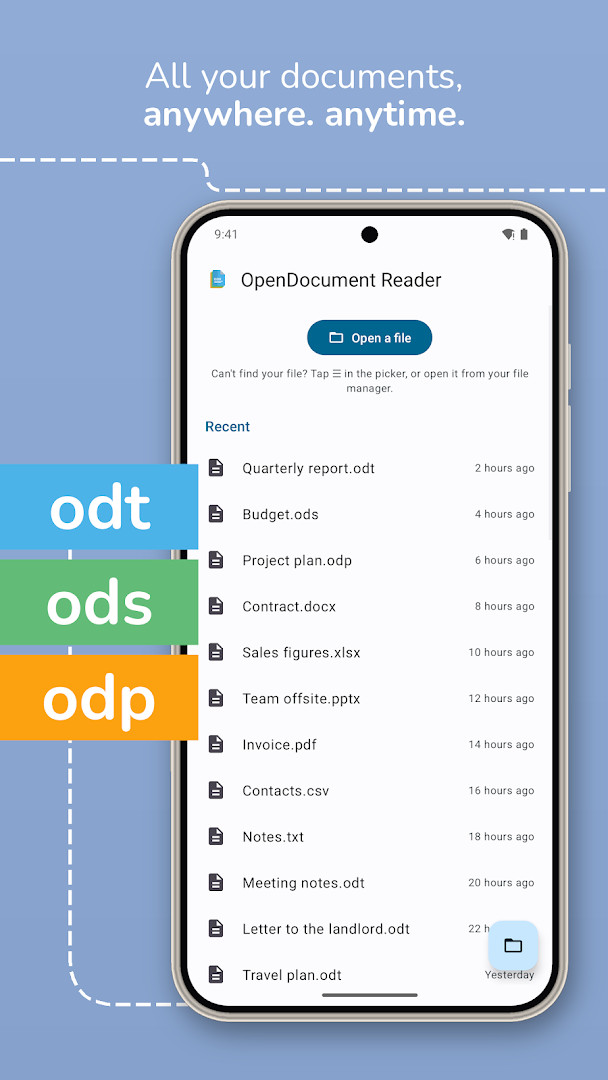
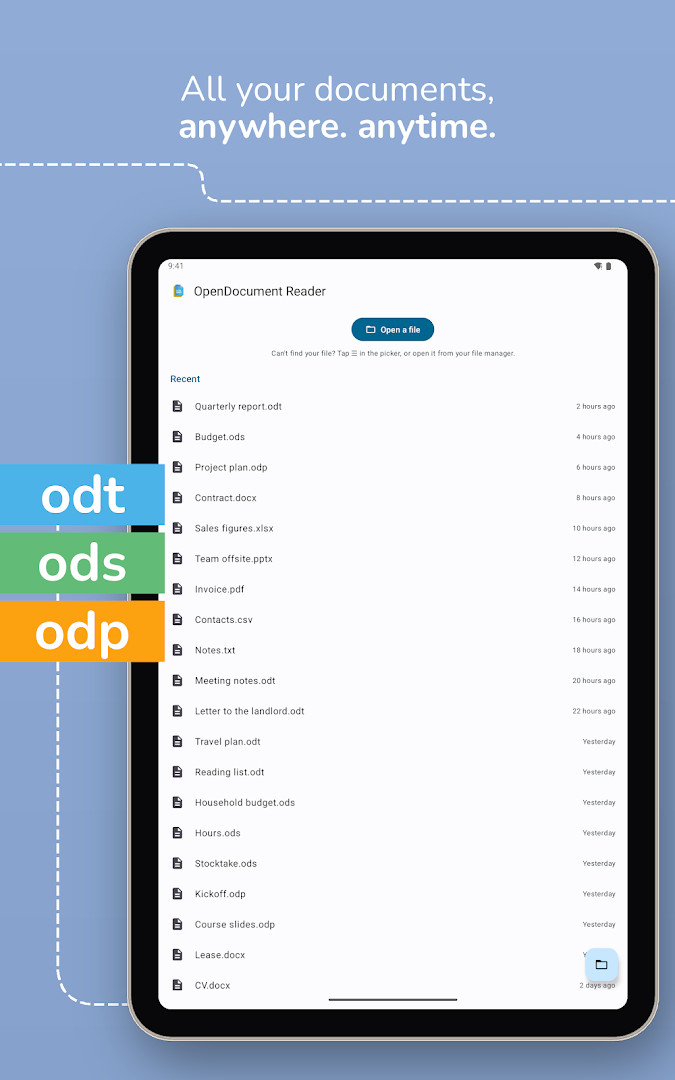
OpenDocument Reader is a document viewer and editor by Stefl und Taschauer OG that lets you open, read, and modify ODF files on your Android device. It is designed to work with files created by office suites like LibreOffice and OpenOffice, handling formats such as ODT for text and ODS for spreadsheets.
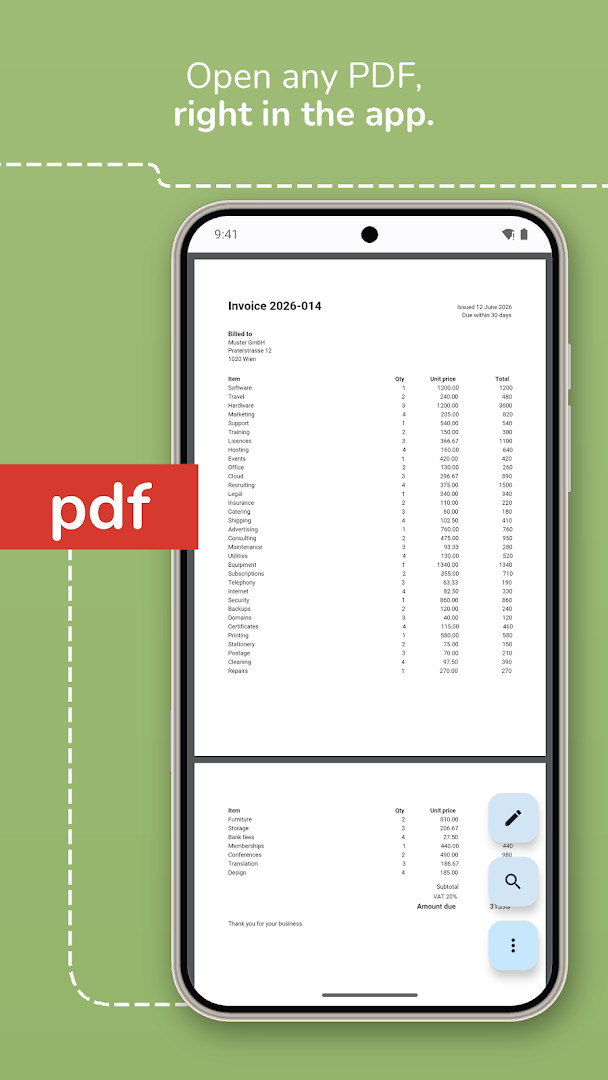
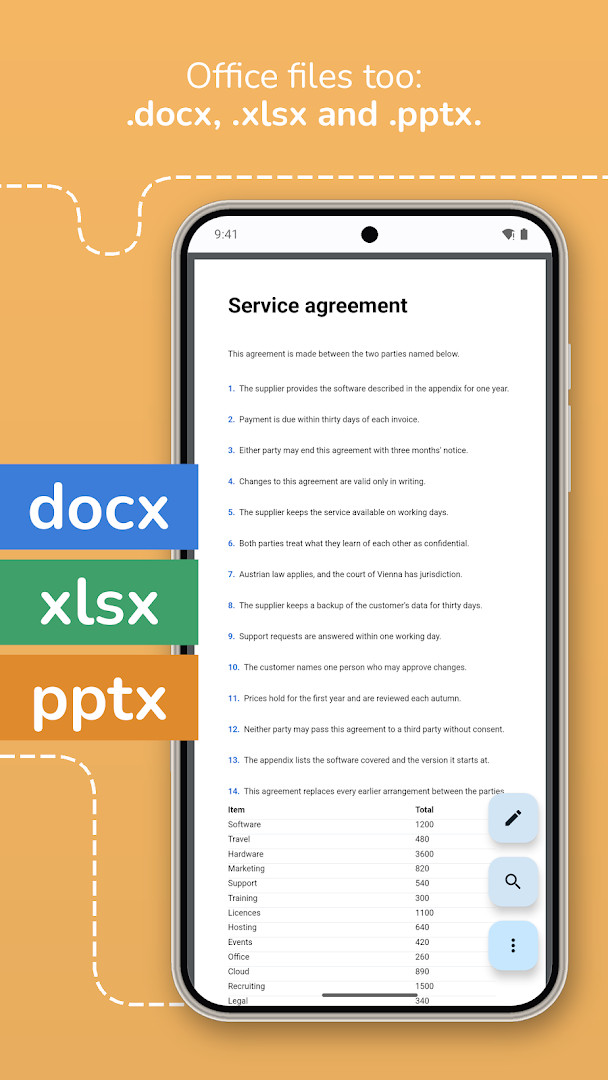
Beyond ODF documents, the app provides broad compatibility with many other file types, including PDFs, Microsoft Office files, and various image and text formats. It focuses on on-device processing, so your documents are never uploaded anywhere, which is a strong point for privacy-conscious users who need to handle sensitive information while on the go.
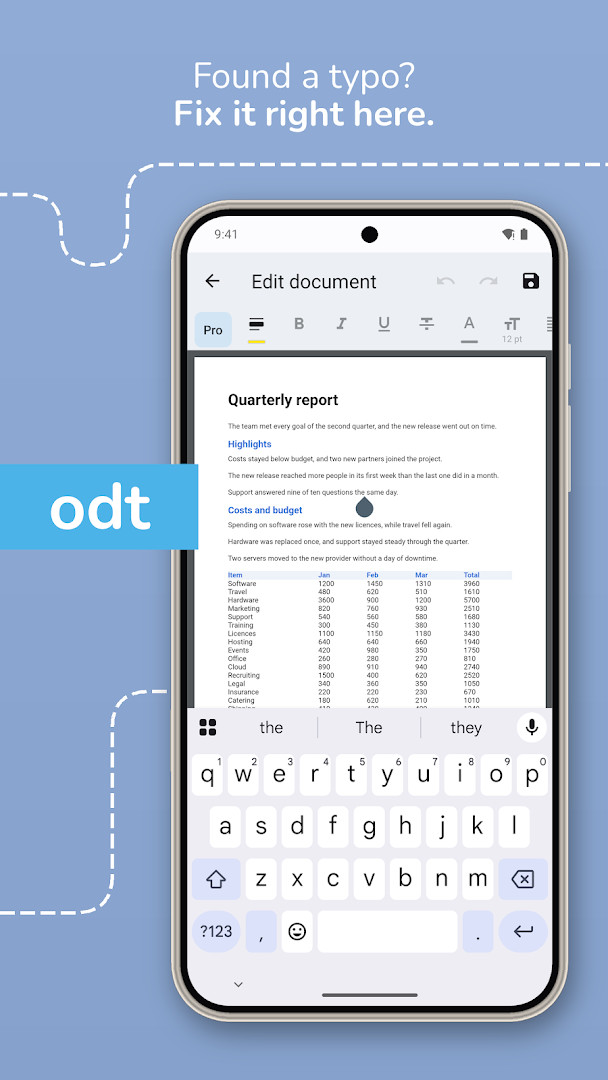
The software is open source and functions fully offline, allowing you to view and edit content without an internet connection. Whether you need to quickly check notes, fix a typo in a report, or search through a spreadsheet, the app offers a clean and straightforward interface for these tasks.
Key features
- Open and view ODF files such as ODT (Writer), ODS (Calc), ODP, and ODG.
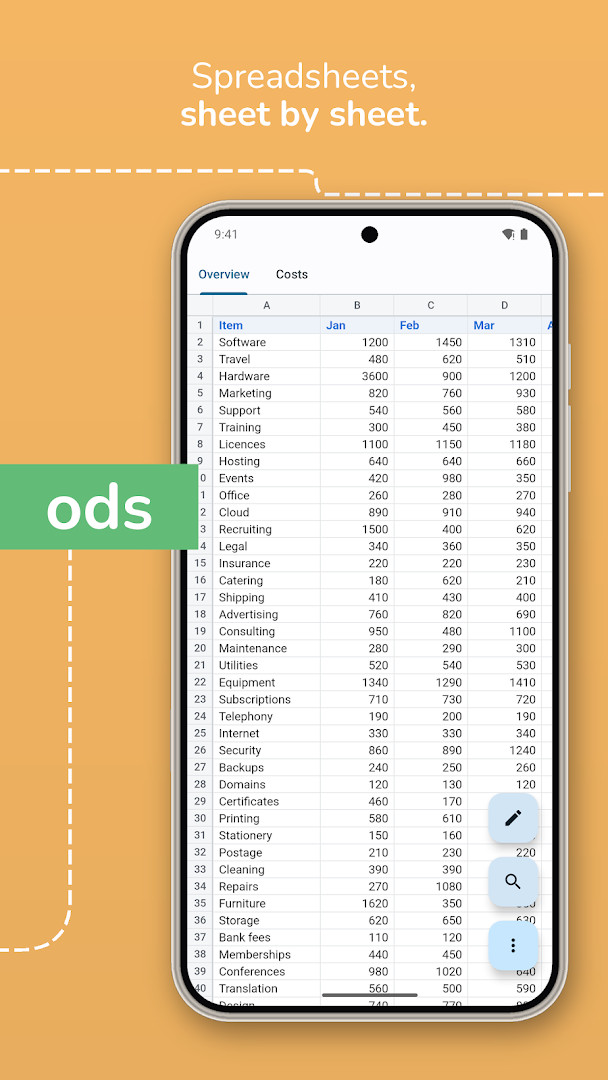
- Edit documents to fix typos, modify spreadsheet cells, and highlight text in documents and PDFs.
- Open password-protected documents securely.
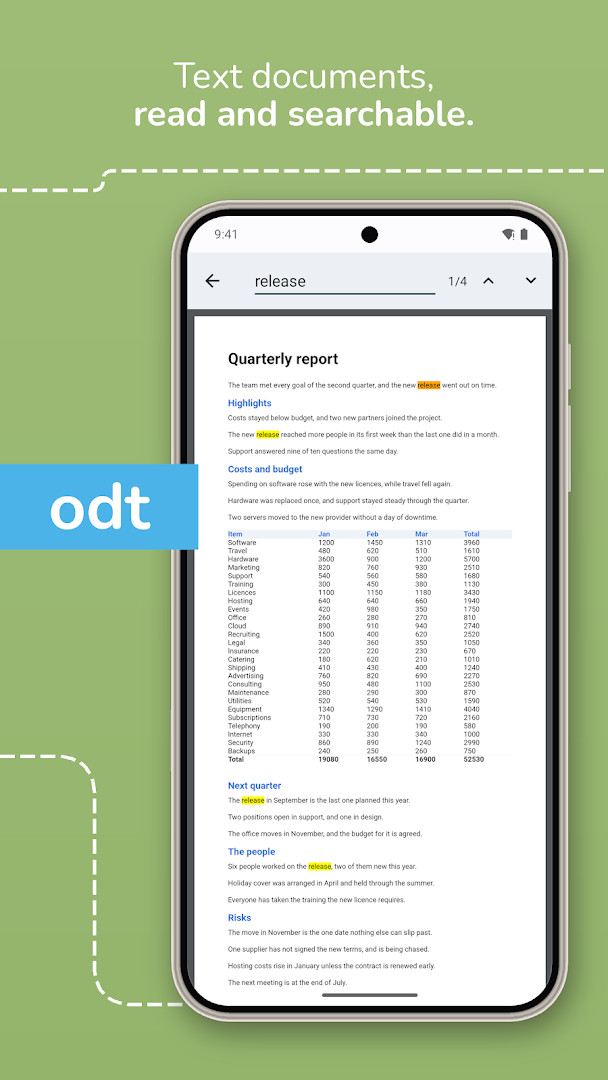
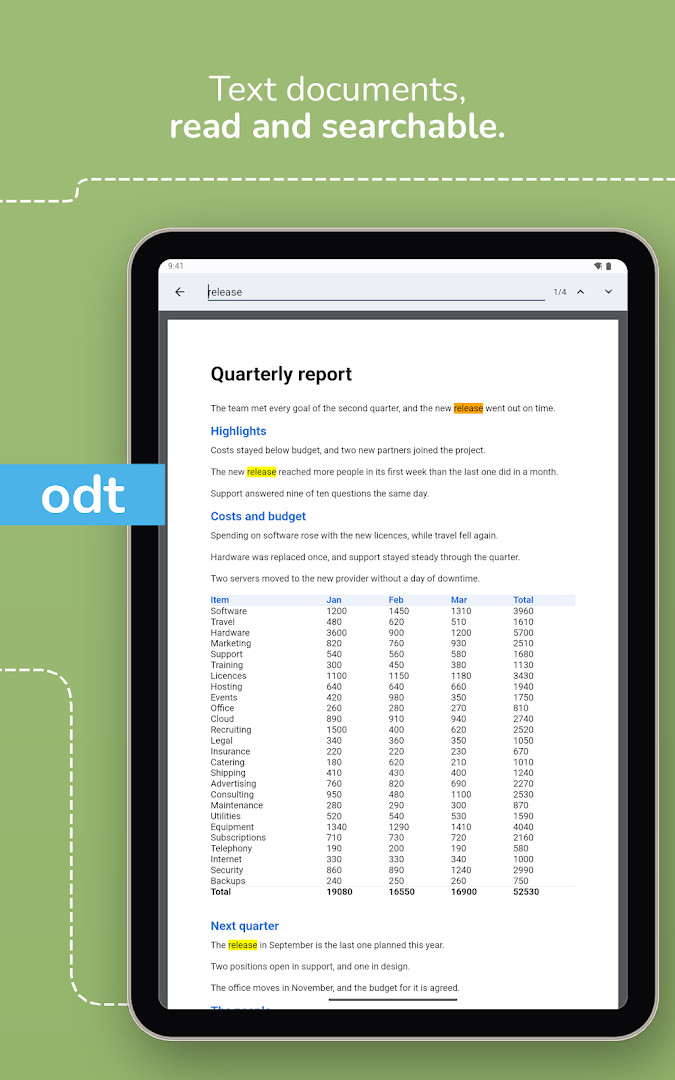
- Search for keywords within your documents and highlight the results.
- Print documents directly when your device is connected to a printer.
- Read documents in a distraction-free fullscreen mode.
- Select and copy text directly out of your documents.
- Work completely offline without an internet connection.
- Listen to your documents being read aloud using Text-To-Speech technology.
How to install
- Tap the download button on this page to get the 38 MB APK file.
- When prompted by Android, allow your browser or file manager to install apps by enabling the "Install unknown apps" setting.
- Open the downloaded APK file to begin the installation process.
- Tap "Install" and wait for the process to complete.
- Open the app and grant any necessary permissions to start accessing your documents. The app requires Android 8.0 or later.
Pros
- Documents are processed entirely on your device and are never uploaded, protecting your privacy.
- Fully functional offline, so no internet connection is needed to view or edit files.
- Open source software, allowing for community review of its code.
- Supports a very wide range of file formats beyond ODF, including PDF, DOCX, and XLSX.
Cons
- Displays advertisements, which are only temporarily removable for free.
- Offers in-app purchases, which may be needed for advanced editing features like new paragraphs and text formatting.
Latest changes
The latest release brings the ability to add or remove rows and columns in spreadsheets, along with support for editing and saving CSV files. When you save after an edit, formulas that had become outdated are now refreshed. Printing now follows the document's own paper size and orientation, placing one page per sheet, and a PDF prints as the file itself. In addition, some Word, Excel and PowerPoint files received from mail and file apps open in the app again, and the read-aloud feature uses the language of the document.
Older versions
| Version | Size | Requires Android | Updated |
|---|---|---|---|
| 4.22.1 | 38 MB | 8.0 | Oct 14, 2026 |
| 4.21.0 | 424 MB | 8.0 | Oct 5, 2026 |
| 4.20.1 | 419 MB | 8.0 | Sep 26, 2026 |
| 4.20.0 | 417 MB | 8.0 | Sep 22, 2026 |
This app is for students, professionals, and anyone who regularly works with LibreOffice or OpenOffice files and needs a reliable, offline-capable tool to view and perform light editing on their documents directly from their phone or tablet.
Ads can be removed temporarily, free of charge, from the settings menu on the app's home screen. For the best text-to-speech experience, ensure your documents have the correct language set, as the read-aloud feature uses this setting.
FAQ
Can I open a password-protected ODT file with this reader?
Yes, the app supports opening password-protected documents. It can securely open ODF files that require a password.
What specific spreadsheet editing features were recently added?
Spreadsheet editing includes the ability to insert and delete rows and columns. You can also edit and save CSV files, and formulas are updated when you save after making changes.
Does reading or editing a document require an internet connection?
The app is fully offline capable. Your documents are opened on your own device and are never uploaded anywhere, so you can enjoy them even without internet connectivity.
Is there a way to turn off the ads without making a purchase?
Ads can be removed temporarily, free of charge, from the settings on the app's home screen.
How does the text-to-speech feature determine which language to use?
The read-aloud feature uses the language of the document to read it out to you using text-to-speech technology.
In summary, OpenDocument Reader is a practical, privacy-conscious choice for working with ODF files on Android. Its emphasis on offline, on-device processing means your documents stay with you, making it a solid tool for users who need reliable access to their files without compromising their data.
Similar apps
 Google Play Books & AudiobooksGoogle LLC4.7
 Samsung Global GoalsSamsung Electronics Co., Ltd.3.7
 Duolingo: Learn LanguagesDuolingo4.7
 Seekho: Short Learning VideosSeekho App4.6
 S LIME: Read Magz & NewspaperPT. Samsung Electronics Indonesia3.8
 Cake - Learn English & KoreanCake Corp.4.7
 Kahoot! Play & Create QuizzesKahoot!4.7
 Bible App for KidsLife.Church4.4
Updated: Oct 29, 2026