
Google Play Books & Audiobooks: Ebook and Audiobook Reader
Google Play Books & Audiobooks is a books and reference app by Google LLC that lets you read ebooks, listen to audiobooks, and browse comics and manga.
Download the appGoogle Play Books & Audiobooks is free to download and includes optional in-app purchases for buying titles. The app requires Android 7.0 or later and the download is 22 MB. It has been available since December 6, 2010, and holds a 4.68 rating from over 3.2 million ratings, with more than 1 billion installs.
Screenshots
- Size
- 22 MB
- Requires Android
- 7.0
- Updated
- Sep 30, 2026
- Installs
- 1B+
- Rating
- ★ 4.68 (3,249,847)
- Category
- Education
- Developer
- Google LLC
- Content rating
- Teen
- Package
- com.google.android.apps.books
- Free
- ✓ · In-app purchases
Google Play Books & Audiobooks is an ebook and audiobook reading app by Google LLC that lets you buy, store, and read digital books across your devices. For readers who have accumulated purchases in several places or who simply want a single, dependable place to keep a long-term library, the usual friction is fragmentation: one format here, another app there, bookmarks that do not travel, and no clean way to read offline when a connection drops. This app addresses that by keeping purchased titles in one account-bound library, syncing position and annotations, and allowing downloads for offline reading. It covers ebooks, audiobooks, comics, and manga, and it works without a subscription, so you buy only the titles you want. The app has been available since December 2010, carries a Teen content rating, and is free to install, with purchases handled inside the app.
Key features
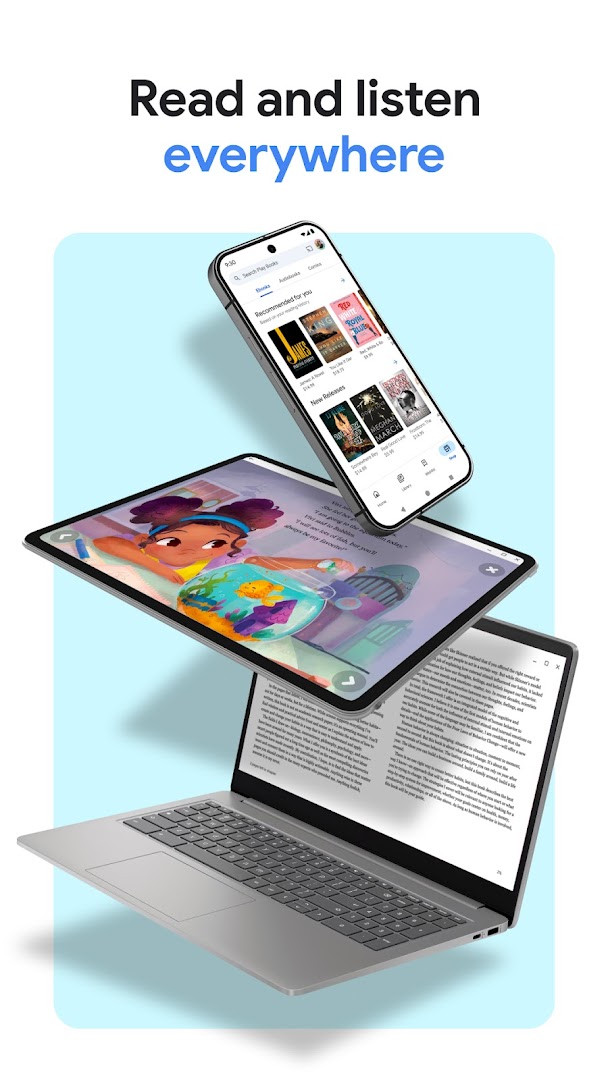
- Access your library on a phone, tablet, computer, or in the car through Android Auto, and download titles to read offline.
- Buy individual books without any subscription commitment, and preview samples before deciding on a purchase.
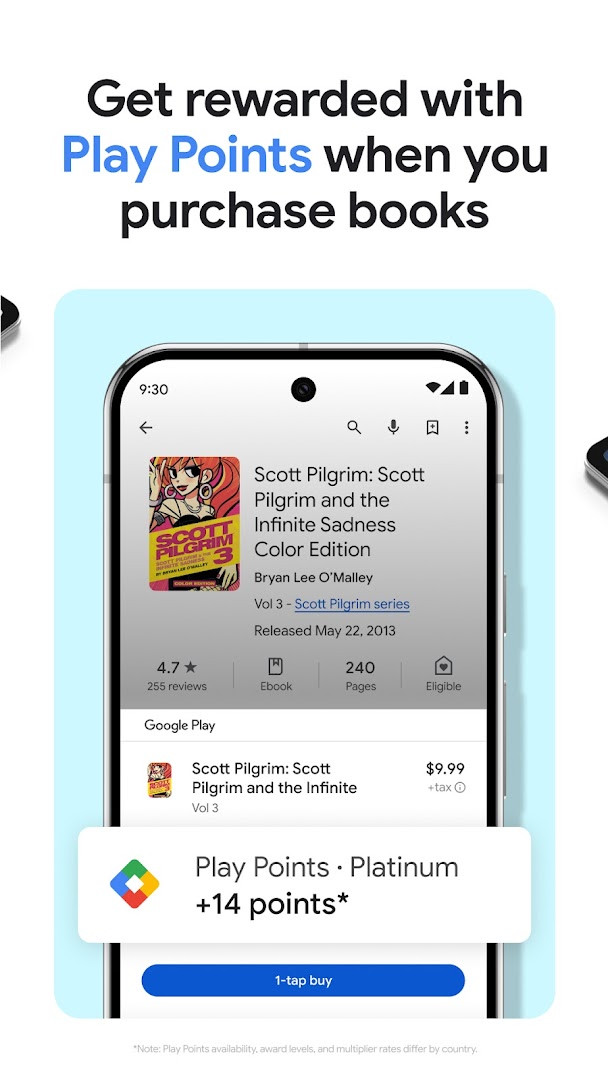
- Earn Play Points on qualifying book purchases, though availability, award levels, and multiplier rates vary by country and the program is not offered everywhere.
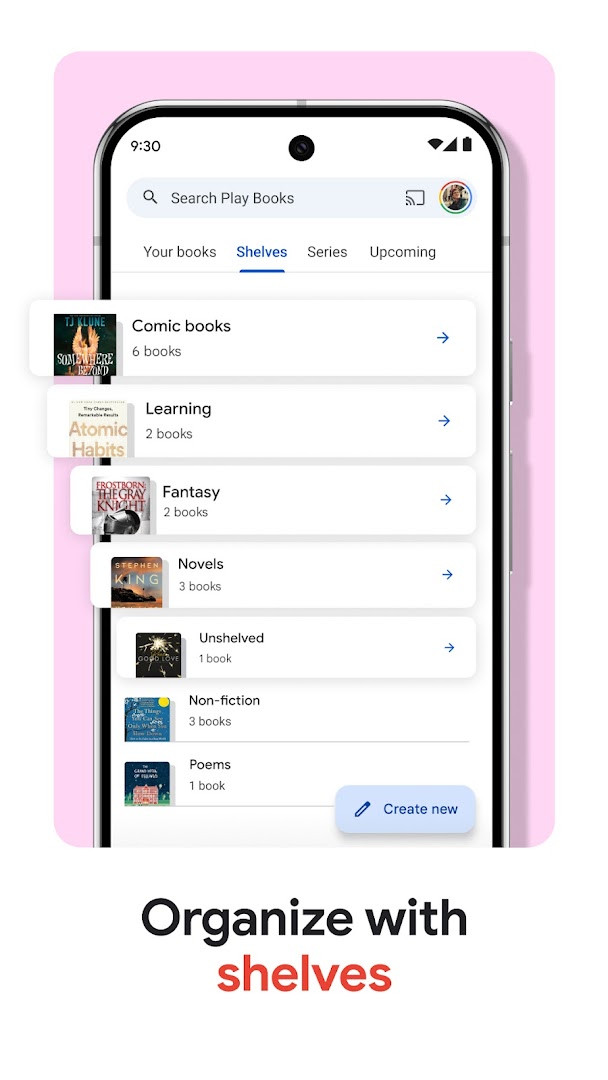
- Build custom shelves to group books by genre, author, or any theme you choose.
- Take notes that sync with Google Drive and can be shared for collaboration.
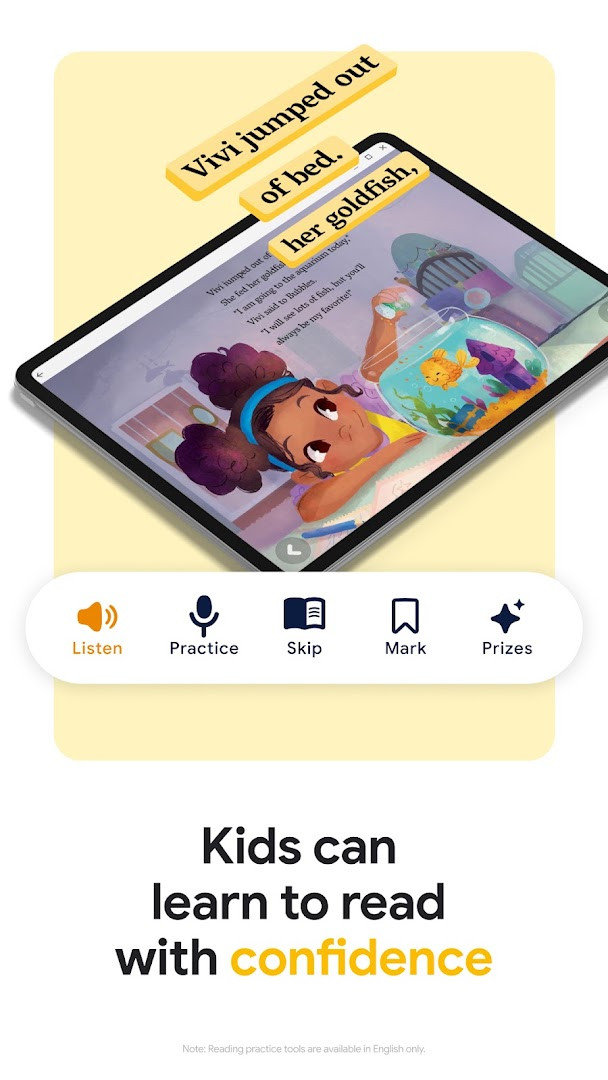
- Use reading tools aimed at younger readers, including word definitions and read-aloud; reading practice tools are English-only.
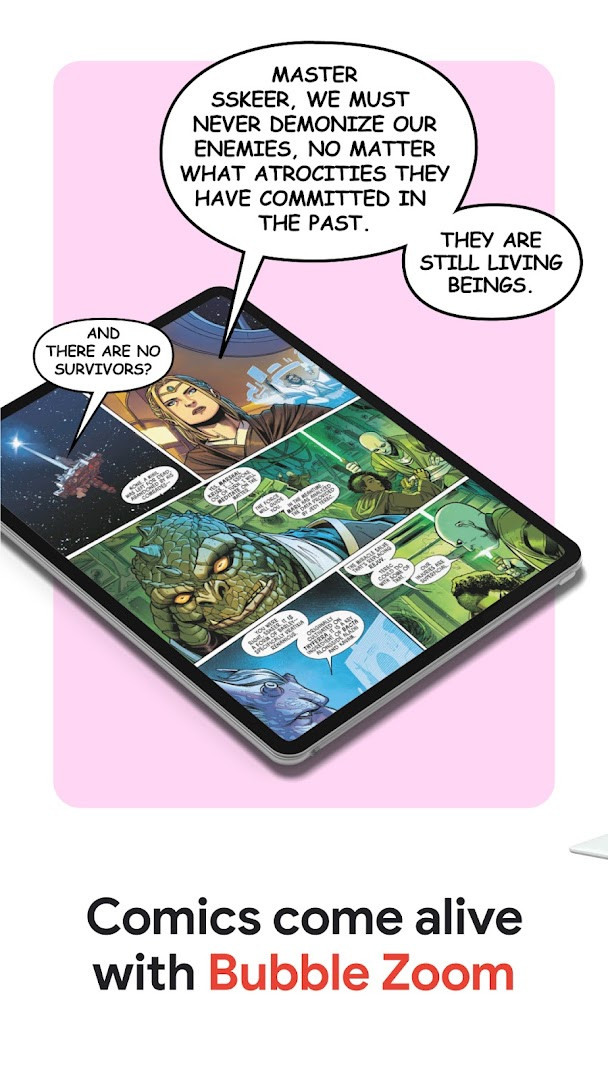
- Read comics and manga with Bubble Zoom, a panel-focused viewing mode.
- Control audiobooks hands-free through Google Assistant, and adjust font, text size, brightness, and other display settings.
How to install
- Tap the download button on this page to get the APK file.
- When Android asks for permission, allow your browser or file manager to install apps by enabling the Install unknown apps setting for that app.
- Open the downloaded APK file; the package is about 22 MB.
- Tap Install and wait for the process to finish.
- Open the app. It requires Android 7.0 or later.
Pros
- Works without a subscription, so spending stays tied to books you actually choose.
- Offline downloads and cross-device syncing suit readers who move between a phone, a computer, and a car.
- Custom shelves and synced notes make a large library easier to manage.
- Comics and manga get a dedicated reading mode rather than a generic viewer.
- No advertising is present in the app.
Cons
- In-app purchases are part of the core experience, since books and audiobooks are bought inside the app.
- The permission list includes Identity, Contacts, Photos/Media/Files, Storage, and Microphone, which is broad for a reading app and worth reviewing before installing.
- Play Points rewards are not available in every country, and rates differ by region.
- Reading practice tools for children are limited to English, and book insights appear only in select English titles.
Latest changes
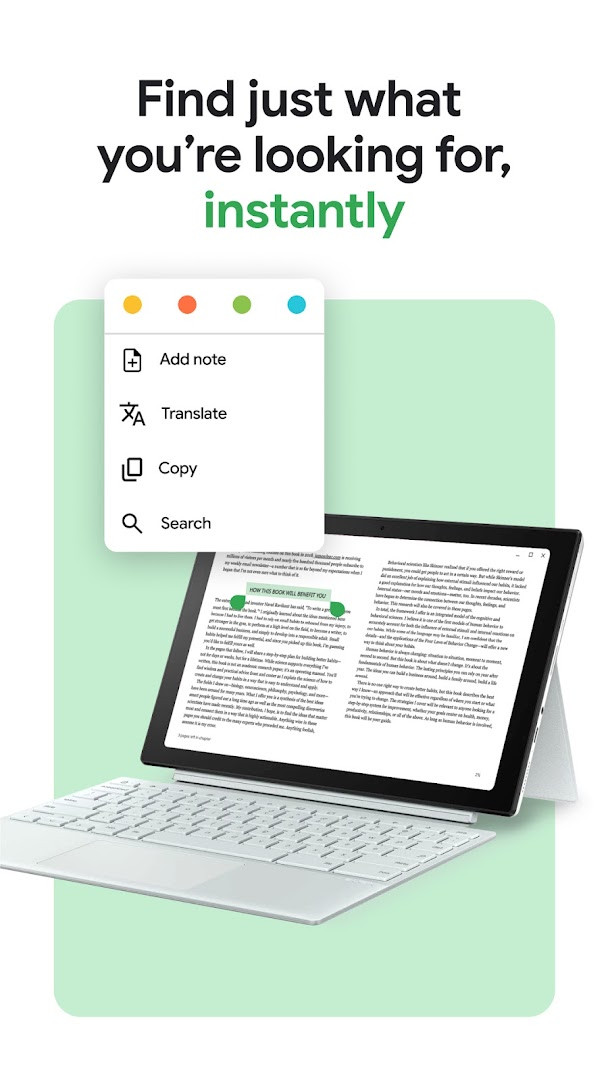
The latest update for Google Play Books & Audiobooks, released on September 30, 2026, brings an improved ease-of-use for the ebook text selection menu. You can also upload EPUB and PDF files to read across all your devices. Additionally, purchased ebooks and audiobooks that are DRM-free can now be downloaded for use on other compatible devices.
Older versions
| Version | Size | Requires Android | Updated |
|---|---|---|---|
| 2026.9.18.0 (389836) | 22 MB | 7.0 | Oct 3, 2026 |
| 2026.9.4.1 (386871) | 22 MB | 7.0 | Sep 24, 2026 |
This app suits readers who want one long-lived home for purchased ebooks and audiobooks rather than a patchwork of separate readers. It fits people who read across several devices, want offline access on a commute or flight, and prefer buying individual titles over paying a recurring subscription. It is also reasonable for households where children use reading aids, provided the English-only limitation is acceptable, and for comics and manga readers who value a panel-zoom mode. Users who already own DRM-free files and want a purely local reader, or who object to granting contacts and microphone access, may find other options more comfortable.
Check the permissions during installation and revoke any you are not comfortable with in Android settings afterward. Download the titles you plan to read before travelling, since offline copies remove dependence on a signal. If Play Points matter to you, confirm current availability and multiplier rates for your country before counting on rewards. Samples are worth using on unfamiliar authors, and uploaded EPUB and PDF files can be read across your devices alongside purchased titles.
Permissions
FAQ
Is Google Play Books & Audiobooks free?
Yes, the app is free to download and use. You can buy individual books and audiobooks when you want them, with no subscription required.
What Android version do I need?
The app requires Android 7.0 or higher to run.
How large is the APK file?
The download file is about 22 MB in size.
Do I need an account to use it?
Yes, you need a Google account to sign in and use the app. Your library and notes sync through that account.
What permissions does it ask for?
The app requests access to Identity, Contacts, Photos/Media/Files, Storage, and Microphone. These support features like syncing your library, saving files, and using voice controls for audiobooks.
How do I update the app?
To update, download the newest version from this page and install it over your current app. Your existing library and settings will be preserved.
Google Play Books & Audiobooks is a mature, widely used reader with offline access, cross-device syncing, and no subscription requirement. Its main trade-offs are the in-app purchasing model and a permission set that asks for more than reading alone would suggest, so weigh those against the convenience it offers.
Similar apps








More from this developer






Updated: Oct 14, 2026