
Amazon Shopping for Android
Amazon Shopping is a shopping app from Amazon Mobile LLC for browsing, searching, and buying millions of products on your Android device.
Get Amazon Shopping · v32.18.0.100Amazon Shopping is for anyone who wants to shop on Amazon from their phone, offering real-time delivery tracking, 360-degree product views, and price-drop alerts for saved items. The app requires Android 12 or later and has a file size that varies by device; it includes ads and in-app purchases, and you can scan barcodes or use voice search without an account.
Screenshots
- Version
- 32.18.0.100
- Requires Android
- 12
- Updated
- Sep 16, 2026
- Installs
- 1B+
- Rating
- ★ 4.39 (4,724,345)
- Category
- Shopping
- Developer
- Amazon Mobile LLC
- Content rating
- Teen
- Package
- com.amazon.mShop.android.shopping
- Free
- ✓ · Contains ads · In-app purchases
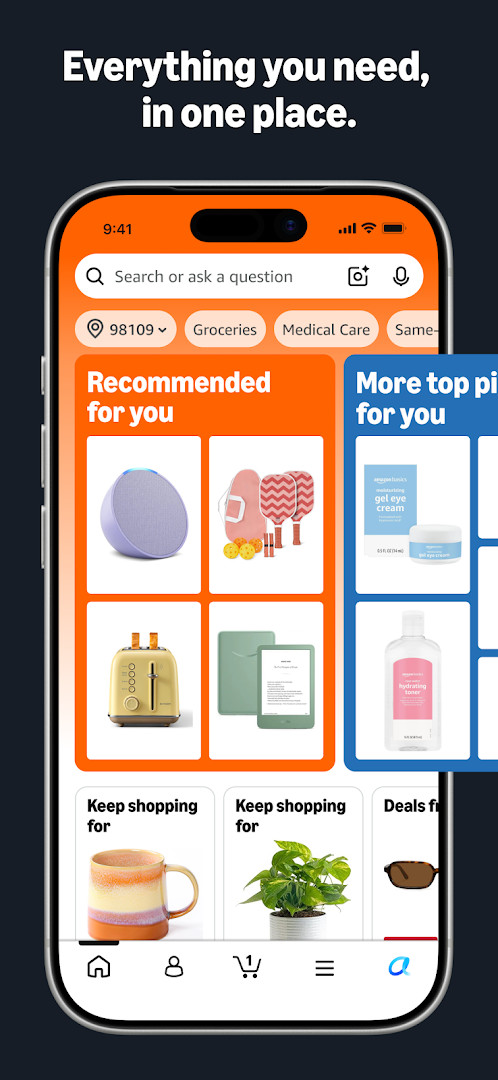
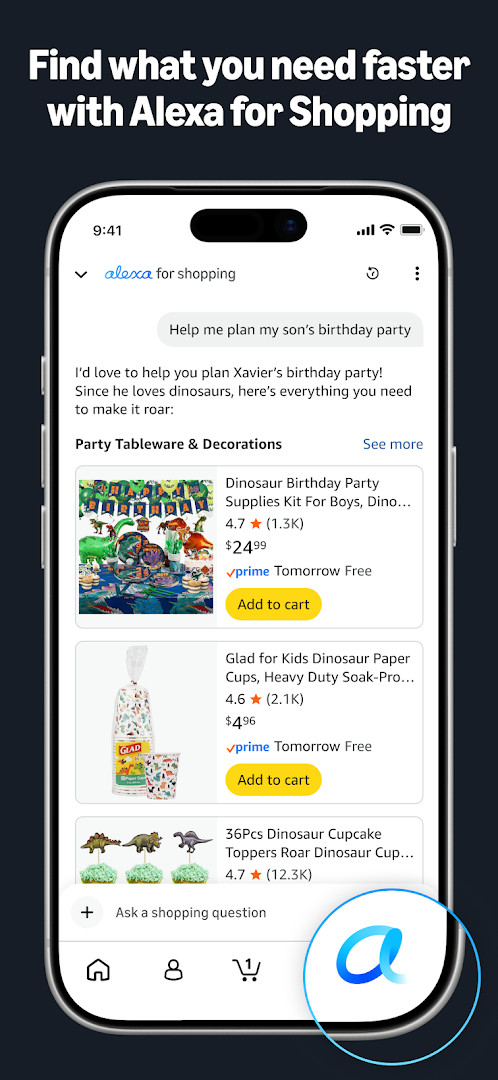
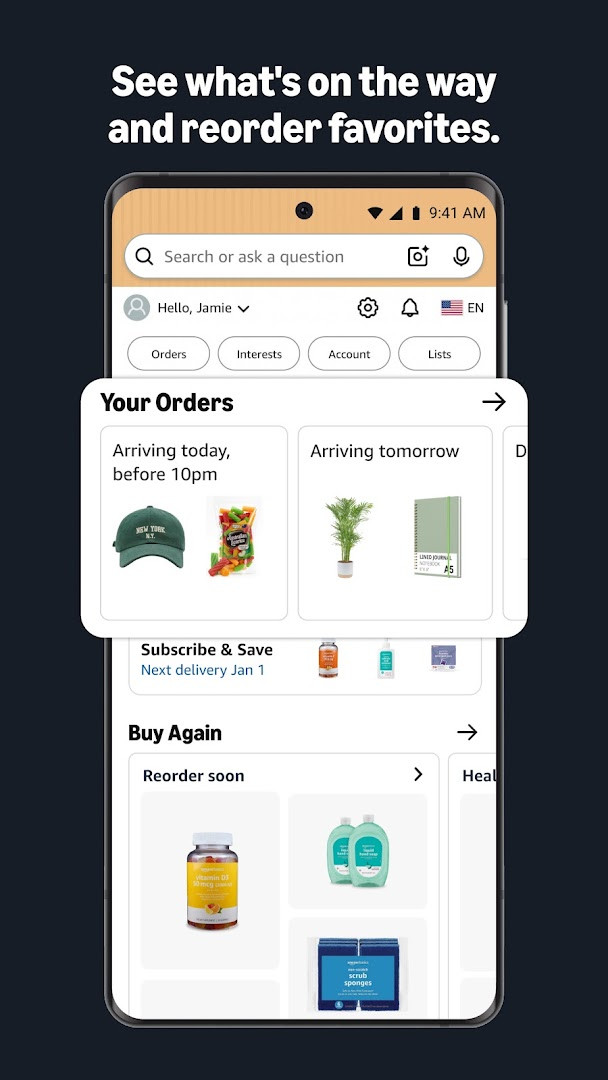
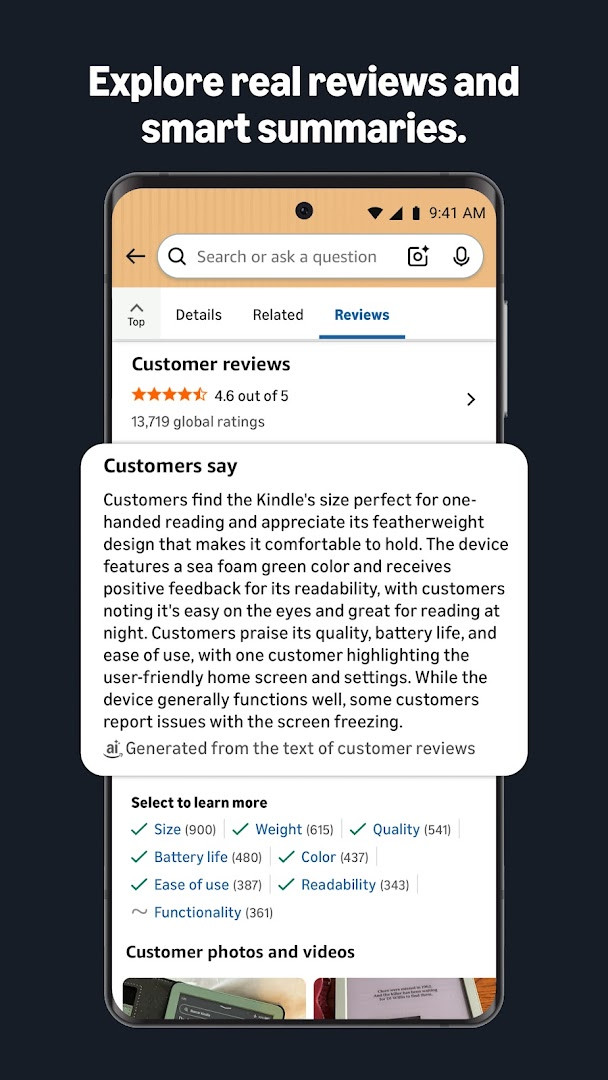
Amazon Shopping is an electronic commerce client developed by Amazon Mobile LLC that provides a direct interface for browsing, searching, and purchasing millions of products from the Amazon marketplace. The app extends the functionality of the desktop website to a mobile-optimized environment, consolidating product discovery, order management, and delivery tracking into a single utility. Version 32.18.0.100 introduces a set of app-icon shortcuts, allowing users to long-press the icon for quick access to Orders, Daily Deals, the Shopping Cart, and Search. This release also incorporates routine bug fixes and performance improvements aimed at delivering a smoother shopping flow.
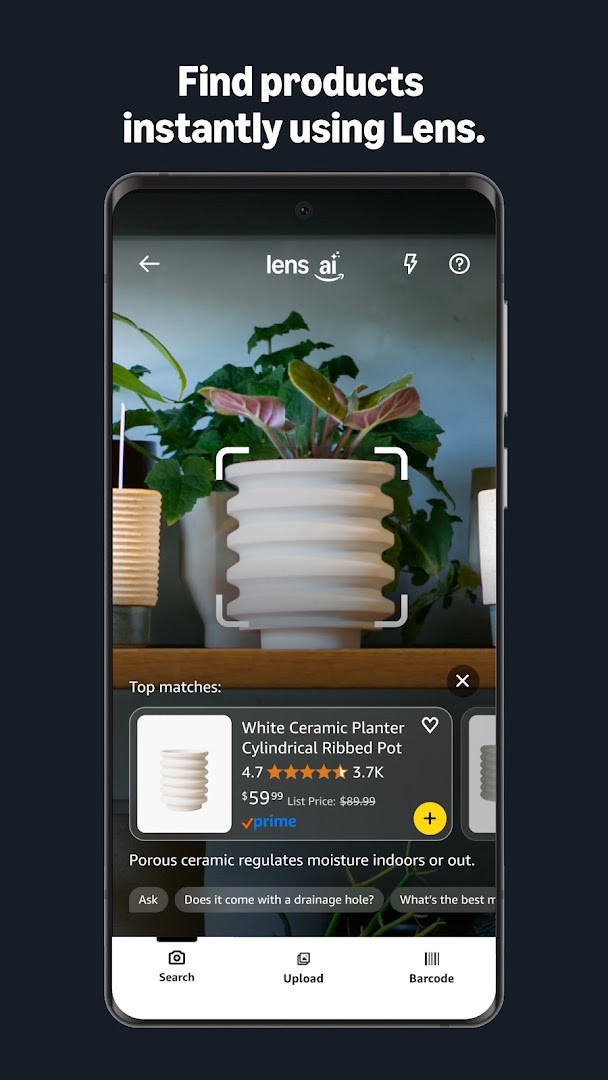
Beyond basic search and buy operations, the software integrates several sensor-driven utilities. The camera module supports barcode scanning and product-image recognition, while the augmented-reality feature called “View in your room” overlays virtual objects onto a live camera feed to help users assess size and fit before committing to a purchase. A background notification system relays real-time shipment updates, and a price-drop alert mechanism tied to user-curated lists monitors saved items for markdowns. The interface also supports biometric authentication, using facial or fingerprint data to re-authenticate returning users without manual password entry.
Communication and support are handled through an embedded live chat service that operates continuously and preserves session state for 24 hours, so a conversation can be paused and resumed later. The permission footprint is extensive: the app requests access to identity, contacts, location, phone, camera, microphone, storage, and Wi-Fi connection information, among others. These are used for functions such as prepopulating customer service numbers, sharing gift cards with contacts, offering location-based deals, and enabling voice search. The release data indicates the application was first launched in late 2014 and has since accumulated over one billion installs, with a current user rating of 4.39 based on more than 4.7 million reviews.
Key features
- Real-time package tracking with delivery notifications to monitor orders from dispatch to doorstep.
- 360-degree product view and an augmented reality “View in your room” tool that uses the camera to visualize items in your physical space.
- Wishlist and price-drop alerts triggered by tapping the heart icon to save items to Your Lists.
- Secure biometric sign-in via facial or fingerprint recognition, plus persistent signed-in sessions to reduce login friction.
- Visual product search by scanning a barcode or taking a photo of an item directly in the search bar.
- 24/7 live chat support that retains the conversation history for a full day, so you can pause and resume without repeating information.
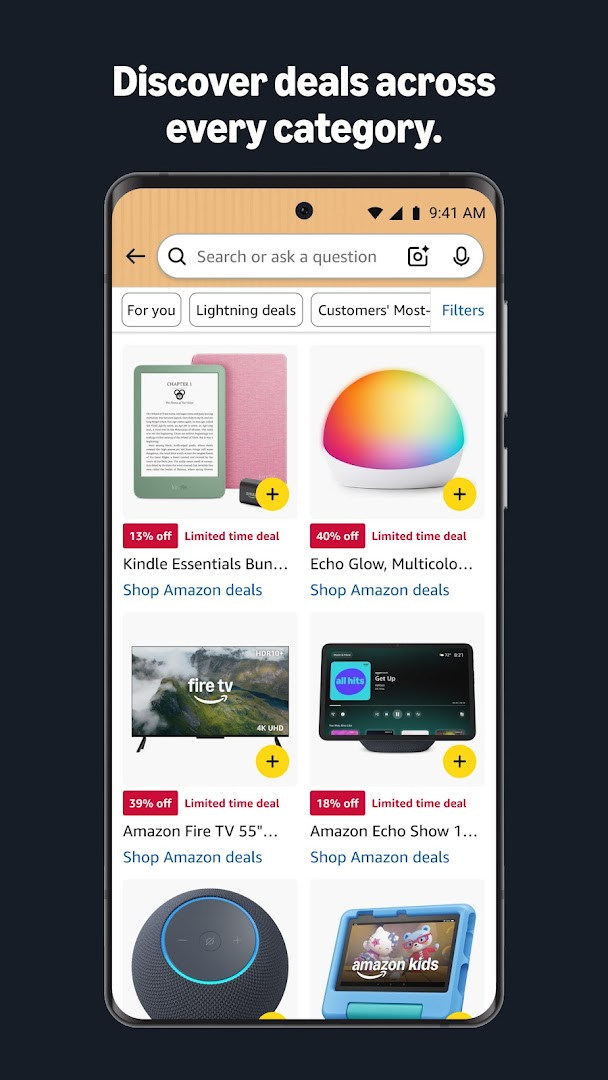
- App-exclusive shortcuts accessible by long-pressing the app icon to jump straight to Orders, Daily Deals, the Shopping Cart, or Search.
How to install
- Tap the download button on this page.
- When prompted by Android, enable your browser or file manager to install apps by toggling the “Install unknown apps” setting.
- Open the downloaded APK file. The file size is not specified here.
- Tap the Install button and wait for the process to complete.
- Launch the app from your device’s app drawer. It requires Android 12 or later.
Pros
- Offers app-only conveniences like visual search, AR room preview, and one-tap shortcut access to frequently used sections.
- Comprehensive order management with live tracking and persistent chat support available around the clock.
- Biometric login and saved sessions streamline access without repeatedly typing credentials.
- Price-drop alerts on wish-listed items help users time their purchases for better value.
- Supports deliveries to over 100 countries, often within a 3–5 day window.
Cons
- Requests a notably broad set of permissions, including contacts, phone, and location, which may concern privacy-focused users.
- Contains advertisements and in-app purchase prompts that can clutter the browsing experience.
- The interface can feel dense and busy due to the sheer volume of products and options displayed.
- Requires a relatively recent operating system, with a minimum of Android 12, leaving older devices unsupported.
Latest changes · 32.18.0.100
Version 32.18.0.100 introduces shortcuts for quick access to Orders, Daily Deals, Shopping Cart, and Search by long-pressing the app icon. The update also includes general bug fixes and performance improvements for a smoother shopping experience.
Older versions
| Version | Size | Requires Android | Updated |
|---|---|---|---|
| 32.18.0.100 | — | 12 | Sep 16, 2026 |
Frequent online shoppers who want to track orders and compare prices while on the go, deal hunters who rely on price-drop alerts and daily offers, and users who prefer visual search tools like barcode scanning and augmented-reality previews before buying furniture or decor.
Long-press the Amazon Shopping app icon on your home screen to jump directly to your orders, the daily deals feed, your cart, or the search bar without opening the full interface first.
Permissions
FAQ
How do I get alerted when an item I'm interested in goes on sale?
You can save items to Your Lists by tapping the heart icon, and the app will notify you of price drops so you don't miss a deal.
Can I identify a product by taking a photo of it?
Use the scan icon in the search bar to take a picture of an item or its barcode, and the app will try to find it for you.
Why does the app request permission to use my camera?
The app needs camera access for scanning products and barcodes, adding gift or credit cards, and attaching pictures to reviews.
What shortcuts are available from the home screen icon?
Tap and hold the Amazon app icon to access shortcuts for your Orders, Daily Deals, Shopping Cart, and Search.
Does the app offer biometric authentication for signing in?
The app supports facial or fingerprint identification to sign back in if you prefer to sign out while staying securely signed in.
Amazon Shopping remains a highly capable frontend for the world's largest online marketplace, marrying robust search tools with delivery tracking and AR visualization. Its extensive permission model and advertisement-heavy interface are trade-offs for the convenience and scale it delivers.
Similar apps
 Prime VideoAmazon Mobile LLC4.7
 Amazon AlexaAmazon Mobile LLC4.0
 Amazon Kindle: Reading AppAmazon Mobile LLC4.8
 Flipkart Online Shopping AppFlipkart4.5
 SHEIN-Shopping OnlineRoadget Business PTE. LTD.4.8
 Temu: Shop Like a BillionaireTemu4.4
 Alibaba.com - B2B marketplaceAlibaba Mobile4.4
 Wish: Shop and SaveWish US Holdings LLC4.7
More from this developer

Updated: Oct 14, 2026