
Amazon Kindle: Reading App for Android
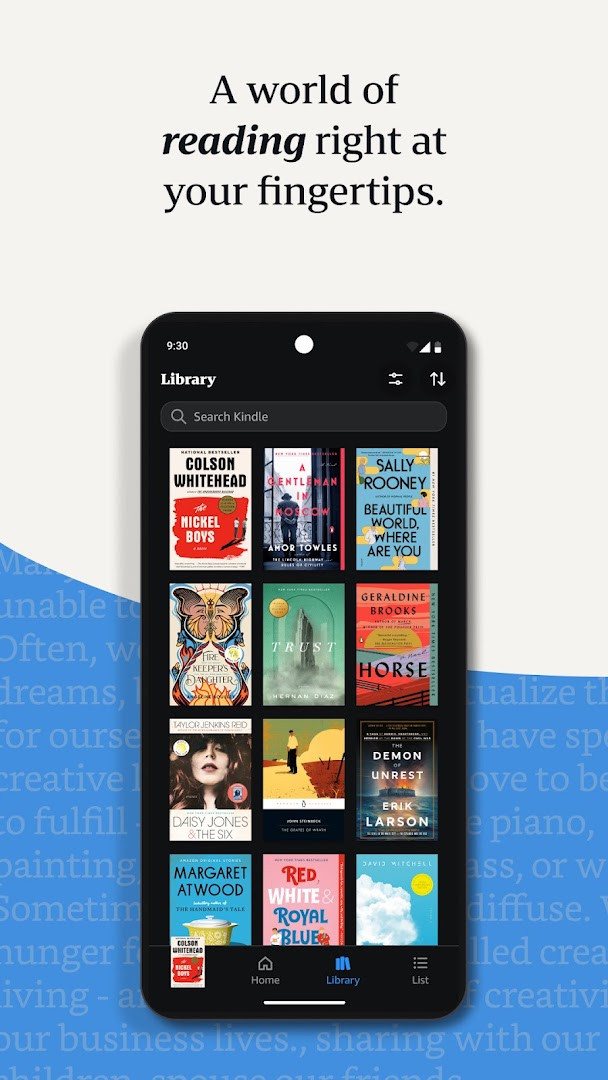
Amazon Kindle: Reading App is a digital reading platform from Amazon Mobile LLC for accessing millions of ebooks, magazines, and audiobooks on Android devices.
DownloadAmazon Kindle: Reading App suits anyone who wants a portable library of books, magazines, comics, and manga. The app supports reading without an internet connection after downloading titles, and you can browse and sample books without an Amazon account. It requires Android 9 or later, takes up about 147 MB, and is free to install.
Screenshots
- Size
- 147 MB
- Requires Android
- 9
- Updated
- Oct 6, 2026
- Installs
- 100M+
- Rating
- ★ 4.77 (4,838,035)
- Category
- Education
- Developer
- Amazon Mobile LLC
- Content rating
- Teen
- Package
- com.amazon.kindle
- Free
- ✓ · Contains ads · In-app purchases
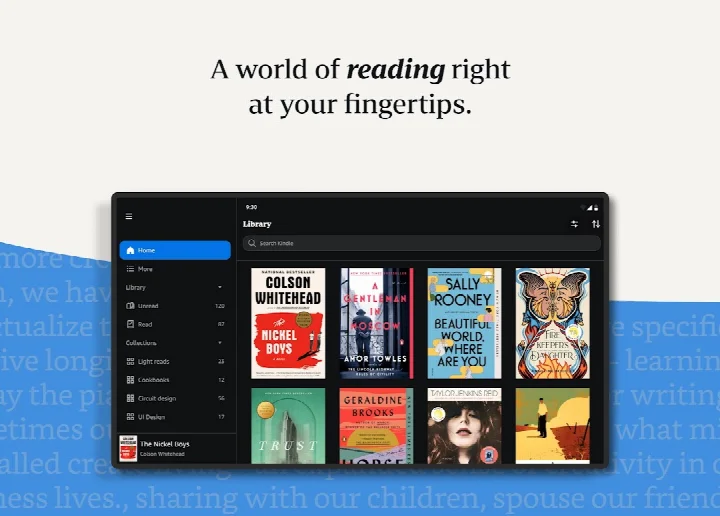
Amazon Kindle: Reading App is a digital book reader developed by Amazon Mobile LLC that gives you mobile access to a vast library of ebooks, magazines, comics, and audiobooks. The app solves the problem of having to carry physical books by putting millions of titles in your pocket, allowing you to read on your phone or tablet whenever you have a spare moment. It achieves this by connecting directly to your Amazon account, syncing your library and reading progress across devices, and offering a highly customizable reading interface that adapts to your personal preferences and environment.
Key features
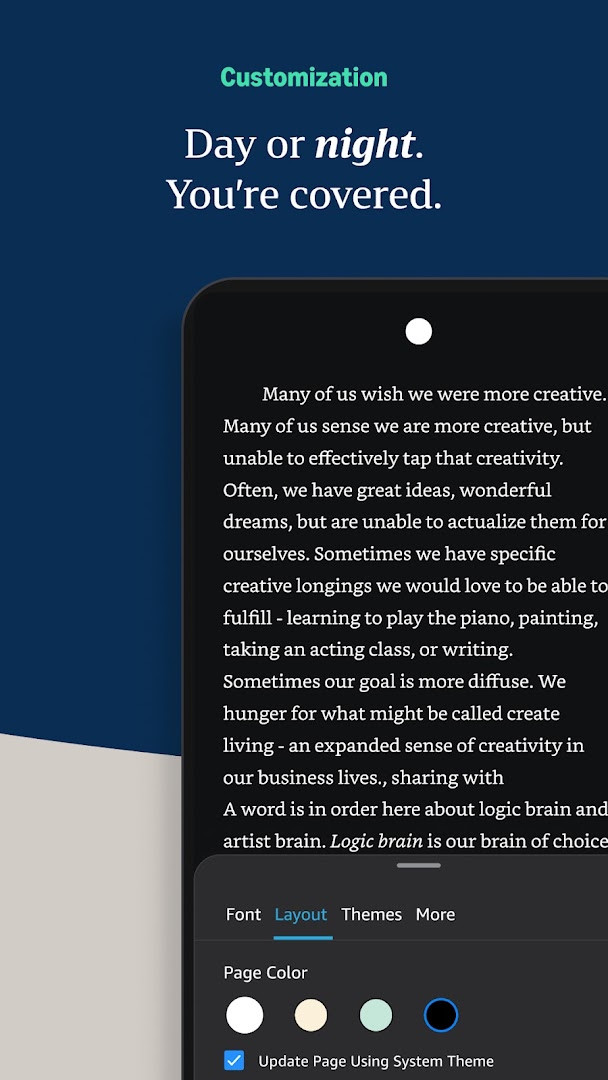
- Customize your reading experience by adjusting text size, font type, margins, alignment, and choosing between page-turning or continuous scrolling.
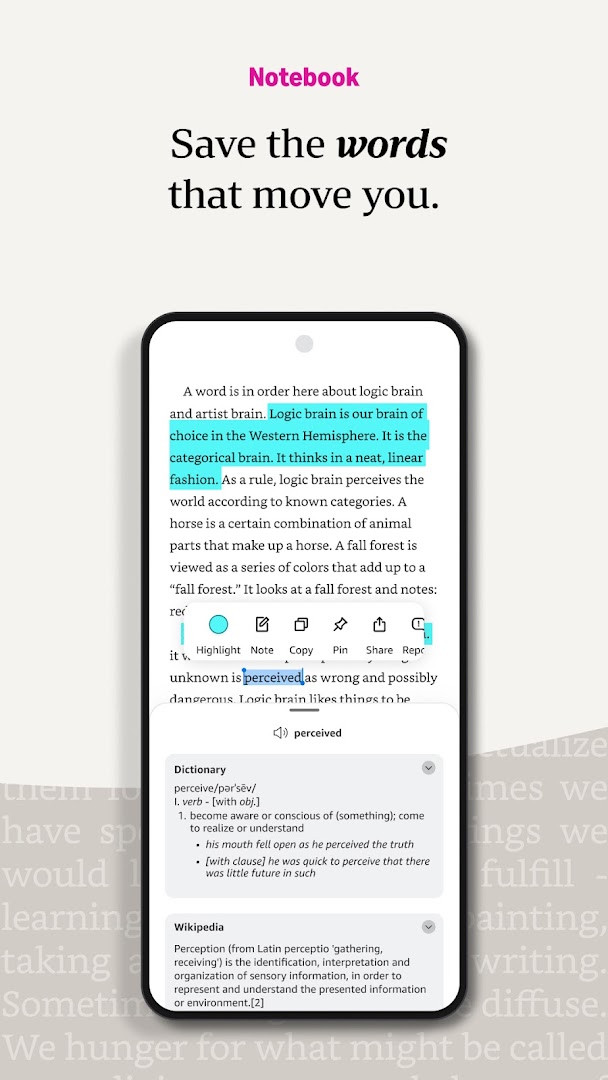
- Use the built-in dictionary, X-Ray, and Wikipedia integration to look up words, characters, and places instantly by tapping and holding.
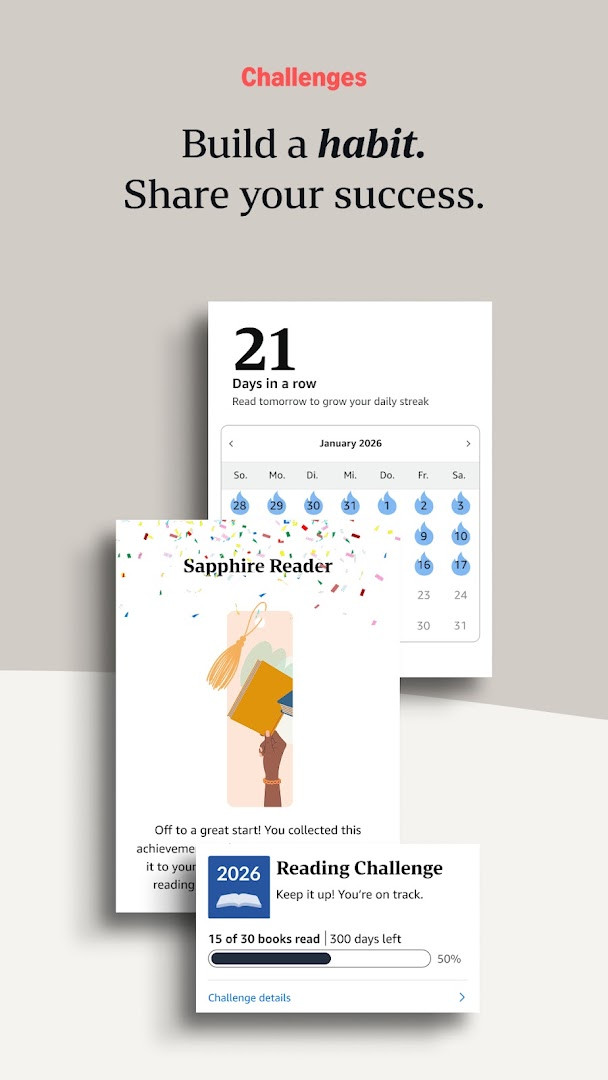
- Track your reading progress with real page numbers for most top titles, percentage read, and time remaining in a chapter based on your reading speed.
- Create, view, and manage all your bookmarks, highlights, and notes in one place with the My Notebook feature.
- Navigate books quickly using Page Flip to skim through pages or get a bird’s-eye view without losing your current spot.
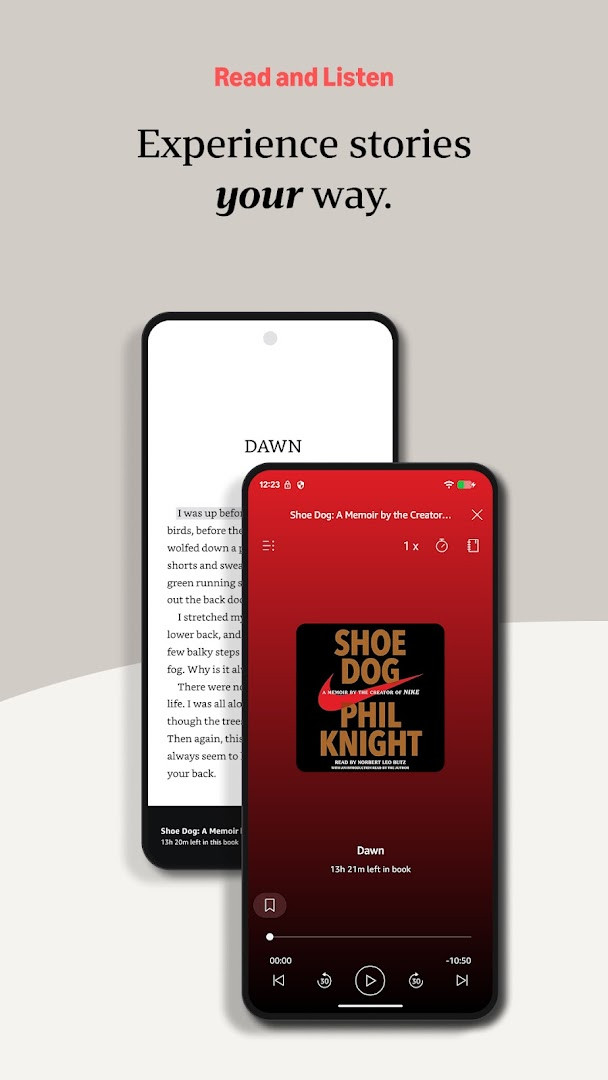
- Seamlessly switch between reading a Kindle book and listening to its Audible audiobook version, all within the same app.
- Sync your furthest page read, bookmarks, notes, and highlights automatically across all your devices so you can pick up right where you left off.
How to install
- Tap the download button on this page to get the APK file. The download size is around 147 MB, so ensure you have a stable connection.
- When prompted by Android, allow your browser or file manager to install apps from unknown sources by enabling the necessary permission in your device settings.
- Open the downloaded APK file from your notifications or file manager to begin the setup.
- Tap the 'Install' button and wait for the process to complete.
- Open the app, sign in with your Amazon account, and your library will be ready. The app requires a device running Android 9 or later.
Pros
- Provides access to an enormous selection of millions of books, including titles with Audible narration, magazines, and comics.
- Offers extensive reading customization, from font and brightness to orientation and scrolling mode.
- The Whispersync feature reliably synchronizes your last page read, bookmarks, and notes across all your devices.
- Integrated tools like the dictionary, X-Ray, and Wikipedia lookup enhance comprehension without leaving the app.
- The 'Last Book Read' widget allows for quick access to your current book directly from the home screen.
Cons
- Contains advertisements and prompts for in-app purchases that can distract from the reading experience.
- Requests a wide range of permissions, including access to identity, location, phone status, and device ID, which may concern privacy-focused users.
- The app’s large storage footprint (147 MB) can be significant for devices with limited internal memory.
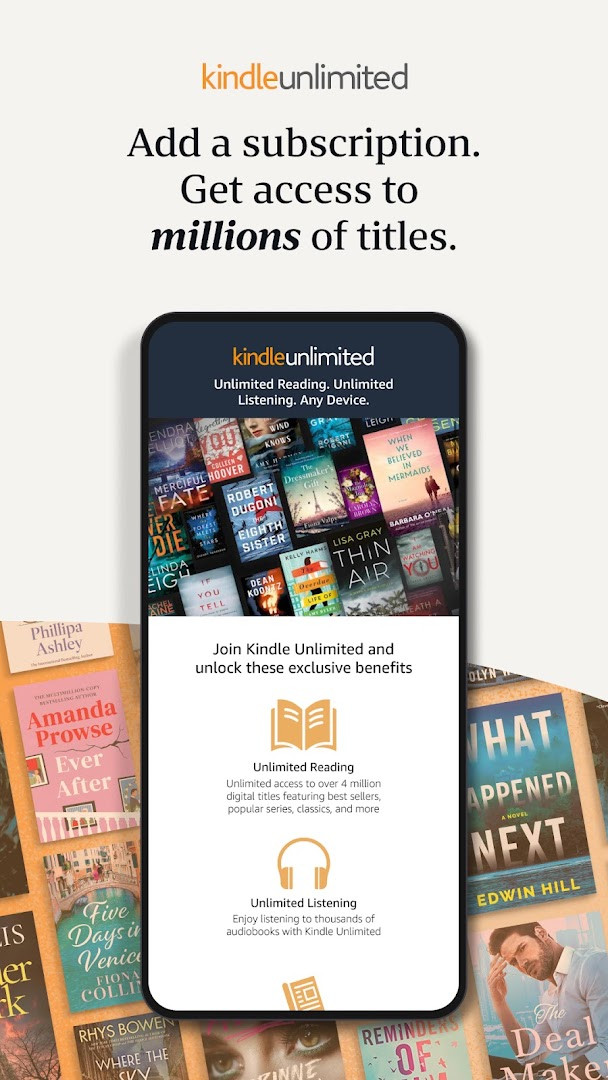
- Some features like Kindle Unlimited access and Audible narration require separate paid subscriptions.
- The interface can feel cluttered due to integrated store browsing and recommendation features.
Latest changes
This update introduces a new Kindle "Last Book Read" widget for your Android Home screen, giving you quick access to your most recent read. To add it, long press the Kindle app icon, select "Widgets," then long press the widget and drag it to your desired spot.
Older versions
| Version | Size | Requires Android | Updated |
|---|---|---|---|
| 8.158.0.100(2.0.109808.0) | 127 MB | 11 | Oct 9, 2026 |
| 8.51.1.0(1.3.272119.0) | 62 MB | 5.0 | Oct 9, 2026 |
| 8.157.0.100(2.0.104818.0) | 128 MB | 11 | Oct 8, 2026 |
| 8.154.0.100(2.0.95887.0) | 125 MB | 10 | Sep 22, 2026 |
| 7.8.1.5 | 53 MB | 4.1 | Nov 12, 2025 |
| 14.122.100(2.0.41248.0) | 147 MB | 9 | May 30, 2025 |
| 14.121.100(2.0.40027.0) | 146 MB | 9 | May 11, 2025 |
| 14.113.100(2.0.29451.0) | 168 MB | 9 | Jan 30, 2025 |
| 14.34.100(1.3.228187.0) | 43 MB | 5.0 | Oct 28, 2020 |
| 14.23.42_1226465010 | 47 MB | 4.4 | Oct 7, 2019 |
This app is ideal for avid readers who are already part of the Amazon ecosystem and want the flexibility to read their purchased books, Kindle Unlimited titles, or Prime Reading selections on their phone. It is also a perfect fit for students and researchers who frequently look up terms, make extensive notes, and need those annotations synced to other devices. If you enjoy audiobooks, the seamless switching between reading and Audible listening will be particularly appealing.
To declutter your reading view, explore the 'Aa' menu to set a background color and line spacing that reduces eye strain during long sessions. Use the Page Flip feature to quickly cross-reference a map or an earlier chapter without manually bookmarking your current page, as the app will remember exactly where you were reading.
Permissions
FAQ
How can I quickly return to the book I'm currently reading?
The latest update adds a Kindle 'Last Book Read' widget for your Android Home screen. After updating, long press the Kindle app icon, select 'Widgets', then long press the widget and drag it to the desired position on your Home screen for one-tap access to your most recent read.
Can I customize the reading experience to suit my preferences?
Yes, the app lets you adjust text size, font type, margins, text alignment, and orientation (portrait or landscape). You can also switch between page-turn and continuous scroll, and adjust brightness and background colors for day or night reading—all from the Aa menu inside a book.
What tools are available for looking up words or characters while reading?
You can tap and hold any word to see its definition from the built-in dictionary, access X-Ray for character and term info, open Wikipedia lookups, get instant translations, and search within the book. Links to Google and Wikipedia are also provided for more details.
How does the app help me track my reading progress?
It shows the percentage of the book you've finished, real page numbers for most top titles, and estimates of time left in the chapter or book based on your actual reading speed.
Can I switch between reading and listening to the same book?
Yes, you can seamlessly switch from reading a Kindle book to listening to the Audible narration within the app. This works with books that include Audible narration, and Kindle Unlimited members can access thousands of audiobooks.
Ultimately, the Kindle app turns your phone into a capable and convenient e-reader that excels at keeping your library and reading progress in sync. It is a solid choice for anyone invested in the Amazon book ecosystem who wants to read without carrying a dedicated device.
Similar apps
 Amazon ShoppingAmazon Mobile LLC4.4
 Prime VideoAmazon Mobile LLC4.7
 Amazon AlexaAmazon Mobile LLC4.0
 Google Play Books & AudiobooksGoogle LLC4.7
 Samsung Global GoalsSamsung Electronics Co., Ltd.3.7
 Duolingo: Learn LanguagesDuolingo4.7
 Seekho: Short Learning VideosSeekho App4.6
 S LIME: Read Magz & NewspaperPT. Samsung Electronics Indonesia3.8
More from this developer

Updated: Oct 14, 2026