
MX Player: Advanced Video Playback
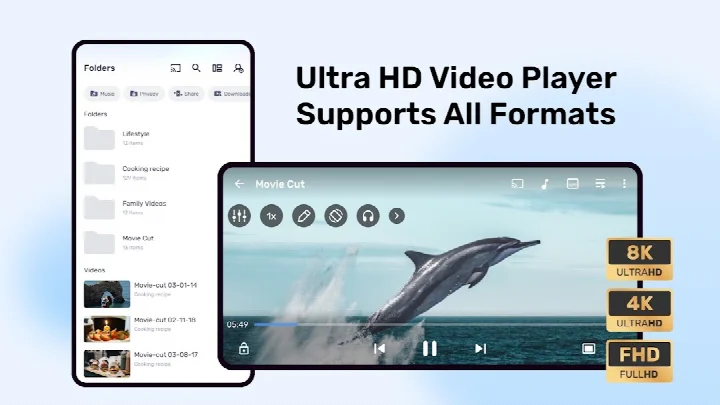
MX Player is a free video player by Amazon Mobile LLC that lets you play media with hardware acceleration and subtitle support.
Get App · v3.3.1MX Player contains ads and offers in-app purchases. It requires Android 7.0 or later. The app is suitable for users who want a feature-rich media player with multi-core decoding, subtitle gestures, and privacy controls like a private folder and kids lock.
Screenshots
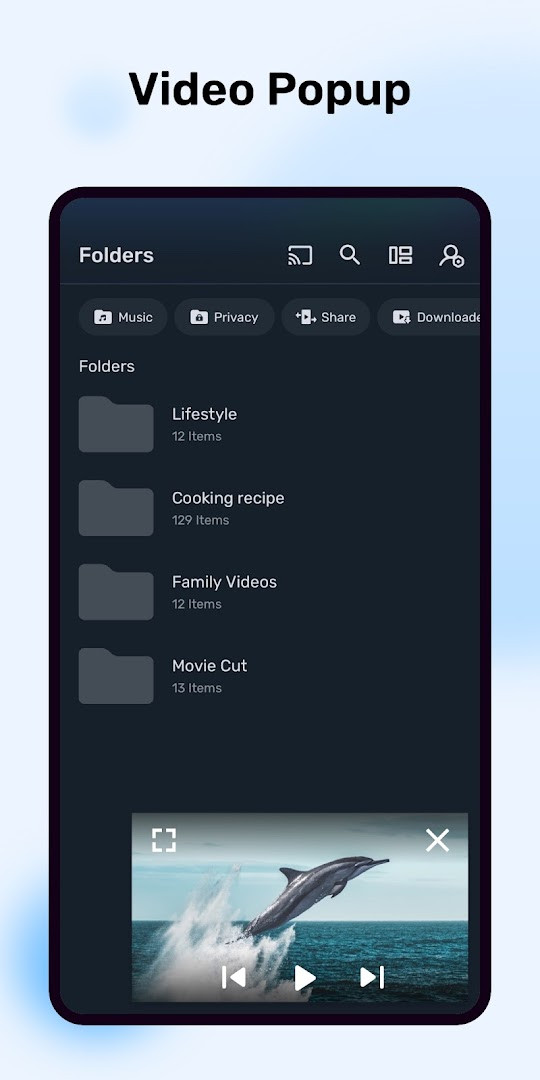
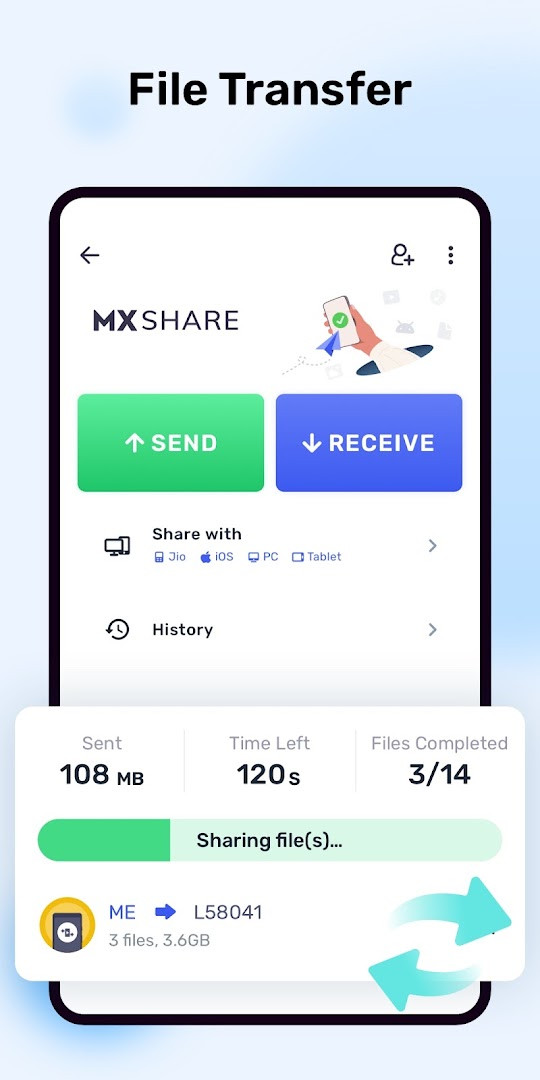
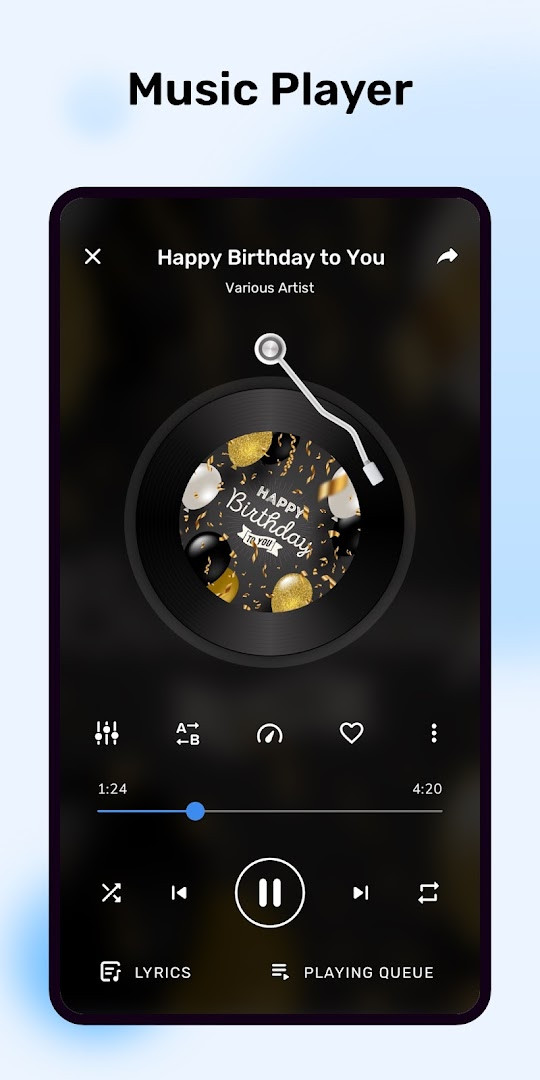
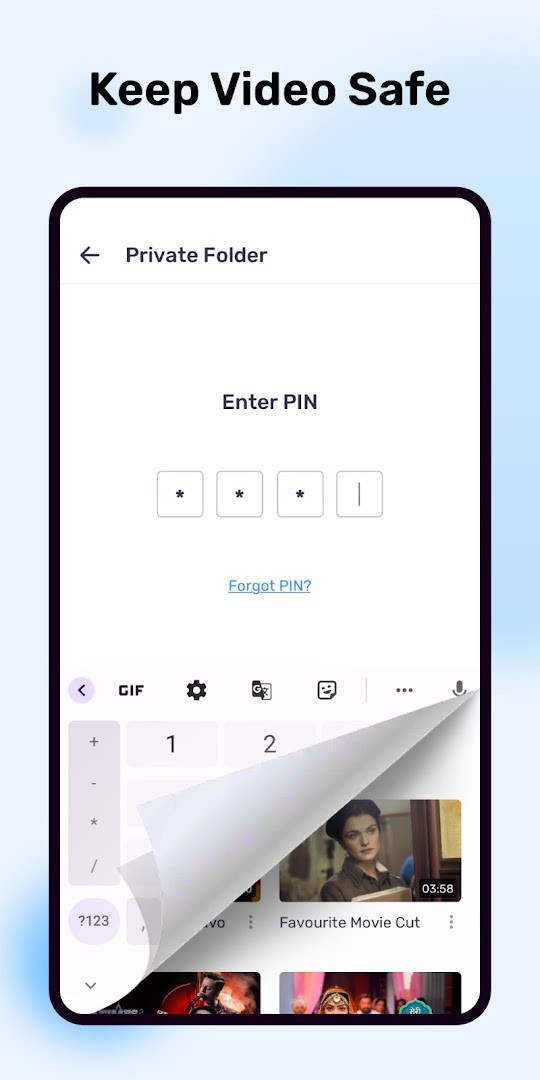
- Version
- 3.3.1
- Requires Android
- 7.0
- Updated
- Oct 30, 2026
- Installs
- 1B+
- Rating
- ★ 4.22 (14,340,772)
- Category
- Entertainment
- Developer
- Amazon Mobile LLC
- Content rating
- Everyone
- Package
- com.mxtech.videoplayer.ad
- Free
- ✓ · Contains ads · In-app purchases
MX Player is a video and music player by Amazon Mobile LLC that plays local media files with advanced hardware acceleration and subtitle support. It is designed for people who want a flexible player for videos stored on their Android device.
The app focuses on smooth playback and offers tools that go beyond a basic player. You can adjust zoom and pan, control subtitles with gestures, and use a privacy folder to keep certain videos hidden. A Kids Lock mode helps prevent accidental taps or calls when a child is watching.
MX Player is suitable for users who download or transfer videos, movies, or shows and need reliable playback with a wide range of subtitle formats. It also supports hardware decoding options that can make playback smoother on many devices.
Key features
- Hardware acceleration with a new HW+ decoder to play more videos smoothly.
- Multi-core decoding that can improve performance on supported devices.
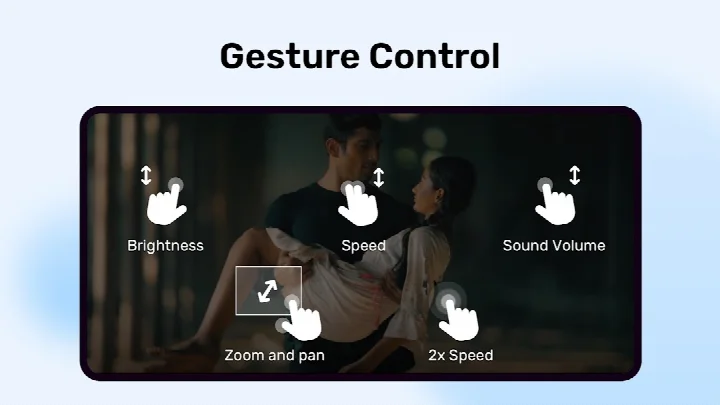
- Pinch to zoom, zoom, and pan controls for adjusting the video view.
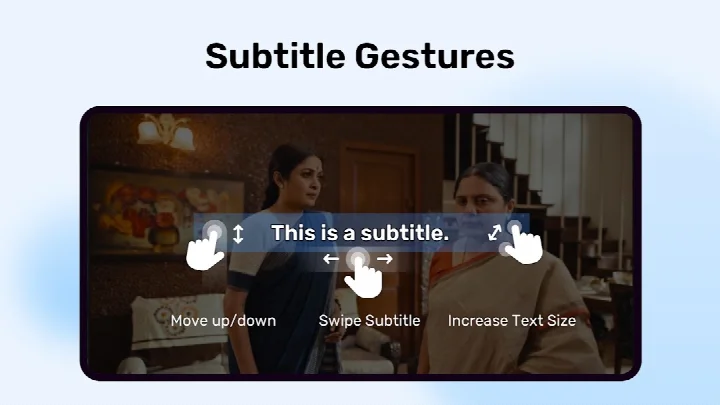
- Subtitle gestures for moving between text lines, repositioning, and resizing subtitles.
- A privacy folder to hide videos and protect personal content.
- Kids Lock to keep children from leaving the app or touching other controls.
- Support for many subtitle formats, including SRT, ASS, SSA, VTT, and more.
How to install
- Tap the download button on this page to get the MX Player APK file.
- If Android asks, allow your browser or file manager to install apps by enabling the 'Install unknown apps' setting.
- Open the downloaded APK file from your notifications or file manager.
- Tap Install and wait for the process to finish.
- Open MX Player and grant storage access when prompted so it can find your videos.
- The app requires Android 7.0 or higher; the APK file size is not listed here.
Pros
- Broad subtitle compatibility, including styled formats like SSA and ASS.
- Hardware and multi-core decoding can improve playback performance.
- Gesture controls make it quick to adjust subtitles and zoom without menus.
- Privacy folder and Kids Lock add practical everyday features.
- Free to download with a large set of core playback tools.
Cons
- Contains ads and in-app purchases, which may interrupt the viewing experience.
- Requests several permissions, including location and nearby devices, primarily for the file transfer feature.
- The interface and settings can feel dense for someone who only wants to play a simple clip.
- Some optional features, like picture-in-picture, require additional permissions to enable.
Latest changes · 3.3.1
The latest MX Player update, version 3.3.1 from October 7, 2026, brings a smoother, faster, and more reliable experience. This release focuses on bug fixes and performance optimizations to enhance overall app stability.
Older versions
| Version | Size | Requires Android | Updated |
|---|---|---|---|
| 3.3.1 | — | 7.0 | Oct 30, 2026 |
| 1.28.7 | 37 MB | 4.2 | Jan 24, 2026 |
| 1.96.4 | 114 MB | 5.0 | Dec 13, 2025 |
| 1.31.3 | 38 MB | 4.2 | Apr 11, 2025 |
| 1.10.47 | 29 MB | 4.0 | Mar 12, 2019 |
| 1.10.20 | 27 MB | 4.0 | Oct 30, 2018 |
| 1.7.41 | 12 MB | — | Jun 5, 2018 |
| 1.7.26 | 8.7 MB | — | Mar 3, 2014 |
MX Player is for Android users who watch local video files regularly and want more control over playback, subtitles, zoom, and privacy than a default player provides.
If you don't plan to use file transfer, you can deny camera, location, and nearby device permissions and still use the main playback features.
Permissions
FAQ
Is MX Player free to install?
Yes, MX Player is free to download and use. It includes ads and offers optional in-app purchases.
What Android version do I need?
The app requires Android 7.0 or a newer version to run properly.
Does the app require an account?
No, you do not need to create an account or sign in. You can start playing videos right after installation.
What permissions does MX Player ask for?
It requests access to storage and all files to find and play your media and subtitles. Optional permissions include camera, location, nearby devices, and modifying system settings for file transfers, as well as notifications and display over other apps for playback controls.
How can I update MX Player to the newest version?
To update, simply download the latest version from this page. The most recent update was released on October 7, 2026, as version 3.3.1.
MX Player is a dependable choice for anyone who regularly watches local video files and wants more control than basic players offer. Its subtitle support, hardware decoding, and gesture controls make it easy to recommend to beginners and experienced users alike.
Similar apps








More from this developer

Updated: Oct 31, 2026