ReadEra – book reader pdf epub
ReadEra – book reader pdf epub is a free reading application from READERA LLC for reading ebooks and documents offline without advertisements or registration.
Download for free · v26.05.20+2300ReadEra – book reader pdf epub is designed for anyone who wants a single, no-cost tool to read a wide range of ebook and document formats. It supports PDF, EPUB, Kindle (MOBI, AZW3), Microsoft Word (DOC, DOCX, RTF), FB2, DJVU, TXT, ODT, and CHM files without requiring an account, and the entire app works offline.
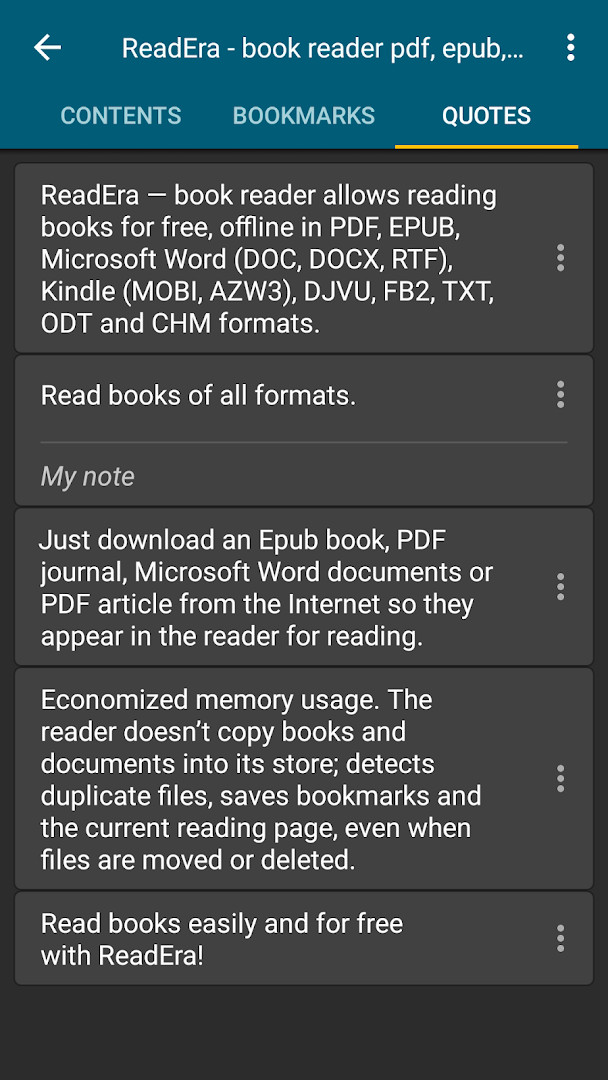
Screenshots
- Version
- 26.05.20+2300
- Size
- 20 MB
- Requires Android
- 4.1
- Updated
- May 22, 2026
- Installs
- 50M+
- Rating
- ★ 4.86 (1,593,462)
- Category
- Education
- Developer
- READERA LLC
- Content rating
- Everyone
- Package
- org.readera
- Free
- ✓
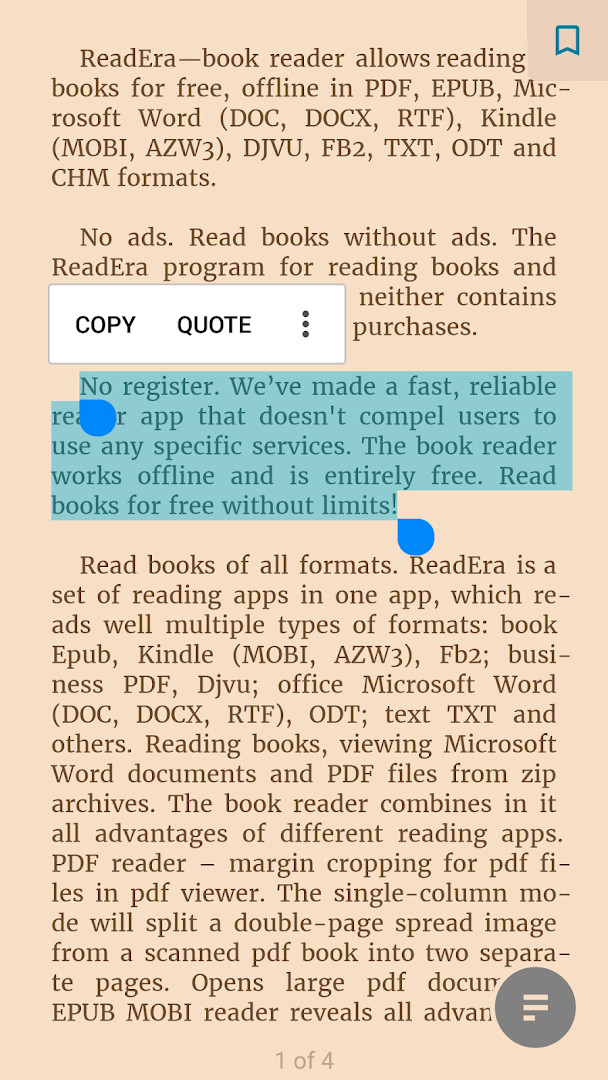
ReadEra – book reader pdf epub is an e-book reader application by READERA LLC that lets users open and read books and documents in a wide range of formats on Android devices. It handles PDF, EPUB, Microsoft Word (DOC, DOCX, RTF), Kindle (MOBI, AZW3), DJVU, FB2, TXT, ODT and CHM files, and it also works with books and documents stored inside zip archives without requiring users to unpack them first. The app is designed for offline reading and does not require an account or registration.
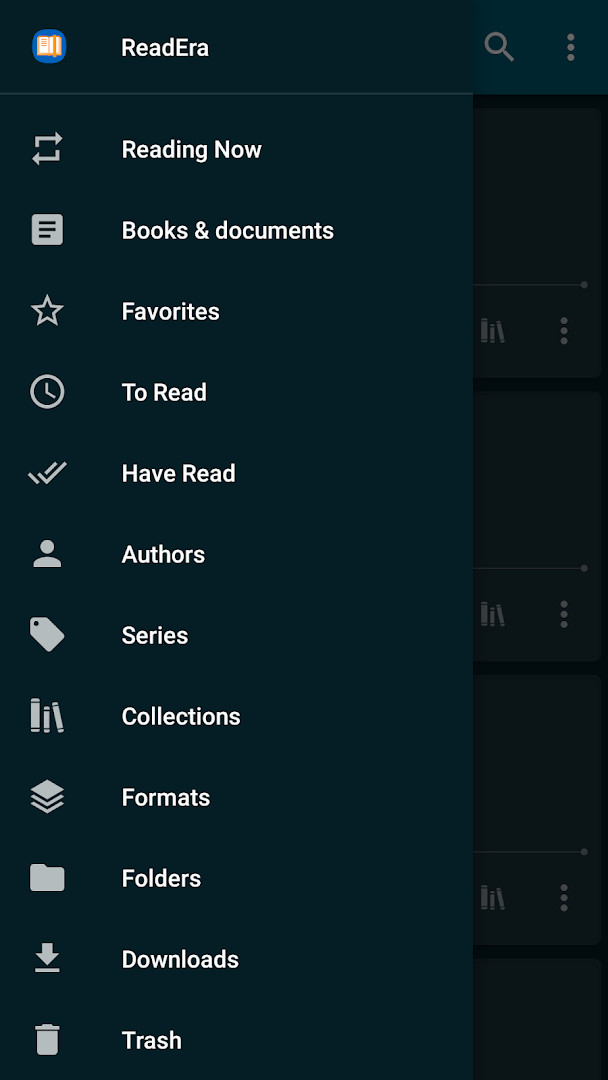
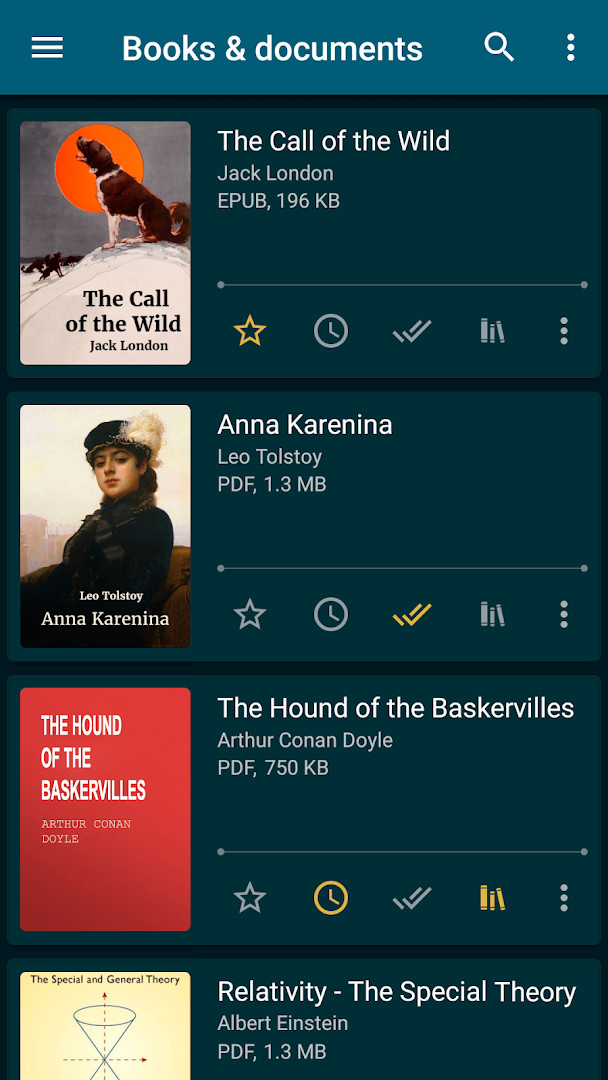
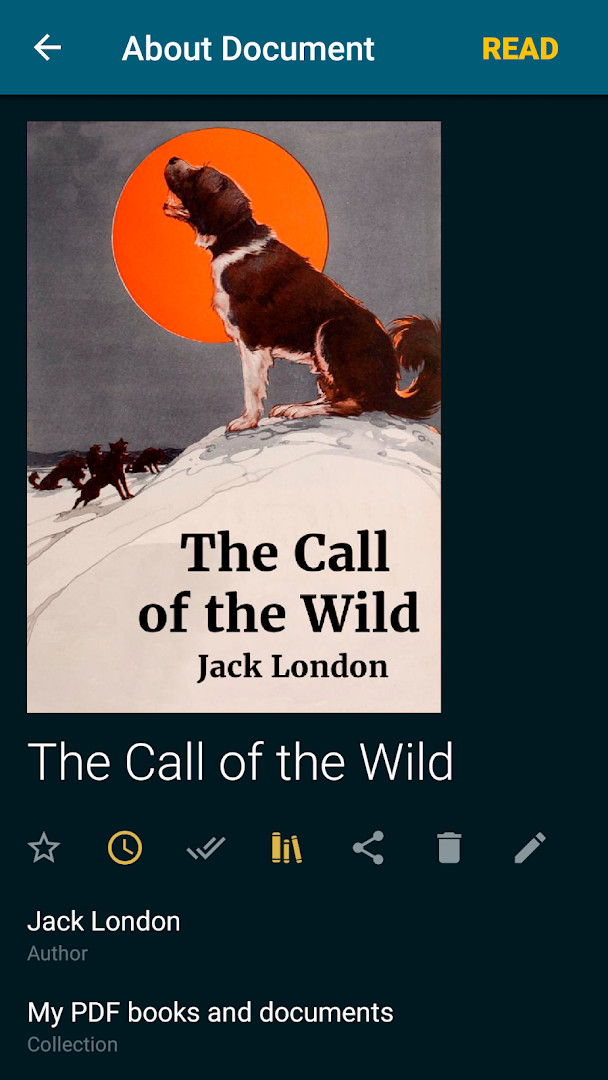
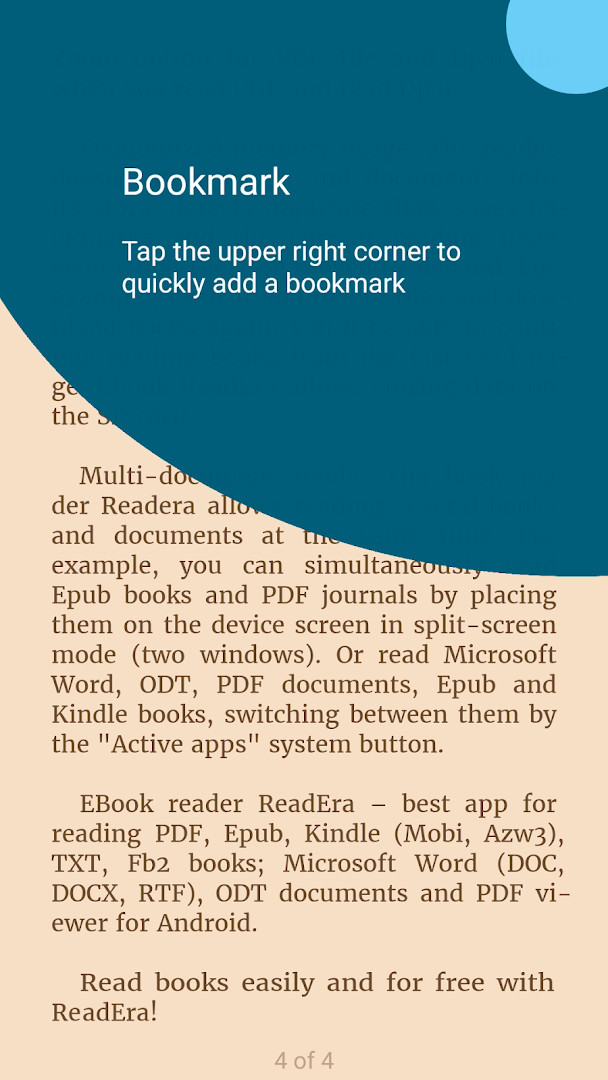
The reader includes a built-in library manager that automatically detects books and documents on the device, groups them by author and series, and organizes them into reading lists such as To Read, Have Read, and Favorites. Users can also create personal collections, add the same title to several collections, and browse files through folders and downloads. Navigation tools include a table of contents, bookmarks, text highlights, quotes, notes, and a reading history, with a progress line and page pointer for moving through a book.
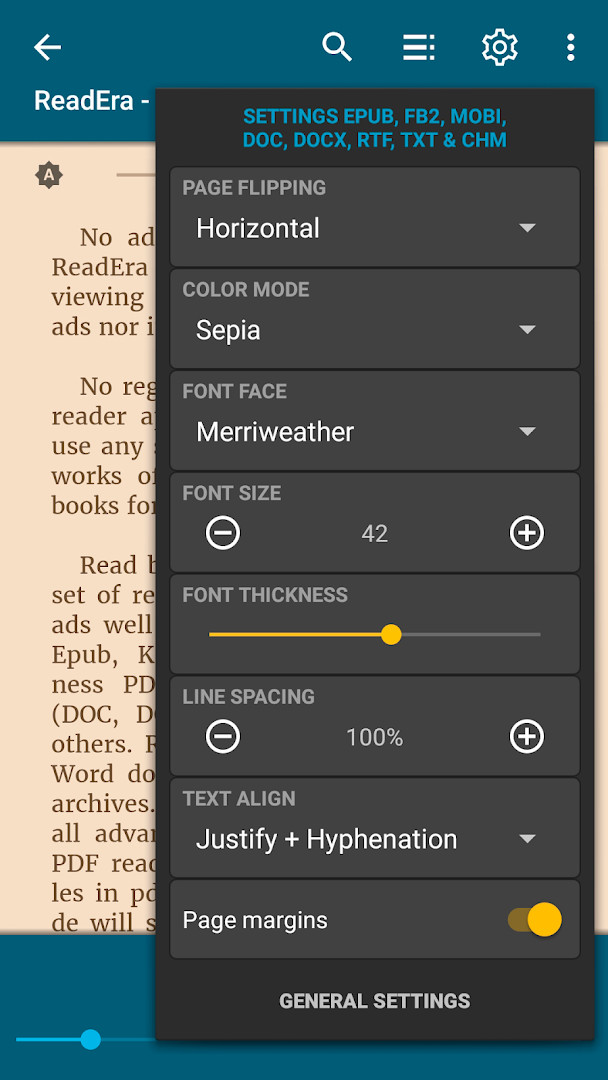
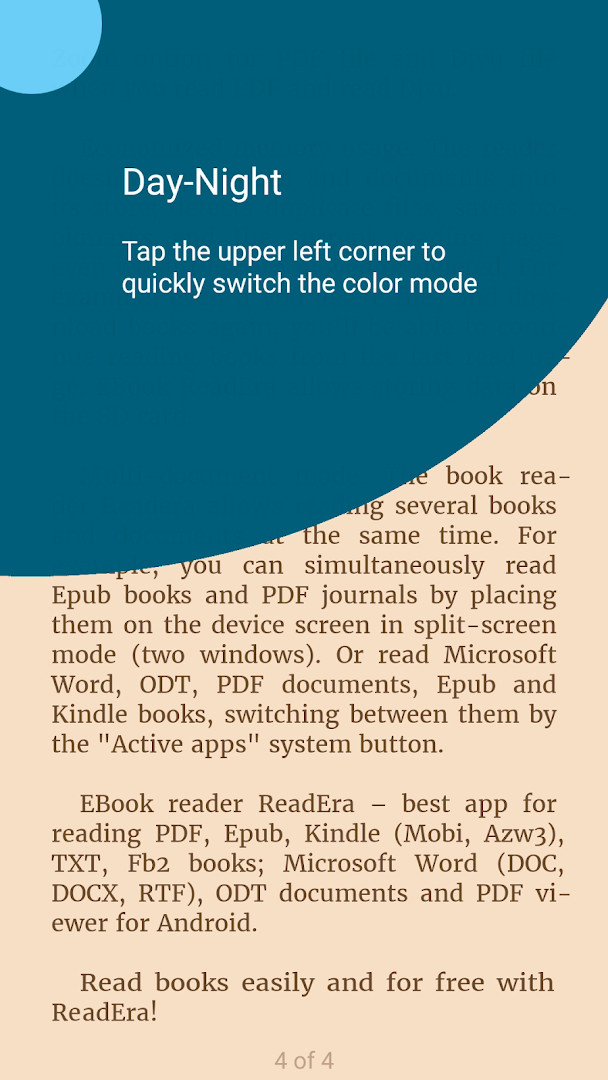
Reading settings cover day, night, sepia, and console color modes, horizontal or vertical page turning, and adjustments for orientation, brightness, and margins. Font type, size, weight, line spacing, and hyphenation can be changed for several formats, while PDF and DjVu files support zoom and margin cropping. The app saves the current reading position even if files are moved or deleted, avoids duplicating books in its own storage, and supports storing data on an SD card. A multi-document mode allows reading more than one book or document at a time, such as in split-screen view.
Key features
- Reads PDF, EPUB, Microsoft Word (DOC, DOCX, RTF), Kindle (MOBI, AZW3), DJVU, FB2, TXT, ODT and CHM files.
- Opens books and documents directly from zip archives without unpacking.
- Library manager with automatic detection of books and documents, folder navigation, and grouping by authors and series.
- Reading lists including To Read, Have Read, and Favorites, plus personal collections that can hold the same title in multiple shelves.
- PDF tools such as margin cropping and a single-column mode that splits a scanned double-page spread into two pages.
- Navigation features including table of contents, bookmarks, text highlights, quotes, notes, and page browsing history.
- Reading modes with day, night, sepia, and console colors, plus adjustable orientation, brightness, margins, fonts, line spacing, and hyphenation.
- Multi-document mode for reading several books or documents at once, including split-screen use.
- No ads and no in-app purchases; works offline and does not require registration.
- Saves the current reading page and bookmarks even when files are moved or deleted, with support for SD card storage.
How to install
- Tap the download button on this page to get the APK file. The file is about 20 MB.
- When Android asks for permission, allow your browser or file manager to install apps. This is the "Install unknown apps" setting.
- Open the downloaded APK file from your notifications or file manager.
- Tap Install and wait for the process to finish.
- Open ReadEra and start reading. The app requires Android 4.1 or later.
Pros
- Supports many document and e-book formats in one app, including PDF, EPUB, Word, Kindle, DJVU, FB2, TXT, ODT, and CHM.
- Does not show ads and does not offer in-app purchases.
- Works offline and does not require registration or an account.
- Library tools automatically find books and documents, and reading lists help organize them.
- Saves reading position and bookmarks even if files are moved or deleted.
- Requested permissions are limited to Photos/Media/Files and Storage, which are used to access and manage the documents you read.
Cons
- Reading from internal storage or an SD card requires granting the app access to your files.
- The app is large in scope, so its settings and library tools may take some time to learn.
- Some advanced display features depend on the file format and may not apply to every document.
Latest changes · 26.05.20+2300
This update improves the full-screen reading experience on Android 15 and newer devices. It also refines how covers, quotes, footnotes, and tables of contents are displayed in certain books, and enhances Japanese text rendering, including ruby annotations and inline images. Support for Chinese text in TXT files is better, and text-to-speech performance has been improved.
Older versions
| Version | Size | Requires Android | Updated |
|---|---|---|---|
| 26.05.20+2300 | 20 MB | 4.1 | May 22, 2026 |
| 21.12.12+1335 | 31 MB | 4.4 | Dec 19, 2021 |
ReadEra is aimed at Android users who want a single offline reader for e-books and documents across many formats, including people who keep a personal library of EPUB or Kindle books, students and professionals who open PDF or Word files, and readers who prefer no ads, no in-app purchases, and no account registration. It is also suitable for users who read several titles at once or want their reading position preserved when files are moved or deleted.
Use the library manager to let the app detect books and documents automatically, then sort them into reading lists or collections. Adjust color mode, brightness, margins, and font settings for each format to make long reading sessions more comfortable. If you read scanned PDFs, try the single-column mode and margin cropping. Keep in mind that moving or deleting files will not erase your bookmarks or last-read page, so you can continue where you left off after re-downloading a book.
Permissions
FAQ
How do I install the ReadEra APK on my Android device?
To install the ReadEra APK on an Android device, first allow installation from unknown sources in your device settings. Then, open the APK file and follow the on-screen prompts to complete the installation.
What is the current version of ReadEra and what are its new features?
The current version of ReadEra is 26.05.20+2300, which was released on May 22, 2026. This update includes an improved full-screen reading mode for Android 15 and above, optimized cover extraction, enhanced Japanese and Chinese text support, and better text-to-speech performance.
Does ReadEra contain ads or require any purchases?
ReadEra is completely free and contains no advertisements. There are also no in-app purchases required, allowing for an uninterrupted reading experience without any hidden costs.
Can I use ReadEra without an internet connection?
Yes, ReadEra works fully offline after installation. You can read your books and documents without an internet connection, and it does not require any registration or sign-up to use.
Are there other apps similar to ReadEra for reading ebooks and documents?
There are other reading applications available that support multiple file formats and offer features like library management and customizable reading settings. When choosing an alternative, consider factors such as supported formats, whether ads are included, and specific reading features you need.
ReadEra – book reader pdf epub combines broad format support, offline reading, and a capable library manager without ads or in-app purchases. Its file-related permissions are consistent with its purpose of opening and organizing your own documents, making it a practical choice for Android users who want one reader for many types of books and files.
Similar apps
 Amazon Kindle: Reading AppAmazon Mobile LLC4.8
 Google Play Books & AudiobooksGoogle LLC4.7
 Samsung Global GoalsSamsung Electronics Co., Ltd.3.7
 Duolingo: Learn LanguagesDuolingo4.7
 Seekho: Short Learning VideosSeekho App4.6
 S LIME: Read Magz & NewspaperPT. Samsung Electronics Indonesia3.8
 Cake - Learn English & KoreanCake Corp.4.7
 Kahoot! Play & Create QuizzesKahoot!4.7
Updated: Oct 15, 2026