Sense V2 Flip Clock & Weather – Customizable Flip Clock Widgets
Sense V2 Flip Clock & Weather is a free weather app by MACHAPP Software Ltd that lets you view forecasts and personalize flip-style clock widgets.
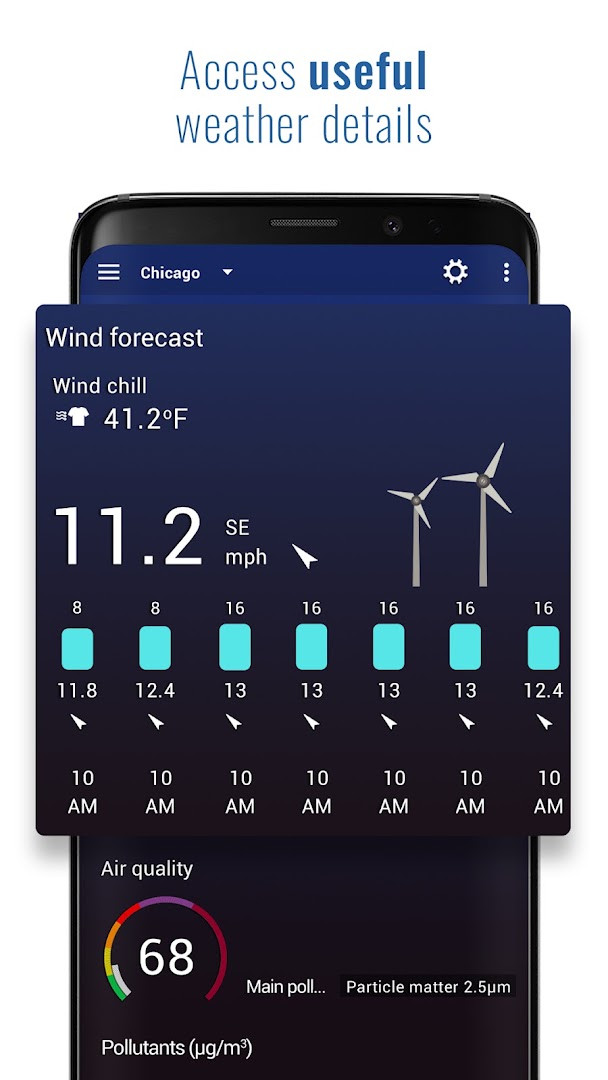
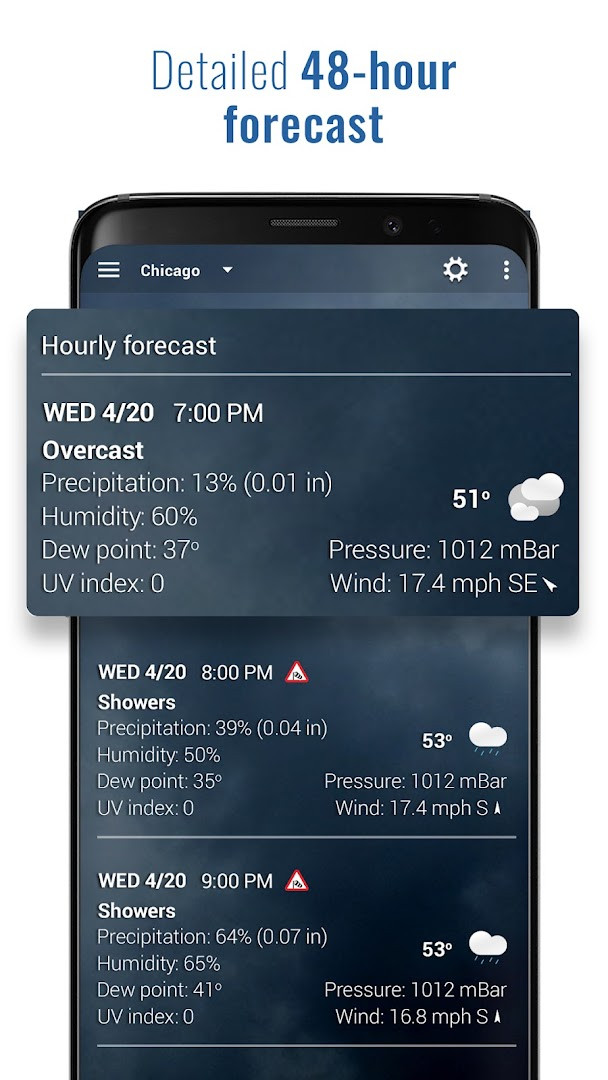
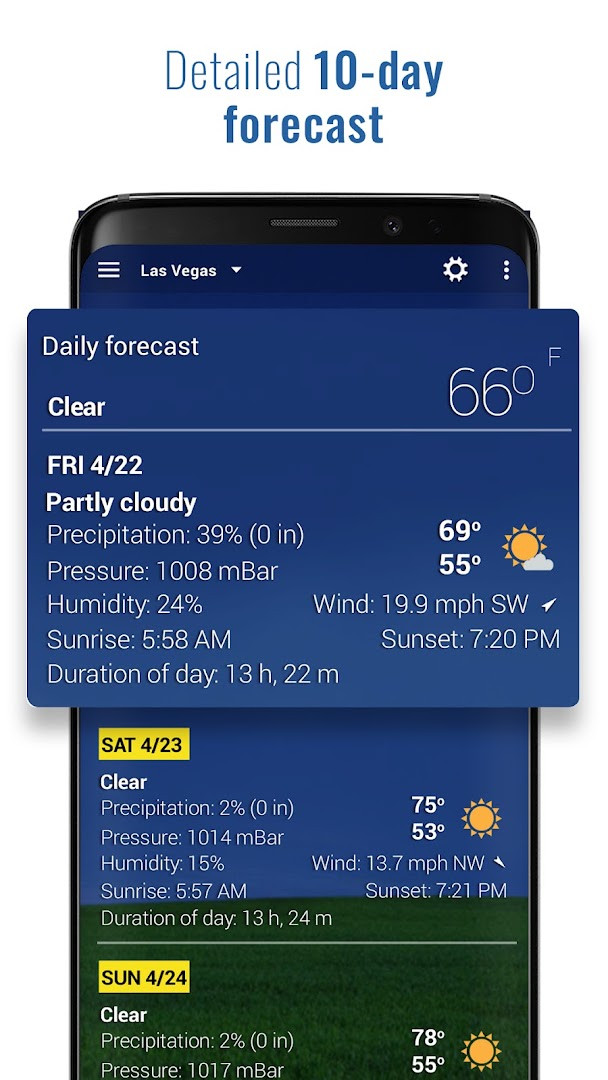
Download APK · v9.17.0Sense V2 Flip Clock & Weather requires Android 7.0 or later and contains ads and optional in-app purchases. The app provides current conditions, a 7-day daily forecast, hourly and wind predictions for 12 hours, weather graphs, and a radar that updates every 3 hours.
Screenshots
- Version
- 9.17.0
- Requires Android
- 7.0
- Updated
- Oct 26, 2026
- Installs
- 1M+
- Rating
- ★ 4.2 (68,737)
- Category
- Weather
- Developer
- MACHAPP Software Ltd
- Content rating
- Everyone
- Package
- com.droid27.sensev2flipclockweather
- Free
- ✓ · Contains ads · In-app purchases
Sense V2 Flip Clock & Weather is a weather and clock app by MACHAPP Software Ltd that combines a full-featured forecast tool with a set of flip-style clock widgets. It has been available since 2012 and remains actively updated, with the latest release, version 9.17.0, arriving on September 29, 2026. The app is free to download and includes ads, with an optional premium subscription that unlocks extra features like air quality data and animated radar. It requires Android 7.0 or higher and has been installed over one million times, earning a rating of 4.19 from more than 68,000 users.
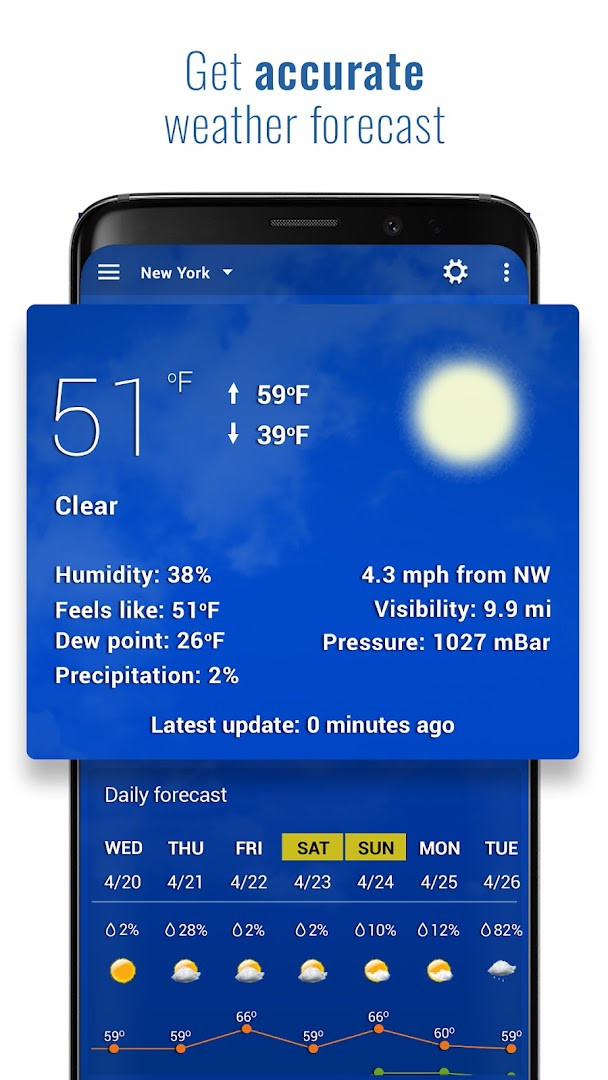
The app goes beyond just telling time. It shows current conditions such as temperature, pressure, visibility, UV index, wind speed and direction, dew point, and the chance of rain or snow. Forecasts cover the next 7 days and the coming 12 hours, including hourly temperature, wind, and UV index. You can track up to 10 different locations worldwide, and the app includes weather graphs, sun and moon information, moon phases, and a radar that updates every 3 hours. Notifications can be set for specific weather events, temperature ranges, and strong winds.
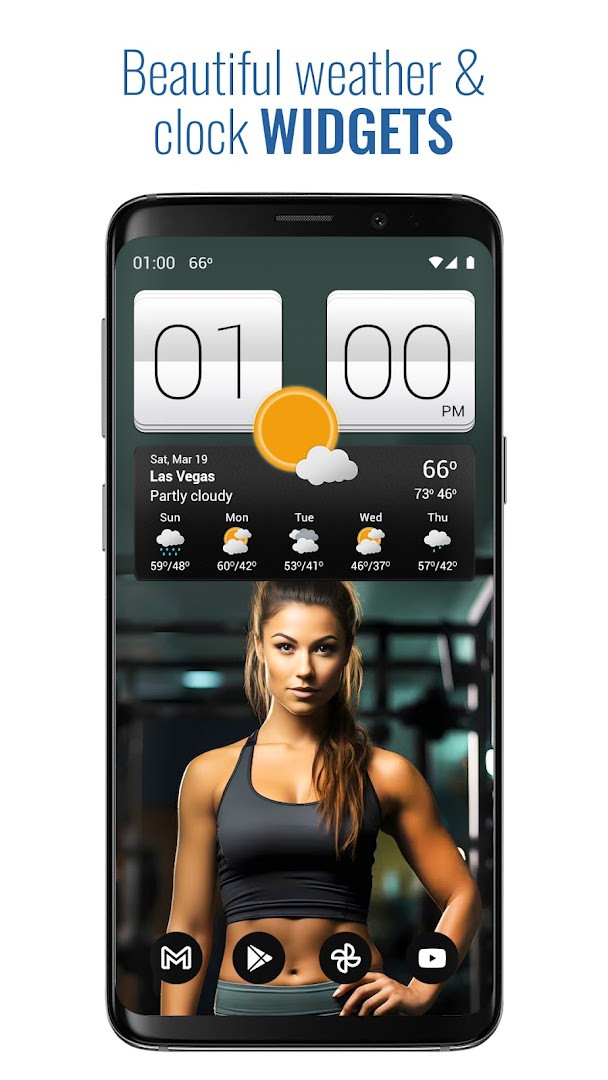
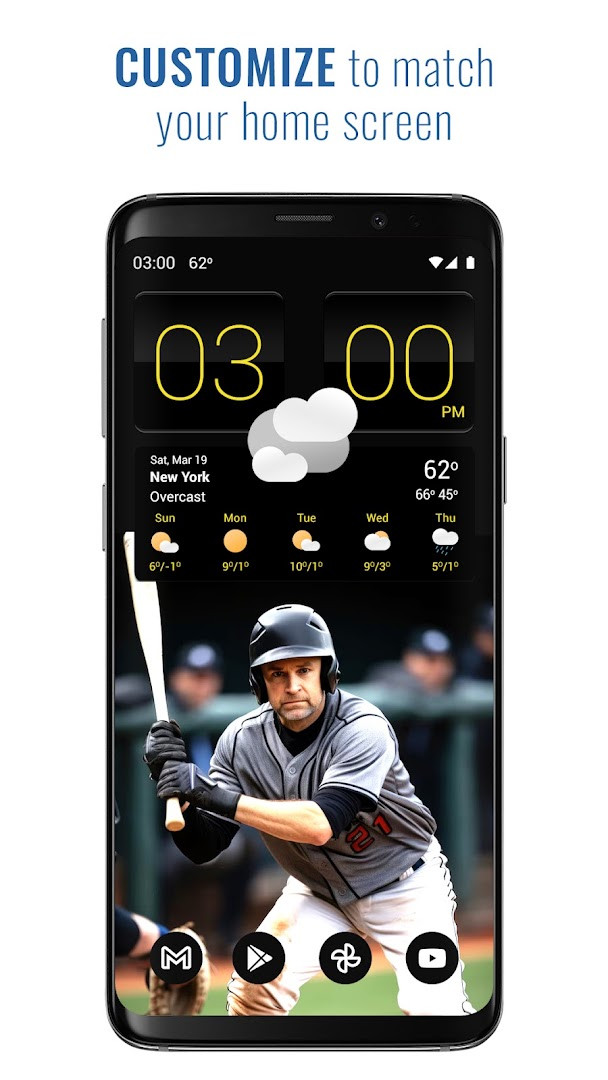
Version 9.17.0 introduces UI improvements and shows 24-hour data in current forecast cards for premium users, along with bug fixes and optimizations. The app also offers four widget sizes (4x2, 4x3, and 5x2) with more than 20 skins, customizable colors, fonts, and icons. Widgets can be full-width or fixed, and they provide shortcuts to launch your alarm, calendar, or other apps. The optional premium subscription adds air quality data for the USA, Canada, Europe, and parts of Asia, animated radar, severe weather alerts, and animated backgrounds.
Key features
- Flip clock widgets in 4x2, 4x3, and 5x2 sizes with over 20 skins
- Current weather conditions including temperature, pressure, visibility, UV index, wind, dew point, and rain/snow chance
- 7-day daily forecast and 12-hour hourly forecast with wind and UV index
- Weather radar updating every 3 hours (animated with premium)
- Sun, moon, and moon phase information
- Notifications for selected weather conditions, temperature ranges, and strong winds
- Support for up to 10 worldwide locations
- Customizable backgrounds, icons, colors, and fonts
- Widget hotspots and shortcuts to launch other apps
- Optional premium: air quality, severe weather alerts, animated backgrounds
How to install
- Tap the download button on this page to get the APK file.
- When Android asks, allow your browser or file manager to install apps by enabling the 'Install unknown apps' setting.
- Open the downloaded APK file from your notification bar or file manager.
- Tap 'Install' and wait for the installation to finish (the file size is not specified).
- Open the app from your app drawer or home screen.
- Note: The app requires Android 7.0 or higher.
Pros
- Comprehensive weather data in one app
- Highly customizable flip clock widgets
- Supports multiple locations worldwide
- Useful weather notifications
- Free with optional premium upgrade
Cons
- Contains ads
- Some features require a premium subscription
- Radar updates only every 3 hours
- Permissions include camera and storage, which may seem excessive
Latest changes · 9.17.0
Version 9.17.0 brings interface refinements and general polish. Premium subscribers can now see 24-hour data within the current forecast cards. This update also includes bug fixes and performance optimizations.
Older versions
| Version | Size | Requires Android | Updated |
|---|---|---|---|
| 9.17.0 | — | 7.0 | Oct 26, 2026 |
| 4.40.31 | 14 MB | 4.0.3 | Jul 2, 2026 |
| 2.80.04 | 17 MB | — | Apr 5, 2017 |
This app suits people who want a glanceable clock and weather widget on their home screen, travelers or remote workers who need forecasts for multiple cities, and weather enthusiasts who appreciate detailed metrics like UV index, dew point, and moon phases.
If you want to save battery, set the update interval to 2 or 4 hours instead of the default 15 minutes, especially if you don't need real-time conditions.
Permissions
FAQ
Is Sense V2 Flip Clock & Weather free to download?
Yes, the app is free to download. It includes optional in-app purchases for a premium subscription that adds extra features.
What Android version do I need to run the app?
The app requires Android 7.0 or higher. If your device runs this version or a newer one, it should be compatible.
Does the app require an account to use?
No, an account is not required to use the app. The core weather and widget features work without signing in.
What permissions does the app request?
The app asks for access to calendar, location, photos/media/files, storage, and camera. These are used for features like location-based forecasts and customizing widgets.
How do I update the app to a new version?
To update, download the latest version from this page. The most recent release is version 9.17.0, which includes UI improvements and bug fixes.
Sense V2 Flip Clock & Weather is a solid choice for anyone who wants a functional clock widget and a thorough weather app in one package. It offers a wide range of data and customization, though the ads and premium paywall may be a minor drawback. Overall, it delivers good value for everyday use.
Similar apps




Updated: Oct 26, 2026