
Weather & Widget - Weawow for Android
Weather & Widget - Weawow is a free weather app from Weawow for viewing forecasts, maps, and customizable widgets without advertisements or tracking.
Download for Android · v7.2.0Weather & Widget - Weawow is for anyone who wants a clean, ad-free way to check weather with the ability to compare forecasts from multiple providers side by side. The app is free, works offline for basic viewing, and does not require an account to use its core features.
Screenshots
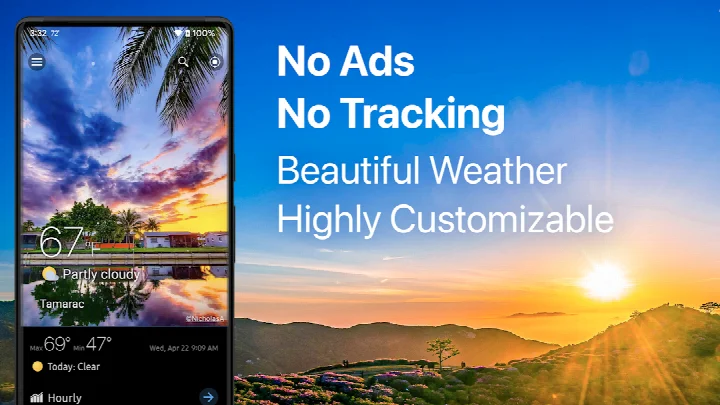
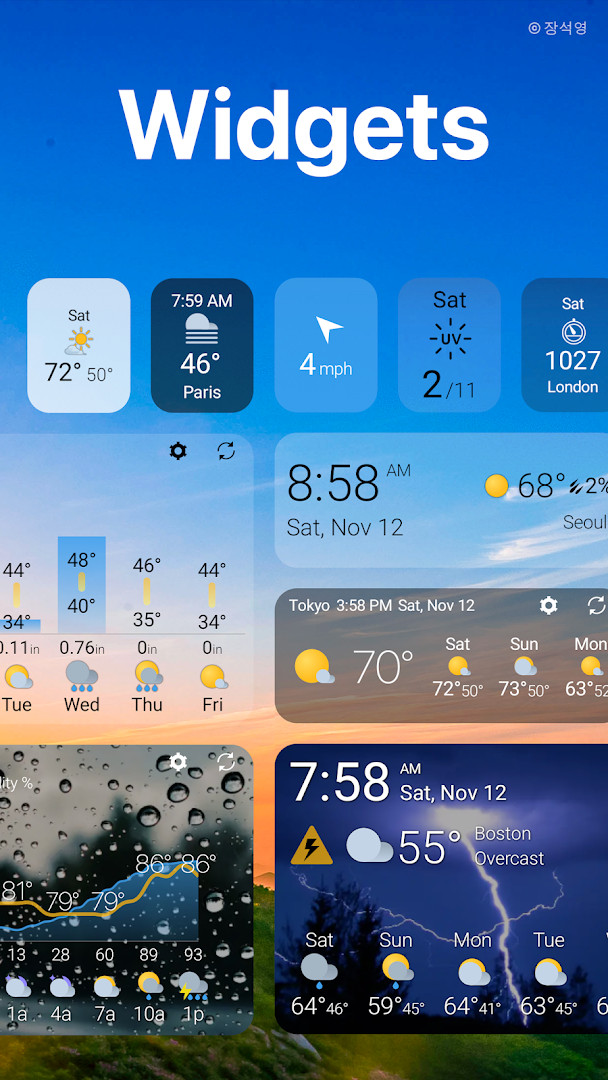
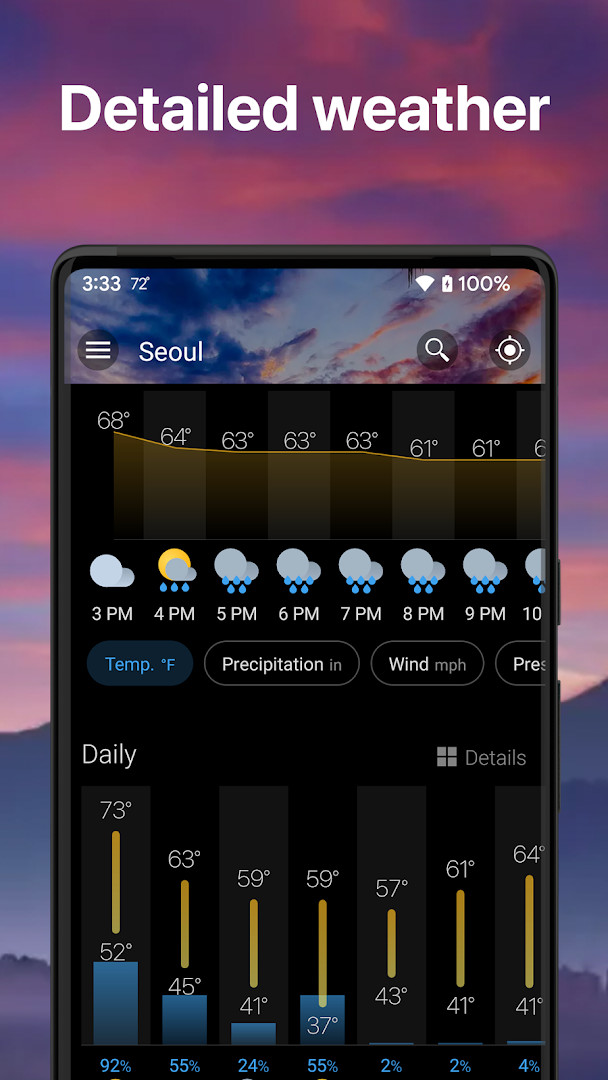
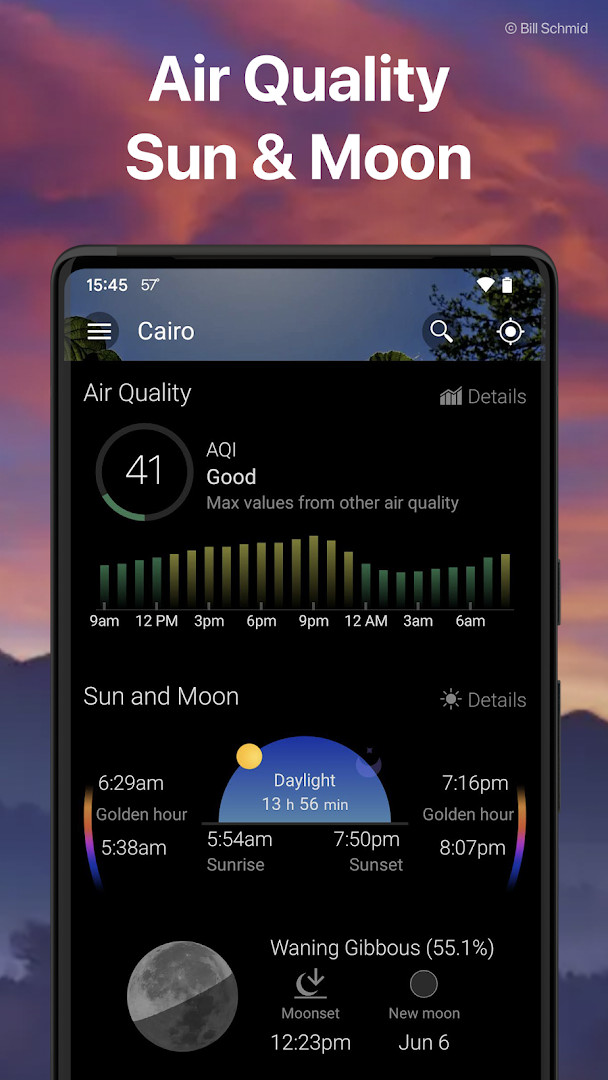
- Version
- 7.2.0
- Size
- 12 MB
- Requires Android
- 5.0
- Updated
- Oct 16, 2026
- Installs
- 10M+
- Rating
- ★ 4.89 (758,943)
- Category
- Weather
- Developer
- Weawow
- Content rating
- Everyone
- Package
- com.weawow
- Free
- ✓ · In-app purchases
Weather & Widget - Weawow is a free weather application by Weawow that shows forecasts from several providers, animated radar, and fully customizable home screen widgets. Forecasts from different services can disagree, especially in unstable weather, and the app solves this by letting you compare providers side by side in clear graphs so you can judge how much confidence to place in a prediction. For a weather app, it is unusually light on permissions: only Location is requested, and the developer states there are no ads and no tracking. The current conditions are reinforced with real weather photographs, while a detailed suite of data, from air quality to moon phases, can be rearranged and themed according to your preferences.
Key features
- Compare forecasts from multiple weather providers side by side with easy-to-read graphs, helping you see when predictions agree or differ.
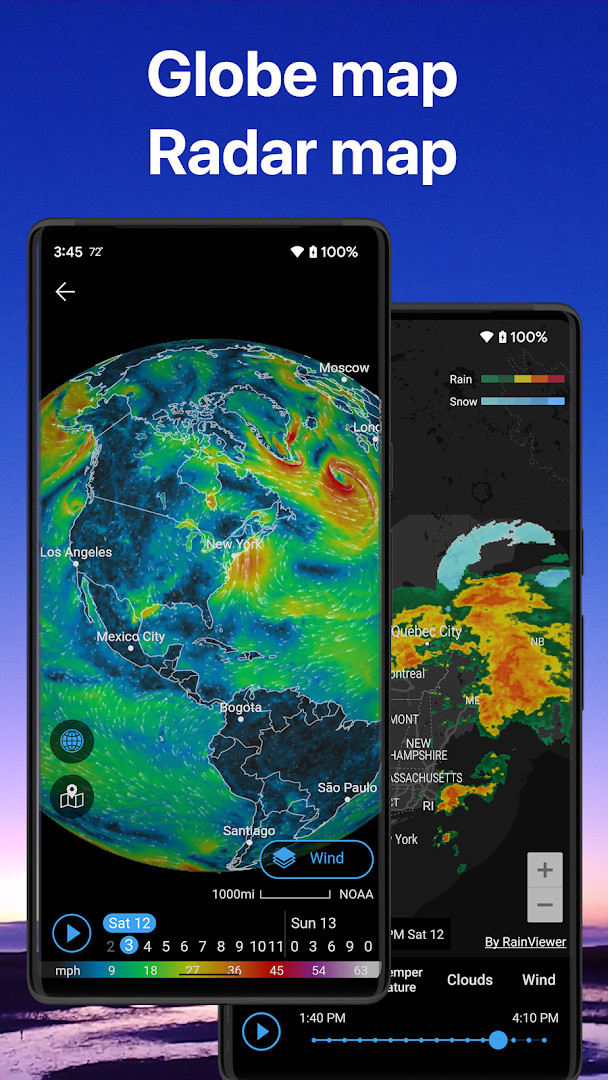
- View an animated weather globe with radar, precipitation, temperature, humidity, wind, clouds, snow, and air quality layers, plus pressure isobars.
- Check hourly and daily forecasts up to 14 days, covering temperature, feels-like, precipitation chance, wind gusts, pressure, humidity, dew point, clouds, UV index, visibility, and solar radiation.
- Access air quality information such as AQI, PM2.5, PM10, NO2, SO2, CO, and ozone, sourced from CAMS/ECMWF, along with official severe weather alerts.
- See sunrise, sunset, golden hour, blue hour, and moon phase animations for up to one month, which can help with photography timing.
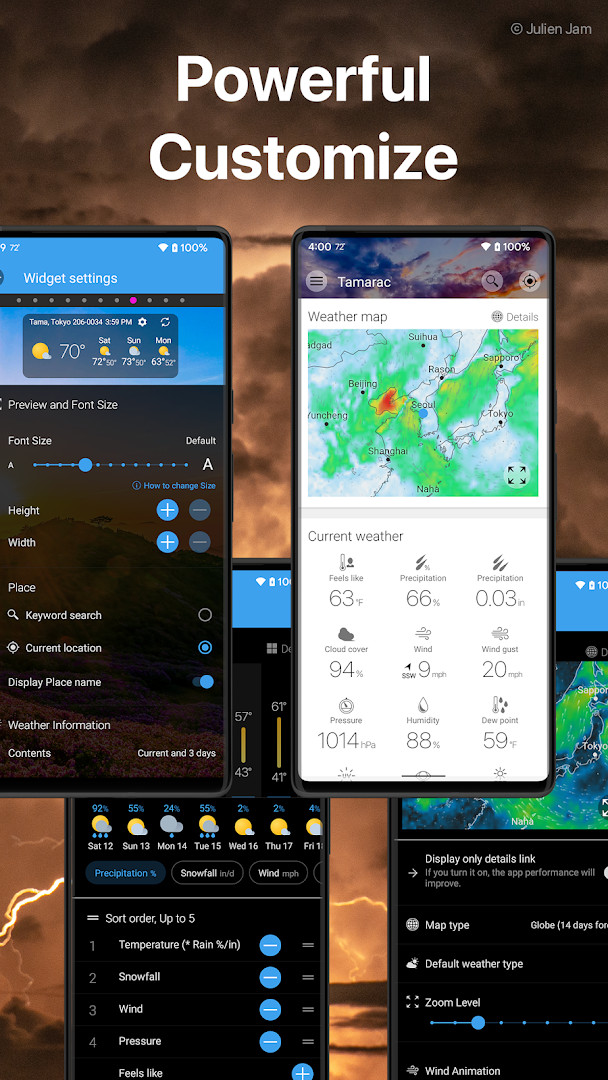
- Add home screen widgets in 14 styles, from compact 1x1 sizes to full-screen layouts, with selectable data fields such as wind, UV index, and air quality.
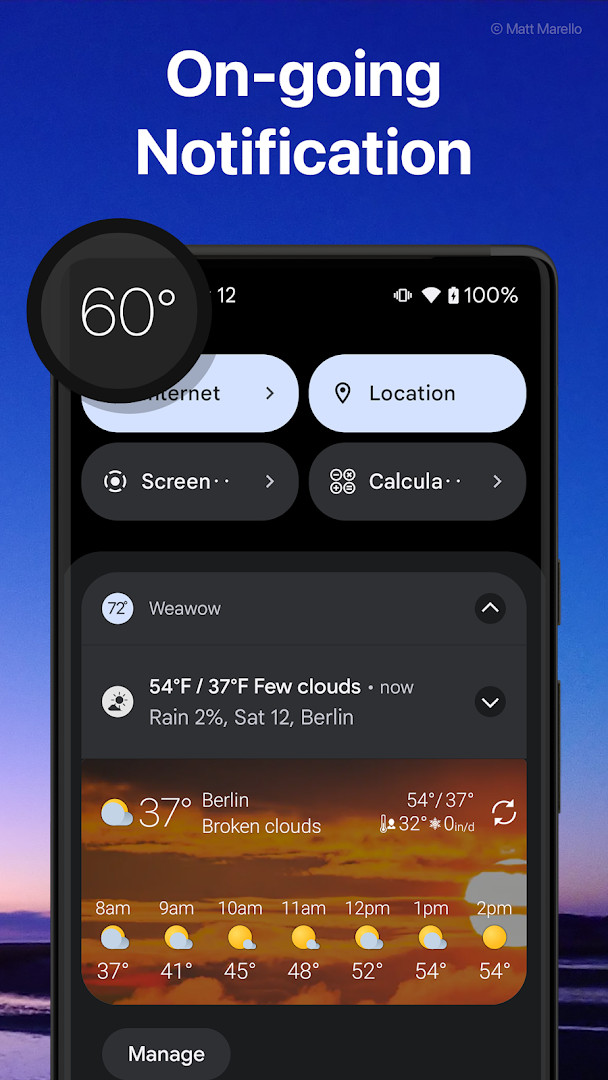
- Display the forecast in the notification panel or lock screen using 8 layouts, with the current temperature available in the status bar.
How to install
- 1. Confirm your device runs Android 5.0 or later, then tap the download button on this page to save the 12 MB APK file.
- 2. If Android asks, allow your browser or file manager to install apps by enabling the 'Install unknown apps' setting.
- 3. Open the downloaded APK file from your notifications or file manager.
- 4. Tap Install and wait for the installation to finish.
- 5. Open Weather & Widget - Weawow and grant the Location permission if you want forecasts for your current position.
Pros
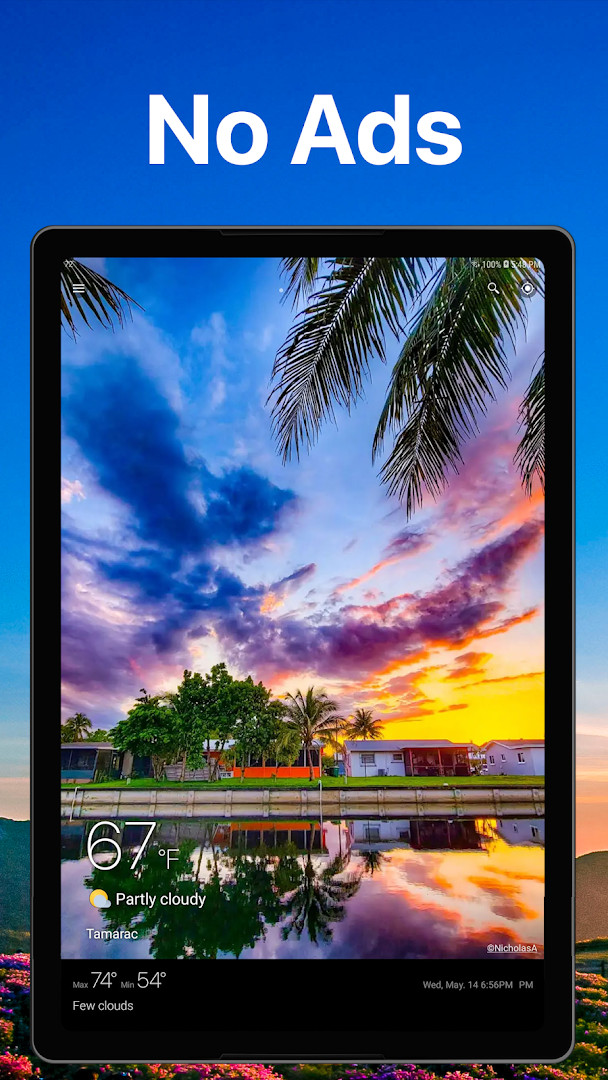
- No advertisements and no user tracking, according to the developer.
- Only the Location permission is requested, keeping the privacy footprint small.
- Free to use, with a one-time donation unlocking AccuWeather and Foreca.
- Comparing multiple weather providers makes it easier to interpret uncertain forecasts.
- Deep customization covers layout, themes, icons, widgets, notifications, and map settings.
- Weather photos reflect actual conditions, giving a quick visual sense of the forecast.
Cons
- Requires Location permission, which privacy-conscious users may prefer to restrict.
- AccuWeather and Foreca are available only after a one-time donation.
- Pollen data is limited to AccuWeather and US locations.
- Forecast length and some data fields depend on the chosen weather provider.
Latest changes · 7.2.0
This update introduces compatibility with Android OS 17.2 while maintaining support for devices running Android 5.0 and later. A refresh button has been added to the notification panel when using the Weather overview (Small) option for ongoing notifications. Additionally, fixes address an incorrect graph size for the Hourly Graph notification style and improve weather provider selection on the comparison screen in landscape mode.
Older versions
| Version | Size | Requires Android | Updated |
|---|---|---|---|
| 7.2.0 | 12 MB | 5.0 | Oct 16, 2026 |
| 7.1.9 | 12 MB | 5.0 | Sep 1, 2026 |
| 7.1.7 | 12 MB | 5.0 | Aug 6, 2026 |
| 7.1.8 | 12 MB | 5.0 | Jul 15, 2026 |
| 7.1.1 | 12 MB | 5.0 | Apr 27, 2026 |
| 7.0.3 | 13 MB | 4.4 | Dec 8, 2025 |
Weather & Widget - Weawow suits people who want a free, ad-free weather app they can tailor to their own habits, whether that means comparing forecasts before a trip, tracking air quality, or choosing exactly which metrics appear on a widget. Because it asks only for Location and reports no tracking, it should also appeal to privacy-minded users. Photographers may appreciate the golden hour, blue hour, and moon phase tools, while travelers can bookmark several places and switch between them by swiping left or right.
When providers disagree, check the comparison graphs before deciding whether, for example, to carry an umbrella. You can also rearrange the layout and hide sections you rarely use, so keep temperature, precipitation chance, and wind near the top and drop the rest for a cleaner view.
Permissions
FAQ
Which weather providers can I compare directly in the app without making a donation?
Several sources are available without payment, including NWS (NOAA), DWD, Meteo France, AEMET, MET Norway, Apple Weather, Xweather, Weatherbit, World Weather Online, and OpenWeather. AccuWeather and Foreca can be unlocked permanently through a one-time donation.
How do the optional donations affect the available weather providers?
The app is free to use, and donations are optional. A one-time donation permanently unlocks AccuWeather and Foreca as additional weather providers.
What changed in the most recent update?
The current version is 7.2.0, updated on 2026-10-16. The release notes mention added support for Android OS 17.2 while continuing to support Android 5.0 and later.
What widget sizes and styles does this app offer?
Customizable widgets are available in 14 styles, ranging from small 1x1 sizes to full-screen layouts. You can set the displayed data, such as wind, UV index, and air quality.
How far ahead can forecasts show, and what weather data is included?
The app provides hourly forecasts and up to 14-day daily forecasts depending on the provider. Data includes temperature, feels-like, precipitation, chance of rain, wind, gusts, pressure, humidity, dew point, clouds, UV index, visibility, snowfall, solar radiation, air quality, severe weather alerts, and pollen where supported.
Weather & Widget - Weawow stands out for combining multiple forecast sources with a clean interface and a minimal permission footprint. If you want a flexible, donation-supported weather app without ads or tracking, it is worth a look.
Similar apps



Updated: Oct 22, 2026