
Pinterest is a lifestyle app from Pinterest for discovering and saving inspiration, from recipes and DIY projects to fashion and home decor.
Get PinterestPinterest helps you find ideas for everyday life, whether you are planning a remodel, looking for a new recipe, or exploring fashion trends. The app is free to download, requires Android 8.0 or higher, and takes about 38 MB of space. You can browse and save Pins without creating an account, and many features work offline once content is saved.
Screenshots

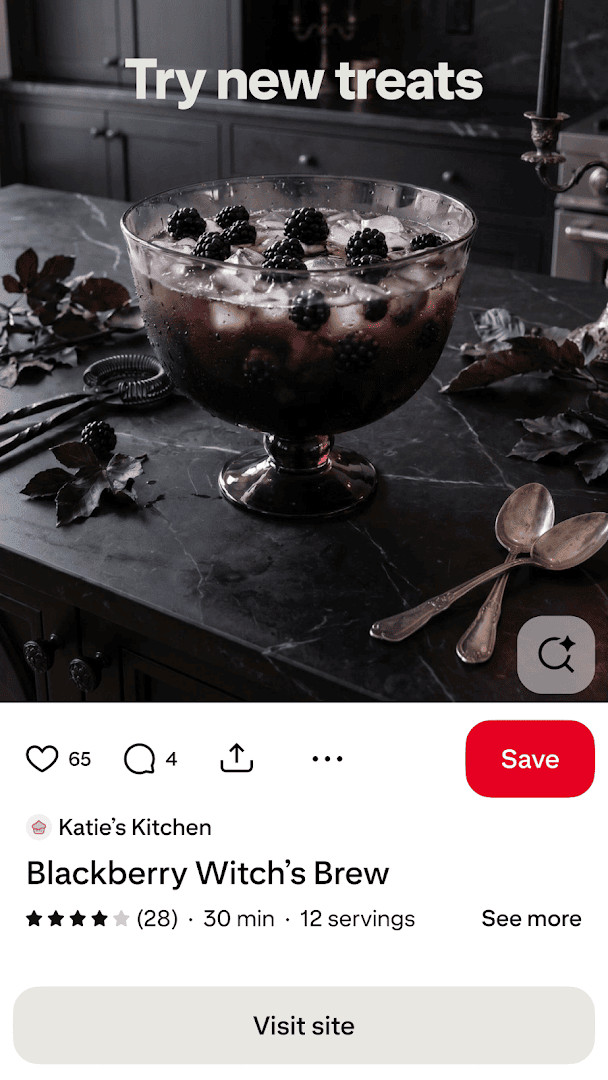
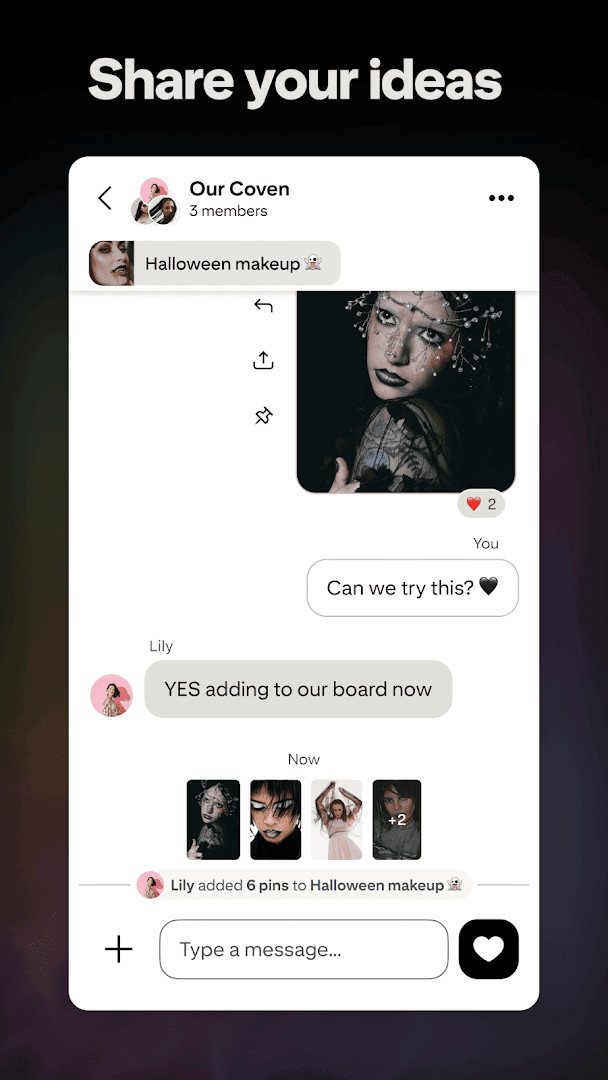

- Updated
- Oct 5, 2026
- Installs
- 1B+
- Rating
- ★ 4.25 (11,668,224)
- Category
- Lifestyle
- Developer
- Content rating
- Teen
- Package
- com.pinterest
- Free
- ✓ · Contains ads · In-app purchases
Pinterest is a visual discovery and lifestyle app by Pinterest that helps users find, save, and organize ideas through a personalized feed of images and videos. It addresses the common problem of scattered inspiration by providing a centralized platform where users can collect and curate content—ranging from fashion and recipes to home improvement and DIY projects—into thematic boards. By leveraging a powerful recommendation algorithm, it transforms casual browsing into a structured, actionable plan by allowing you to shop styles directly, create collages of saved Pins, and learn new skills through integrated tutorials.
Key features
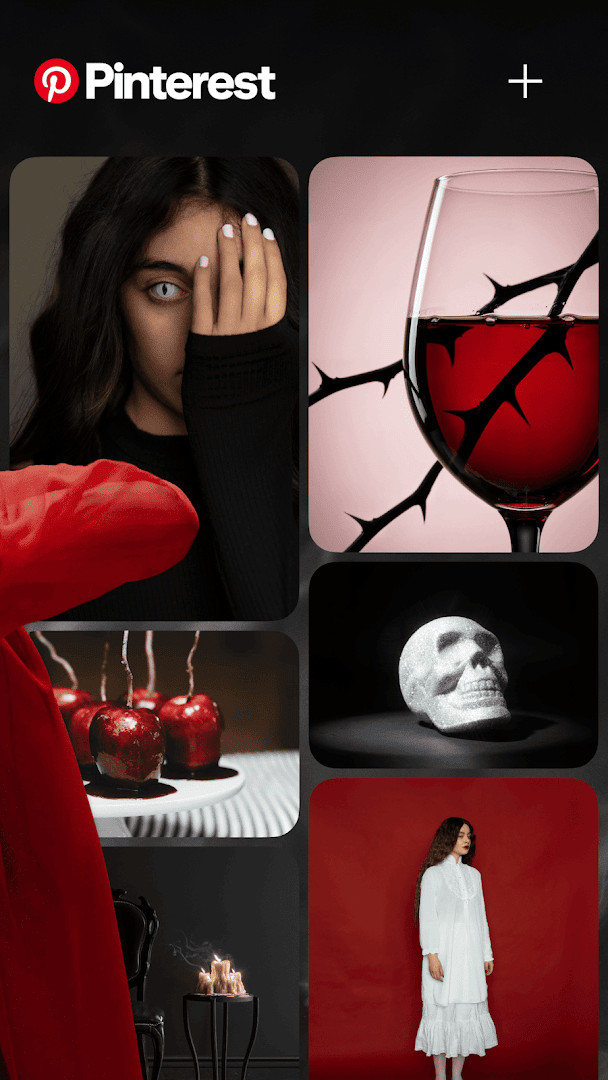
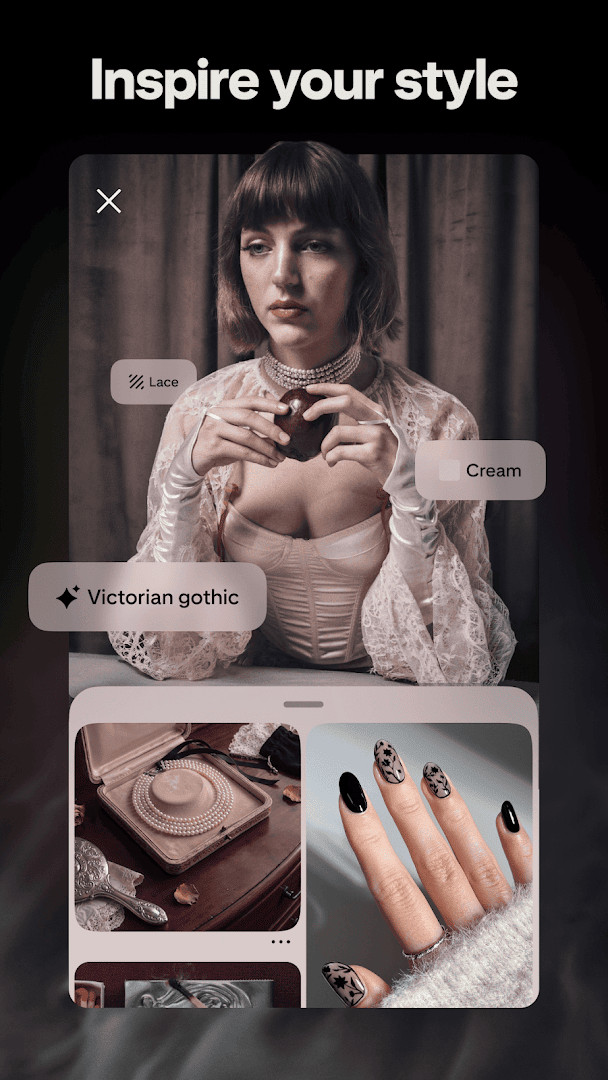
- Discover everyday inspiration across a vast range of categories like fashion, recipes, DIY projects, and home decor.
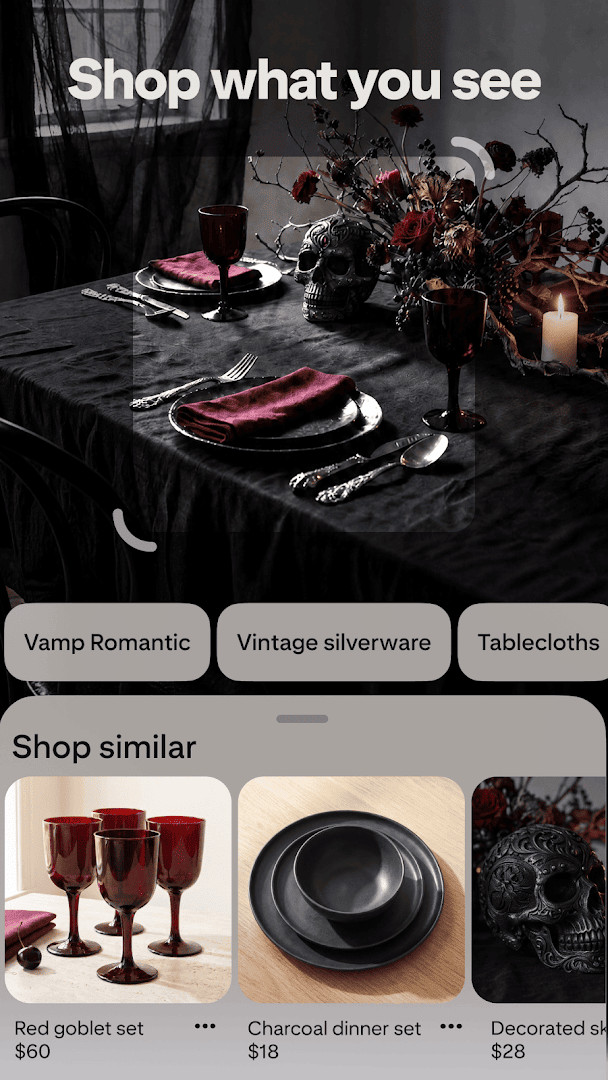
- Shop styles directly through Pins, linking visual discovery with immediate purchasing options.
- Create and organize thematic boards to save and categorize Pins for different projects or interests.
- Make collages from saved Pins to visually plan and combine ideas in a single layout.
- Try and learn something new through tutorials and step-by-step guides embedded in the content.
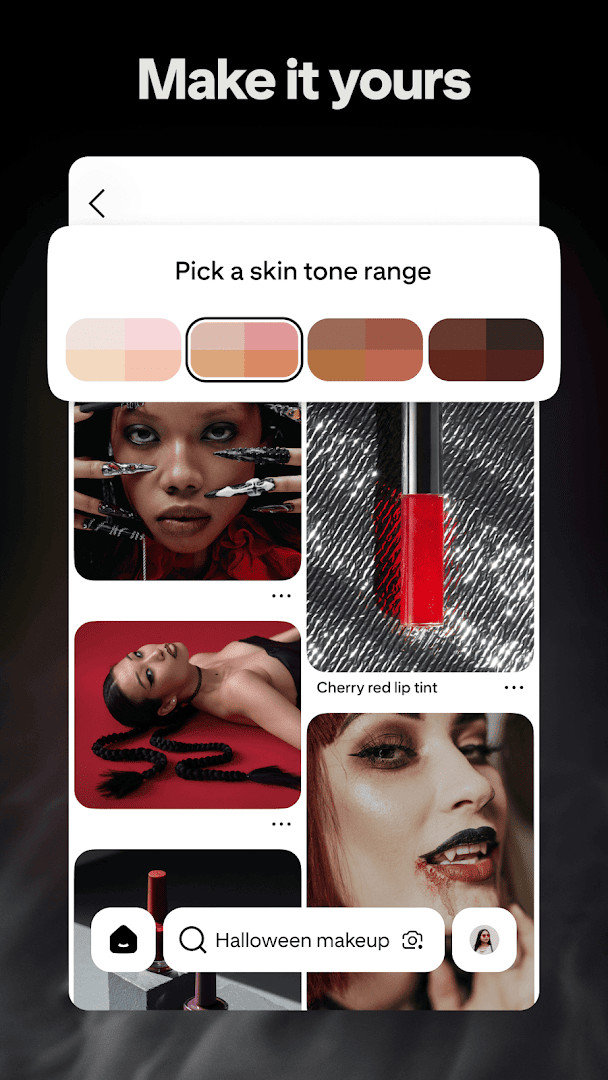
- Unlock billions of user-generated and brand-curated ideas, refreshed continuously through algorithmic personalization.
How to install
- Tap the download button on this page to begin obtaining the APK file.
- When prompted by Android, allow your browser or file manager to install applications by enabling the "Install unknown apps" setting.
- Open the downloaded APK file from your device's notifications or file manager.
- Tap "Install" and wait for the process to complete.
- Open the app and sign in or create an account to start browsing.
Pros
- Massive user base and content library, ensuring a deeply personalized feed with billions of Pins to explore.
- Seamless integration of commercial and creative content, allowing direct shopping from visual discoveries.
- Intuitive board and collage system that serves as an effective visual bookmarking and planning tool.
- Regular weekly updates that refine performance and introduce subtle improvements.
- Strong cross-device synchronization, keeping your boards and interests accessible anywhere you log in.
Cons
- Contains advertisements throughout the feed and on individual Pins.
- Offers in-app purchases, which can interrupt the browsing experience.
- Requires extensive permissions including Location, Contacts, and Identity, which may raise privacy concerns for some users.
- The sheer volume of algorithmically suggested content can sometimes feel repetitive or lead to passive scrolling.
- Heavily oriented towards shopping and commercial content, which may not appeal to users seeking purely creative or non-commercial inspiration.
Latest changes
We've made improvements to keep the app running smoothly and efficiently. This update includes routine polishing to enhance your experience. Let us know what you think of the latest version.
This app is suited for experienced users who rely heavily on visual research and curation, such as designers, event planners, home renovators, and fashion enthusiasts, who are comfortable navigating a content feed that blends organic inspiration with targeted advertising and shopping prompts. It is ideal for those who treat idea gathering as an active, ongoing project rather than passive entertainment.
To keep your feed focused, regularly edit your board topics and actively hide Pins that don't match your interests. For power users, using secret boards can help organize private projects before you're ready to share them.
Permissions
FAQ
Is Pinterest free to download and use?
Yes, Pinterest is free to download and use. The app offers in-app purchases, but the core features like browsing, saving Pins, and creating boards are available at no cost.
What permissions does Pinterest request?
Pinterest asks for access to your identity, contacts, location, photos/media/files, storage, camera, microphone, and Wi-Fi connection information. These permissions help you save and share content, upload photos, and personalize your experience.
Do I need an account to use Pinterest?
Yes, you need a Pinterest account to save Pins and create boards. You can sign up with an email, or use a social media account if available, to start exploring and organizing inspiration.
How do I update the Pinterest app?
To update Pinterest, download the newest version from this page whenever an update is available. The app is updated regularly to improve speed and performance.
What is the content rating for Pinterest?
Pinterest has a content rating of Teen, which means it may contain content suitable for ages 13 and up, such as mild suggestive themes or user-generated content.
Does Pinterest show ads?
Yes, Pinterest includes ads. You may see promoted Pins and advertisements as you browse, which help support the free app.
For seasoned users comparing alternatives, Pinterest stands out for its massive community and algorithmic curation, though the persistent ads and in-app purchase prompts may detract from the otherwise seamless discovery flow. It remains a robust tool for visual brainstorming, provided you're comfortable with its commercial underpinnings.
Similar apps








Updated: Oct 14, 2026