
SmartThings: Smart Home Control
SmartThings is a free lifestyle app by Samsung Electronics Co., Ltd. that lets you control Samsung Smart TVs, appliances, and compatible devices.
Get AppSmartThings is a smart home management tool with a download size of 227 MB and requires Android 12 or newer. The app contains no ads or in-app purchases, and it supports hundreds of smart home brands. It is suitable for users who want to connect, monitor, and automate devices such as Samsung TVs, smart speakers, and products from brands like Ring, Nest, and Philips Hue.
Screenshots
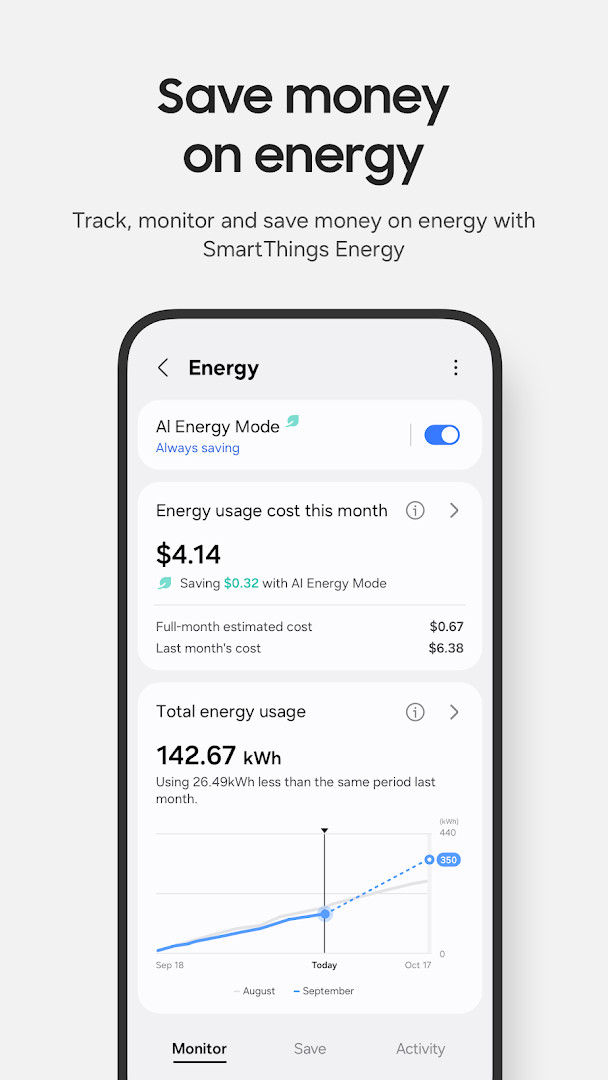
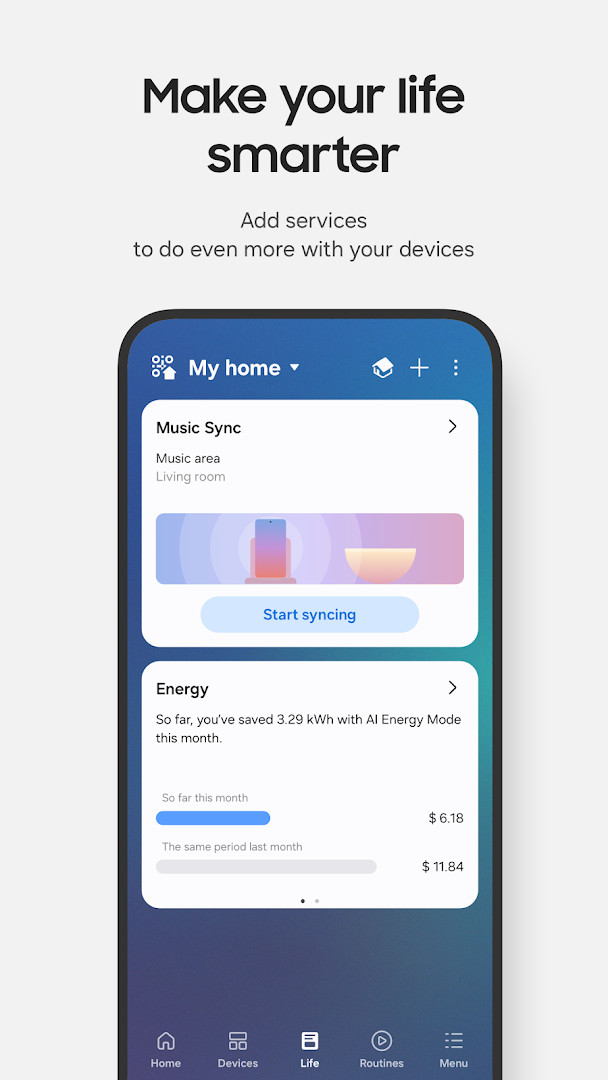
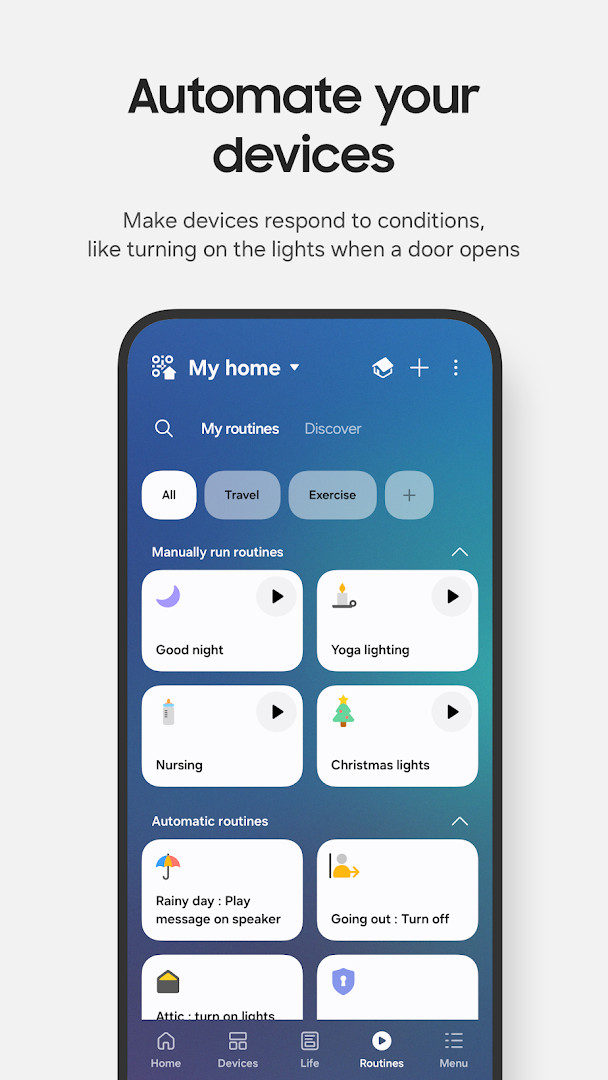
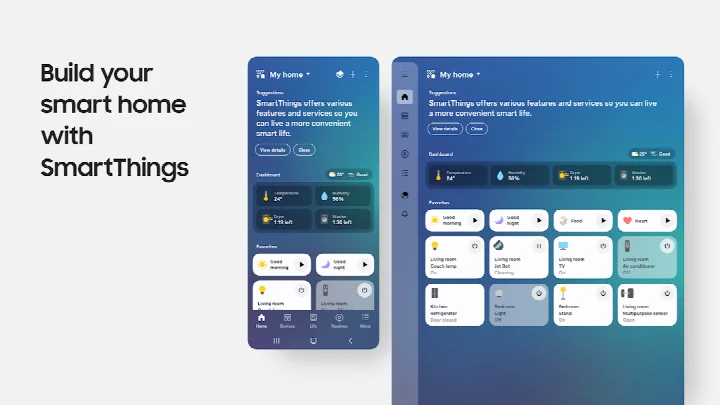
- Size
- 227 MB
- Requires Android
- 12
- Updated
- Oct 2, 2026
- Installs
- 1B+
- Rating
- ★ 4.57 (5,540,654)
- Category
- Lifestyle
- Developer
- Samsung Electronics Co., Ltd.
- Content rating
- Everyone
- Package
- com.samsung.android.oneconnect
- Free
- ✓
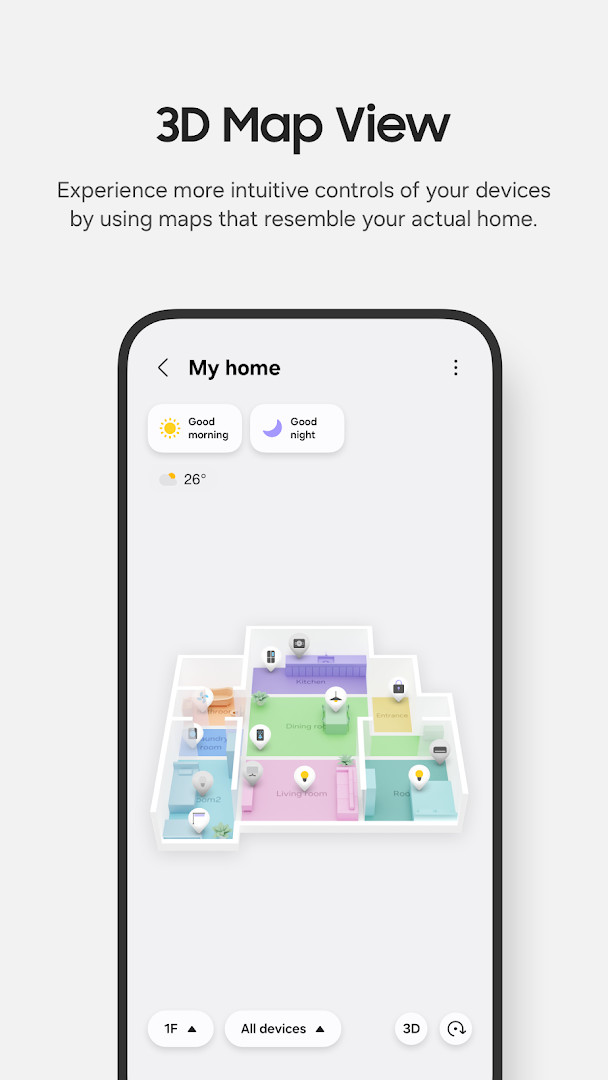
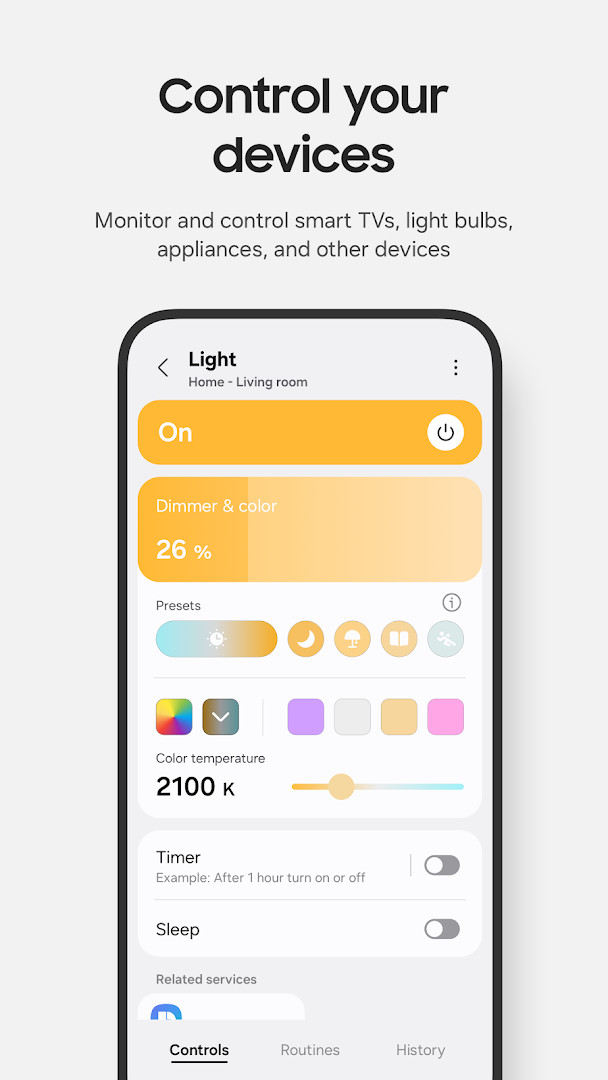
SmartThings is a lifestyle app by Samsung Electronics Co., Ltd. that lets you control compatible smart home devices from one central place. It acts as a hub for managing Samsung Smart TVs, appliances, smart speakers, and devices from many other brands like Ring, Nest, and Philips Hue, all through a single interface. Whether you are at home or away, you can check on your devices, adjust settings, and receive status updates, which makes it a practical tool for daily routines and peace of mind.
The app focuses on simplicity and convenience. You can set up routines that trigger automatically based on time, weather, or device status, so your home can adjust itself without constant input. For example, lights can turn on at sunset or the thermostat can adjust when you leave. You can also grant access to family members or trusted individuals, making it easier to manage a shared household.
SmartThings requires Android 12 or newer and uses about 227 MB of storage. It is designed primarily for Samsung smartphones, though it may work with other devices with some limitations. The app requests several optional permissions—like location, camera, microphone, and contacts—to enable features such as location-based routines, QR code scanning, and voice commands. You can use the app without granting all permissions, but some functions will be limited.
This app is ideal for anyone with a mix of smart home devices who wants a single dashboard to manage them. It is especially useful for Samsung users who own multiple Samsung products, but it also supports a wide range of third-party brands, making it a versatile choice for most smart home setups.
Key features
- Control and check in on your home from wherever you are
- Build routines based on time, weather, and device status
- Allow shared control by giving access to other users
- Receive automated notifications about device status updates
- Compatible with hundreds of smart home brands
- Voice assistant support for Alexa, Bixby, and Google Assistant
- Optimized for Samsung smartphones; also available for Wear OS watches
- Offline device diagnostics to check and recover offline devices
- Routine Insights showing your top 3 most-used routines
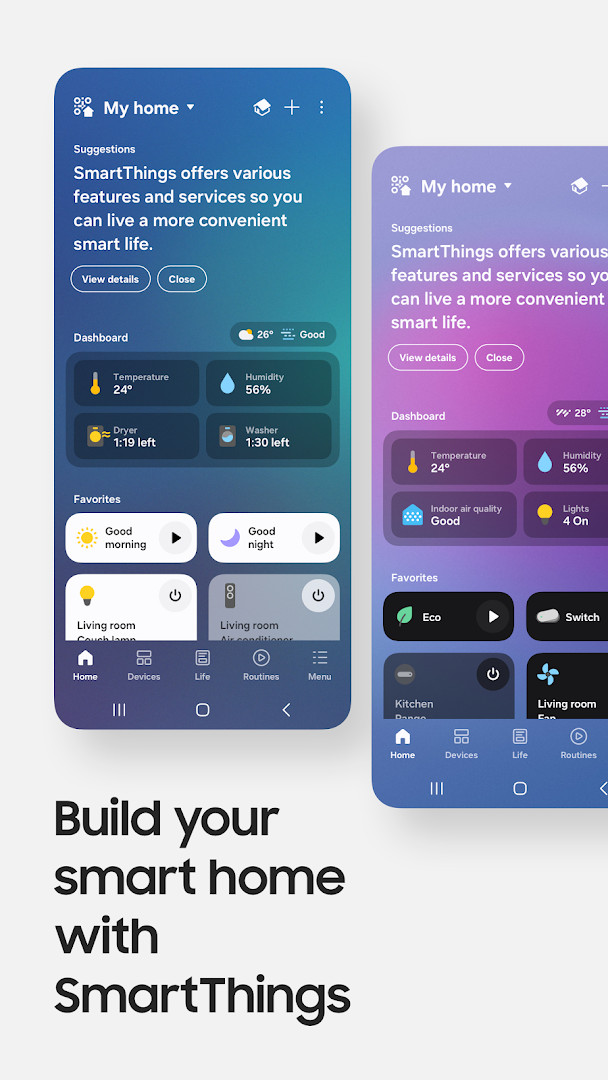
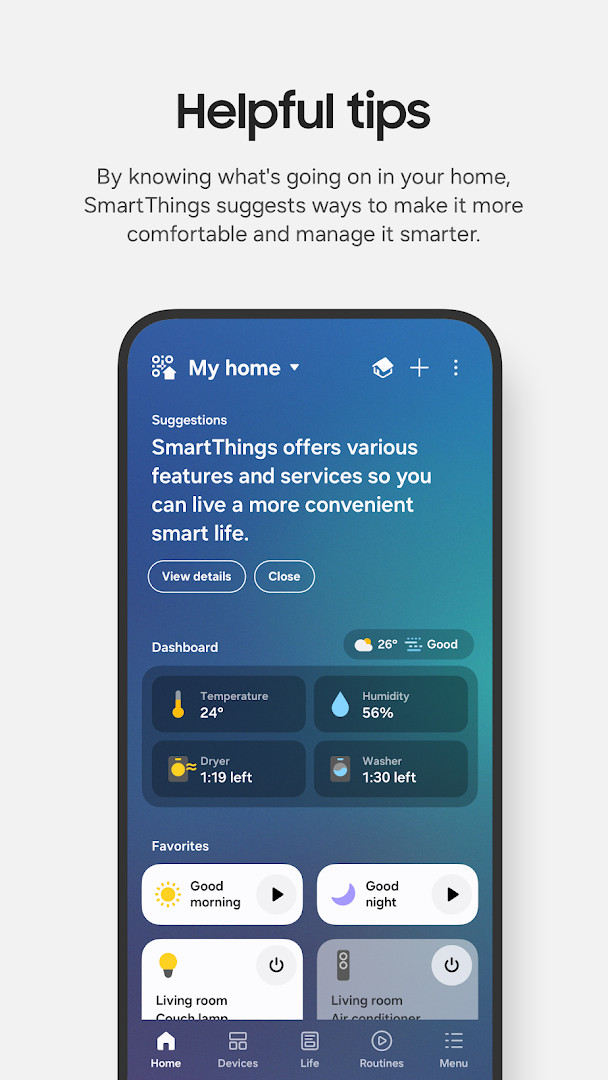
- Redesigned Home tab for quick access to frequently used features
How to install
- Tap the download button on this page to get the APK file (227 MB).
- When Android asks for permission, allow your browser or file manager to install apps by enabling the 'Install unknown apps' setting.
- Open the downloaded APK file from your notifications or file manager.
- Tap 'Install' and wait for the installation to complete.
- Once installed, open the SmartThings app and sign in with your Samsung account.
- Ensure your device runs Android 12 or higher to install and use the app.
Pros
- Supports a wide range of smart home brands, reducing the need for multiple apps
- Routines can automate daily tasks based on time, weather, or device status
- Shared control makes it easy to manage a household with multiple users
- Free to download with no ads or in-app purchases
- Regular updates improve performance and add new features
Cons
- Optimized for Samsung phones; features may be limited on other brands
- Requires Android 12 or newer, which may exclude older devices
- Some features may not be available in all countries
- Optional permissions are extensive, which may raise privacy concerns
- Large app size of 227 MB may be a consideration for users with limited storage
Latest changes
This update introduces a redesigned Home tab, putting your most-used features and key information right on the main screen. Devices connected to your hub now respond faster when your phone and hub are on the same Wi-Fi network. You can also check and recover offline devices from a dedicated diagnostics screen, and a new Routine Insights feature shows your top 3 most-used routines and recent activity.
Older versions
| Version | Size | Requires Android | Updated |
|---|---|---|---|
| 1.8.51.30 | 227 MB | 12 | Oct 4, 2026 |
| 1.8.47.24 | 231 MB | 12 | Sep 29, 2026 |
| 1.8.45.24 | 235 MB | 12 | Sep 6, 2026 |
| 1.8.37.23 | 234 MB | 11 | Jun 16, 2026 |
| 1.8.41.23 | 233 MB | 12 | Feb 22, 2026 |
| 1.8.00.22 | 107 MB | 8.0 | Nov 5, 2025 |
| 1.8.21.28 | 119 MB | 10 | Oct 31, 2024 |
| 1.8.14.26 | 115 MB | 9 | Apr 8, 2024 |
| 1.7.60.23 | 78 MB | 7.0 | Jan 27, 2021 |
| 1.6.00-45 | 30 MB | 6.0 | May 4, 2017 |
SmartThings is for anyone who owns multiple smart home devices and wants a single app to control them all, especially Samsung smartphone users. It suits tech-savvy individuals who enjoy automation and routines, as well as families who need shared access to manage their home devices together.
To get the most out of SmartThings, start by creating a few simple routines based on your daily schedule, such as turning off lights at bedtime or adjusting the thermostat when you leave. Also, grant only the permissions you are comfortable with—most basic functions work without them. If you have a Samsung smart TV or appliances, link them first to enjoy seamless integration.
Permissions
FAQ
Which non-Samsung smart home brands are named as compatible in the app overview?
SmartThings is compatible with hundreds of smart home brands, and the app description specifically mentions Ring, Nest, and Philips Hue alongside Samsung devices.
What is the minimum memory requirement for running SmartThings?
The app requires at least 3 GB of memory, so devices with less RAM may not be supported.
Does SmartThings use location access for anything besides basic device control?
Yes, location is an optional permission used to locate devices, create location-based routines, and scan for nearby devices over Wi-Fi.
Can SmartThings run on a Wear OS watch independently, without a paired phone?
SmartThings can be installed on Wear OS-based watches, but the watch version only works when the watch is connected to a mobile phone.
Why would the app request camera access?
The camera permission is used to scan QR codes, which makes it easier to add members and devices to SmartThings.
SmartThings is a powerful and versatile smart home manager that brings together devices from many brands into one easy-to-use app. Its automation routines and remote access make it a practical choice for everyday use, especially for Samsung users. With no ads or in-app purchases, it offers a solid free solution for controlling your connected home.
Similar apps
 ClockSamsung Electronics Co., Ltd.3.9
 Voice RecorderSamsung Electronics Co., Ltd.4.0
 Samsung Smart Switch MobileSamsung Electronics Co., Ltd.3.9
 Galaxy WearableSamsung Electronics Co., Ltd.3.7
 Samsung MusicSamsung Electronics Co., Ltd.3.8
 PinterestPinterest4.2
 Tinder Dating App: Chat & DateTinder LLC3.9
 Dating and Chat - SweetMeetSweetMeet4.0
More from this developer


Updated: Oct 14, 2026