Netflix Streaming App
Netflix is a subscription streaming app from Netflix, Inc. for watching TV episodes, movies, live events, podcasts, and games.
Download NetflixNetflix is aimed at anyone who wants on-demand entertainment on a phone or tablet. The app solves the problem of staying connected to series, films, live events, podcasts, and games while traveling or taking a break. It requires Android 5.0 or newer, takes up 63 MB, and is free to install with no ads or in-app purchases, though a monthly subscription is needed for viewing.
Screenshots
- Size
- 63 MB
- Requires Android
- 5.0
- Updated
- Oct 8, 2026
- Installs
- 1B+
- Rating
- ★ 4.67 (16,508,163)
- Category
- Entertainment
- Developer
- Netflix, Inc.
- Content rating
- Teen
- Package
- com.netflix.mediaclient
- Free
- ✓
Netflix is an entertainment streaming app by Netflix, Inc. that gives subscribers access to a large library of TV episodes, movies, live events, podcasts, and games.
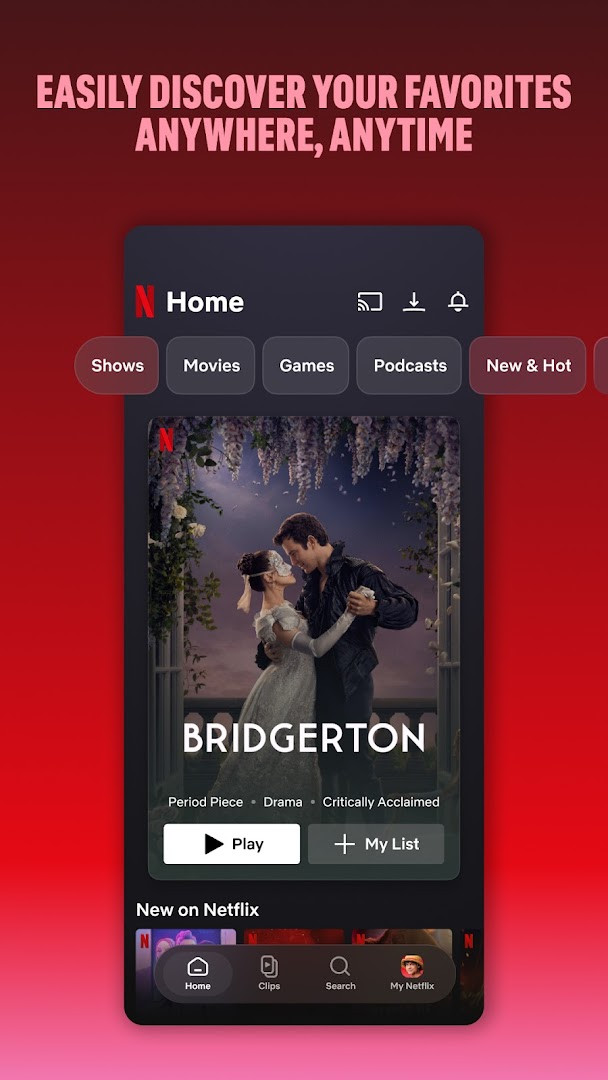
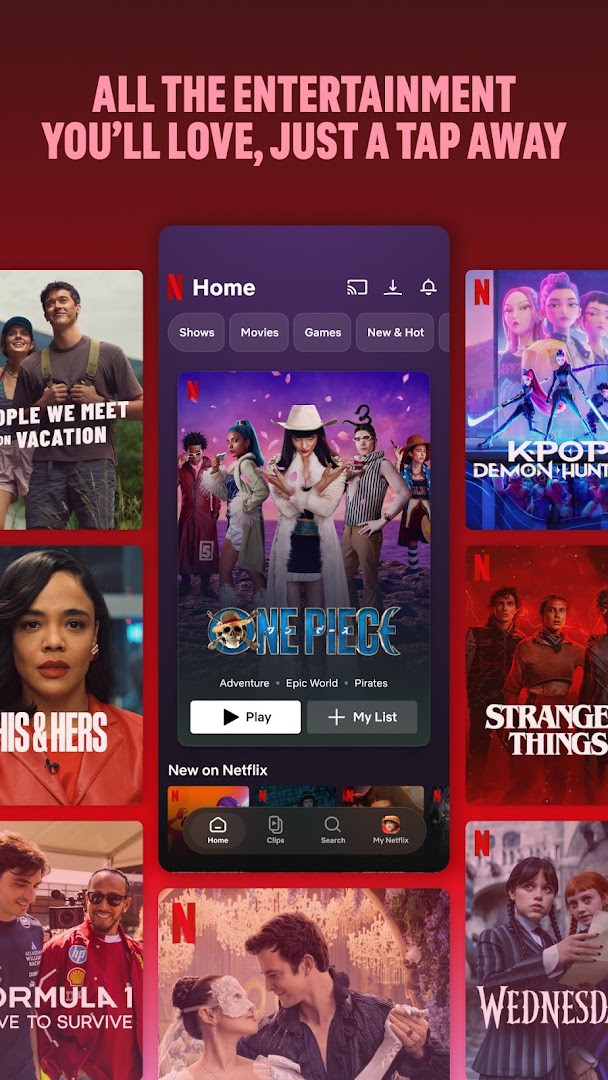
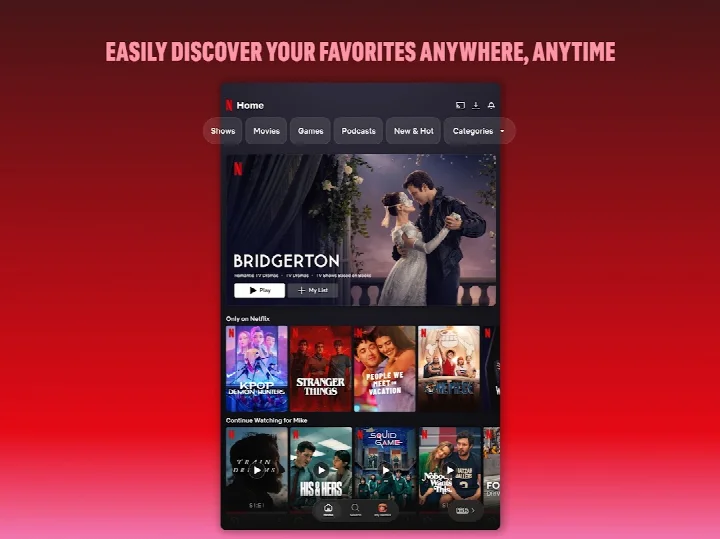
The app is designed for people who want to watch content on the go, whether they are commuting, traveling, or taking a short break. It brings together award-winning series, recent hits, and timeless classics in one mobile interface. Navigation is built around bottom shortcuts, so you can quickly browse categories or jump back into something you were already watching.
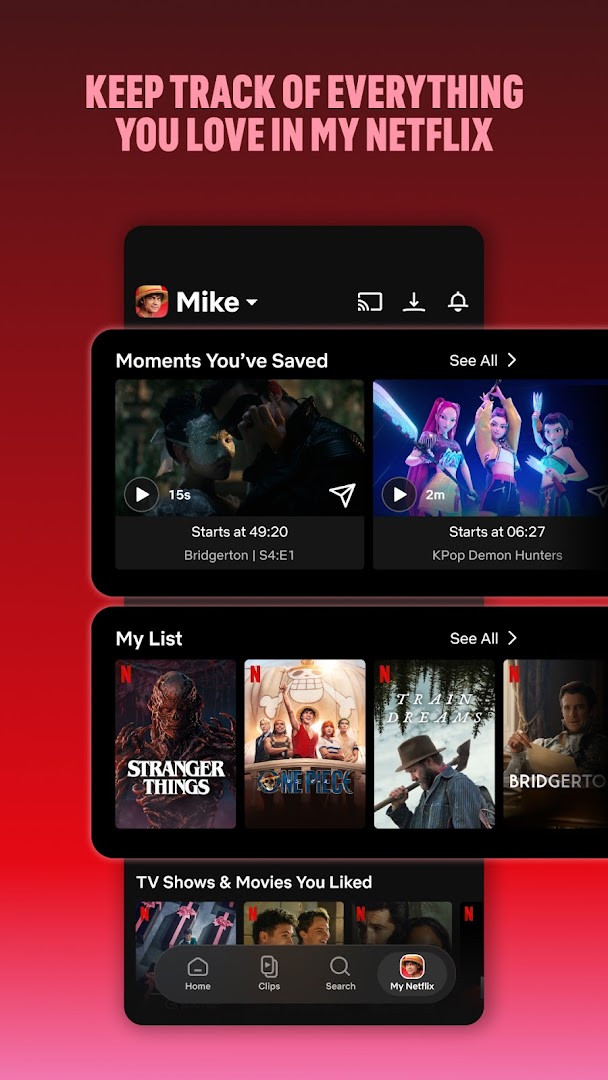
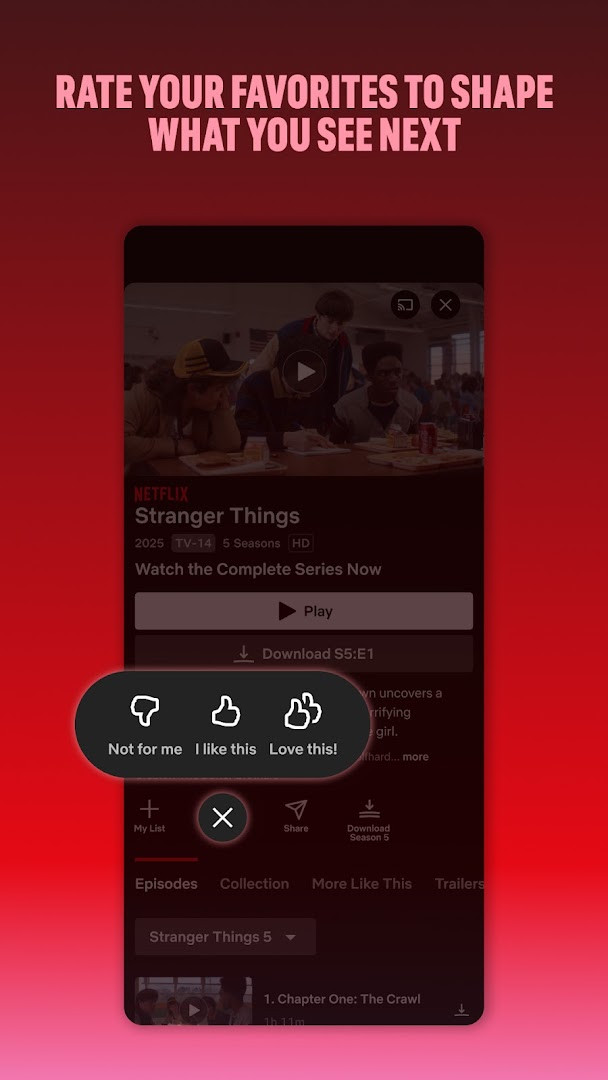
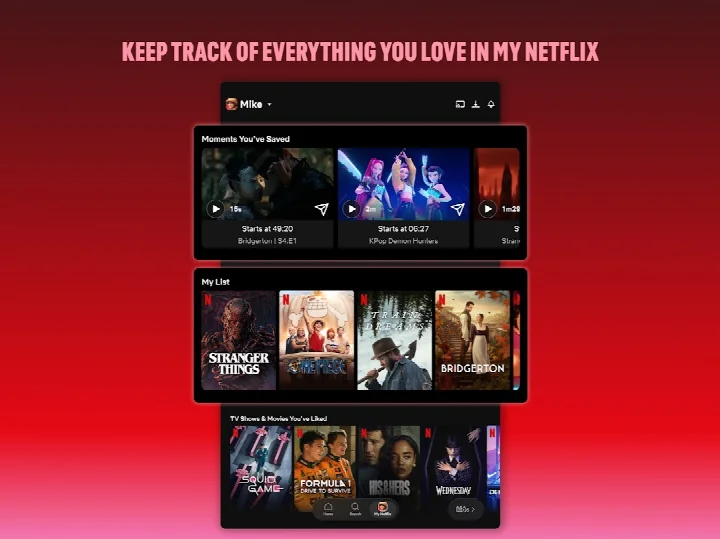
Beyond simple playback, Netflix helps you keep track of what you love. The My Netflix tab holds your favorite moments and your list, while personalized recommendations are based on the ratings you give. Notifications let you know about new episodes, releases, and live events without having to search for them.
Key features
- Bottom navigation shortcuts for quickly browsing or jumping back into favorites
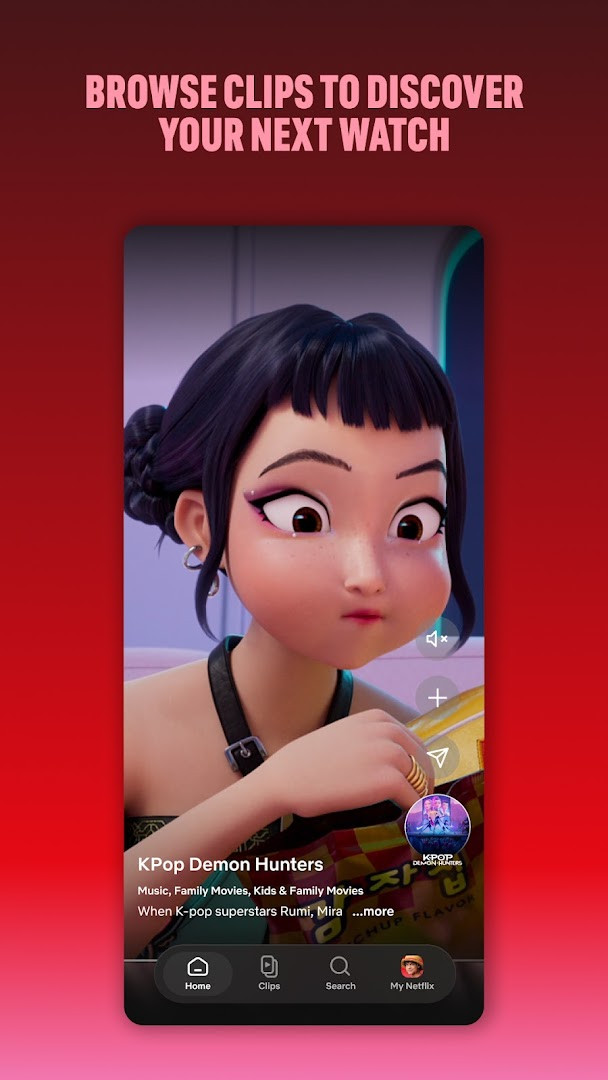
- Upcoming clips feed to discover new content
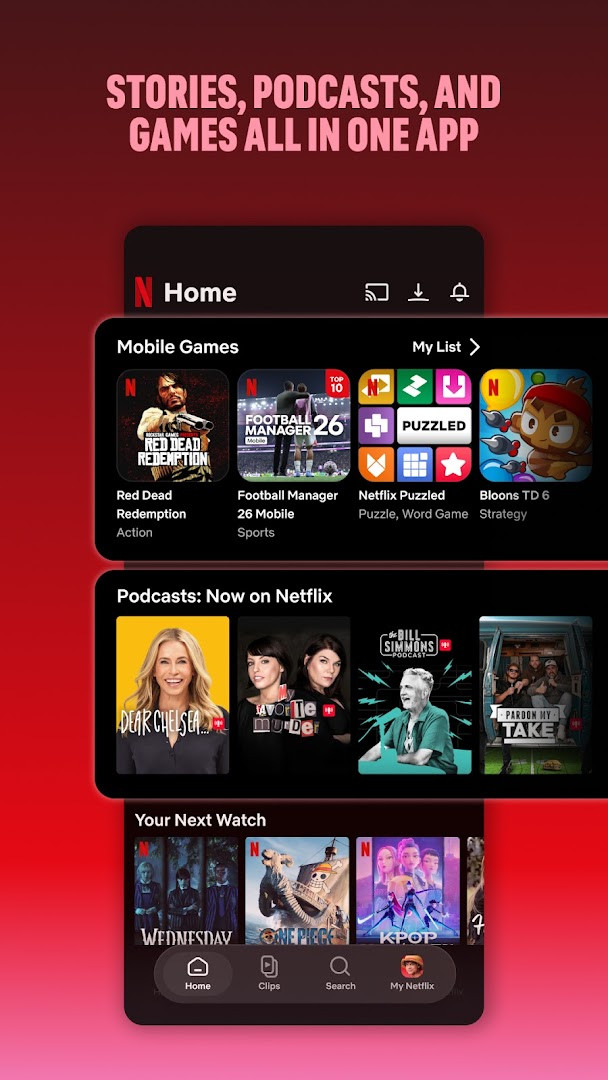
- Series, movies, live events, games, and podcasts in one app
- My Netflix tab for tracking favorites and managing My List
- Personalized recommendations based on your ratings
- Instant notifications for new releases, episodes, and live events
How to install
- Tap the download button on this page to get the Netflix APK file.
- When Android asks, allow your browser or file manager to install apps by enabling the “Install unknown apps” setting.
- Open the downloaded APK file. The file size is about 63 MB.
- Tap Install and wait for the process to finish.
- Open the app and sign in or create a Netflix account. Your device must run Android 5.0 or later.
Pros
- Huge catalog of series, movies, live events, games, and podcasts
- Personalized recommendations and instant notifications
- Bottom navigation makes browsing and resuming content quick
- No ads and no in-app purchases after subscribing
- Month-to-month subscription with easy cancellation, no long-term contracts
Cons
- Requires an ongoing paid subscription; there is no free tier.
- Streaming quality depends heavily on your internet connection, and offline viewing uses device storage.
- The app requests access to camera, microphone, photos, media, and files, which may feel broad to some users.
- Content libraries vary by region, so not every title is available everywhere.
Latest changes
Updated on 2026-10-08. The description highlights bottom navigation shortcuts, an upcoming clips feed for discovery, a 'My Netflix' tab to track favorites and My List, and inclusion of podcasts and games alongside series, movies, and live events.
Older versions
| Version | Size | Requires Android | Updated |
|---|---|---|---|
| 2.2.5 | 2.7 MB | 8.0 | Feb 25, 2026 |
| 7.120.6 build 63 35594 | 63 MB | 5.0 | Sep 15, 2025 |
| 4.16.7 build 15235 | 25 MB | 4.4 | Apr 13, 2023 |
| 3.14.4 build 5440 | 25 MB | 4.0 | Dec 29, 2020 |
Netflix is for anyone who already has a Netflix subscription or is ready to start one and wants a convenient way to watch a wide range of TV shows, movies, live events, games, and podcasts on a phone or tablet running Android 5.0 or newer.
Use the My Netflix tab to save titles to My List so you can find them later without searching. Downloading episodes or movies for offline viewing can help when you have a weak connection, but keep an eye on your device storage.
Permissions
FAQ
Is the Netflix app free to download?
Yes, the Netflix app is free to download and install. However, watching content requires a paid monthly membership that starts at sign-up.
What Android version and file size are required?
Your device must run Android 5.0 or a newer version. The download file size is approximately 63 MB.
Do I need an account to use Netflix?
Yes, you need a Netflix account to use the app. You can sign up for a month-to-month subscription when you first open it.
What permissions does the Netflix app ask for?
The app may request access to photos, media, and files; storage; camera; microphone; and Wi-Fi connection information. These permissions support downloading content, capturing media, and network features.
How do I update the Netflix app?
To update, download the latest version of the app from this page and install it. The most recent update was released on 2026-10-08.
Netflix is a solid choice for anyone who wants a huge library of shows and movies in one place, provided they are okay with paying a monthly subscription. It is easy to use, works on many devices, and keeps adding new content, though the need for a strong connection and the extra permissions are worth keeping in mind.
Similar apps








Updated: Oct 14, 2026