
YouTube Music: Music Streaming Player
YouTube Music is a free music streaming app by Google LLC that lets you discover songs, playlists, and music videos.
Get AppYouTube Music has a download size of 68 MB and requires Android 8.0 or later. The app includes ads and in-app purchases, and is rated Teen. It is suited for listeners who want personalized mixes, curated playlists, and access to live performances, covers, and remixes across many genres and moods.
Screenshots
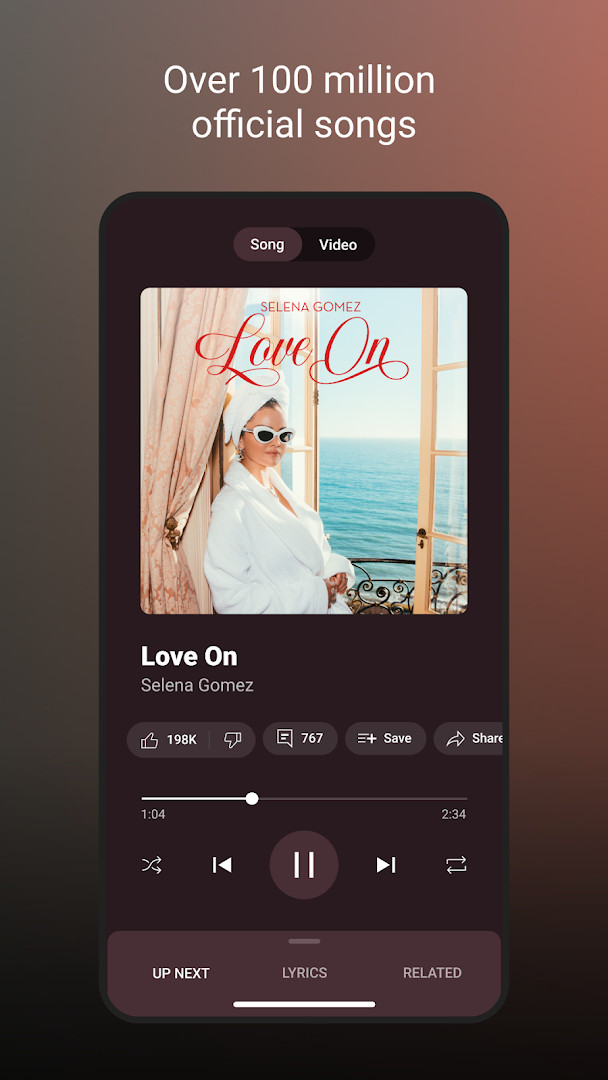
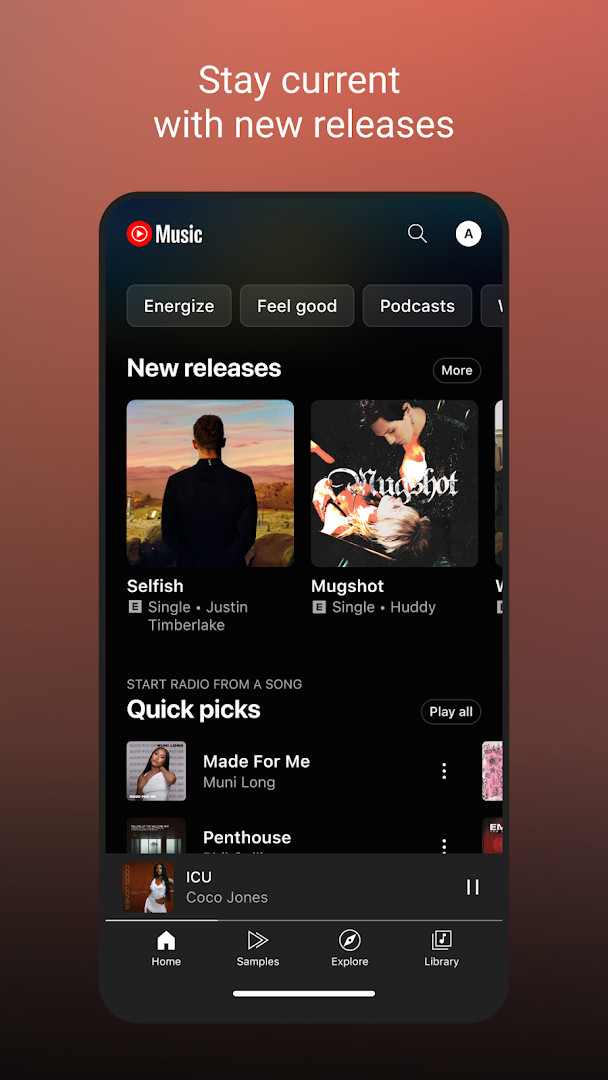
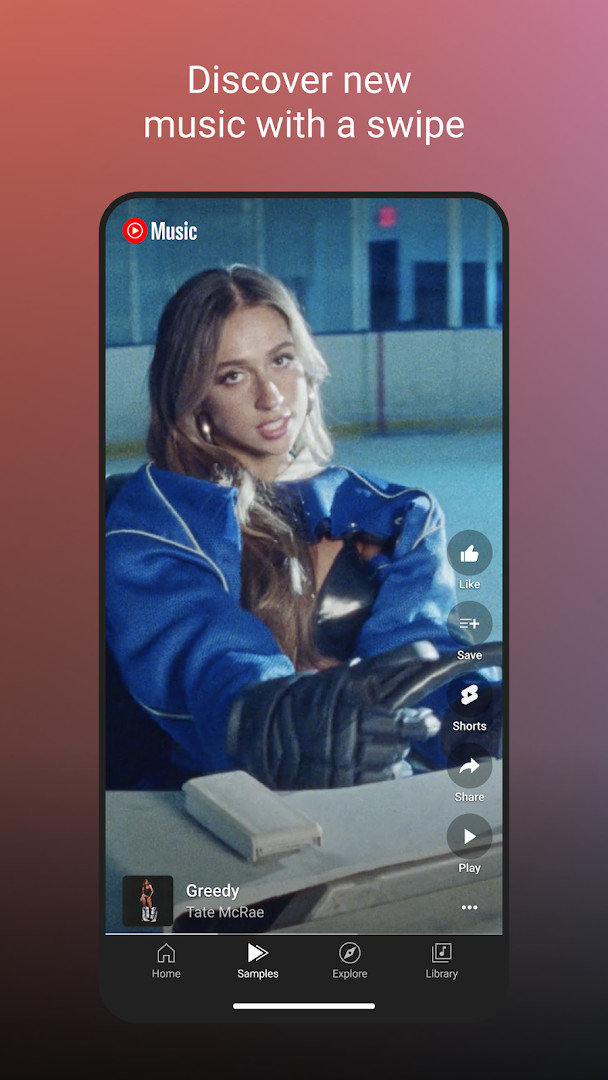
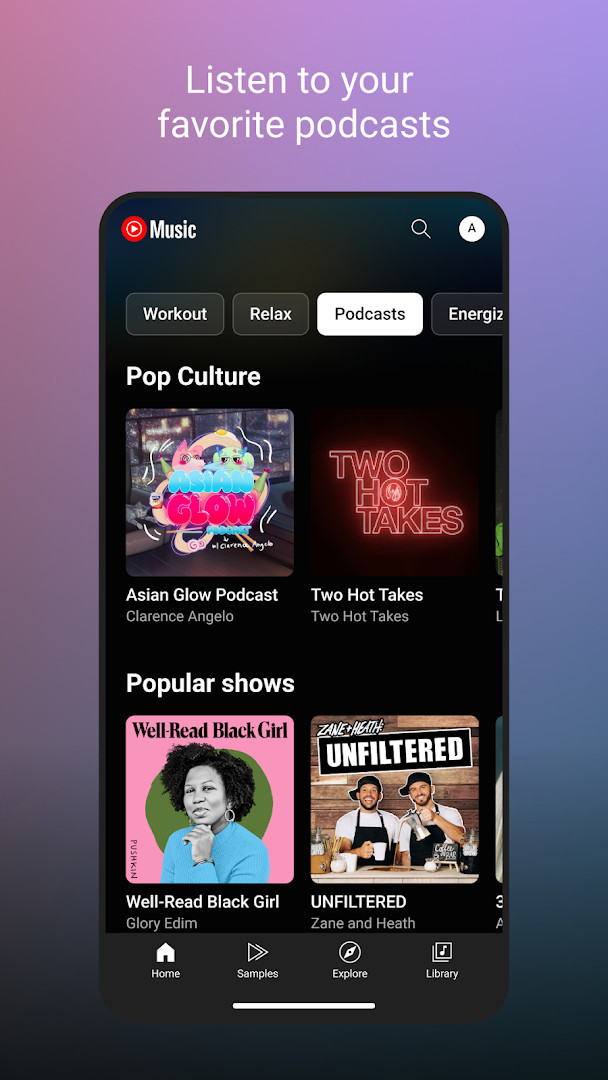
- Size
- 68 MB
- Requires Android
- 8.0
- Updated
- Oct 12, 2026
- Installs
- 5B+
- Rating
- ★ 4.46 (7,853,494)
- Category
- Entertainment
- Developer
- Google LLC
- Content rating
- Teen
- Package
- com.google.android.apps.youtube.music
- Free
- ✓ · Contains ads · In-app purchases
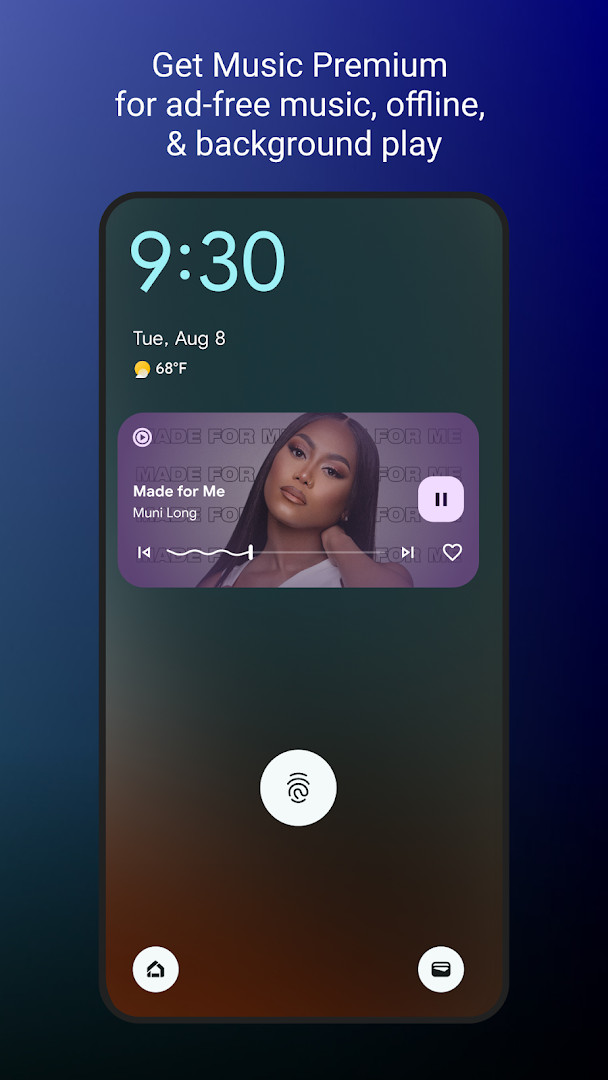
YouTube Music is a music and audio app by Google LLC that lets you stream songs, live performances, covers, remixes and other music content, along with music videos, from a single place. The problem it addresses is familiar to anyone who has bounced between several players: your liked songs, playlists and recommendations are scattered, and finding something that fits the moment takes effort. The app solves this by combining a large catalog with personalized playlists and Mixes that are built from what you listen to most, so the home screen tends to fill up with suggestions that match your taste instead of generic lists. It also lets you move between listening to a song and watching its video without leaving the app, and it works across a phone, desktop, smart speaker, smart TV, car and smart watch, as well as inside some other apps. A free tier is available with ads, while an optional Music Premium subscription adds ad-free listening, background play, downloads including smart downloads, and audio-to-video switching. The current version listed is 8.29.52, updated on 2026-10-10, and the app has been around since 2015.
Key features
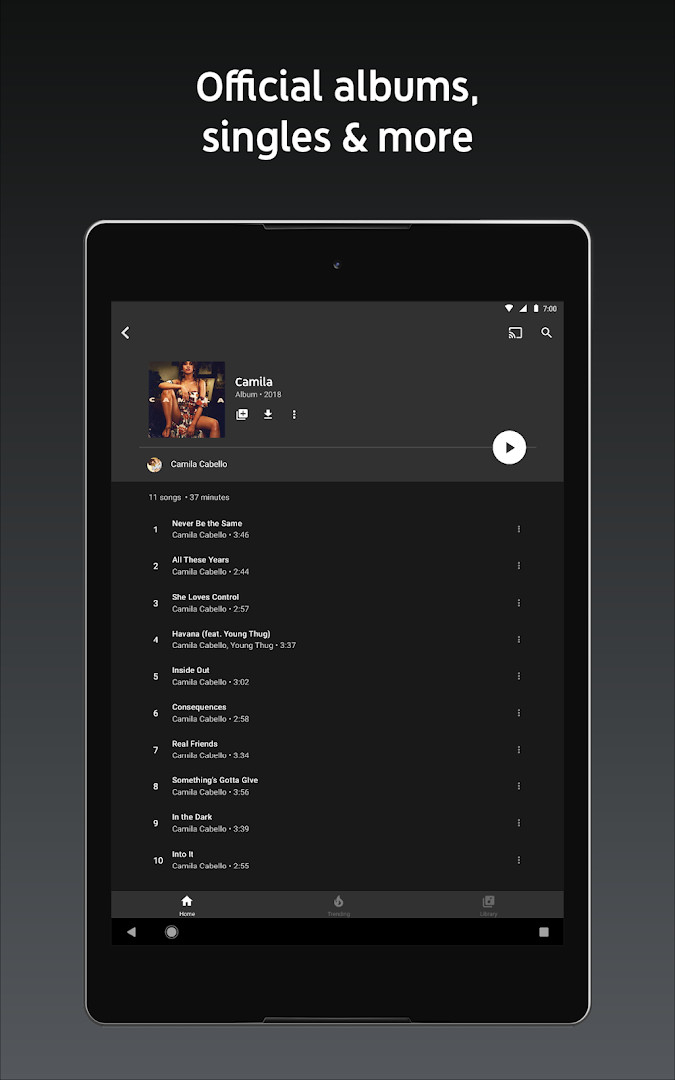
- Music content that includes live performances, covers and remixes, plus tracks you may not find elsewhere.
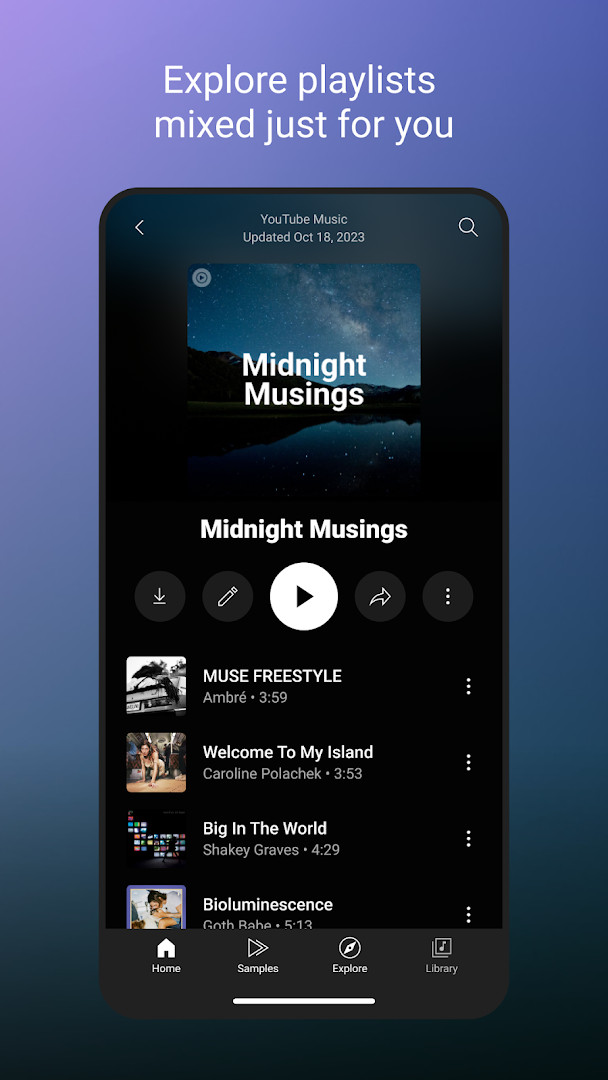
- Thousands of curated playlists covering many genres and activities.
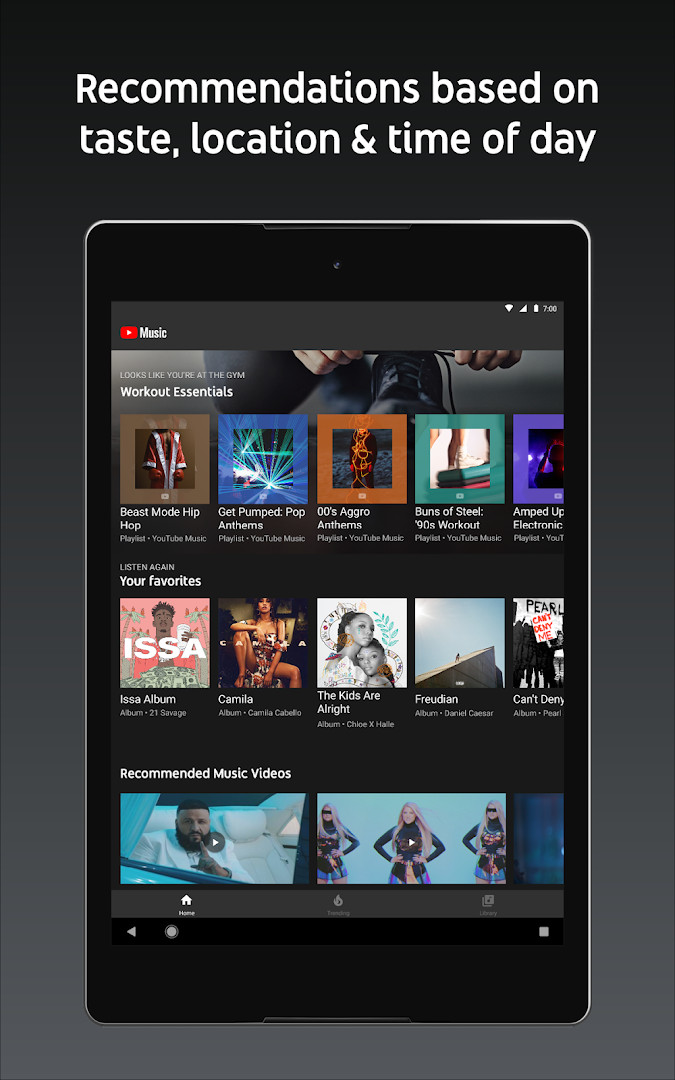
- Personalized playlists and Mixes built around the music you listen to most.
- Activity mixes for Workout, Relax and Focus sessions.
- Playlist creation with song suggestions, plus collaboration with other listeners.
- A personalized Library that gathers your liked and added songs, playlists, artists and albums.
- Discovery tools such as the Discover Mix, New Release Mix, browsing by genre or mood, and top charts from around the world.
- Extra listening options: song lyrics, seamless switching between audio and video, and support for phone, desktop, smart speaker, smart TV, car, smart watch, a Wear OS tile, and apps such as Google Maps, Waze and Google Assistant.
How to install
- Tap the download button on this page to get the APK file.
- When Android asks, allow your browser or file manager to install apps; this is the "Install unknown apps" setting.
- Open the downloaded APK file from your notifications or file manager.
- Tap Install and wait for the process to finish; the file is about 68 MB.
- Open the app. It requires Android 8.0 or newer.
- Sign in with your account when prompted so your library and recommendations can load.
Pros
- Large catalog of songs, videos and live or alternative versions.
- Strong personalization through Mixes and activity-based playlists.
- Lyrics and audio-to-video switching in one app.
- Free to use, with an optional Premium subscription.
- Works across many devices, including watches and cars.
Cons
- The free tier includes ads.
- In-app purchases are offered, and some features such as background play are tied to Premium.
- Requests a broad set of permissions, including identity, contacts, location, photos and media, storage, camera, microphone and Wi-Fi connection information.
- Premium branding or promotions from creators may still appear for subscribers.
- Feature availability such as Music Premium varies by country.
Latest changes
This update introduces the new Discover Mix, a personalized playlist that adapts to your listening habits and refreshes every Wednesday with fresh songs to explore.
Older versions
| Version | Size | Requires Android | Updated |
|---|---|---|---|
| 8.29.52 | 71 MB | 8.0 | Oct 10, 2026 |
| 6.42.52 | 56 MB | 7.0 | Oct 7, 2026 |
| 8.24.52 | 70 MB | 8.0 | Oct 6, 2026 |
| 9.40.51 | 68 MB | 8.0 | Oct 5, 2026 |
| 9.37.54 | 69 MB | 8.0 | Sep 17, 2026 |
This app suits beginners who want one place for listening to music and watching music videos without learning a complicated player. It is a good fit if you enjoy letting recommendations guide you, since the personalized Mixes and activity playlists do much of the choosing. It also works well for people who listen in different settings, such as at the gym, on a commute or through a smart speaker, and for those who like reading lyrics while a song plays. If you mostly want offline listening without ads, the optional Premium tier is the part to look at, though the free version is enough to start.
Take a few minutes to like and add songs when you begin, because the personalized Mixes and Library depend on that feedback. Try an activity mix for a specific routine, such as Focus or Workout, to see how the recommendations change. If you are unsure about the permission requests during setup, you can grant them one by one and review them later in Android settings. Remember that some features, including background play and downloads, are tied to the optional Premium subscription, and availability can differ by country.
Permissions
FAQ
Is YouTube Music free to download and use?
Yes, the app itself is free to install and use, providing access to a wide range of music content, curated playlists, and personalized mixes. It is supported by ads and optional in-app purchases.
What Android version do I need to run the app?
Your device needs to run Android version 8.0 or higher. This requirement ensures compatibility with the app's latest features and performance improvements.
How large is the APK download file?
The APK file size is about 68 MB. Keep in mind that the app will also store additional cached data and downloaded music on your device after installation.
Do I need a Google account to use YouTube Music?
You can explore and listen to music without signing in, but an account is required for personalized features. This includes creating playlists, liking songs, and receiving custom recommendations.
What permissions does the app ask for?
The app may request permissions for Identity, Contacts, Location, Photos/Media/Files, Storage, Camera, Microphone, and Wi-Fi connection information. These are used for features like sharing, personalized content, and downloading music for offline listening.
How do I update the app to the newest version?
To update, simply download the latest APK version from this page whenever a new release is available. Installing it will overwrite your current version while keeping your library and settings intact.
YouTube Music brings streaming, music videos, lyrics and personalized playlists together in one app, with a free tier and an optional subscription for extra features. For a beginner, it is a straightforward way to start listening and let the recommendations do the work.
Similar apps








More from this developer






Updated: Oct 14, 2026