
Uber: Rides, eats, hotels: Transportation & Delivery
Uber: Rides, eats, hotels is a transportation and delivery app by Uber Technologies, Inc. that helps users book rides, order food, and manage travel needs in one platform.
Download nowUber: Rides, eats, hotels connects millions of riders with a variety of vehicle options, from affordable UberX to luxury Black rides, along with food delivery, grocery shopping, and hotel booking. The app is free to download, requires Android, and serves over one billion installs with a 4.74 rating from 20.1 million reviews.
Screenshots
- Updated
- Oct 10, 2026
- Installs
- 1B+
- Rating
- ★ 4.74 (20,121,439)
- Category
- Travel & Maps
- Developer
- Uber Technologies, Inc.
- Content rating
- Everyone
- Package
- com.ubercab
- Free
- ✓
Uber: Rides, eats, hotels is a maps and navigation app by Uber Technologies, Inc. that lets you request rides, order deliveries, and manage travel from one place. It addresses a common problem: getting from one point to another without owning a car, or arranging food, groceries, and other items without making multiple trips. The app solves this by connecting you with nearby drivers and couriers through a single interface, showing upfront pricing and an estimated time of arrival as soon as you enter your destination. It covers everyday errands, airport transfers, and exploring new cities, and it also includes options for reserving rides ahead of time, booking rental cars, and using public transit information. Because everything is handled inside the app, you do not need separate tools for each type of trip. The app is free to download and has no ads and no in-app purchases, so the main cost is the price of each ride or delivery you choose.
Key features
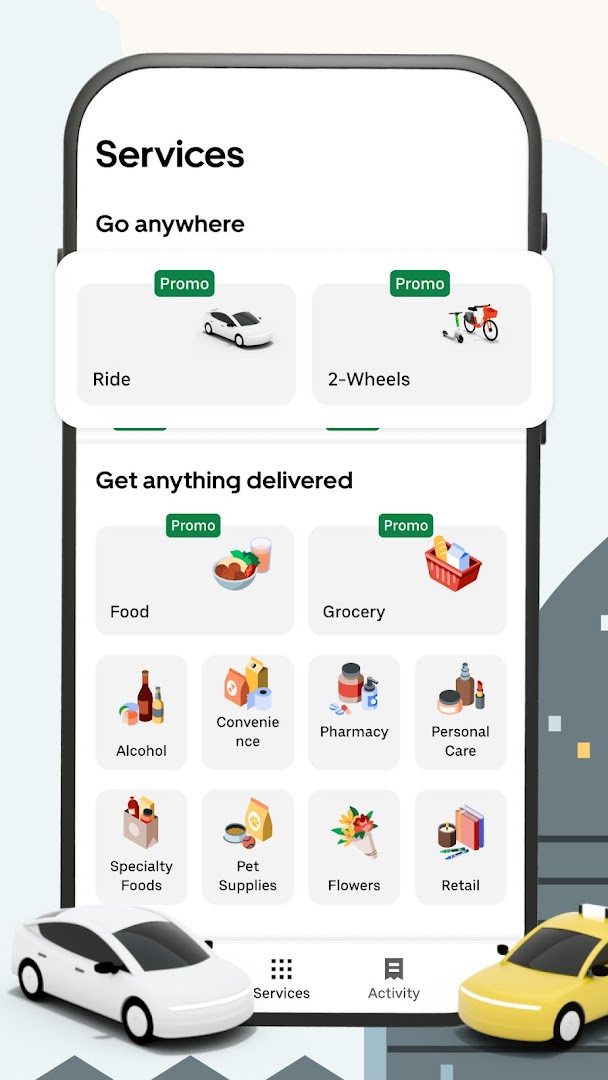
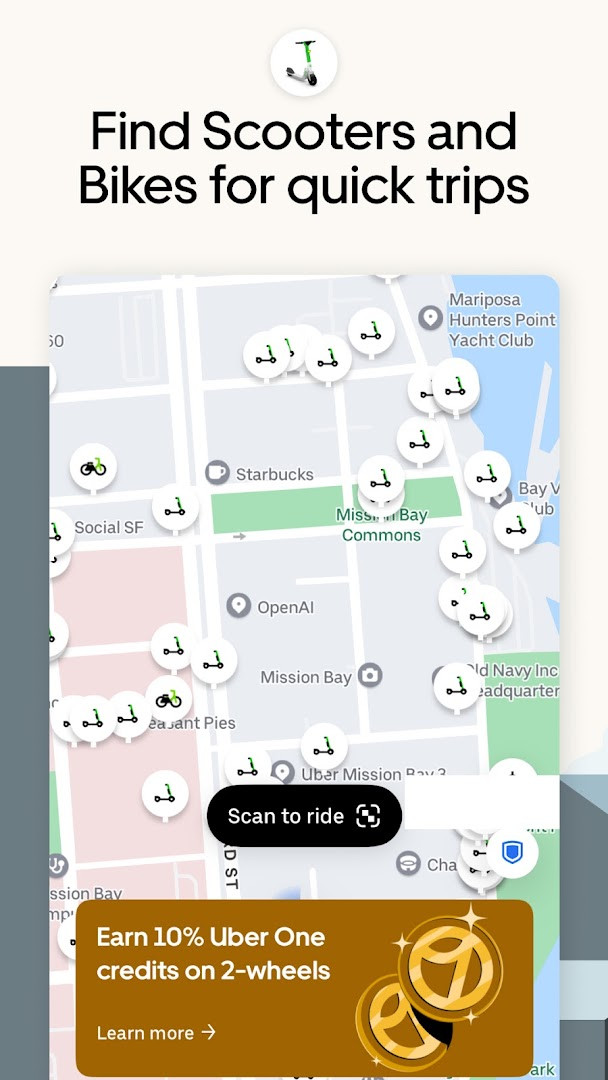
- Request a range of ride types, including affordable options, electric vehicles, larger cars for groups up to six, pet-friendly rides, luxury cars, taxis in select cities, and two-wheel scooters.
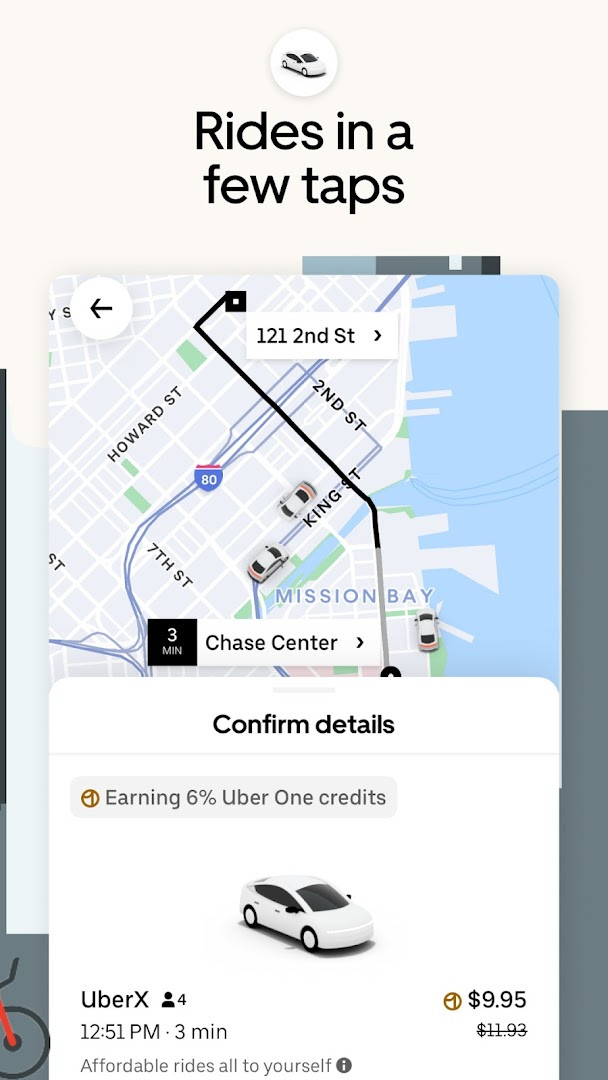
- See upfront pricing and an estimated time of arrival after entering your destination, so you know the cost before confirming.
- Reserve rides in advance when you need a car at a specific time.
- Share a ride with others going the same direction or split the fare evenly while the trip is in progress.
- Order food, groceries, pharmacy items, convenience goods, and pet supplies for delivery.
- Send packages or personal items the same day with a no-contact delivery option.
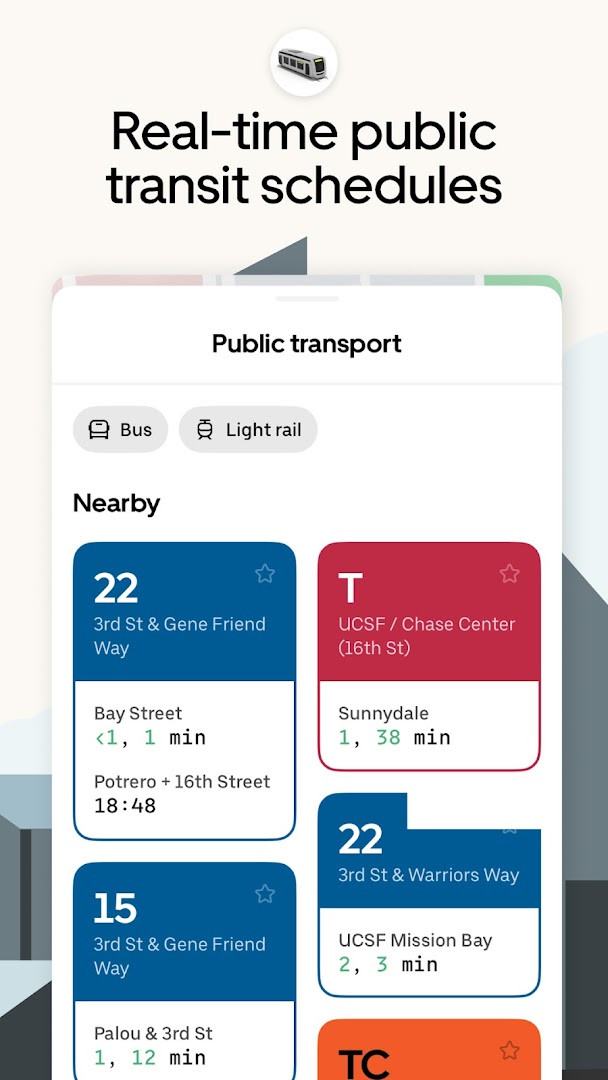
- Use public transit information to plan trips and reduce emissions.
- Book high-capacity group rides in vehicles seating 14 to 55 passengers, such as limo buses and coach buses.
- Keep a car and driver with you for several hours with the hourly option.
- Add a forward-facing car seat for a child who is at least 2 years old, 22 pounds, and 31 inches tall.
How to install
- Tap the download button on this page to get the app file.
- When Android asks for permission, allow your browser or file manager to install apps. This is the 'Install unknown apps' setting.
- Open the downloaded APK file from your notifications or file manager.
- Tap Install and wait for the process to finish.
- Open the app. The file size is not available in the source data, and the minimum Android version is not specified there either, so check your device settings if installation fails.
Pros
- Free to download with no ads and no in-app purchases.
- Large user base and a long track record, with a release date going back to 2010 and regular updates.
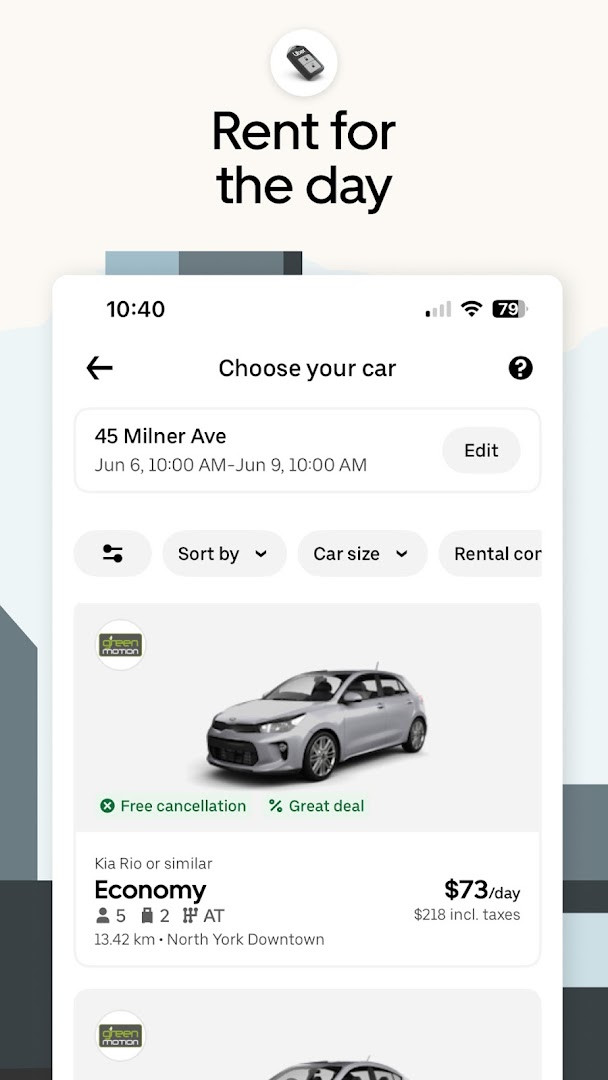
- Wide range of services beyond rides, including food and grocery delivery, package sending, transit, and car rentals.
- Upfront pricing and estimated arrival times help you plan costs before you confirm.
- Safety features are described as a priority in the app's materials.
- Works in many major cities, including Boston, DC, LA, New York, San Francisco, Vegas, Orlando, and Chicago.
Cons
- Requests a broad set of permissions, including identity, contacts, location, phone, photos and media, storage, camera, microphone, Wi-Fi connection information, and device ID and call information.
- Some features, such as taxis, are only available in select cities.
- Availability depends on where you are, so the app may not work everywhere.
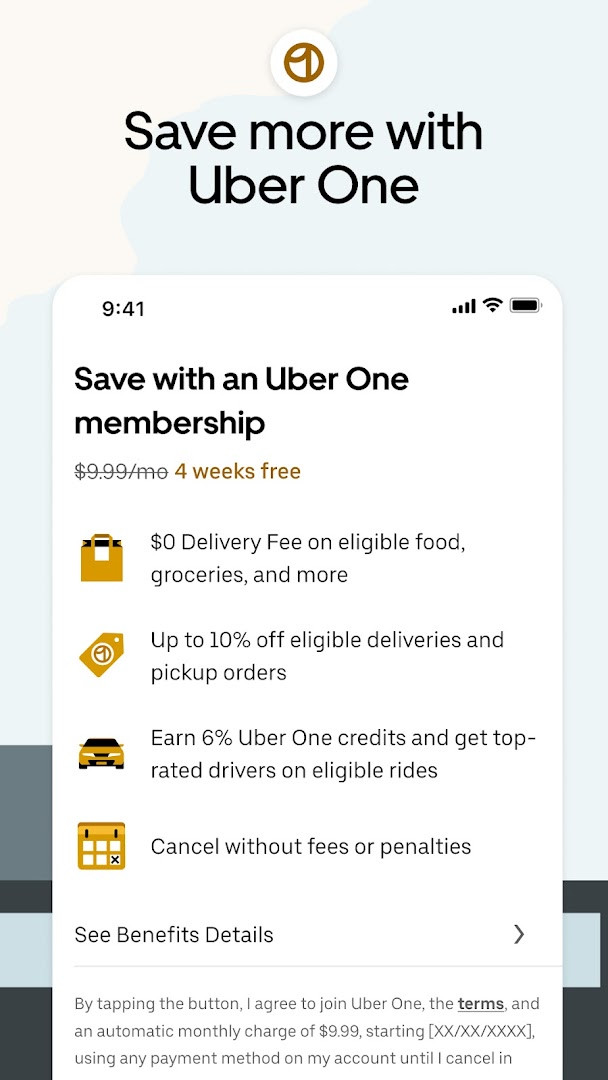
- The Uber One membership mentioned in the app's description involves fees and terms, and some offers exclude certain orders.
- Content and messages may be machine translated depending on device settings, and accuracy is not guaranteed.
Latest changes
This update brings several bug fixes and performance improvements to make the app faster and more reliable. We update the app frequently to enhance your experience.
This app is aimed at adults who need flexible transportation or delivery options without owning a car, and at beginners who want one app to handle several travel-related tasks. It suits commuters, travelers landing at an airport, people running errands around town, and groups who want to share a ride or split a fare. It can also be useful for families needing a larger vehicle or a car seat, for pet owners looking for a pet-friendly ride, and for small businesses that want to manage travel and meal programs from one dashboard. If you live in or visit a supported city, it gives you a single place to request rides, order deliveries, and check transit options.
Before your first trip, open the app and enter a destination to see how upfront pricing and estimated arrival times are displayed. Review the permissions Android asks for during installation and grant only what you are comfortable with, since the app requests access to contacts, location, camera, microphone, and other items. If you plan to travel at a busy time, use the reserve option to schedule a ride in advance. Check the city list to confirm availability near you, and remember that some services, such as taxis or car seats, may not be offered in every location.
Permissions
FAQ
Is Uber free to download and use?
Yes, the Uber app is free to download and does not require any upfront payment. However, you will be charged for the rides, deliveries, or other services you book through the app.
Does Uber require an account?
Yes, you need to create an Uber account to request rides or use other services. The app uses your account to manage bookings, payments, and trip history.
What permissions does the Uber app request?
Uber requests access to your identity, contacts, location, phone, photos/media/files, storage, camera, microphone, Wi-Fi connection information, and device ID & call information. These permissions are used for features like pickup location, driver communication, and uploading profile photos.
What Android version do I need to run Uber?
The available data does not specify a minimum Android version. Check the current requirements on this page or in the app's listing for compatibility details.
How do I update the Uber app?
To update Uber, download the latest version from this page and install it over your current version. This will bring bug fixes and performance improvements included in the newest release.
Can I use Uber without an account?
No, an account is necessary to book rides or other services. Without an account, you cannot request a ride or manage your trips.
Uber: Rides, eats, hotels brings ride requests, deliveries, transit information, and car rentals together in one free app with no ads and no in-app purchases. It is a practical choice for beginners who want a single tool for everyday travel and errands, as long as they review the permissions and confirm that service is available in their area.
Similar apps
 Uber Eats: Food and GroceryUber Technologies, Inc.4.6
 Google Street ViewGoogle Inc.4.4
 Google Maps GoGoogle LLC4.1
 Navigation for Google Maps GoGoogle LLC3.8
 Where is my TrainSigmoid Labs and its affiliates4.4
 Booking.com: Hotels & TravelBooking.com Hotels & Vacation Rentals4.8
 Google EarthGoogle LLC3.8
 Skyscanner Flights Hotels CarsSkyscanner Ltd4.8
More from this developer
Updated: Oct 14, 2026