Navigation for Google Maps Go: Voice-Guided GPS Companion
Navigation for Google Maps Go is a free travel companion by Google LLC that lets you get turn-by-turn voice navigation for driving, walking, cycling, and motorcycles through Google Maps Go.
Get APK · v10.74.3Navigation for Google Maps Go requires 23 MB of space and runs on devices with Android 4.4 or newer. The app is free, serves no ads, and does not offer in-app purchases. It is designed for users with low-memory phones who need reliable, real-time navigation that continues even when network connectivity is lost.
Screenshots

- Version
- 10.74.3
- Size
- 23 MB
- Requires Android
- 4.4
- Updated
- Nov 25, 2025
- Installs
- 500M+
- Rating
- ★ 3.75 (24)
- Category
- Travel & Maps
- Developer
- Google LLC
- Content rating
- Everyone
- Package
- com.google.android.apps.navlite
- Free
- ✓
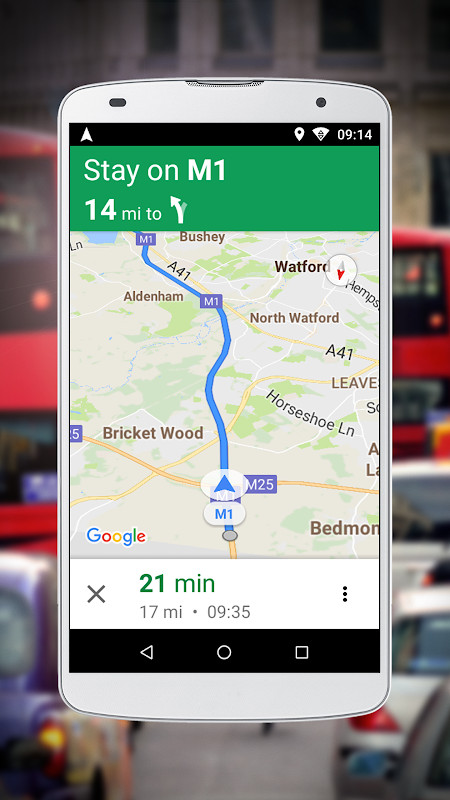
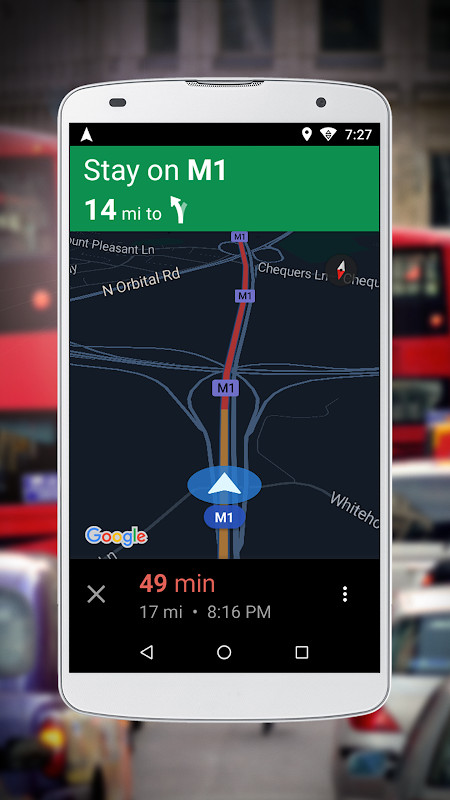
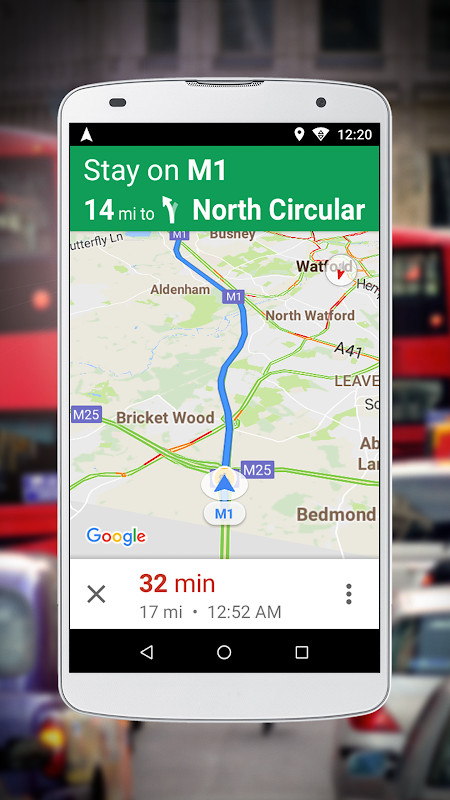
Navigation for Google Maps Go is a companion application by Google LLC that provides voice-guided, turn-by-turn navigation for Google Maps Go, specifically optimized for devices with limited memory. The app solves the problem of poor navigation performance on low-end Android phones by offering a lighter alternative to the full Google Maps navigation experience. It works by requiring users to first search for directions in Google Maps Go and then launching this app to receive real-time guidance. It includes support for driving, walking, cycling, and motorcycle routes where available, and it stores routes to ensure continuous navigation even when network connectivity is lost. The app also offers voice-guided directions in more than 50 languages. It is not a standalone navigation tool; it must be used in conjunction with Google Maps Go.
Key features
- Provides real-time, turn-by-turn navigation when used with Google Maps Go
- Optimized for performance on phones with limited memory
- Supports navigation for driving, walking, cycling, and motorcycles where available
- Stores your route so you get continuous navigation even if you lose network connectivity
- Offers voice-guided navigation in more than 50 languages
- Launches after searching for directions in Google Maps Go, ensuring seamless integration
How to install
- Tap the download button on this page to get the APK file (23 MB).
- When Android asks, allow your browser or file manager to install apps by enabling the 'Install unknown apps' setting.
- Open the downloaded APK file from your notification bar or file manager.
- Tap 'Install' and wait for the installation to complete.
- Open the app after installation. Note: This app requires Android version 4.4 or higher.
Pros
- Optimized for low-memory devices, reducing lag and crashes
- Voice guidance available in over 50 languages
- Offline route storage for continuous navigation without network
- Supports multiple travel modes including driving and walking
- Free to download and use
- Lightweight at 23 MB, suitable for devices with limited storage
Cons
- Requires Google Maps Go to function; not a standalone app
- Requests access to location, accounts, and storage, which may raise privacy concerns
- No information available about in-app purchases or ads, so users should be cautious
- Limited to the features and coverage of Google Maps Go
Latest changes · 10.74.3
Version 10.74.3, released November 25, 2025, provides voice guided navigation for Google Maps Go, optimized for low-memory phones. It requires Android 4.4 or later and is 23 MB in size. The update description repeats the app's core purpose: voice guidance for low-memory devices. No specific new features or fixes are detailed beyond that statement.
Older versions
| Version | Size | Requires Android | Updated |
|---|---|---|---|
| 10.74.3 | 23 MB | 4.4 | Nov 25, 2025 |
| 10.74.1 | 23 MB | 4.4 | Sep 4, 2021 |
| 10.55.0 | 22 MB | 4.4 | Aug 10, 2021 |
This app is ideal for users with older or budget Android smartphones that have limited RAM and storage, who want the core navigation features of Google Maps without the performance overhead. It is also suitable for frequent travelers who need reliable turn-by-turn directions in multiple languages and who may encounter areas with poor network coverage, thanks to offline route storage. Users should already be comfortable using Google Maps Go as the primary mapping app, since this companion tool depends on it.
Before starting a trip, plan your route in Google Maps Go while connected to the internet to ensure the route is stored for offline use. Also, ensure your device's location services are enabled and battery saver mode is off for the most accurate navigation.
Permissions
FAQ
Does Navigation for Google Maps Go work as a standalone app?
No. It is a companion to Google Maps Go and must be launched after you search for directions in Google Maps Go.
What happens to my navigation if I lose network connectivity during a trip?
The app stores your route so that navigation continues even if you lose network connectivity.
Which modes of transport does this app support for navigation?
It provides turn-by-turn navigation for driving, walking, cycling, and motorcycles, where available.
How many languages are available for voice-guided navigation?
Voice-guided navigation is available in more than 50 languages.
Is this app suitable for phones with limited memory?
Yes, it is optimized for performance on low-memory phones and provides navigation quality similar to the original Google Maps but designed to perform better on such devices.
Navigation for Google Maps Go fills a niche for low-memory phones, providing essential turn-by-turn guidance without the bulk of the full Google Maps app. It is a practical companion for users who prioritize performance and offline reliability over advanced features.
Similar apps
 Google Street ViewGoogle Inc.4.4
 Google Maps GoGoogle LLC4.1
 Uber: Rides, eats, hotelsUber Technologies, Inc.4.7
 Where is my TrainSigmoid Labs and its affiliates4.4
 Booking.com: Hotels & TravelBooking.com Hotels & Vacation Rentals4.8
 Google EarthGoogle LLC3.8
 Skyscanner Flights Hotels CarsSkyscanner Ltd4.8
 AirbnbAirbnb4.6
More from this developer






Updated: Oct 15, 2026