Google Street View for Android
Google Street View is a travel and mapping app from Google Inc. for creating 360° imagery and virtually exploring places worldwide.
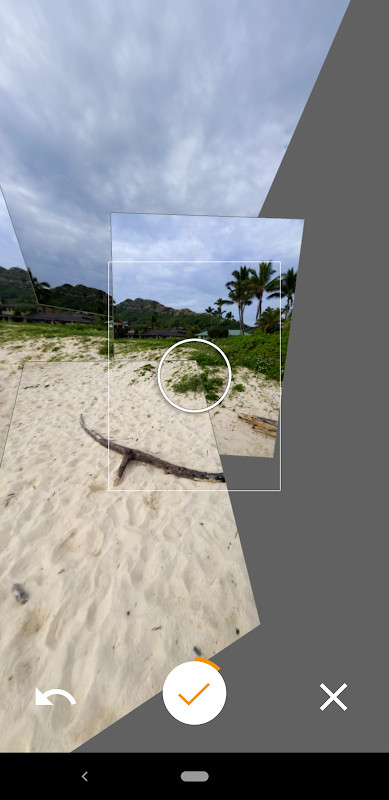
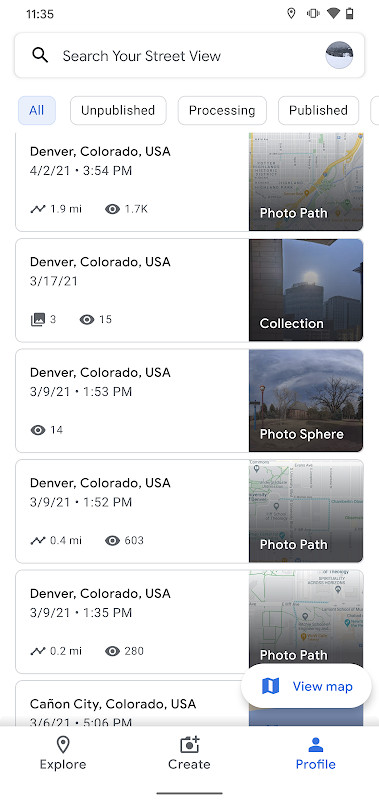
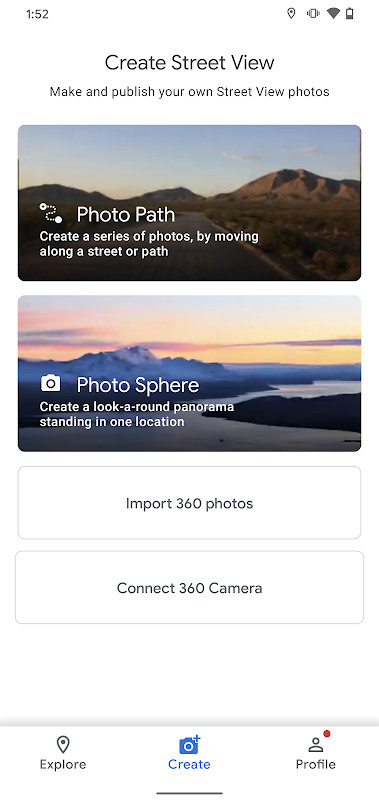
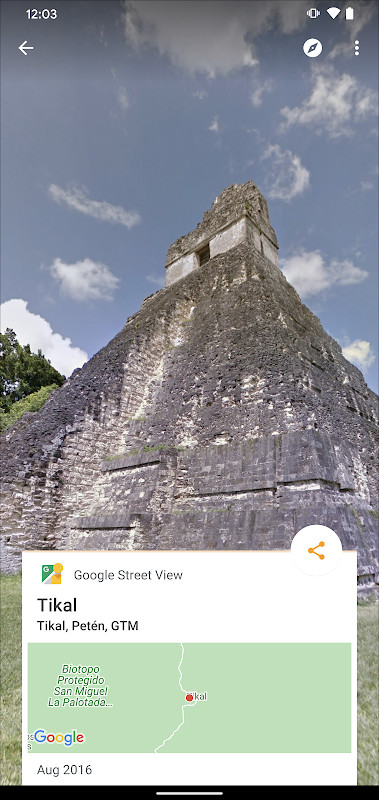
Download Google Street View · v2.0.0.484371618Google Street View is designed for travelers, photographers, and curious explorers who want to see world landmarks or share their own surroundings. The app lets users view immersive panoramas and publish Photo Spheres, Photo Paths, or connected 360° camera footage.
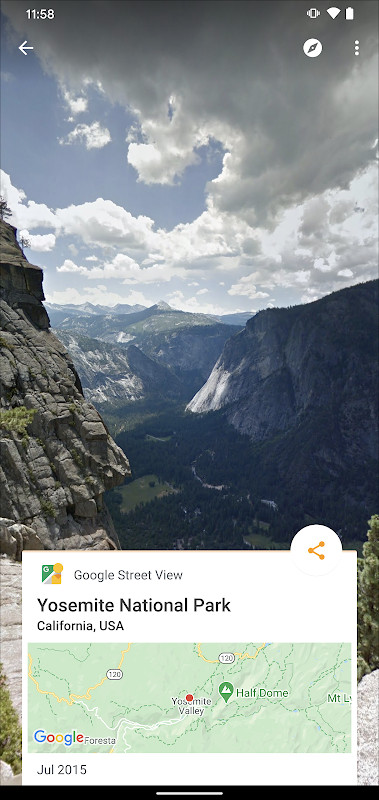
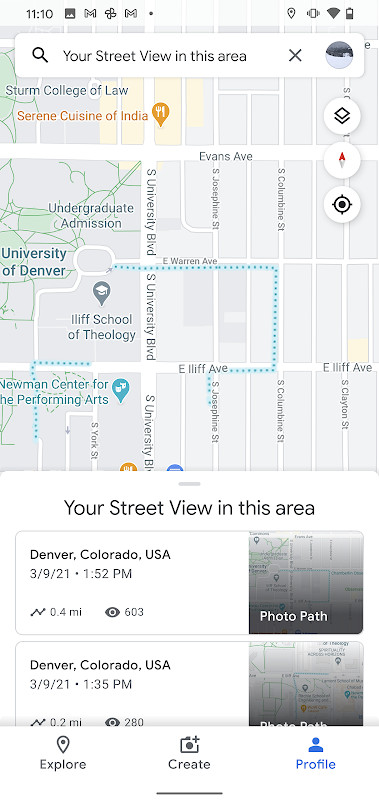
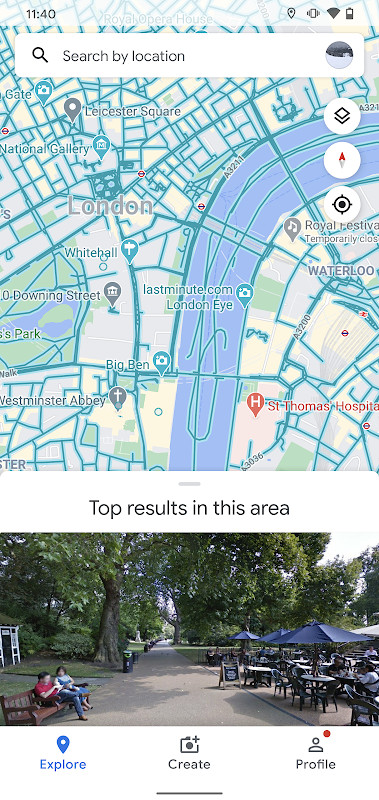
Screenshots
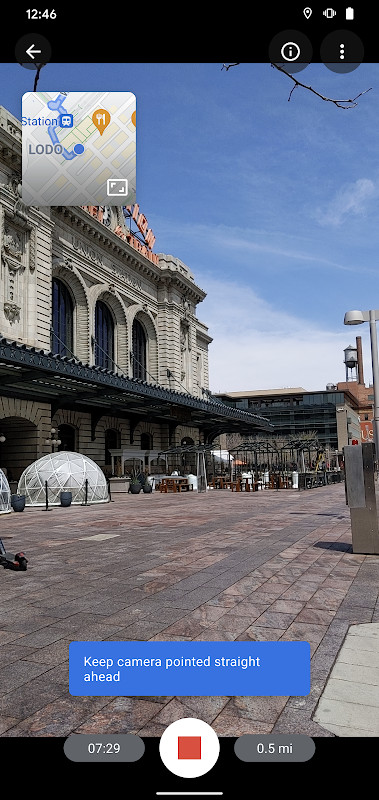
- Version
- 2.0.0.484371618
- Size
- 42 MB
- Requires Android
- 7.0
- Updated
- Mar 6, 2025
- Installs
- 1B+
- Rating
- ★ 4.36 (234)
- Category
- Travel & Maps
- Developer
- Google Inc.
- Content rating
- Everyone
- Package
- com.google.android.street
- Free
- ✓
Google Street View is a travel and maps application by Google Inc. that lets you explore immersive 360-degree imagery from around the world and also create and publish your own panoramic photos. The app combines a vast library of existing Street View imagery with tools that allow you to contribute new views of streets, trails, and indoor spaces. Whether you want to virtually visit famous landmarks, step inside a museum, or document a local path, this app serves both explorers and content creators. It is designed for anyone curious about distant places or eager to share their own surroundings with a global audience. The app requires Android 7.0 or newer and occupies about 42 MB of storage. It is free to use and carries a content rating of Everyone, making it suitable for all ages. The current version, 2.0.0.484371618, was released on March 6, 2025, and includes a refreshed interface and new contribution features. Users can browse existing imagery, search for specific locations, or use their phone's camera to capture Photo Spheres, Photo Paths, and connected panoramas that can be published for others to see. The app also tracks your contribution progress with a Street View badge, adding a gamified element to your mapping efforts. For those concerned about privacy, it is important to note that the app requests access to your location, camera, and storage, which are necessary for capturing and uploading imagery. It also accesses network state and accounts, so understanding these permissions is key before installation. Overall, Google Street View is a powerful tool for virtual travel and community-driven mapping, with a strong emphasis on user-generated content.
Key features
- Create and publish Photo Spheres, which are 360-degree panoramas
- Record Photo Paths along a street or trail, with ARCore support for compatible devices
- Capture connected panoramas using a 360-degree camera
- Explore immersive Street View imagery from nearly every country in the world
- View world landmarks, natural wonders, and indoor locations such as museums and restaurants
- Track your contribution progress with the Street View badge
- Fresh UI simplifies creating, organizing, and publishing imagery
- Several bug fixes and performance improvements in the latest version
How to install
- Tap the download button on this page to start downloading the APK file (42 MB).
- When Android prompts, allow your browser or file manager to install apps by enabling the 'Install unknown apps' setting.
- Open the downloaded APK file from your notifications or file manager.
- Tap Install on the installation screen.
- After installation completes, open the app from your app drawer or the Open button.
- Ensure your device runs Android 7.0 or newer to meet the minimum requirement.
Pros
- Free to use with no in-app purchases
- Large existing library of Street View imagery
- Allows user-generated content contribution
- Includes a badge system to track contributions
- Suitable for all ages with a Everyone content rating
- Regular updates with bug fixes and new features
Cons
- Requests many permissions, including camera, location, and storage
- Photo Paths require an ARCore-compatible device
- Requires a Google account for publishing imagery
- May use significant data when uploading or streaming imagery
- Limited to Android 7.0 and above
Latest changes · 2.0.0.484371618
Version 2.0.0.484371618 adds the ability to create and publish a Photo Path while moving along a street or trail. The interface has been refreshed to simplify creating, organizing, and publishing imagery. Users can now monitor their contribution progress through a Street View badge. The update also includes several bug fixes and other improvements.
Older versions
| Version | Size | Requires Android | Updated |
|---|---|---|---|
| 2.0.0.484371618 | 42 MB | 7.0 | Mar 6, 2025 |
This app is for travelers, explorers, and content creators who want to virtually visit places worldwide or contribute their own 360-degree imagery to the Street View map. It is also useful for business owners who want to showcase their interiors and for educators who need visual aids for geography lessons.
Review and manage the app's permissions carefully. The camera and location permissions are essential for capturing and publishing imagery, but you can revoke them after use. Also, ensure your device is ARCore-compatible if you plan to use Photo Paths, and connect to Wi-Fi when uploading large panoramas to save data.
Permissions
FAQ
What is Google Street View and what can I do with it?
It is a free app in the Travel & Local category from Google Inc. You can explore places around the world or capture and share your own Street View imagery. There are three capture options: Photo Spheres (360° panoramas), Photo Paths (a series of connected photos along a street or trail), and Street View (connected panoramas from a 360° camera).
Which Android version do I need to run the app?
The listing states a minimum OS of Android 7.0, while the notice text mentions Android 4.4 (KitKat) or newer. The app itself is version 2.0.0.484371618 and the download is 42 MB.
Can any phone create a Photo Path?
No. Capturing a Photo Path requires an ARCore-compatible device, so check whether your phone is on the supported device list before planning to record one.
What does the current version add?
Version 2.0.0.484371618, dated 2025-03-06, lets you create and publish a Photo Path as you travel along a street or trail. It also brings a fresh interface for creating, organizing and publishing imagery, a Street View badge for tracking your contribution progress, and several bug fixes and other improvements.
What permissions does the app request and does it cost anything?
It is free and rated for Everyone. The permissions cover things such as location, camera, internet and network state, Wi-Fi, notifications, storage and media access, accounts, vibration, wake lock and boot-related events. They are used for the app's exploring and image-capture features.
Google Street View offers a unique blend of virtual exploration and user contribution, making it a valuable tool for discovering the world and sharing your own. Its comprehensive features and global imagery library are impressive, though the extensive permissions warrant careful consideration. Overall, it is a solid choice for anyone wanting to see the world or add to its visual record.
Similar apps
 Google Maps GoGoogle LLC4.1
 Uber: Rides, eats, hotelsUber Technologies, Inc.4.7
 Navigation for Google Maps GoGoogle LLC3.8
 Where is my TrainSigmoid Labs and its affiliates4.4
 Booking.com: Hotels & TravelBooking.com Hotels & Vacation Rentals4.8
 Google EarthGoogle LLC3.8
 Skyscanner Flights Hotels CarsSkyscanner Ltd4.8
 AirbnbAirbnb4.6
More from this developer

Updated: Oct 14, 2026