
Google Earth: Explore the Planet
Google Earth is a free travel and local app by Google LLC that lets you examine the planet with satellite imagery, 3D terrain, and Street View.
Get Google EarthGoogle Earth is 11 MB and requires Android 4.1 or higher. It has no ads and no in-app purchases, and it holds a 3.77 rating from 2.95 million ratings. The app is designed for travelers, educators, and anyone curious about exploring the world from above or at street level.
Screenshots
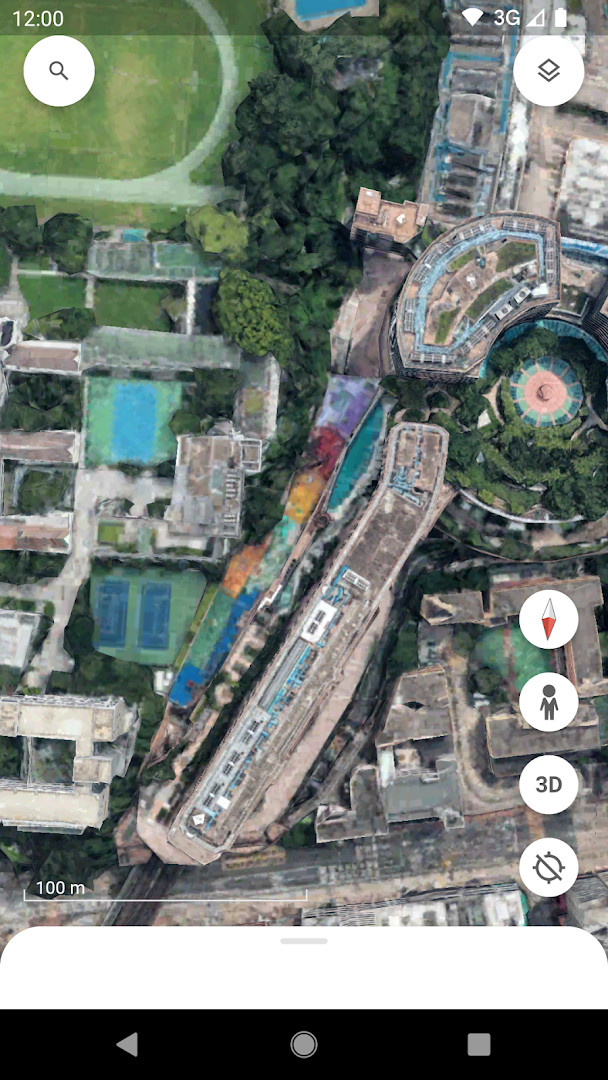
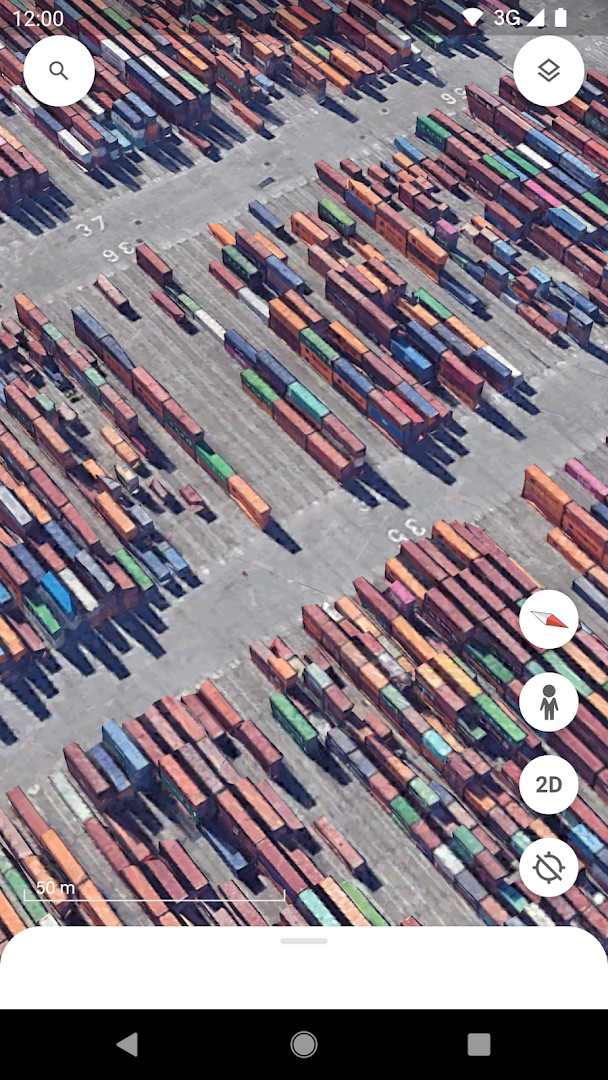
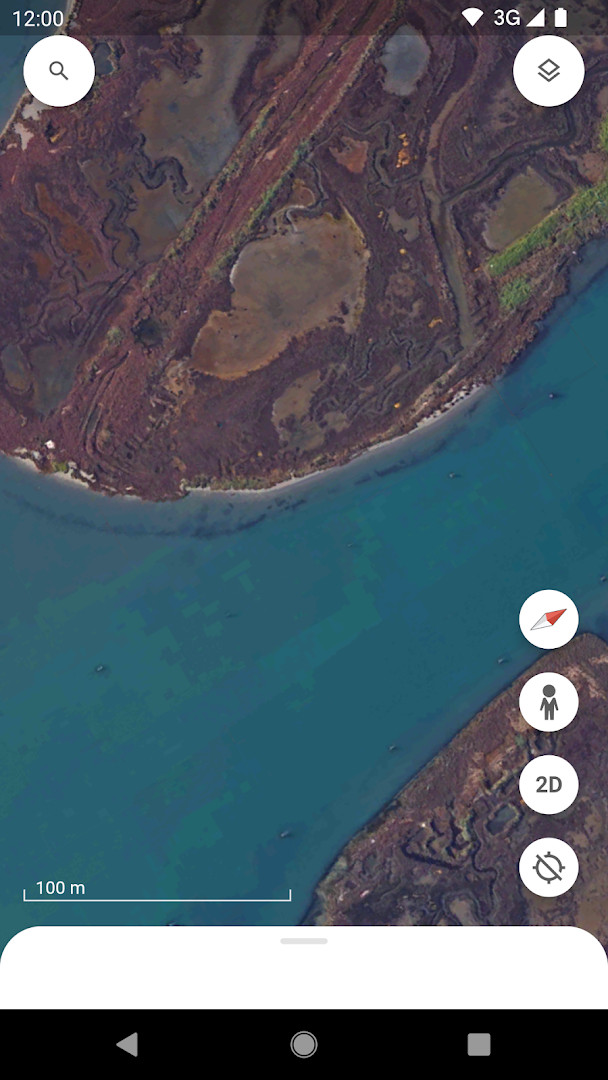
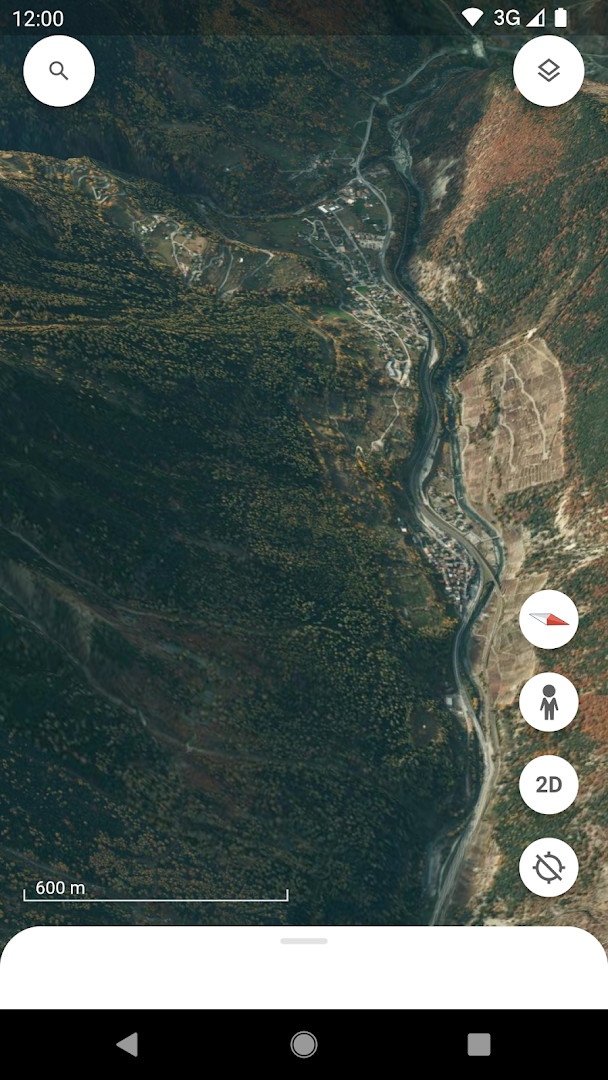
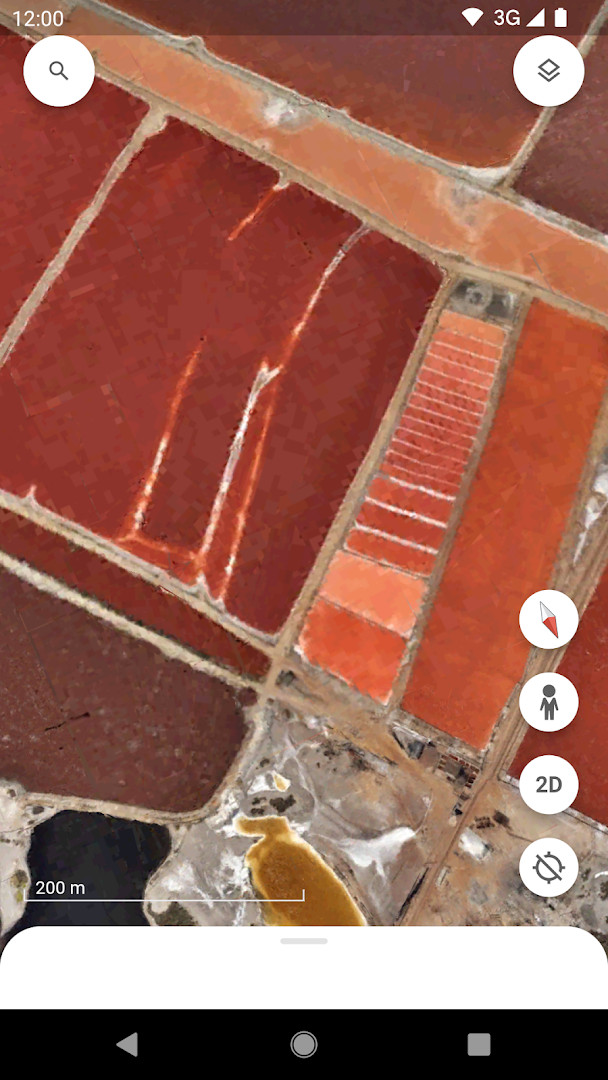
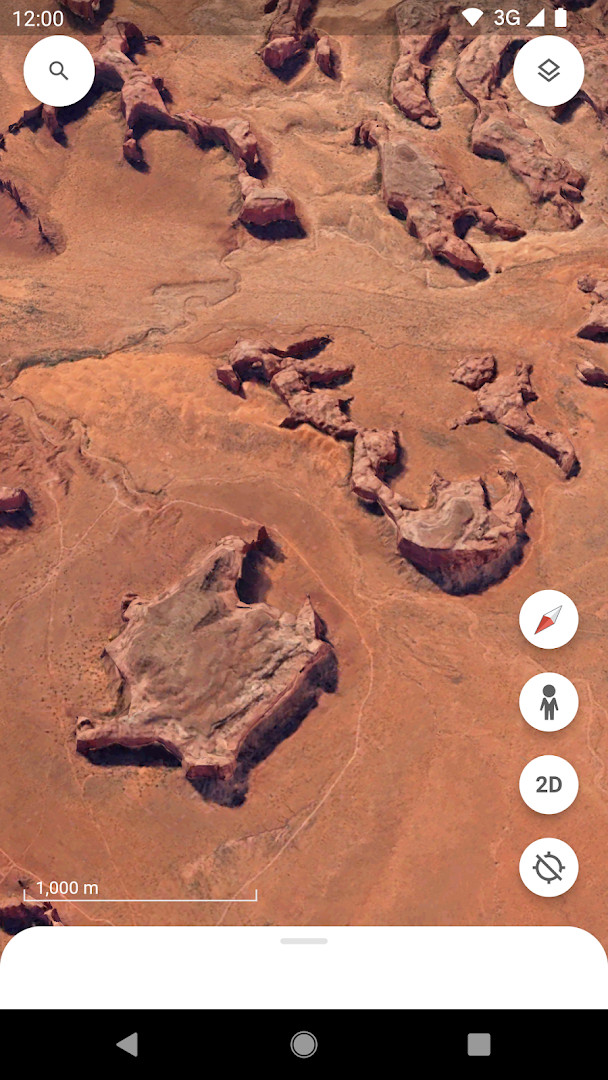
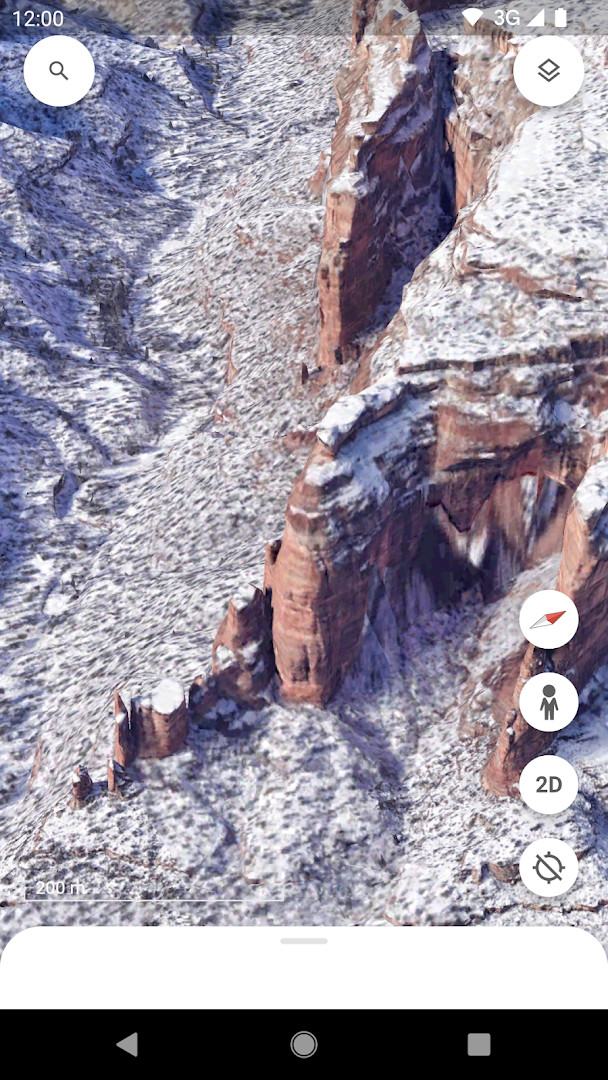
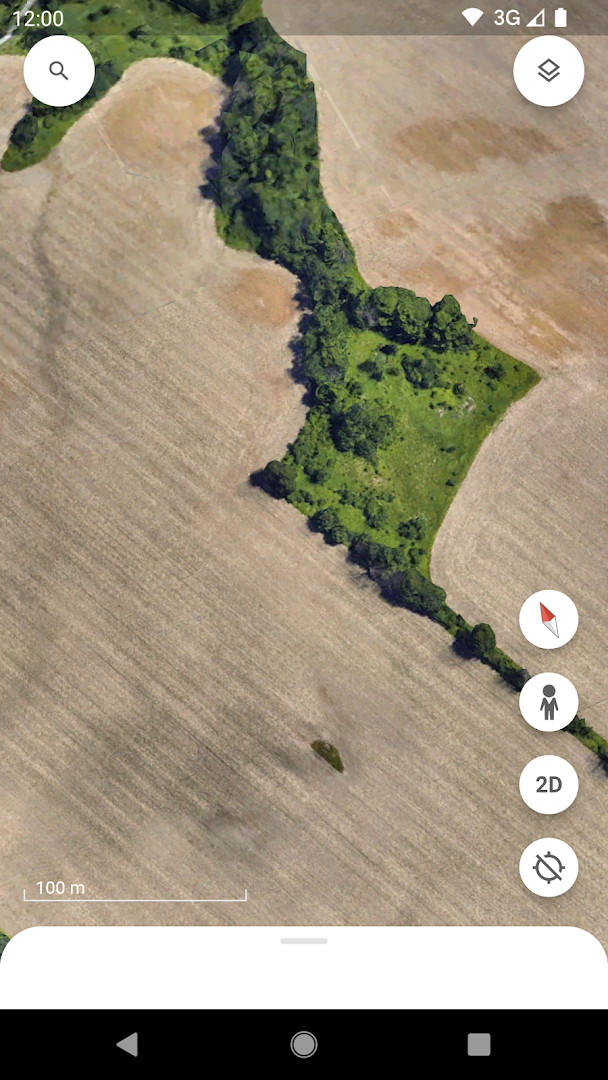
- Size
- 11 MB
- Requires Android
- 4.1
- Updated
- Oct 6, 2026
- Installs
- 500M+
- Rating
- ★ 3.77 (2,954,570)
- Category
- Travel & Maps
- Developer
- Google LLC
- Content rating
- Everyone
- Package
- com.google.earth
- Free
- ✓
Google Earth is a travel and local app by Google LLC that lets you explore the planet through high-resolution satellite imagery, 3D terrain, and 360-degree Street View perspectives. The app addresses the need for a comprehensive, interactive way to view and understand geographic locations from a global to a street level. It solves this by combining satellite maps, 3D models of buildings in hundreds of cities, and street-level panoramas into a single, easy-to-navigate interface. Users can also create and collaborate on data-driven maps, add photos from their camera, and access guided tours from sources like BBC Earth and NASA through the Voyager feature. With over 500 million installs and a content rating for everyone, it's a widely used tool for education, travel planning, and casual exploration. The app is free, contains no ads, and offers no in-app purchases, so all features are available without extra cost.
Key features
- High-resolution satellite imagery of the entire globe
- 3D terrain and 3D buildings in hundreds of cities
- 360-degree Street View perspectives for diving into neighborhoods
- Voyager collection with guided tours from BBC Earth, NASA, and National Geographic
- Ability to create and collaborate on immersive, data-driven maps from anywhere
- Add photos from your camera to your maps
- Sync with maps and stories created on the web for mobile viewing
- Fresh new look with features for cross-device collaboration
How to install
- Tap the download button on this page to get the APK file (11 MB).
- When Android asks, allow your browser or file manager to install apps by enabling the 'Install unknown apps' setting.
- Open the downloaded APK file from your notification bar or file manager.
- Tap Install and wait for the installation to complete.
- Open the app from your home screen or app drawer.
- Note: This app requires Android 4.1 or higher.
Pros
- Free to use with no ads and no in-app purchases
- Extensive geographic data including satellite imagery and 3D models
- Street View integration for ground-level perspectives
- Collaborative features for creating and sharing maps
- Voyager tours provide curated educational content
- Suitable for all ages with an 'Everyone' content rating
Cons
- Requires access to multiple permissions including Identity, Contacts, Location, Photos/Media/Files, Storage, and Camera
- Large app size may be a consideration for devices with limited storage
Latest changes
Thanks for using Google Earth! The update from October 6, 2026, introduces a fresh new look along with features for cross-device collaboration, on-the-go map creation, and the ability to add photos directly from your camera to your maps.
Older versions
| Version | Size | Requires Android | Updated |
|---|---|---|---|
| 9.3.4.9 | 10 MB | 4.1 | Oct 12, 2026 |
| 7.1.2.2011 | 8.7 MB | — | Nov 13, 2025 |
| 9.3.4.10 | 11 MB | 4.1 | Nov 6, 2025 |
| 8.0.5.2351 | 10 MB | 4.0 | Dec 7, 2016 |
| 6.1 | 8 MB | — | May 9, 2014 |
| 7.1.3.1255 | 8.8 MB | — | Oct 30, 2013 |
| 7.0.0.7386 | 8.6 MB | — | Jul 1, 2012 |
Google Earth is ideal for travelers, students, educators, and anyone curious about the world. It serves as a powerful tool for exploring distant places, planning trips, or learning about geography and culture through immersive visualizations. The collaborative mapping features also benefit teams or communities working on location-based projects, while the Voyager tours make it accessible for casual users interested in guided explorations. Since it's free and rated for everyone, it's suitable for all ages, though the permission requirements suggest it's best for users comfortable granting access to location and media.
To get the most out of Google Earth, try creating your own maps and adding photos from your camera to personalize your experience. Use the Voyager tours to discover curated content from trusted sources. For best performance, ensure your device's location services are enabled when using Street View or location-based features.
Permissions
FAQ
Is Google Earth free?
Yes, Google Earth is free to use and has no ads or in-app purchases.
What Android version do I need?
It requires Android 4.1 or newer.
What is the file size?
The APK file is about 11 MB.
Does it require an account?
No, you can use Google Earth without signing in.
What permissions does it request?
It may ask for permissions related to Identity, Contacts, Location, Photos/Media/Files, Storage, and Camera.
How do I update Google Earth?
Download the new version from this page and install it over the existing one.
Google Earth remains a versatile and powerful tool for exploring our planet from above and up close. Its combination of satellite imagery, 3D models, and Street View, along with collaborative features, makes it a valuable app for both education and personal use.
Similar apps





More from this developer






Updated: Oct 14, 2026