
Samsung Pay for Android
Samsung Pay is a digital wallet service from PT. Samsung Electronics Indonesia for faster payments with partnered digital wallets.
Download now · v3.4.00.0Samsung Pay is aimed at users in Indonesia who want a quicker way to pay using digital wallets that have partnered with Samsung. The app is free, contains no ads or in-app purchases, and requires Android 10 or newer with a download size of about 46 MB.
Screenshots
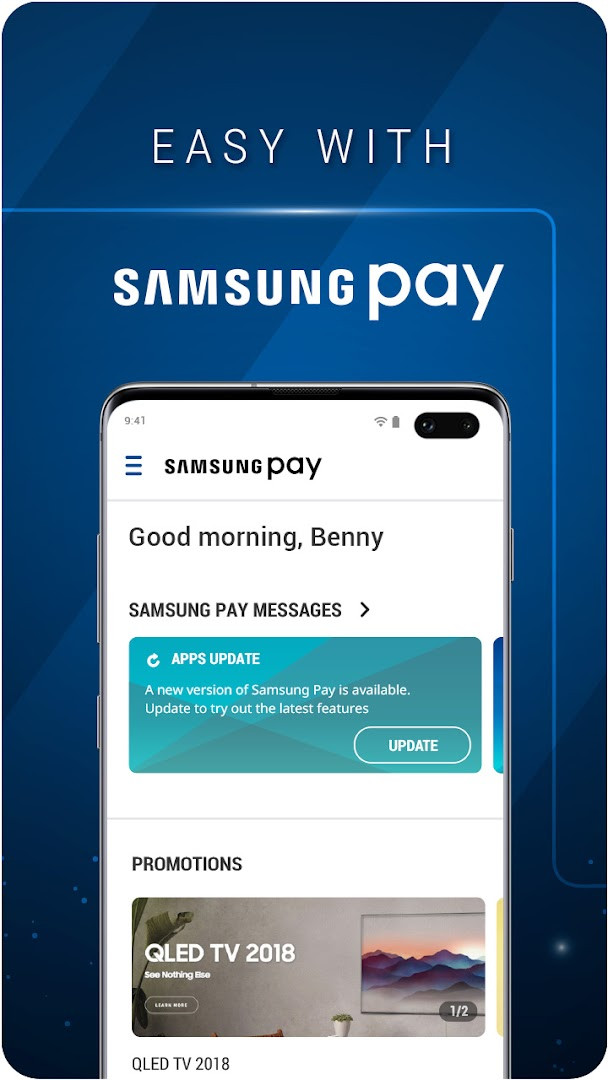
- Version
- 3.4.00.0
- Size
- 46 MB
- Requires Android
- 10
- Updated
- Apr 10, 2026
- Installs
- 100M+
- Rating
- ★ 3.37 (19,992)
- Category
- Finance
- Developer
- PT. Samsung Electronics Indonesia
- Content rating
- Everyone
- Package
- com.samsung.android.rajaampat
- Free
- ✓
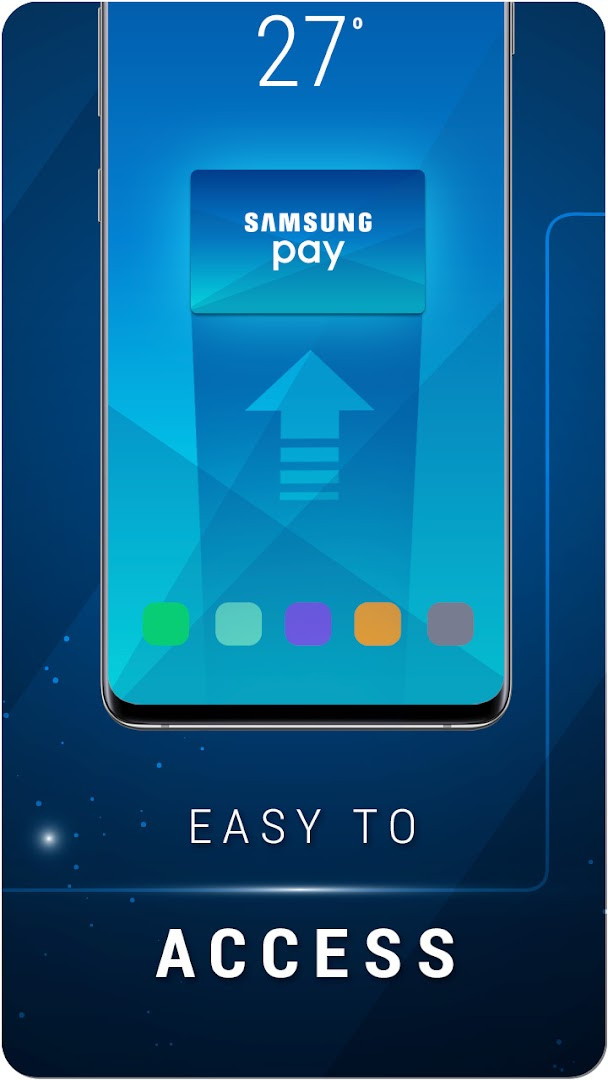
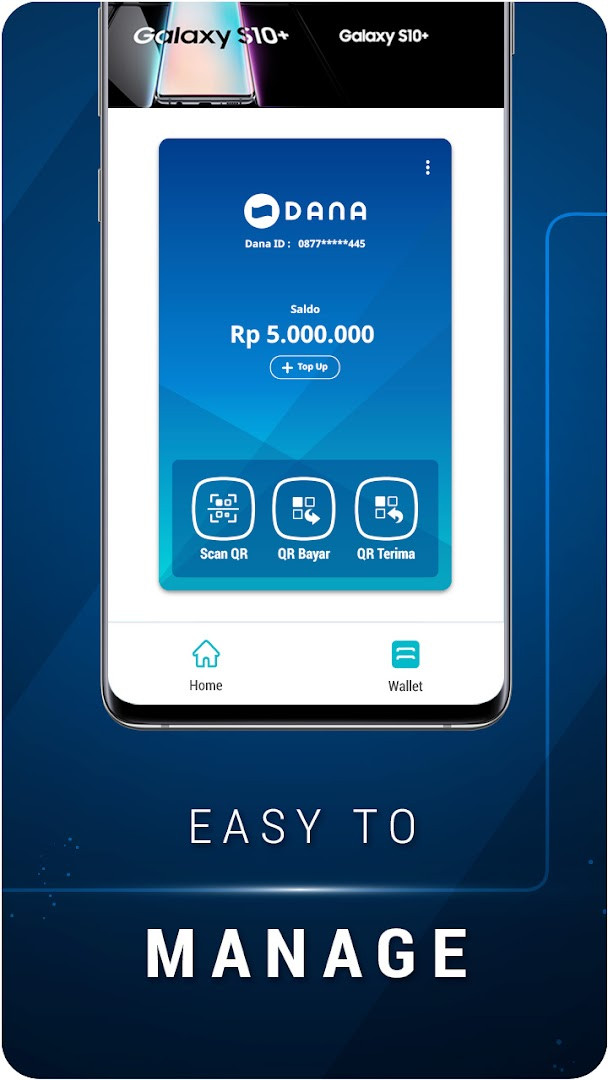
Samsung Pay is a finance application by PT. Samsung Electronics Indonesia that provides a quick access service for using digital wallets from Samsung's partners in Indonesia. The app is designed as a centralized entry point for faster payments, letting users connect to wallets that have already partnered with Samsung rather than managing multiple separate payment apps. It is free to use, contains no ads, and does not offer in-app purchases, which positions it as a utility-style service within the broader Samsung ecosystem.
Key features
- Quick access to digital wallets that have partnered with Samsung, allowing faster payments from a single service.
- Integration with Samsung BRI Credit Card registration, activation, and management through a redesigned interface.
- Access to special promotions on samsung.com and the Samsung Concierge Service.
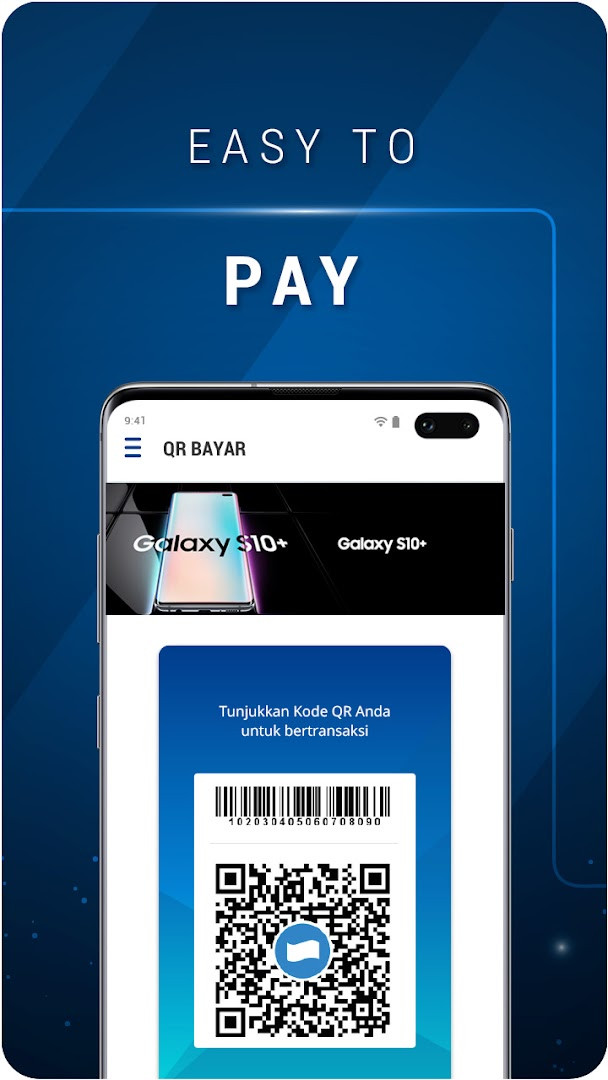
- Support for contactless or QR-based payments depending on the linked partner wallet and device capabilities.
- Content rating of Everyone, making it suitable for a general audience.
- Free to use with no ads and no in-app purchases.
How to install
- Tap the download button on this page to get the Samsung Pay APK file.
- When Android asks, allow your browser or file manager to install apps by enabling the "Install unknown apps" setting for that app.
- Open the downloaded APK file; the file size is 46 MB.
- Tap Install and wait for the process to complete.
- Open the app and follow the on-screen setup to register or link your digital wallet.
- Make sure your device runs Android 10 or a newer version, as this is the minimum supported operating system.
Pros
- Free to use with no ads or in-app purchases, keeping the core payment function straightforward.
- Provides a single access point for multiple partner digital wallets, reducing the need to switch between apps.
- Includes Samsung-specific benefits such as promotions on samsung.com and access to the Samsung Concierge Service.
- The app has a very large install base of 100,000,000, suggesting broad availability and long-term support.
- Content rating of Everyone means it is accessible to a wide range of users.
Cons
- The app requests a wide range of permissions, including Contacts, Location, Photos/Media/Files, and Device ID & call information, which may feel excessive for a payment tool.
- The average rating of 3.33 across 19,879 ratings indicates a mixed reception and possible reliability or usability concerns for some users.
- The description and update notes focus on promotions and credit card registration, which can make the app feel more like a marketing channel than a purely functional wallet.
- No in-app purchases or ads are listed, but the promotional content inside the app may still be perceived as clutter by users who want a minimal payment experience.
Latest changes · 3.4.00.0
Version 3.4.00.0 of Samsung Pay focuses on Samsung BRI Credit Card management. It introduces a redesigned interface for registering, activating, and handling the card. The update also adds special promotions on samsung.com and provides access to Samsung Concierge Service. These changes aim to improve the overall user experience based on feedback.
Older versions
| Version | Size | Requires Android | Updated |
|---|---|---|---|
| 3.4.00.0 | 46 MB | 10 | Apr 10, 2026 |
| 2.4.09.3 | 44 MB | 7.0 | Aug 12, 2022 |
| 2.4.09.1 | 44 MB | 7.0 | Mar 25, 2022 |
| 2.3.00.0 | 46 MB | 6.0 | Apr 11, 2020 |
Samsung Pay is best suited for users in Indonesia who already rely on Samsung devices and partner digital wallets, Samsung BRI Credit Card holders who want to manage their card from a single interface, and shoppers who regularly buy from samsung.com and want access to exclusive promotions and concierge benefits.
Before linking a wallet, review the permission list carefully and consider denying access to Contacts, Location, and Photos/Media/Files if you only plan to use the app for basic payment functions.
Permissions
FAQ
What is the latest version of Samsung Pay and when was it updated?
The current version is 3.4.00.0, dated 2026-04-10.
What new features were added in the most recent Samsung Pay update?
The recent update brings special promotions on samsung.com, access to Samsung Concierge Service, and a redesigned interface for registering, activating, and managing the Samsung BRI Credit Card.
What are the operating system requirements and permissions needed for Samsung Pay?
It requires Android 10 or higher and needs permissions including Identity, Contacts, Location, Phone, Photos/Media/Files, Storage, Camera, Wi-Fi connection information, and Device ID & call information.
What is the download size and original release date of Samsung Pay?
The app size is 46 MB, and it was first released on 2021-07-16.
What specific financial services or promotions does Samsung Pay currently offer?
According to the app's description, it is a service that helps you make faster payments using partnered digital wallets, and a Samsung BRI Credit Card sign-up is currently promoted.
Samsung Pay is a solid choice for users in Indonesia who want a centralized, quick-access digital wallet tied to Samsung services and partner wallets. The broad install base suggests wide acceptance, but the modest average rating and the number of permissions requested mean cautious users should review what data they are comfortable sharing before relying on it for everyday transactions.
Similar apps
 Google WalletGoogle LLC4.3
 PayPal - Pay, Send, SavePayPal Mobile4.2
 FinShell PayM-Kash India Financial Solutions Private Limited
 bKashbKash Limited4.4
 Mercado Pago: cuenta digitalMercado Libre4.8
 easypaisa – a digital bankEasypaisa Bank Limited4.6
 Cash AppBlock, Inc.4.7
 Inter Banking & Money TransferBanco Inter SA4.4
More from this developer

Updated: Oct 15, 2026