
Google Wallet: Digital Wallet App
Google Wallet is a finance app by Google LLC that lets you tap to pay, store passes, IDs, and tickets, and manage payments securely on Android.
Download Google WalletGoogle Wallet is a free finance app from Google LLC that keeps payment cards, loyalty cards, digital IDs, transit passes, and event tickets in one place. It is designed for Android users who want to make contactless payments and manage their everyday essentials securely.
Screenshots
- Size
- 16 MB
- Requires Android
- 9
- Updated
- Oct 9, 2026
- Installs
- 1B+
- Rating
- ★ 4.33 (2,252,176)
- Category
- Finance
- Developer
- Google LLC
- Content rating
- Everyone
- Package
- com.google.android.apps.walletnfcrel
- Free
- ✓
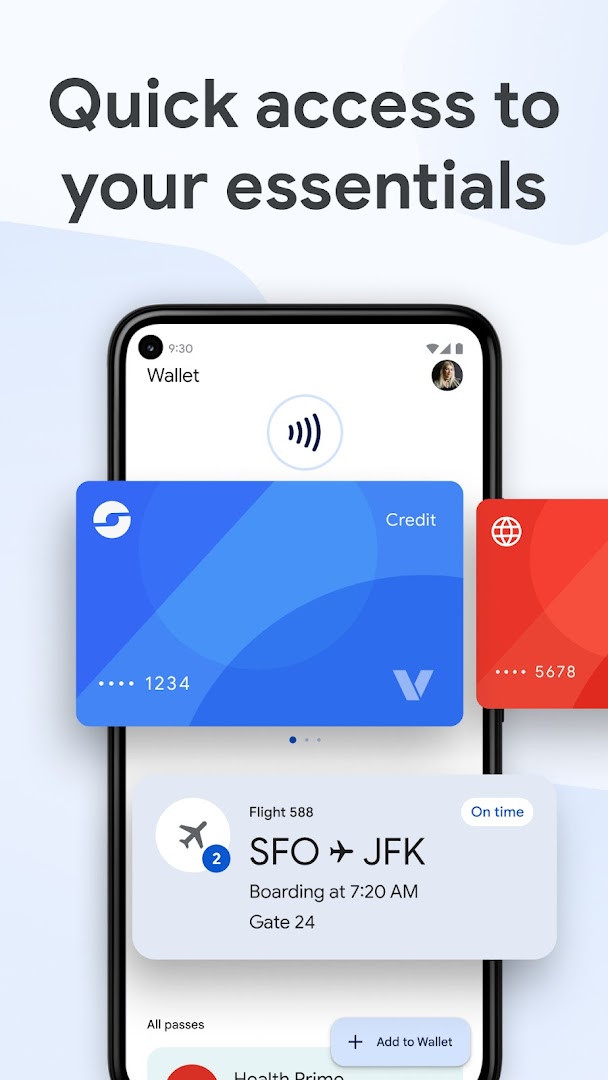
Google Wallet is a digital wallet and finance app by Google LLC that stores payment cards, transit passes, tickets, loyalty cards, receipts, and digital IDs in one place. It enables fast contactless payments through Google Pay and organizes everyday essentials for quick access from an Android phone or smartwatch.
The app is designed for people who want to reduce reliance on a physical wallet and streamline daily transactions. With tap-to-pay support in stores, online checkout through Chrome autofill or the GPay button, and automatic updates for boarding passes and event tickets, it covers both routine purchases and travel scenarios. Loyalty cards and gift cards are kept organized so users can earn or redeem rewards without searching through drawers or pockets.
Google Wallet also addresses order tracking and receipt management. By linking the app to Gmail, users in the US can see order statuses and expected delivery dates in one view, while receipts from online and in-store transactions appear directly in the wallet. The app supports digital IDs such as driver's licenses and student IDs, though availability varies by region and institution.
Security features are built into the Android platform, including 2-Step Verification, Find My Phone, and remote data erase. When tapping to pay, the app shares a unique virtual card number rather than the actual card number, adding a layer of protection compared with swiping a physical card. Google Wallet works on Android phones running Pie 9.0 or newer, as well as Wear OS and Google Fitbit devices.
Key features
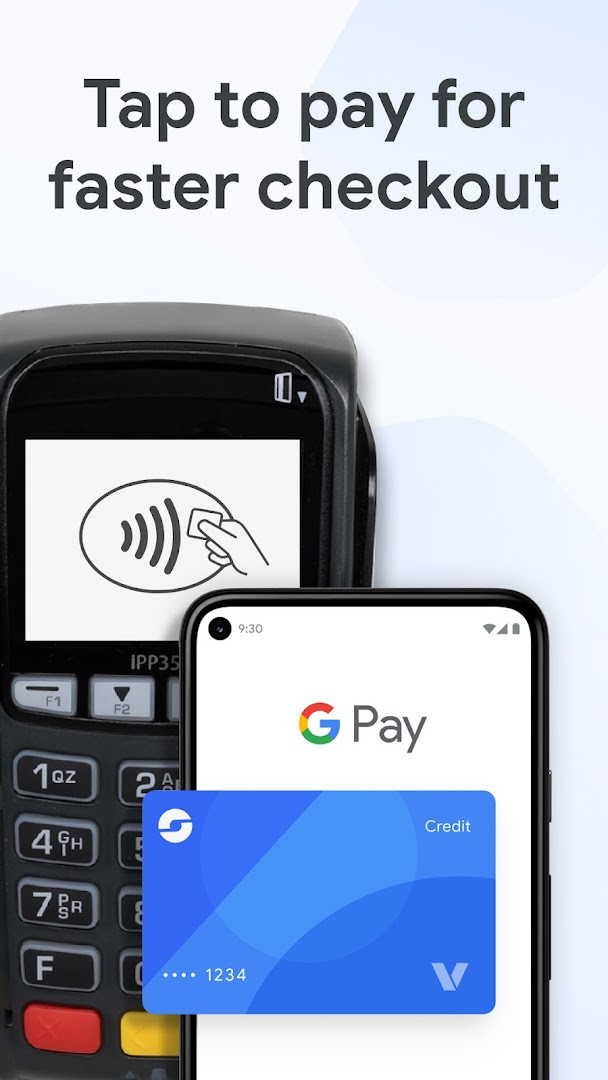
- Tap to pay in stores, online, or in apps wherever contactless payments or Google Pay are accepted, using a unique virtual card number instead of your actual card details.
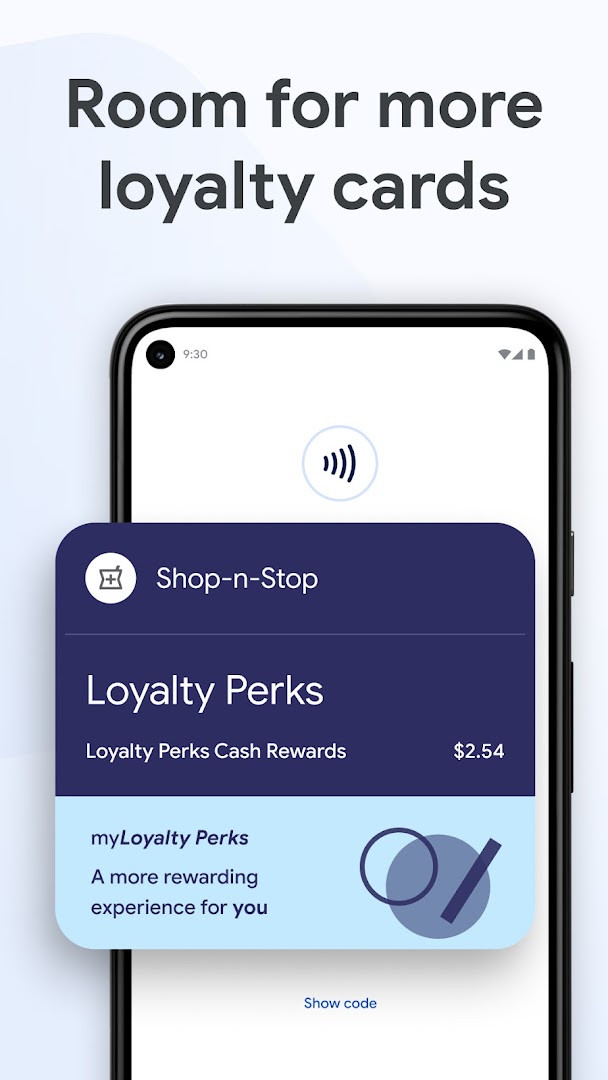
- Store and organize loyalty cards and gift cards so you can earn or redeem rewards without missing a chance.
- View receipts from online and in-store transactions directly inside the wallet.
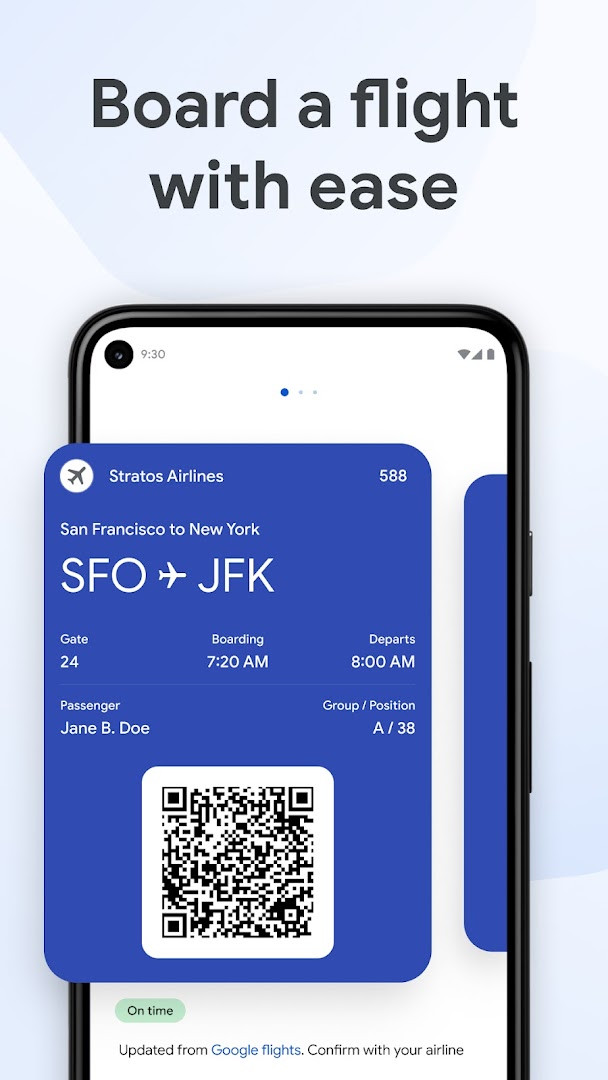
- Add airline boarding passes and receive real-time updates such as gate changes and departure times.
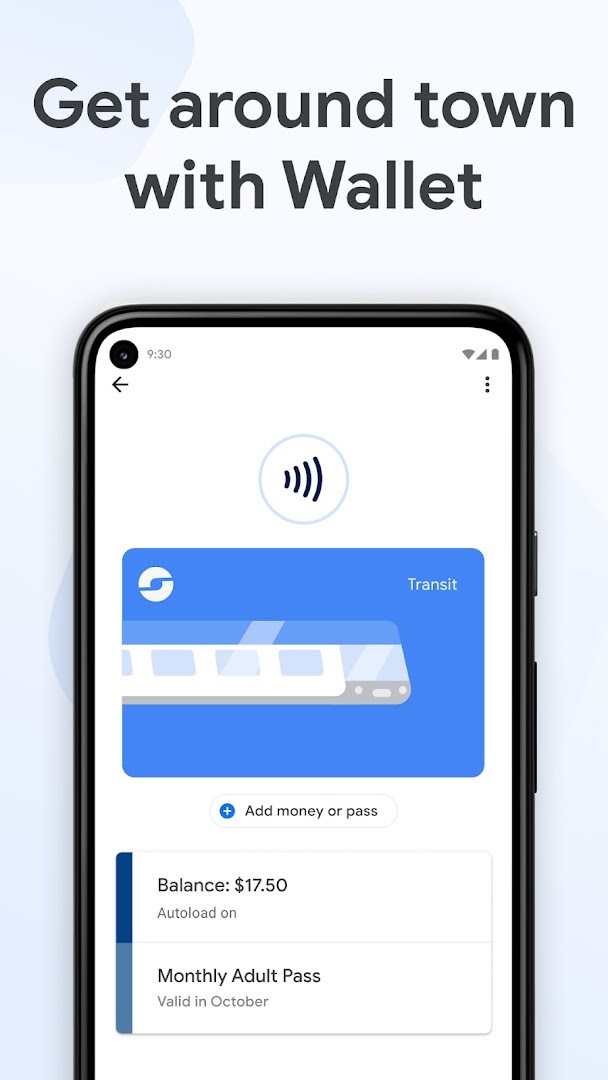
- Keep transit passes handy and pay fares with a single tap.
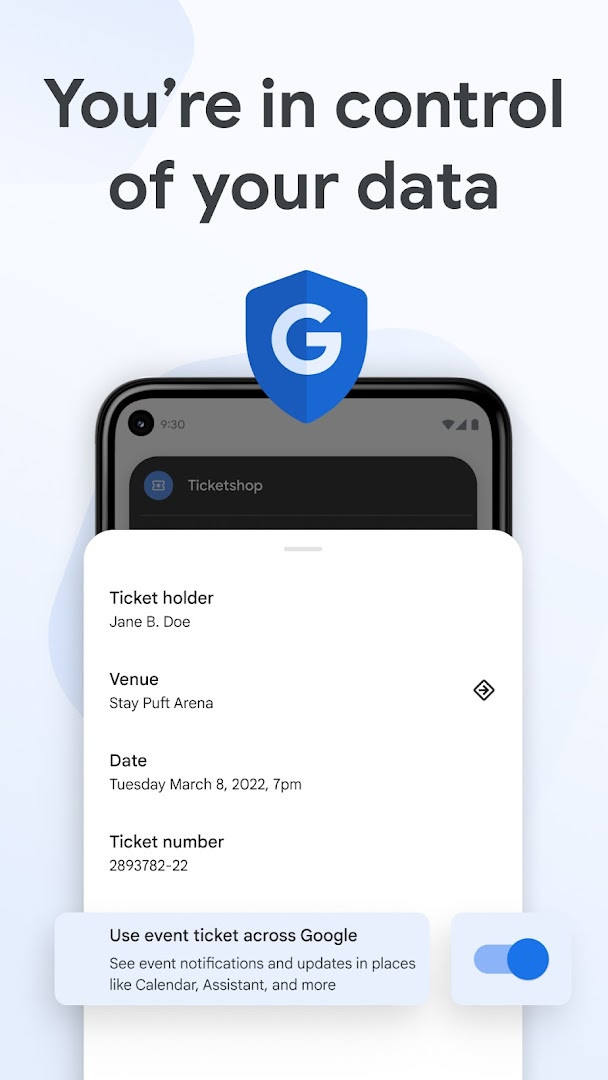
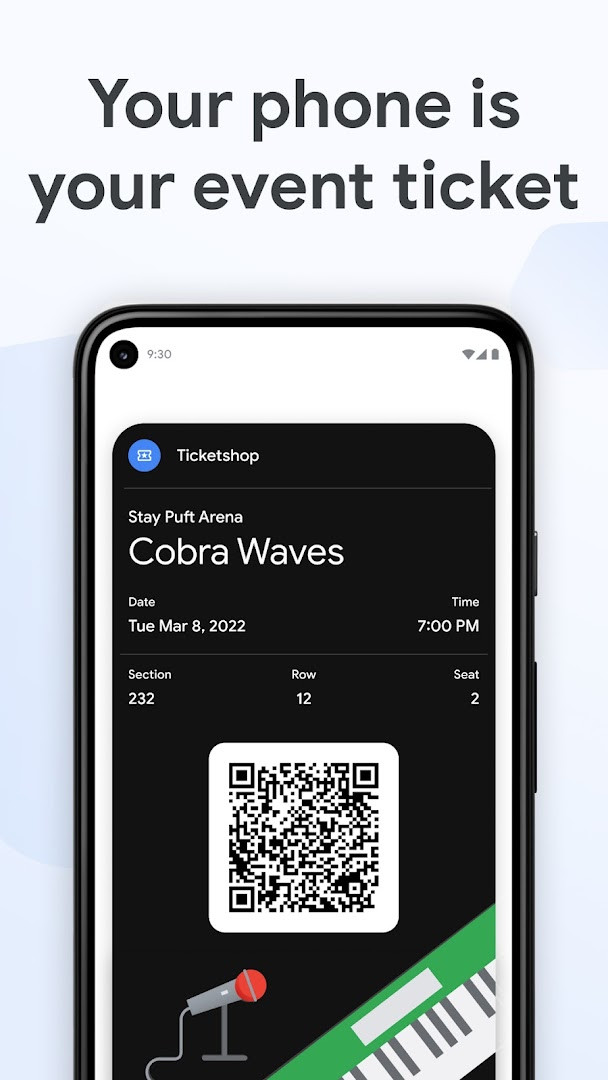
- Store event, concert, and sports tickets, with automatic updates to the latest event information.
- Use the GPay button or autofill in Chrome to speed through online checkout with saved credit and debit cards.
- Link Google Wallet to Gmail to track online order status and expected delivery dates in one place.
- Access digital versions of your driver's license, student ID, and other credentials.
- Rely on built-in security features including 2-Step Verification, Find My Phone, and remote data erase.
How to install
- Tap the download button on this page to get the Google Wallet APK file.
- When Android prompts you, allow your browser or file manager to install apps by enabling the 'Install unknown apps' setting.
- Open the downloaded APK file, which is approximately 16 MB in size.
- Tap Install and wait for the process to complete.
- Open Google Wallet and follow the on-screen prompts to add cards, passes, or other items.
- Make sure your device runs Android 9 (Pie) or newer, as this is the minimum supported version.
Pros
- Free to use with no ads and no in-app purchases.
- Works on devices running Android 9 or newer, covering a wide range of phones.
- Uses a virtual card number for tap-to-pay transactions, which protects actual card details.
- Consolidates payment cards, loyalty cards, transit passes, tickets, receipts, and digital IDs in a single app.
- Provides real-time updates for boarding passes and event tickets.
- Includes built-in security tools such as 2-Step Verification and remote data erase.
Cons
- Requests a fairly wide range of permissions, including Identity, Contacts, Location, Phone, Camera, and Storage.
- Some features, such as tracking online orders through Gmail, are limited to the US.
- Not all capabilities are available for supervised accounts.
- Requires NFC to be enabled manually for tap-to-pay transactions.
- Digital ID support depends on regional and institutional availability.
Latest changes
This update keeps your essentials protected in one place wherever you go. It offers fast and simple access to payment cards, loyalty cards, digital IDs, event tickets, transit passes, and more from your device.
Older versions
| Version | Size | Requires Android | Updated |
|---|---|---|---|
| 2.0-R163-v18-RELEASE | 10 MB | 4.0 | Jun 12, 2026 |
| 1.35.172486414 | 9.8 MB | 4.4 | Feb 9, 2026 |
| 2.161.481659905 | 16 MB | 5.0 | Oct 27, 2022 |
Google Wallet is best for experienced Android users who want a single app to handle contactless payments, transit, travel, events, loyalty programs, and digital IDs. It suits people comfortable with granting permissions for location, camera, contacts, and storage, and those already using Google services like Gmail and Chrome. Users outside the US can still benefit from most payment and pass features, though some order-tracking capabilities are limited.
Before using tap to pay, make sure NFC is turned on in your device settings, unlock the phone, and hold it near the payment terminal until a check mark appears. To get the most out of order tracking, link Google Wallet to the same Gmail account you use for online purchases. Check whether your local transit agency or event organizer supports Google Wallet passes before relying on it for travel or entry. For digital IDs, verify that your issuing authority offers a compatible digital version. If you manage a supervised account, review which wallet features are available, as not all are supported.
Permissions
FAQ
How do I install the Google Wallet APK on my Android phone?
After downloading the APK, open it from your notifications or file manager, then allow installation from unknown sources if prompted. Follow the on-screen steps to finish setup.
What is the current version of Google Wallet?
The latest listed version is 2.0-R163-v18-RELEASE, updated on June 12, 2026.
Does Google Wallet contain ads or in-app purchases?
No, Google Wallet is free and does not show ads or offer in-app purchases.
Can I use Google Wallet offline?
The description does not mention offline functionality. Some features, like viewing passes, may work without a connection, but the app generally requires an internet connection for updates and transactions.
What are some alternatives in the Finance category?
Other finance apps offer digital payments, budgeting, or card management. You can explore similar tools that provide contactless payments or financial tracking.
For anyone already invested in contactless payments or looking to slim down a physical wallet, Google Wallet offers a well-rounded, free way to manage cards, passes, receipts, and IDs. Its broad compatibility and deep integration with Google services make it a strong default choice, though users should be comfortable granting several permissions to unlock its full potential.
Similar apps








More from this developer






Updated: Oct 14, 2026