
Sky Map: Stargazing & Planetarium
Sky Map is a free planetarium app by Sky Map Devs that lets you identify stars, planets, nebulae, and constellations in real-time.
Get Sky MapSky Map is a free app with no ads and no in-app purchases. It requires Android 9 or higher and has a download size of 21 MB. Sky Map is designed for stargazers of all levels who want to explore the night sky by pointing their device at it.
Screenshots
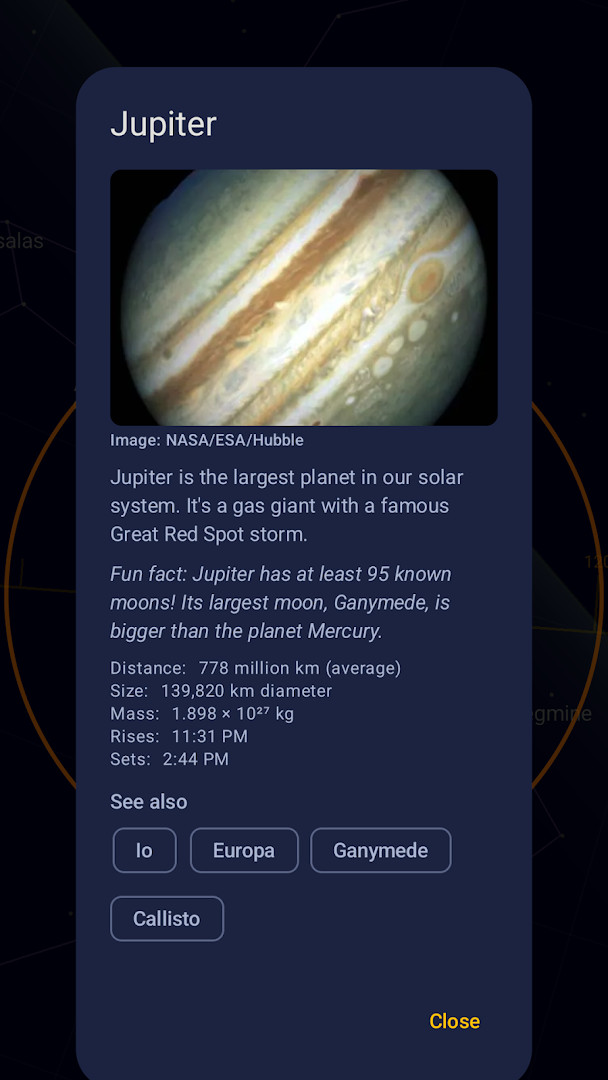
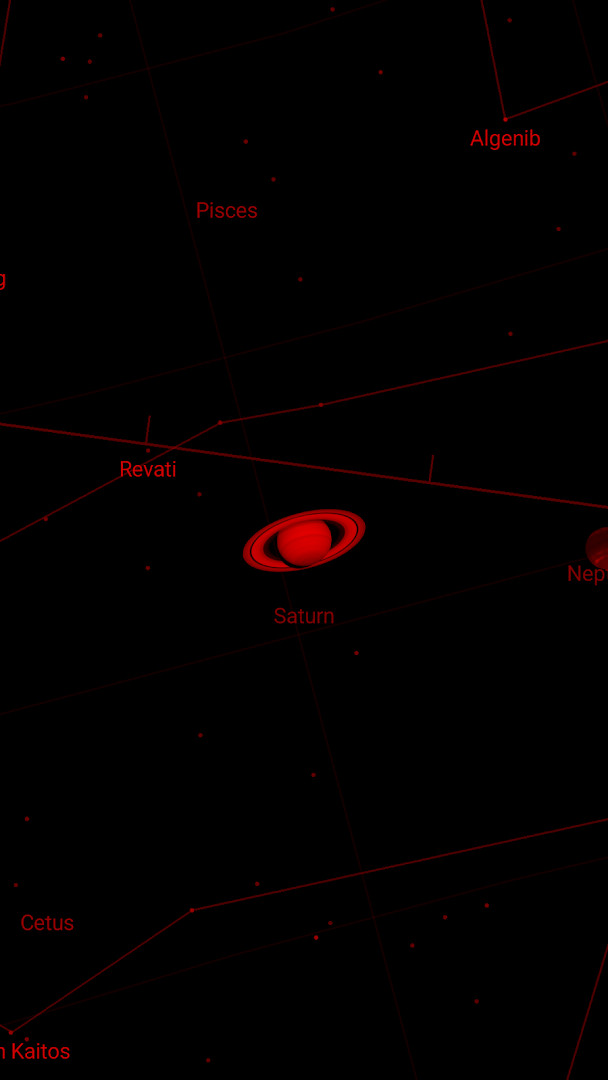
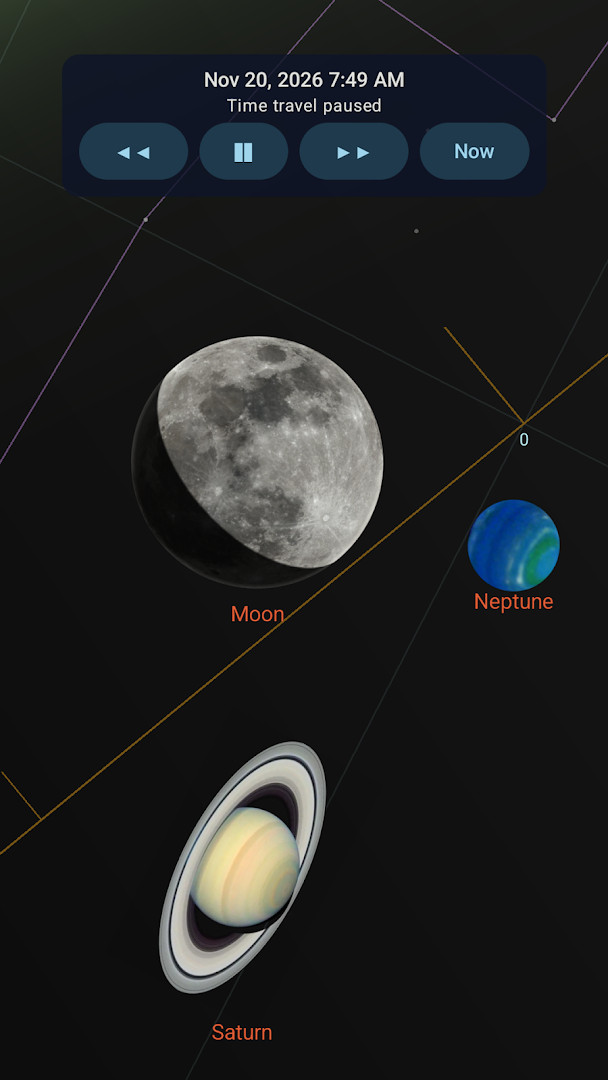
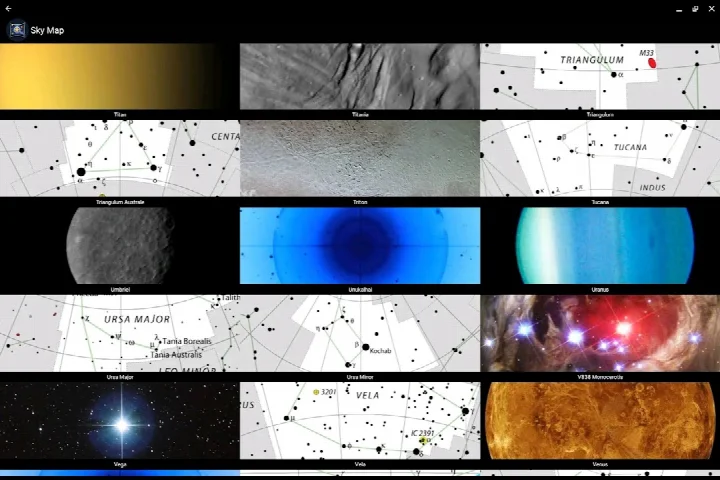
- Size
- 21 MB
- Requires Android
- 9
- Updated
- Oct 22, 2026
- Installs
- 50M+
- Rating
- ★ 4.15 (480,763)
- Category
- Travel & Maps
- Developer
- Sky Map Devs
- Content rating
- Everyone
- Package
- com.google.android.stardroid
- Free
- ✓
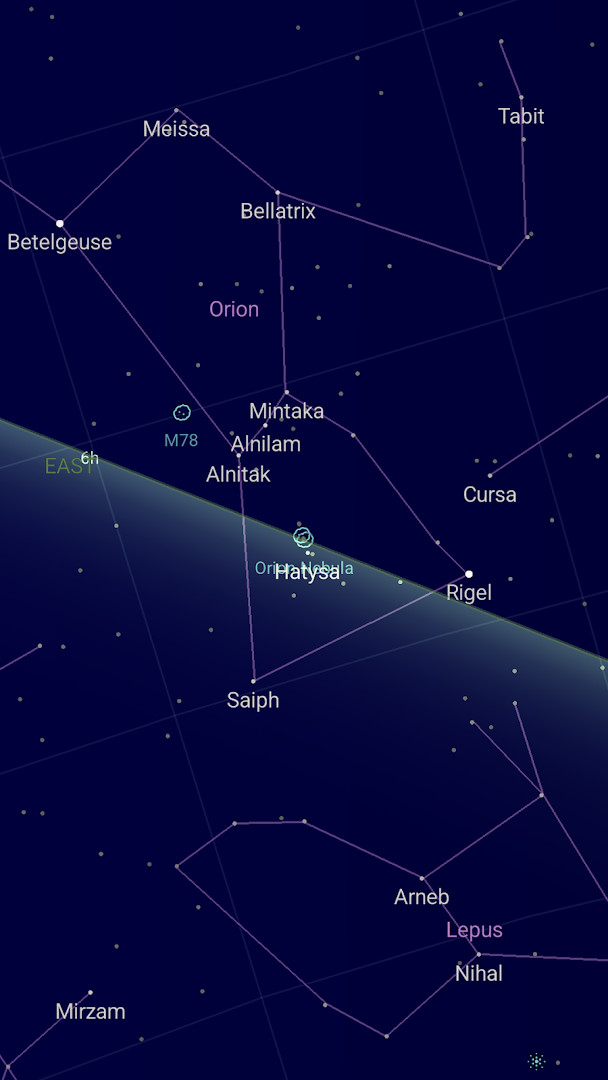
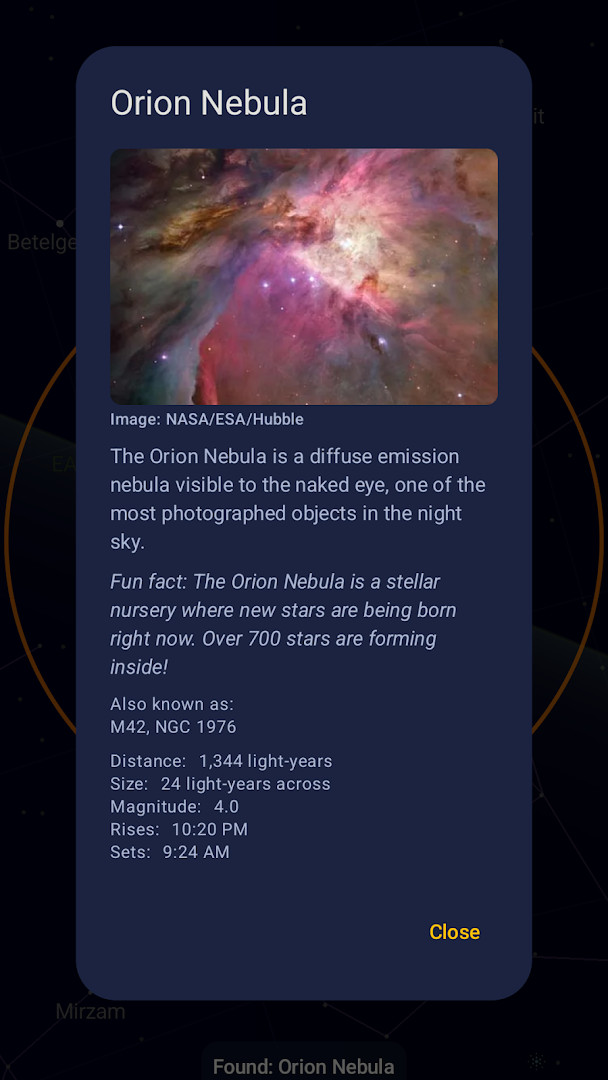
Sky Map is a travel and maps app by Sky Map Devs that turns your Android device into a handheld planetarium for identifying stars, planets, nebulae, and constellations in real time. Originally developed as Google Sky Map, it is now open source and free to use. The app uses your device's sensors to point at the sky, showing you exactly what celestial objects are in your field of view. It works offline, so you can explore the night sky even without an internet connection, though some features like manual location entry require connectivity.
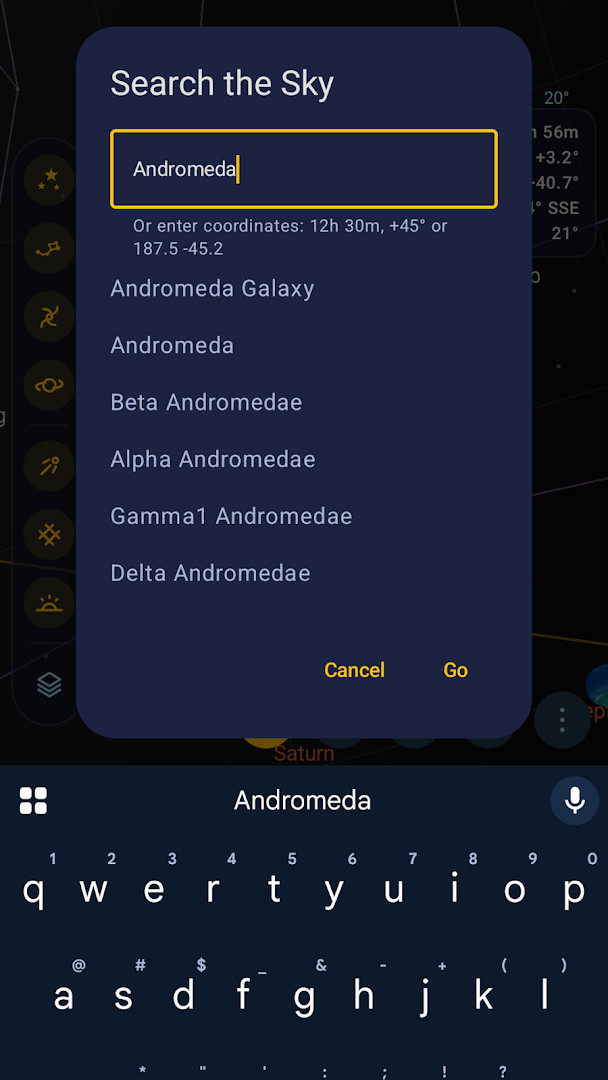
The app is designed for anyone curious about the night sky, from casual stargazers to amateur astronomers. You can point your phone at the sky to see labels for stars, planets, and constellations, or browse the sky manually. The optional location permission lets the app draw the sky for your exact position; if you prefer, you can enter a place name or coordinates by hand. The camera permission enables a through-camera mode that overlays the sky on your live view, and notification permission can alert you to meteor-shower peaks and tonight's sky, but all permissions are optional and can be refused individually.
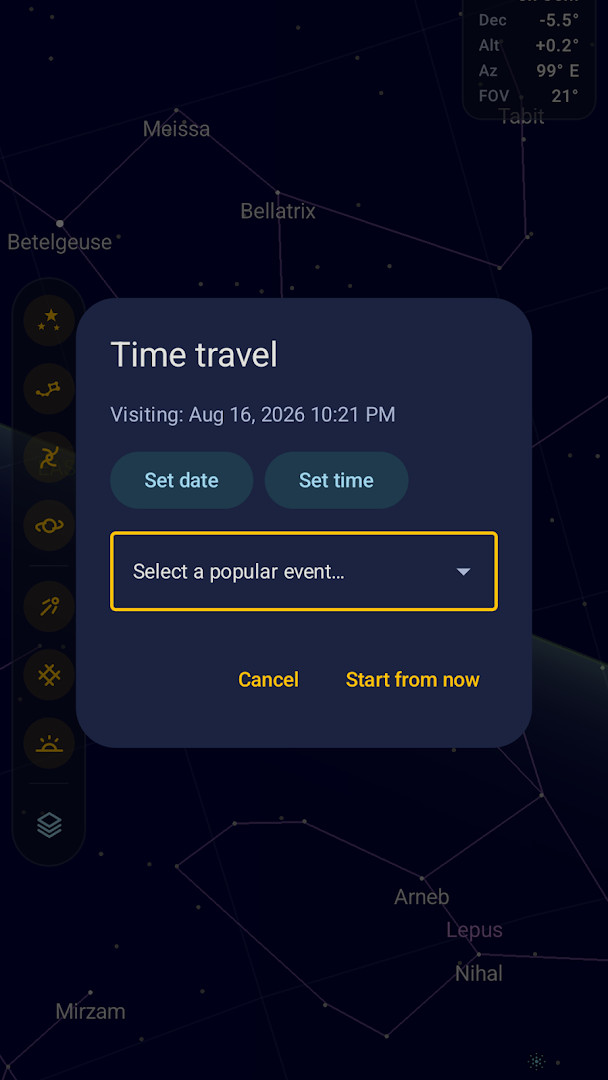
Sky Map is free, contains no ads, and has no in-app purchases. The current version, 2.1.3 Artemis, was released on October 14, 2026, and includes home-screen widgets for moon phase, tonight's sky, and sky countdown, as well as a searchable help and an altitude/azimuth grid. The app is available for Android 9 and later, has a file size of 21 MB, and has been installed over 50 million times, with a rating of 4.14 from nearly half a million users.
Key features
- Identify stars, planets, nebulae, and constellations in real time
- Optional location permission to draw the sky for your exact position (you can also enter a place name or coordinates manually)
- Optional camera permission for through-camera mode, overlaying the sky on the live camera view
- Optional notification permission for meteor-shower peaks and tonight's sky (off until you enable them)
- Home-screen widgets: Moon phase, Tonight's sky, and Sky countdown (new in version 2.1)
- Accurate Sun and Moon, planet phases, eclipses, and a fresh look (new in version 2.0)
- Supports 28 languages
- No required permissions; each permission is optional and can be withdrawn separately
- Works offline for core sky viewing
- Open source (GPL-3.0-or-later)
How to install
- Tap the download button on this page to get the APK file (21 MB).
- When Android asks, allow your browser or file manager to install apps by enabling the 'Install unknown apps' setting.
- Open the downloaded APK file from your notifications or file manager.
- Tap 'Install' and wait for the installation to finish.
- Open Sky Map from your app drawer. The app requires Android 9 or later.
Pros
- Completely free with no ads or in-app purchases
- All permissions are optional and can be refused without losing core functionality
- Works offline, so you can use it in remote locations
- Accurate celestial data including planet phases and eclipses
- Home-screen widgets provide quick at-a-glance sky information
- Open source, so the community can contribute and improve it
Cons
- Requires Android 9 or later, so older devices are not supported
- Some features, like manual location entry, need an internet connection
- Through-camera mode requires camera permission, which some users may not want to grant
- The app may be less accurate on devices without a compass
Latest changes
Version 2.1 added home-screen widgets for Moon phase, Tonight's sky, and Sky countdown, plus searchable Help and an alt/az grid. The 2.0 rebuild brought accurate Sun and Moon, planet phases, eclipses, a refreshed look, and 28 languages.
Older versions
| Version | Size | Requires Android | Updated |
|---|---|---|---|
| 2.1.3:Artemis | 21 MB | 9 | Oct 14, 2026 |
| 2.1.2:Artemis | 21 MB | 9 | Oct 2, 2026 |
| 2.0.8:Apollo | 21 MB | 9 | Sep 21, 2026 |
| 2.0.7:Apollo | 21 MB | 9 | Sep 20, 2026 |
| 1.7.1 | 2 MB | — | Feb 27, 2026 |
| 1.9.6 - RC6 | 4.3 MB | 5.0 | Nov 17, 2025 |
| 1.9.4 - neowisehack | 3.4 MB | 4.0.3 | Jan 7, 2021 |
Sky Map is for anyone who enjoys looking at the night sky, whether you're a casual stargazer, a student learning astronomy, or an amateur astronomer. It's also great for outdoor enthusiasts who want a reliable, offline sky guide without ads or cost.
For best accuracy, calibrate your device's compass by moving it in a figure-8 motion, and avoid metal objects or magnets nearby. If the map seems jittery, adjust the sensor speed and damping in settings. You can also try switching off magnetic correction if the orientation seems off.
Permissions
FAQ
How do I install the Sky Map APK on Android?
You can install it by downloading the APK file and allowing installation from unknown sources in your device security settings.
What is the latest version of Sky Map?
The current version available is 2.1.3:Artemis, released on 2026-10-14.
Does Sky Map have ads or in-app purchases?
No, Sky Map does not contain any ads or in-app purchases.
Can I use Sky Map offline?
No internet connection is needed for general use, but some functions like entering a location manually won't work without one.
What are some alternatives to Sky Map?
There are other astronomy and star-gazing apps available in the Travel & Maps category that offer similar real-time sky identification features.
Sky Map is a practical, free tool for exploring the night sky, offering accurate real-time identification of celestial objects with optional permissions and no ads. Its offline capability and open-source nature make it a reliable companion for stargazing, whether you're a beginner or a seasoned observer.
Similar apps
 Google Street ViewGoogle Inc.4.4
 Google Maps GoGoogle LLC4.1
 Uber: Rides, eats, hotelsUber Technologies, Inc.4.7
 Navigation for Google Maps GoGoogle LLC3.8
 Where is my TrainSigmoid Labs and its affiliates4.4
 Booking.com: Hotels & TravelBooking.com Hotels & Vacation Rentals4.8
 Google EarthGoogle LLC3.8
 Skyscanner Flights Hotels CarsSkyscanner Ltd4.8
Updated: Oct 30, 2026