
ChatGPT: AI Assistant for Writing, Search, and Image Generation
ChatGPT is a free productivity app by OpenAI that lets you generate text, images, and voice conversations on your Android device.
Get ChatGPT · v1.2026.279ChatGPT for Android has over 1 billion installs and a rating of 4.78 based on 64.37 million ratings. The app requires Android 7.1 or higher, includes ads, and offers in-app purchases. It is suitable for teens and adults who want help with writing, learning, creative tasks, or everyday questions.
Screenshots
- Version
- 1.2026.279
- Requires Android
- 7.1
- Updated
- Oct 11, 2026
- Installs
- 1B+
- Rating
- ★ 4.78 (64,372,799)
- Category
- Productivity
- Developer
- OpenAI
- Content rating
- Teen
- Package
- com.openai.chatgpt
- Free
- ✓ · Contains ads · In-app purchases
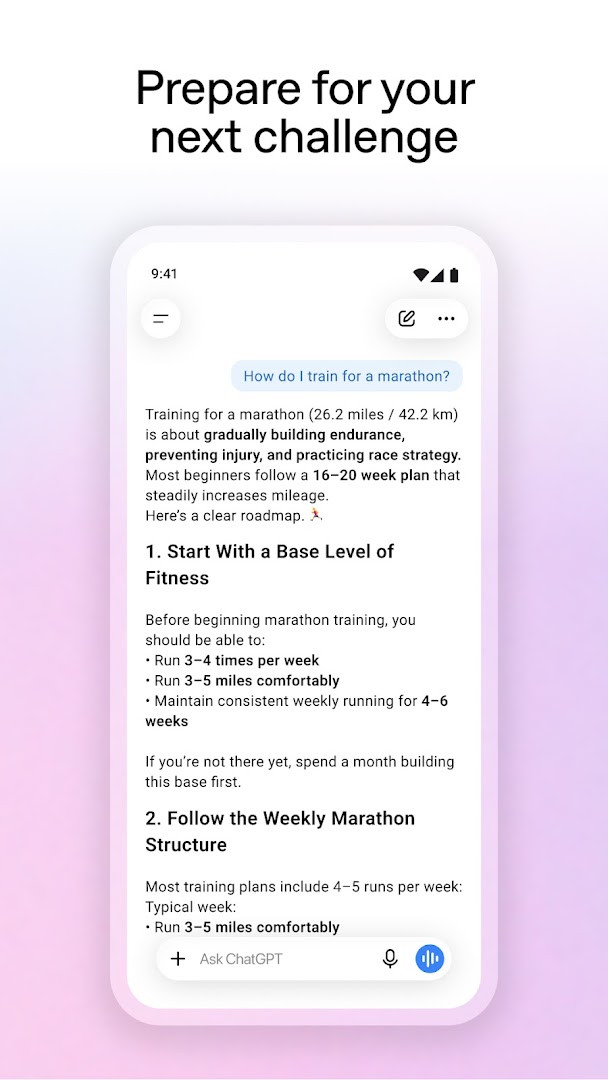
ChatGPT is a productivity app by OpenAI that brings a conversational AI assistant directly to your Android device. It allows you to ask questions, generate text and images, analyze uploaded photos, and hold voice conversations, all while syncing your history across platforms.
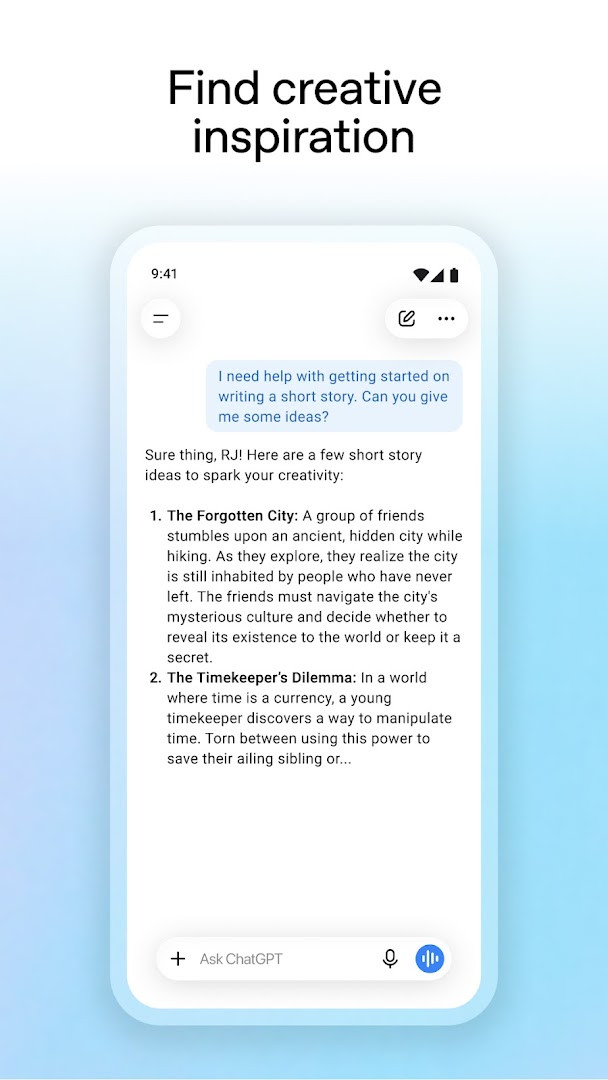
Designed for a broad range of tasks, the app supports everything from creative brainstorming and professional writing to personalized learning and everyday problem‑solving. You can describe an image you want to see and have it generated on the spot, or snap a picture of a handwritten recipe and ask the assistant to transcribe it. The Advanced Voice Mode lets you speak naturally and get spoken responses in real time, making it practical for hands‑free use while commuting or cooking.
For experienced users comparing alternatives, ChatGPT stands out by integrating multiple modalities—text, image, and voice—into a single interface backed by OpenAI’s continuously updated models. The screen‑sharing feature, though still in limited availability, hints at deeper system‑level integration that goes beyond simple chat interactions, allowing the assistant to see your screen and answer questions about what is displayed without requiring you to take and upload screenshots manually.
With over one billion installs and a rating of 4.78 based on tens of millions of reviews, the app has become a reference point in the AI assistant category. It is free to download and use, but it includes advertisements and offers in‑app purchases, which is a shift from the completely ad‑free experience some long‑time users may remember from earlier versions.
Key features
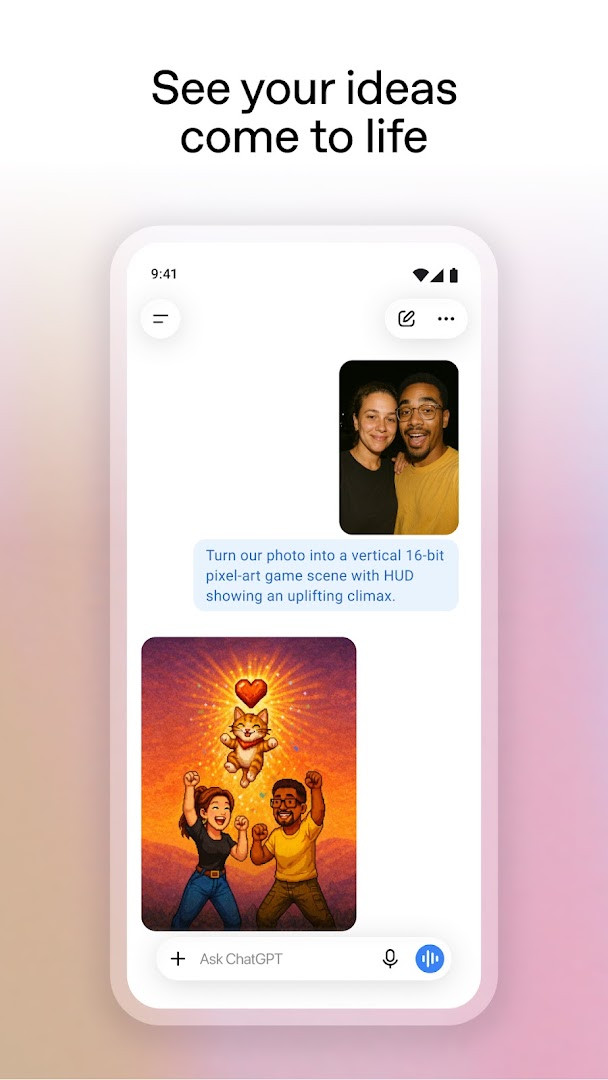
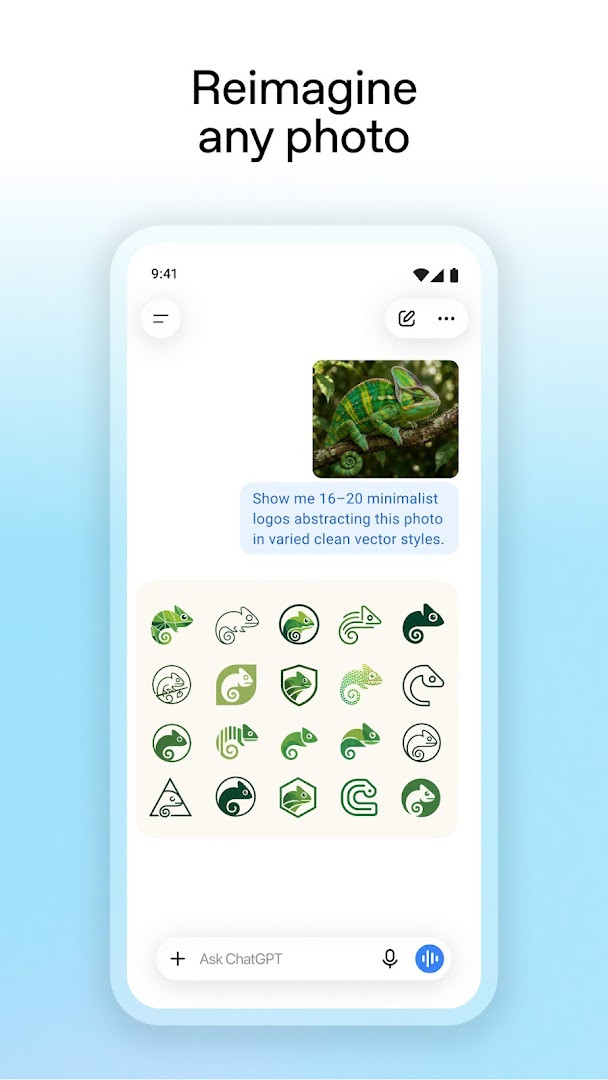
- Generate original images from text descriptions or transform existing photos using the built‑in image generator.
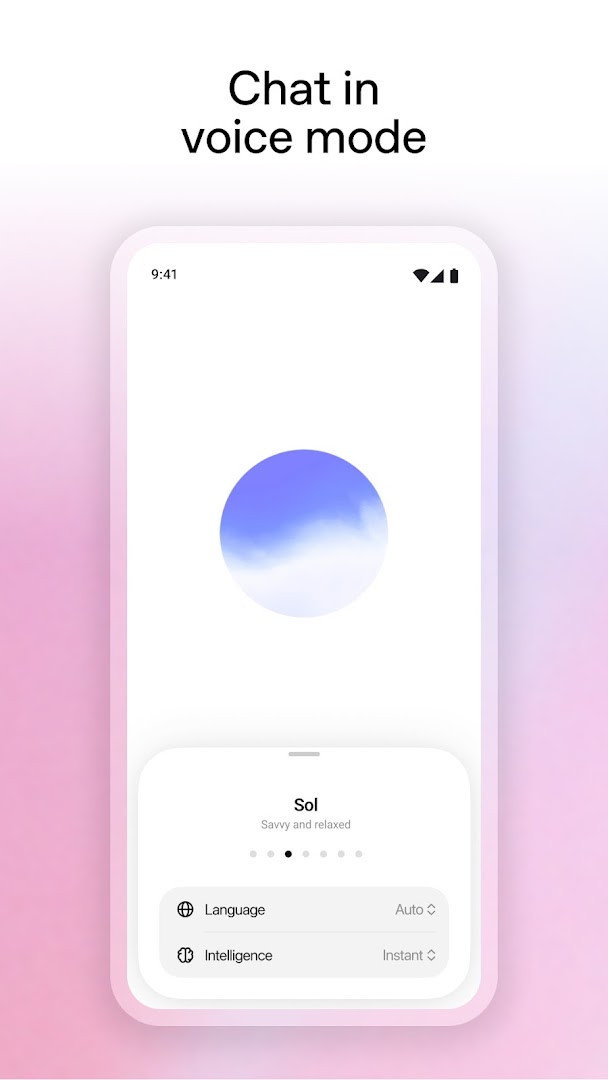
- Engage in real‑time spoken conversations with Advanced Voice Mode, useful for practicing a language or settling debates.
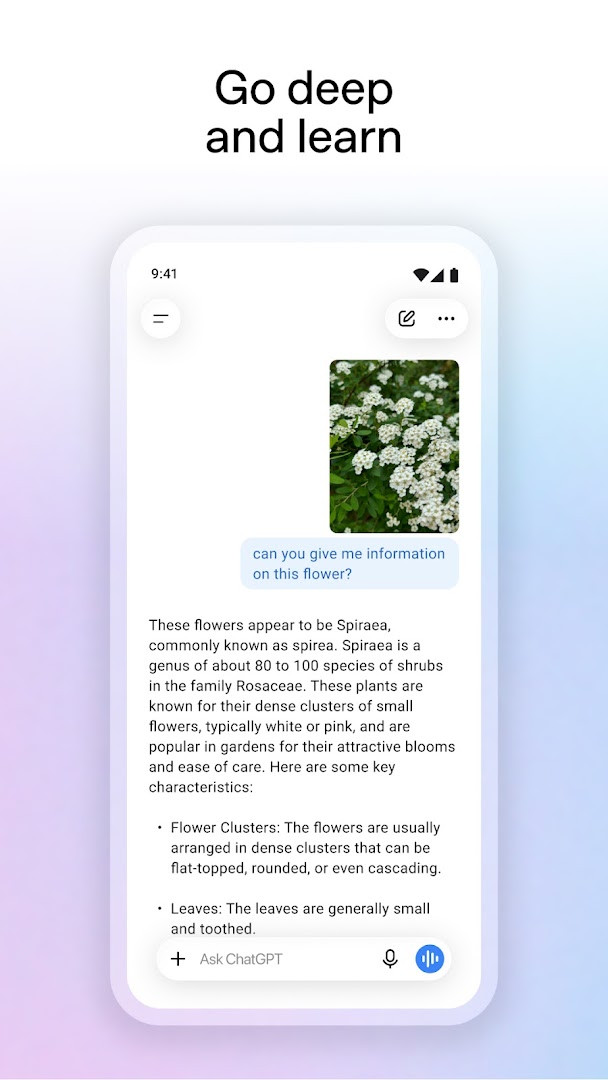
- Upload photos to transcribe handwritten notes, identify landmarks, or get information about objects in the image.
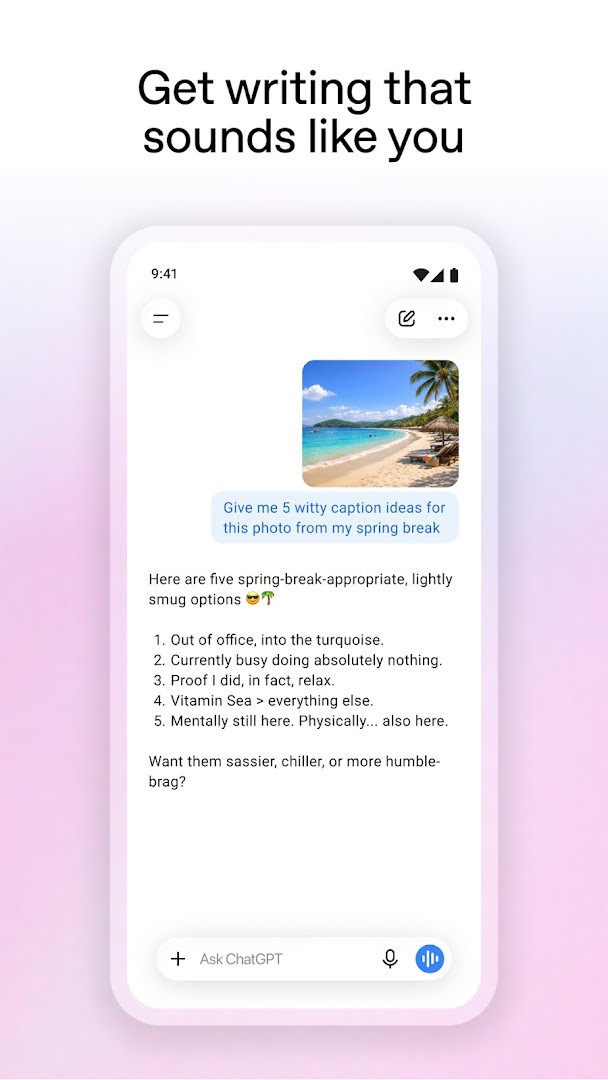
- Obtain tailored advice for personal situations, detailed travel itineraries, or crafting specific written responses.
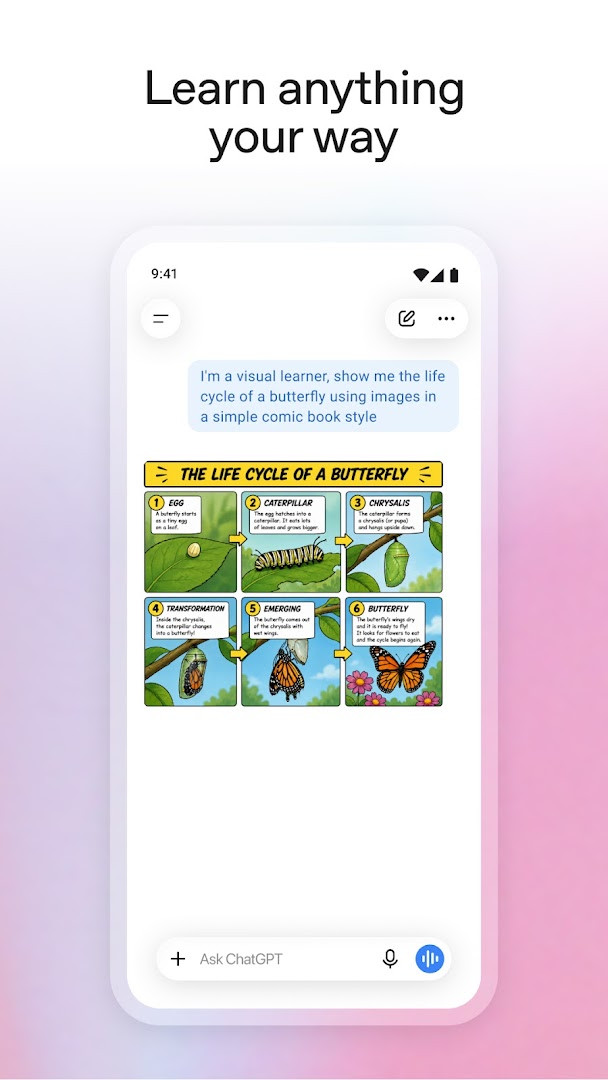
- Receive personalized explanations on complex topics, from teaching a child about electricity to brushing up on historic events.
- Brainstorm professional content such as marketing copy or map out a business plan with contextual input.
- Get instant answers, like recipe suggestions based on a short list of available ingredients.
- Sync chat history seamlessly across all devices where you use the same account.
- Use screen sharing via Accessibility Services (where available) to get help with on‑screen content without manual screenshots.
How to install
- Tap the download button on this page to get the APK file. The file size is not specified, so ensure you have sufficient free storage before starting.
- When prompted by Android, allow your browser or file manager to install apps by enabling the "Install unknown apps" setting for the app you are using.
- Locate the downloaded APK file in your device’s file manager or notification panel and tap it to begin.
- Tap "Install" on the system dialog and wait for the process to complete. The app requires Android 7.1 or later.
- Once installed, open the app and sign in with your OpenAI account to start using ChatGPT on your mobile device.
Pros
- Seamless sync of chat history across devices ensures continuity when switching between phone, tablet, and web.
- Advanced Voice Mode enables natural, hands‑free conversations that feel fluid and responsive.
- Built‑in image generation and photo analysis extend utility far beyond text‑only assistants.
- Regular updates bring new capabilities, with the latest version released on October 11, 2026.
- Massive user base and high rating (4.78) indicate reliable performance and broad user satisfaction.
Cons
- Contains ads in the free version, which can interrupt the workflow for users accustomed to the earlier ad‑free experience.
- In‑app purchases are required to unlock certain premium features, limiting full functionality without payment.
- Requests a wide range of permissions including Calendar, Contacts, SMS, and Phone, which may raise privacy concerns.
- Screen sharing via Accessibility Services is currently limited in availability, so not all users can rely on this feature yet.
- Requires Android 7.1 or later, excluding devices running older operating systems.
Older versions
| Version | Size | Requires Android | Updated |
|---|---|---|---|
| 1.2026.279 | — | 7.1 | Oct 11, 2026 |
This app is for experienced users who want a versatile AI tool that can handle text generation, image creation, voice interaction, and document analysis from a single mobile interface. It is especially useful for professionals drafting content, creatives seeking inspiration, travelers needing quick information, and anyone who wants to practice a language or learn new topics through conversation.
To get the most out of Advanced Voice Mode, use it in a quiet environment or with a headset; background noise can affect response accuracy. When generating images, be as specific as possible in your description—mentioning style, colors, and composition usually yields better results. If you are concerned about permissions, review them after installation and disable access to Calendar, Contacts, or Location if you do not plan to use features that require those data sources.
Permissions
FAQ
What is the minimum Android version required to run ChatGPT?
The app requires Android 7.1 or higher.
Does ChatGPT for Android include any ads or in-app purchases?
Yes, the app is free to download (price $0.00) but contains ads and offers in-app purchases.
What is the latest version and when was it last updated?
The current version is 1.2026.279, released on October 11, 2026. The app was first released on July 21, 2023.
What permissions does ChatGPT request and what do they enable?
The app requests access to Calendar, Contacts, Location, SMS, Phone, Camera, Microphone, Wi-Fi connection information, and Device ID & call information. These permissions support features like photo upload, voice conversations, and personalized assistance, though specific usage is defined by the app's functionality.
Can I generate images directly in the ChatGPT Android app?
Yes, the app includes an image generator that lets you create original images from descriptions or transform existing ones with simple text prompts.
For experienced users who rely on AI for daily productivity, creative work, or on‑the‑go problem‑solving, ChatGPT provides a polished, feature‑rich mobile interface that stays in sync with your usage across devices. Its broad toolset and constant updates make it a strong contender, though the presence of ads and in‑app purchases means the free experience has evolved from earlier, completely ad‑free versions.
Similar apps








Updated: Oct 14, 2026