Google Calendar: Scheduling and Task App
Google Calendar is a productivity app by Google LLC that lets you create events, manage tasks, and share calendars.
Download Google CalendarGoogle Calendar is free to download with no ads and no in-app purchases, and it requires Android 8.0 or later with a download size of 33 MB. It has accumulated more than 4.86 million ratings and over 10 billion installs since its release on 2012-10-17, and the latest version was updated on 2026-10-08.
Screenshots
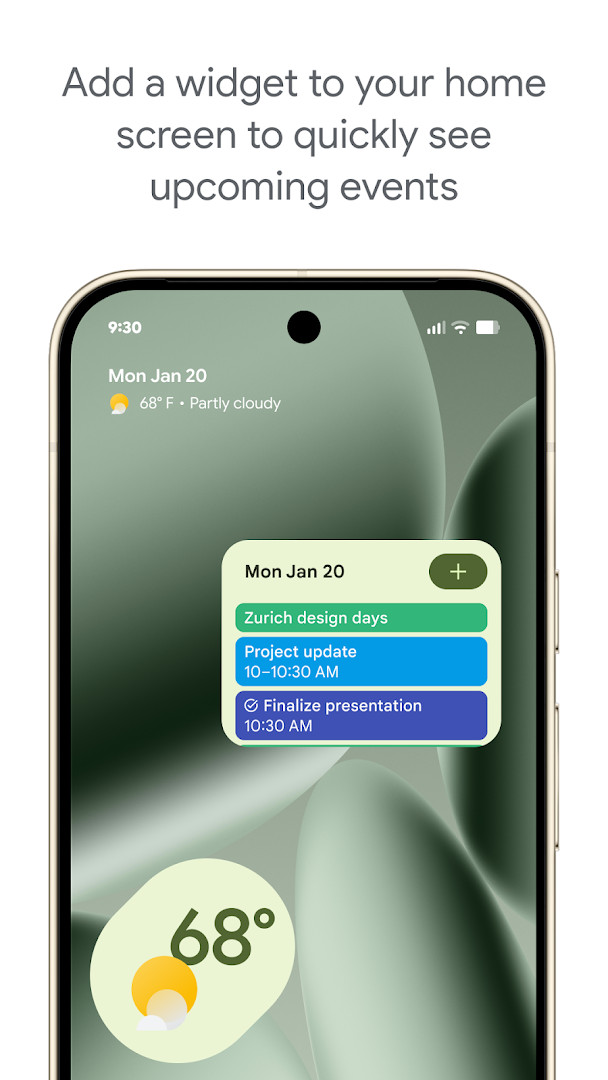
- Size
- 33 MB
- Requires Android
- 8.0
- Updated
- Oct 8, 2026
- Installs
- 10B+
- Rating
- ★ 4.64 (4,868,382)
- Category
- Productivity
- Developer
- Google LLC
- Content rating
- Everyone
- Package
- com.google.android.calendar
- Free
- ✓
Google Calendar is a productivity app by Google LLC that helps you create, organize and keep track of events, tasks and shared schedules across devices. It has been available since 2012, and the current release line is dated 2026, with the most recent version listed as 2026.38.0-989268529-release from early October 2026. The package is free, carries no advertising, and reports no in-app purchases, so nothing stands between you and the core scheduling tools.
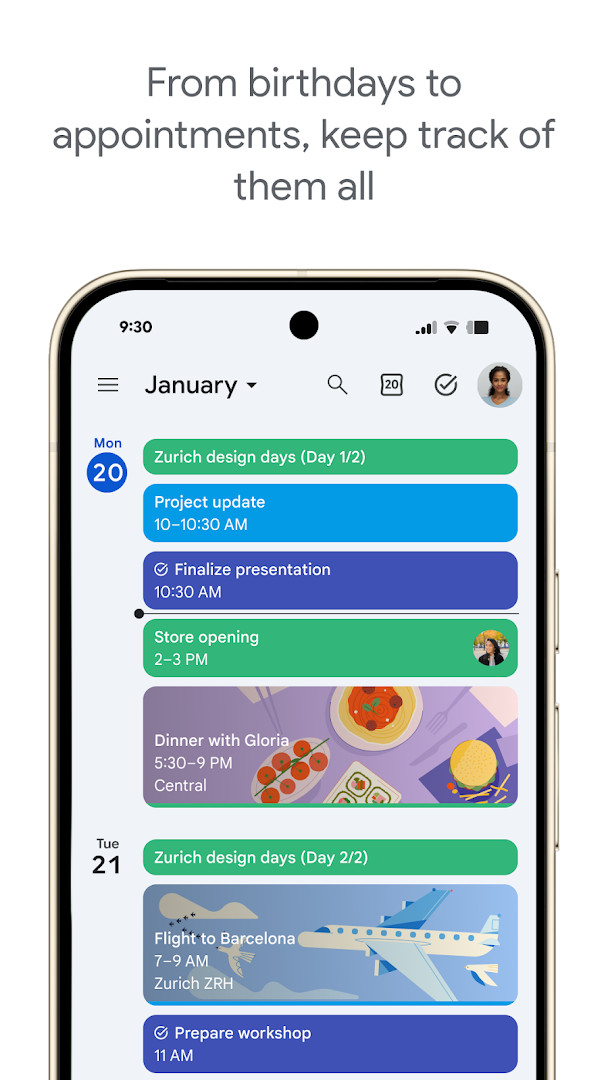
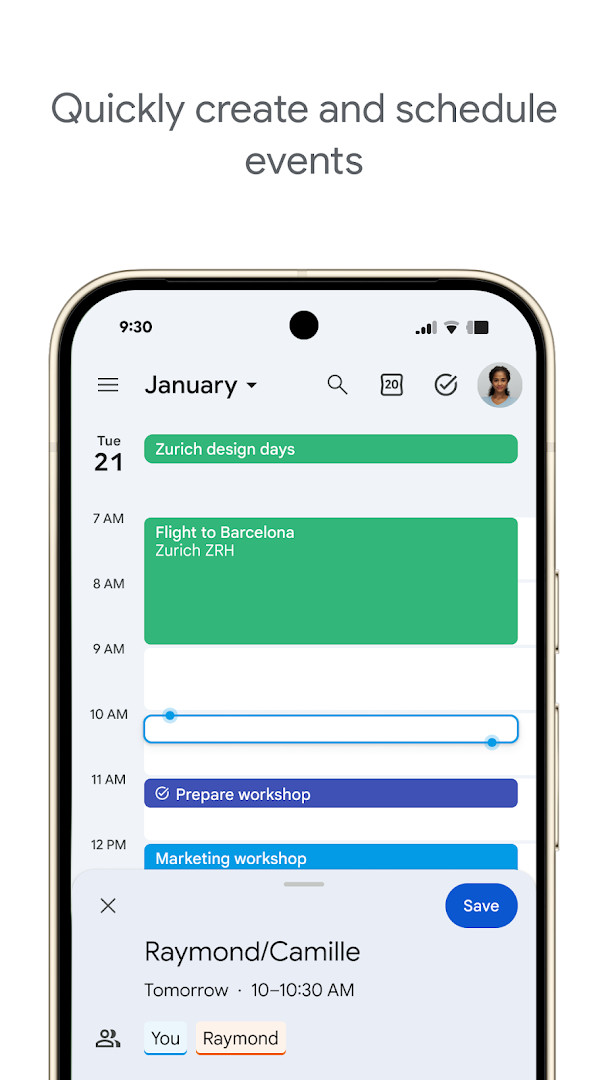
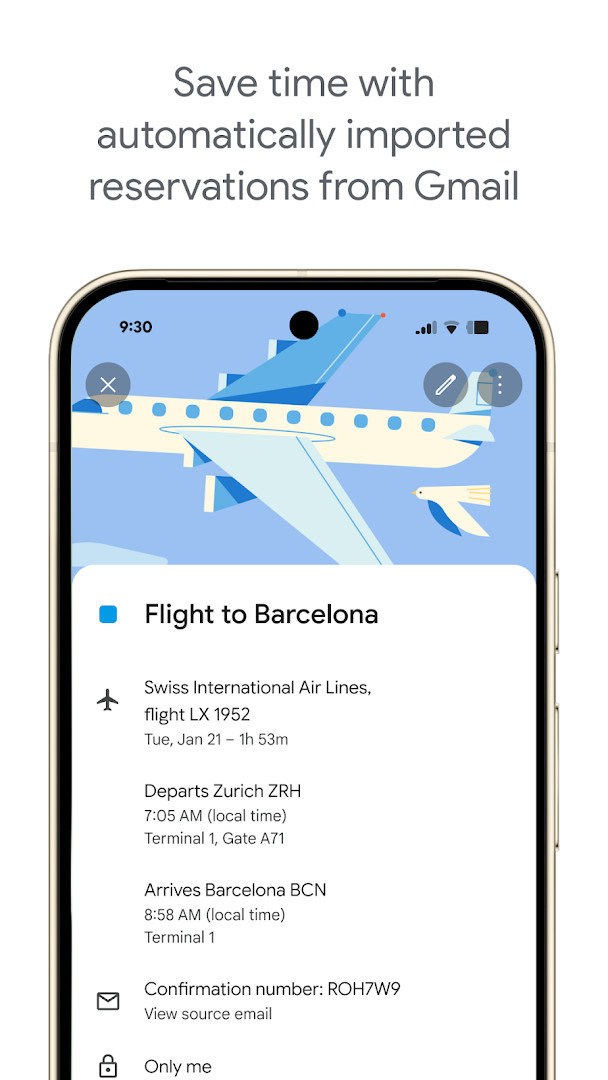
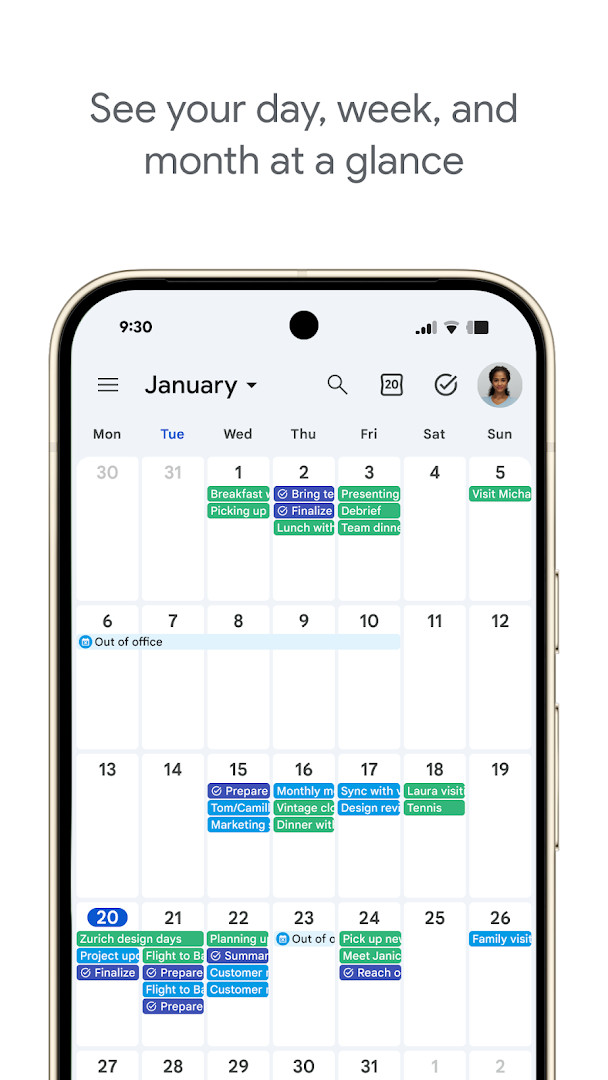
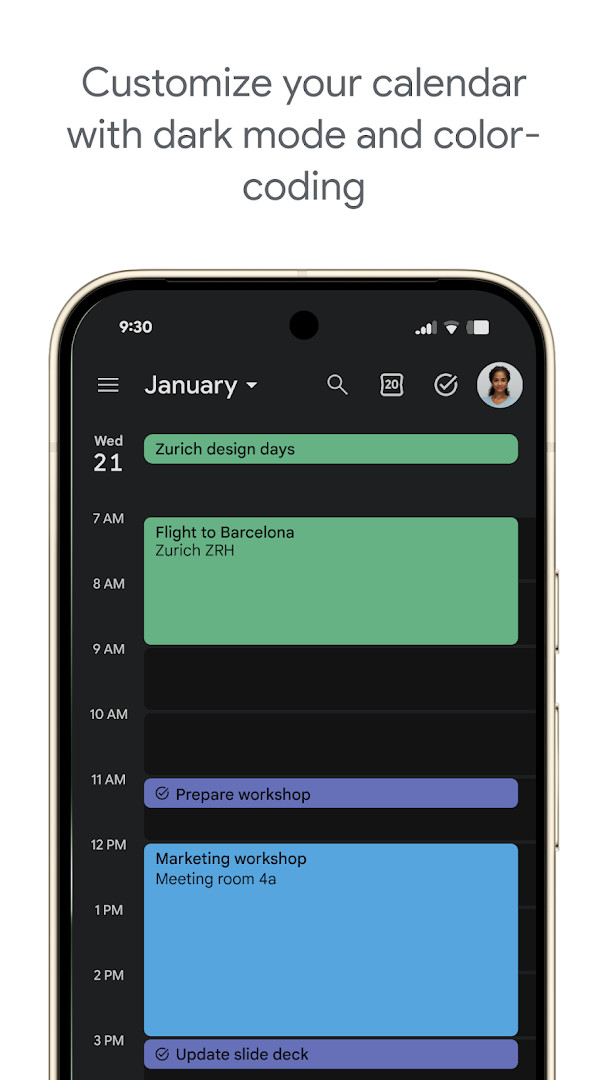
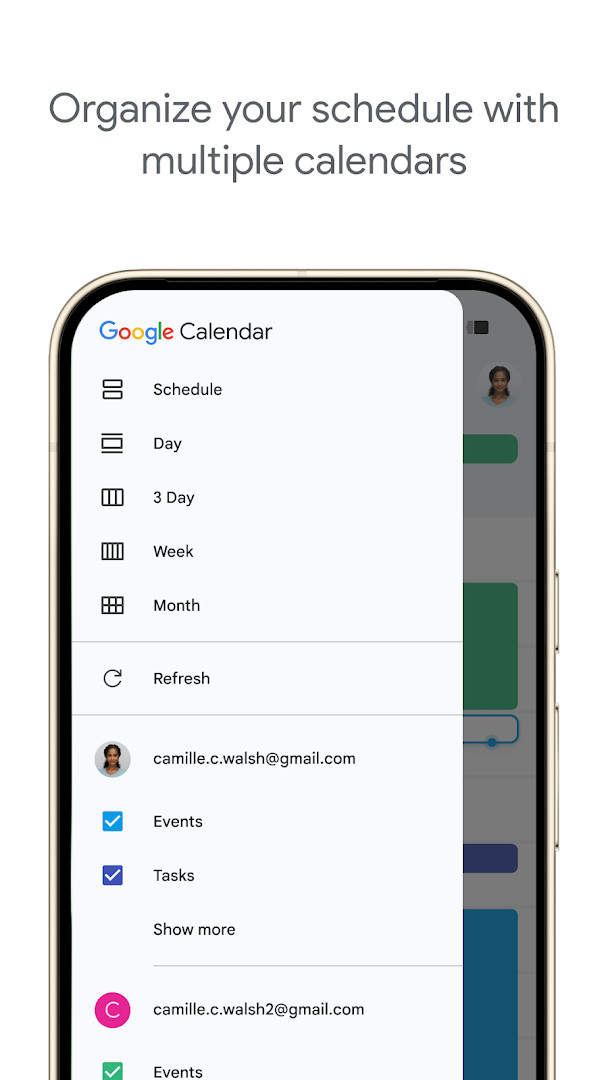
The core of the app is event management: entries can flow in automatically from Gmail, covering reservations such as flights, hotels, concerts and restaurants, and everything syncs when you sign in with the same Google account on a phone, tablet, computer or Wear OS device. Multiple calendars, including Exchange, can be displayed side by side, and shared calendars let family, friends or colleagues view, add or edit events. Month, week and day views are switchable, and tasks can be created and managed next to your events, with a full-screen task list and light or dark mode plus color coding for personalization.
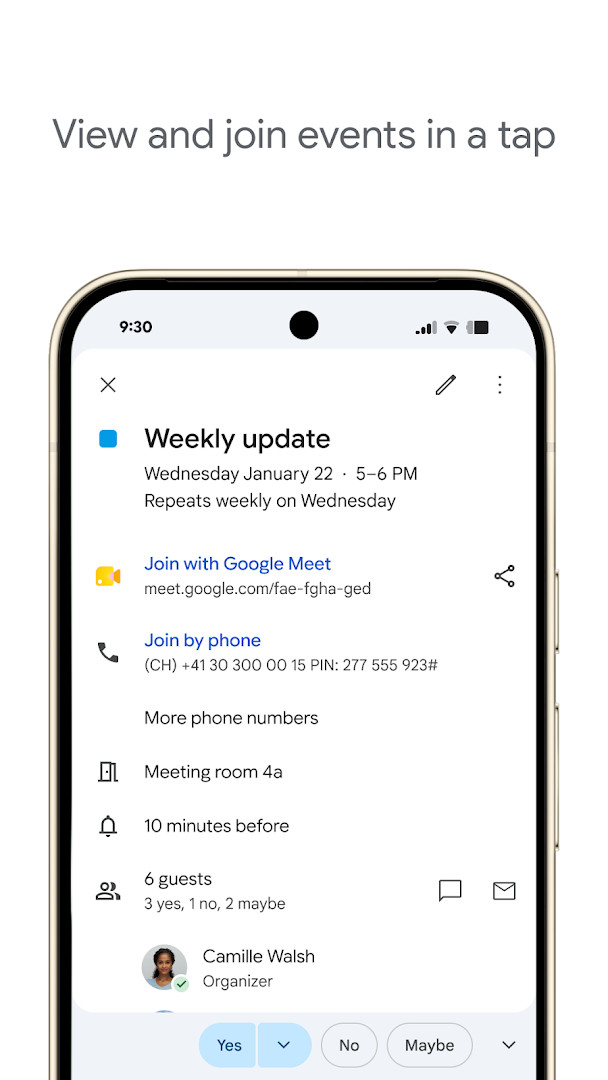
For teams, the app ties into Google Workspace, so a Meet video call can be attached to an event, teammates' availability can be checked or their calendars layered into one view, and notes, pre-read materials or documents can be linked directly to a meeting. The current update is a maintenance one: bug fixes and performance improvements, following 2026.36.0-980779909-release in September. The app requires Android 8.0 or later and the download on this page is 33 MB.
Key features
- Automatic event creation from Gmail, including flight, hotel, concert and restaurant reservations
- Side-by-side viewing of Google Calendar and other calendars, including Exchange
- Shared calendars so others can view, add or modify events
- Quick switching between month, week and day views
- Task creation and management alongside events, with a full-screen task list view
- Light and dark mode plus color-coded events
- Wear OS support with tiles and complications
- Google Workspace collaboration: Google Meet links on events, teammate availability, working location, and attached meeting notes or documents
How to install
- Tap the download button on this page to get the 33 MB APK file.
- When Android asks, allow your browser or file manager to install apps by enabling the "Install unknown apps" setting for that app.
- Open the downloaded APK file from your notifications or file manager.
- Tap Install and wait for the process to finish.
- Open the app and sign in with your Google account; the app needs Android 8.0 or later.
Pros
- Free with no ads and no in-app purchases
- Strong cross-device sync across phone, tablet, computer and Wear OS
- Automatic event capture from Gmail saves manual entry
- Shared calendars and Workspace collaboration tools suit teams and families
- Task list integrated into the same view as events
Cons
- Deep integration works best if you already rely on Google services
- Broad permission set, including location, contacts, microphone and storage
- Latest release notes mention only bug fixes, so no major new capability this cycle
Latest changes
This update to Google Calendar, version 2026.38.0-989268529-release and released on October 8, 2026, focuses on stability and reliability. It includes bug fixes and performance improvements to keep your scheduling running smoothly.
Older versions
| Version | Size | Requires Android | Updated |
|---|---|---|---|
| 2026.38.0-989268529-release | 33 MB | 8.0 | Oct 3, 2026 |
| 2026.36.0-980779909-release | 33 MB | 8.0 | Sep 20, 2026 |
| 2023.44.0-577681700-release | 27 MB | 5.0 | Jun 21, 2025 |
Busy professionals who juggle meetings, personal appointments and travel plans; families or groups that need a shared schedule everyone can edit; and teams already using Google Workspace who want meeting links, availability checks and attached documents in one place.
If you share calendars with others, set each one to a distinct color before layering them in a single view — it makes conflicts visible at a glance during a busy week.
Permissions
FAQ
How does Gmail integration help populate my Calendar?
Events can be added automatically from Gmail when the app recognizes flight, hotel, concert, or restaurant reservations.
What can shared calendars do for coordinating with others?
Shared calendars let family, friends, and colleagues view, add, or modify events so everyone stays in the loop.
How are to-dos handled within Google Calendar?
You can create and manage tasks alongside events, and open task lists in a full-screen view directly from the app.
What Wear OS functionality is included?
The app supports Wear OS devices with tiles and complications, so you can keep track of events or tasks while on the go.
How does the app support scheduling meetings in a hybrid work environment?
Google Meet video calls can be added to a Calendar event, and teammates' availability can be checked or their calendars layered in a single view.
Google Calendar remains one of the most complete scheduling tools for Android, with reliable sync, automatic event capture and solid team features at no cost and without ads. The trade-offs are its reliance on Google's ecosystem and a wide permission footprint, and the newest build is a maintenance release rather than a feature drop. If you live in Google's services or need shared scheduling, it is an easy recommendation; if you prefer minimal data sharing, weigh the permissions first.
Similar apps
 Google DriveGoogle LLC4.3
 Google AssistantGoogle LLC3.8
 Microsoft OneDriveMicrosoft Corporation4.6
 LinkedIn: Community & NetworkLinkedIn3.8
 Samsung KeyboardSamsung Electronics Co., Ltd.3.7
 Google SlidesGoogle LLC4.4
 Dropbox: Secure Cloud StorageDropbox, Inc.4.4
 Samsung EmailSamsung Electronics Co., Ltd.4.4
More from this developer





Updated: Oct 14, 2026