
YouTube: Video Player and Community App
YouTube is a video player app by Google LLC that lets users watch, discover, and upload videos on Android devices.
Download YouTubeYouTube provides personalized recommendations, subscriptions, a library of watched and saved videos, and tools for recording and live streaming from a phone or tablet. It suits viewers who follow channels and creators as well as people who publish their own content.
Screenshots


- Size
- 199 MB
- Requires Android
- 10
- Updated
- Oct 10, 2026
- Installs
- 10B+
- Rating
- ★ 3.83 (172,213,513)
- Category
- Entertainment
- Developer
- Google LLC
- Content rating
- Teen
- Package
- com.google.android.youtube
- Free
- ✓ · Contains ads · In-app purchases
YouTube is a video streaming and sharing app by Google LLC that lets you watch, subscribe to, and upload videos from an Android phone or tablet. It solves the problem of mobile access to a huge catalog of user-generated and professional content by organizing recommendations, subscriptions, and your own library into one interface. The app covers music, gaming, fashion, beauty, news, learning, and more, while also supporting community interactions like comments and live streams. For users who want an ad-free experience, background playback, or offline saving, it offers a paid Premium tier.
Key features
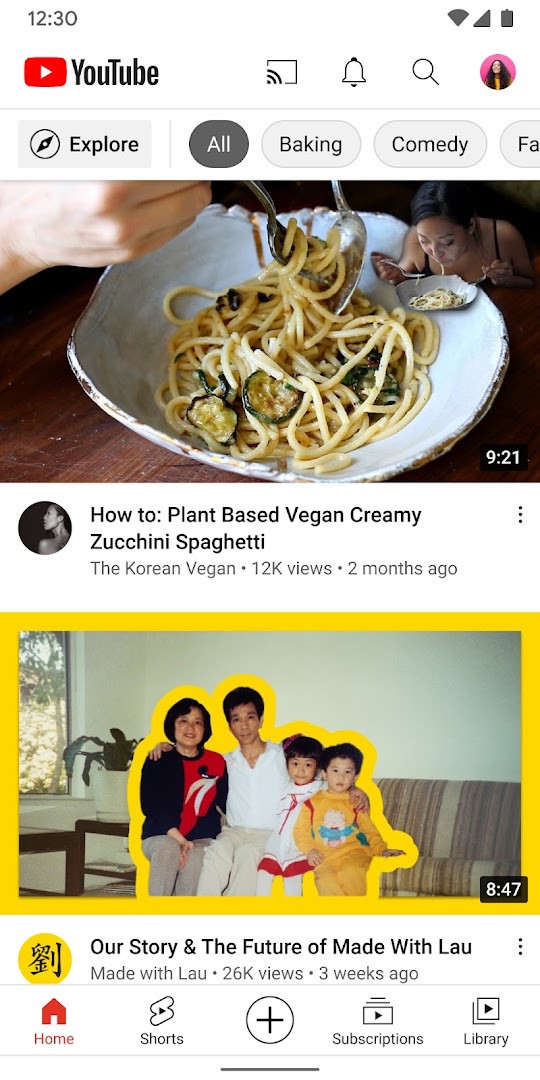
- Browse personalized video recommendations on the Home tab.
- See the latest uploads from subscribed channels in Subscriptions.
- Access watched, liked, and saved videos in the Library.
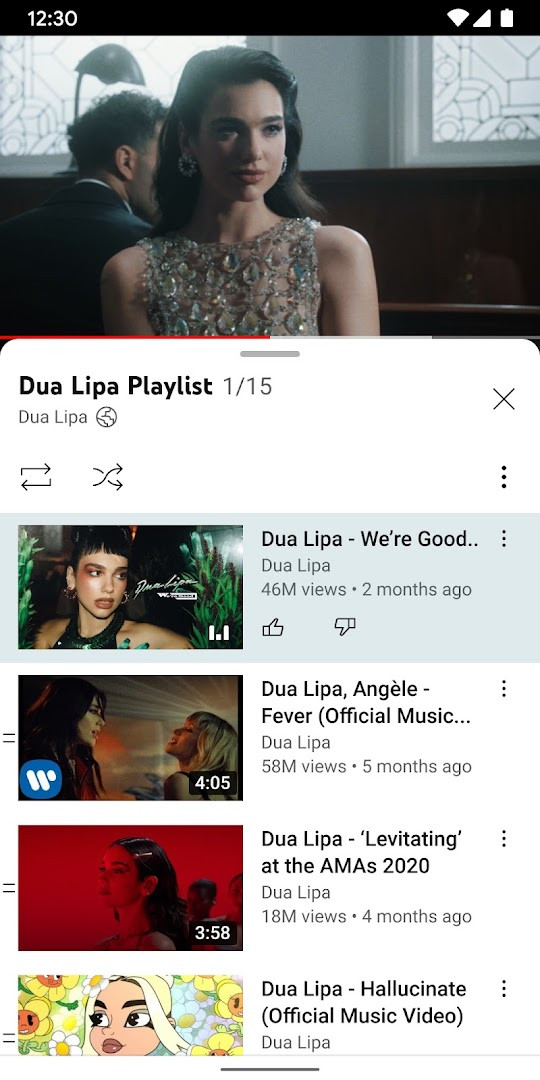
- Explore trending topics in music, gaming, beauty, news, and learning.
- Read and post comments, and interact with creators through Posts, Stories, Premieres, and Live streams.
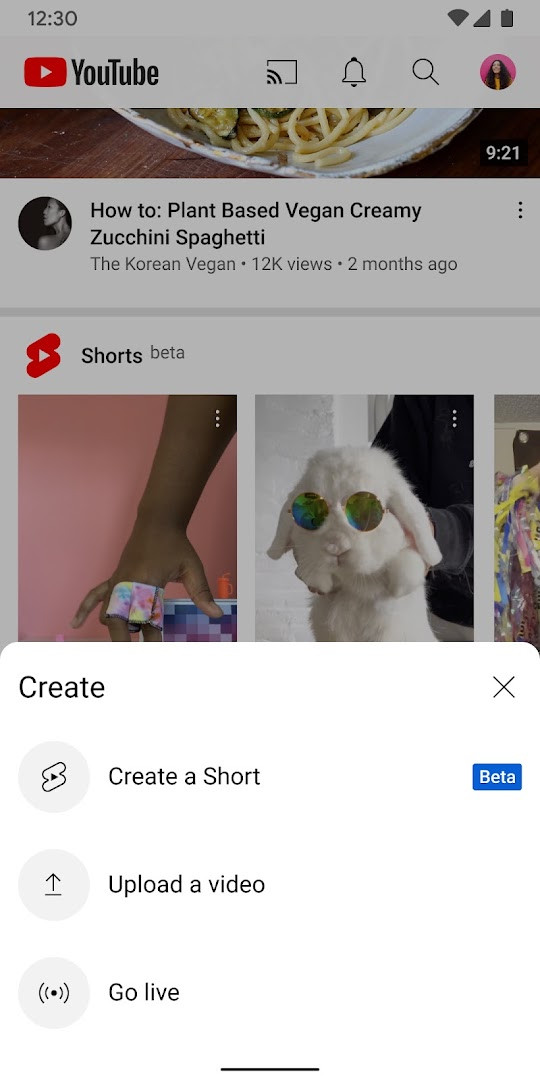
- Create or upload videos directly from the app, including live streaming.
- Support creators through paid monthly channel memberships with loyalty badges and exclusive perks.
- Upgrade to YouTube Premium to remove ads, enable background and screen-off playback, and save videos offline.
How to install
- Tap the download button on this page to get the APK file.
- When Android asks, allow your browser or file manager to install apps by enabling the 'Install unknown apps' setting.
- Open the downloaded APK file from your notifications or file manager.
- Tap Install and wait for the process to finish. The file size is about 199 MB.
- Open the app and sign in with your Google account. Your device must run Android 10 or newer.
Pros
- Official app from the platform's developer, with frequent updates.
- Works across a very wide range of Android devices, with a minimum OS version of 10.
- Includes live streaming, video upload, and comment features without extra apps.
- Premium option removes ads and allows background or screen-off playback.
- Family-oriented options are available in select countries.
Cons
- Contains ads unless you pay for YouTube Premium.
- Requests a broad set of permissions, including Identity, Contacts, Location, Phone, Camera, Microphone, and Device ID.
- Offers in-app purchases, which may lead to recurring costs for memberships or Premium.
- A 199 MB download is large for a single app.
- Some features like Explore, channel memberships, and family experiences are limited to select countries.
Latest changes
This update directs users to look for in-product education and notifications to learn about new features and how to use them. The developer did not provide a conventional changelog with specific fixes or improvements. No other release details are available for this version.
Older versions
| Version | Size | Requires Android | Updated |
|---|---|---|---|
| 21.41.525 | 199 MB | 10 | Oct 11, 2026 |
| 21.39.522-SECONDARY | 195 MB | 10 | Sep 28, 2026 |
| 20.26.46 | 156 MB | 8.0 | Dec 31, 2025 |
| 17.34.35 | 134 MB | 6.0 | May 29, 2025 |
This app is for regular YouTube viewers who want a native mobile experience with subscriptions, watch history, and community tools. It suits both casual watchers and creators who upload or live stream from their phone. Users who dislike ads or need background playback may consider the Premium upgrade, but should weigh the cost and permissions first.
Check the in-app education banners after updates to learn about new features. If storage is tight, remember that the app itself takes about 199 MB before caching any videos.
Permissions
FAQ
Is YouTube free to download and use?
Yes, the app is free to download. While the core features are free, it does include ads and offers in-app purchases, such as channel memberships and YouTube Premium.
What Android version is required?
YouTube requires Android 10 (or higher) to install and run.
How large is the download file?
The app size is 199 MB. Make sure you have enough storage space on your device before downloading.
Do I need a Google account to use YouTube?
You can browse and watch videos without signing in, but a Google account is needed to subscribe to channels, like videos, and upload your own content.
What permissions does YouTube request?
The app requests access to identity, contacts, location, phone, photos/media/files, storage, camera, microphone, Wi-Fi connection info, and device ID & call information. These permissions support features like uploading videos, live streaming, and personalized recommendations.
How do I update YouTube?
To update, download the latest version from this page and install it over your current version. Your data and settings will be preserved.
For anyone who already watches YouTube in a browser, the app adds deeper library management, background playback via Premium, and a more responsive interface, though it comes with heavier permissions and ads. If you are comfortable with those trade-offs, it remains the most complete way to use the platform on an Android device.
Similar apps







More from this developer






Updated: Oct 14, 2026