Google Drive for Android
Google Drive is a productivity app from Google LLC for storing, organizing, and sharing files and folders.
Download Google DriveGoogle Drive is made for people who need one place to keep files and folders and reach them from a phone or tablet. The app is free, carries no ads, and installs on Android 8.0 and newer at 124 MB; it holds a 4.27 rating from 10.8 million ratings and has been installed about 10 billion times.
Screenshots
- Size
- 124 MB
- Requires Android
- 8.0
- Updated
- Oct 27, 2026
- Installs
- 10B+
- Rating
- ★ 4.27 (10,853,609)
- Category
- Productivity
- Developer
- Google LLC
- Content rating
- Everyone
- Package
- com.google.android.apps.docs
- Free
- ✓ · In-app purchases
Google Drive is a cloud storage and productivity app by Google LLC that lets you securely store, organize, and share files from any Android device.
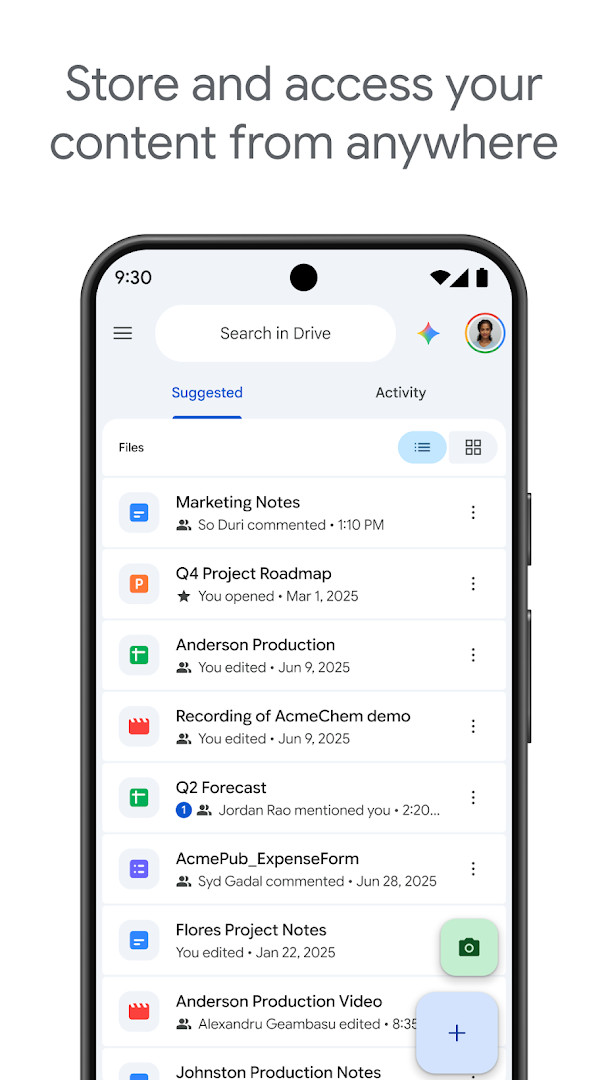
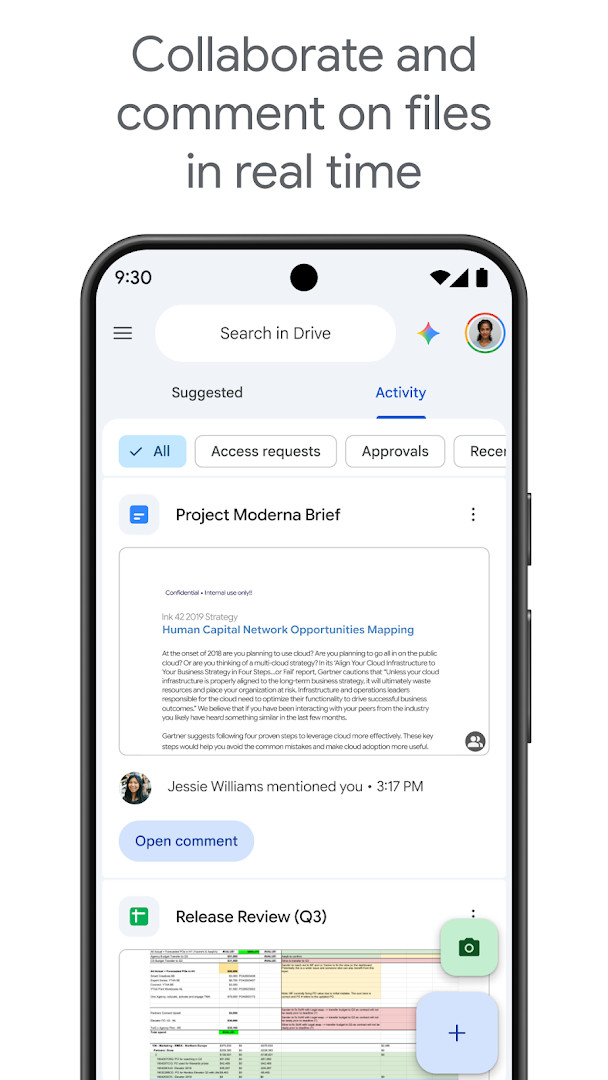
At its core, the app gives you a central place for documents, photos, videos, PDFs, and other file types. You can upload files, scan paper documents with the camera, search by name or content, and organize everything into folders. Sharing is built in, with options to set permissions for individual files or entire folders, so you can decide who can view, comment, or edit.
The app is designed for a wide range of users. Everyday users can back up personal files and access them offline, while teams and organizations can use shared drives, group sharing, and management controls available through Google Workspace. Free accounts include 15 GB of storage shared across Drive, Gmail, and Google Photos, with optional upgrades to Google One for more space.
Key features
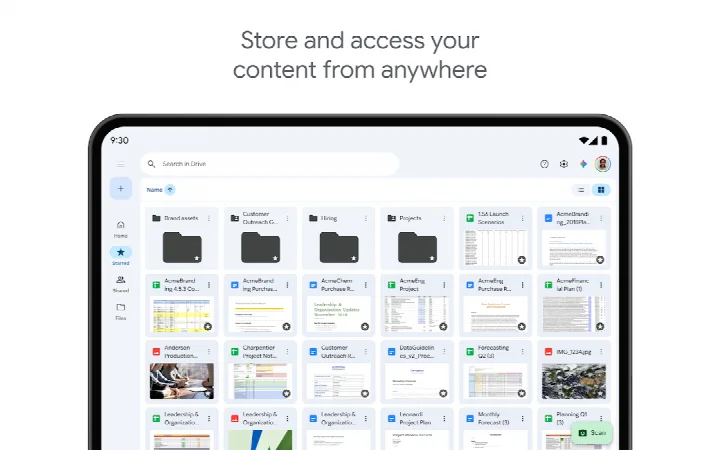
- Store and access files securely from anywhere
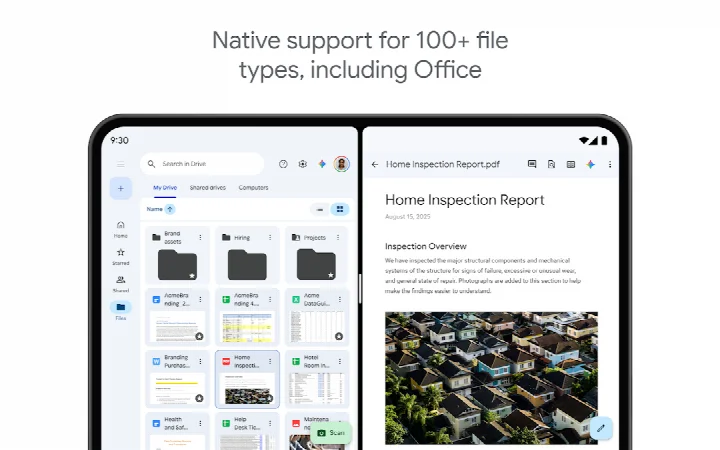
- Edit and store over 100 file types, including PDFs, Office files, and videos
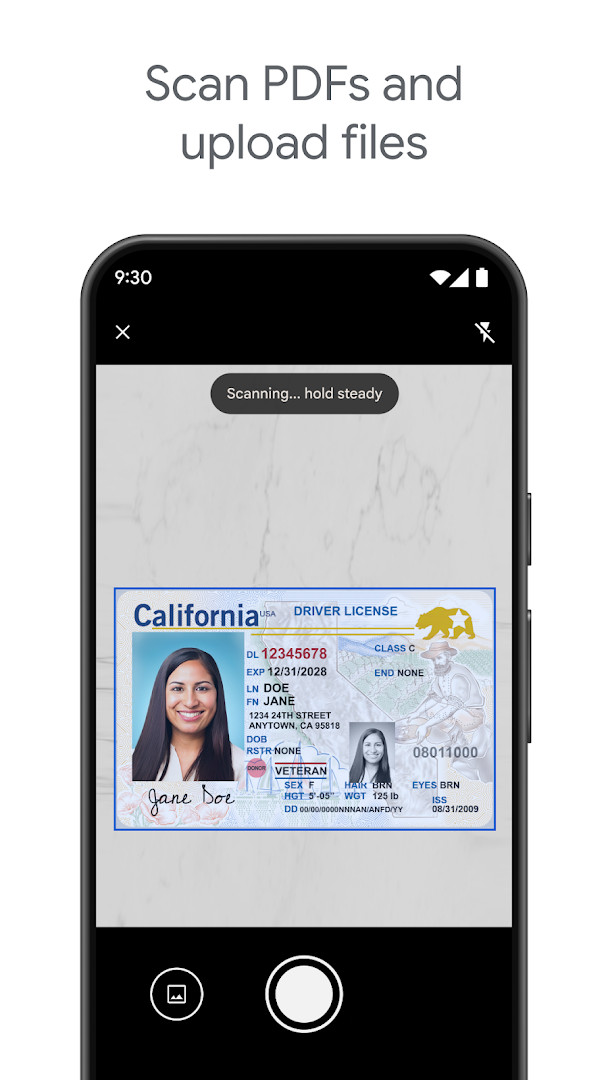
- Scan and upload paper documents using the device camera
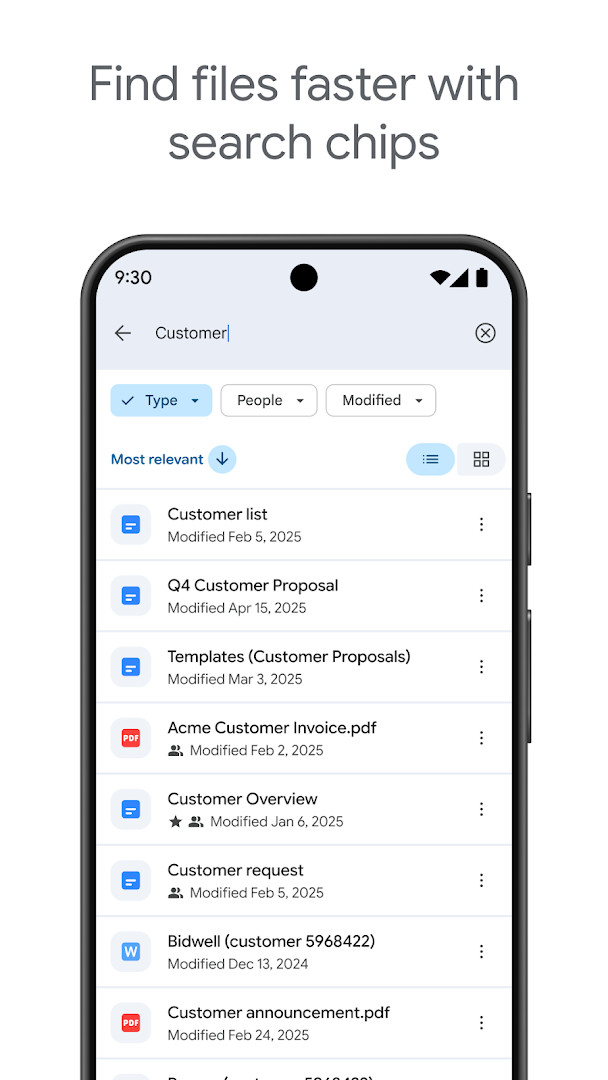
- Search for files by name and content
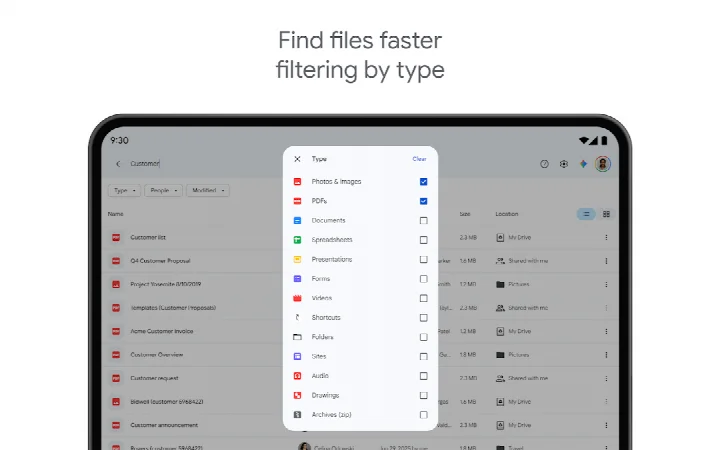
- Filter files by type, last modified date, and more
- Share files and folders with adjustable permissions
- View content offline while on the go
- Use side-by-side view and drag-and-drop on Android tablets
How to install
- Tap the download button on this page to get the Google Drive APK file, which is about 124 MB.
- When Android asks, allow your browser or file manager to install apps by enabling the 'Install unknown apps' setting.
- Open the downloaded APK file from your notifications or file manager.
- Tap Install and wait for the process to finish.
- Open the app and sign in with a Google account. Your device must run Android 8.0 or newer.
Pros
- Free 15 GB of storage is included with a standard Google account.
- Works with more than 100 file types, so you rarely need to convert before viewing.
- Offline access lets you open selected files without an internet connection.
- Camera scanning turns physical documents into searchable PDFs.
- Sharing and permission controls are straightforward for both individuals and teams.
- Regular bug fixes and performance improvements keep the app stable.
Cons
- Storage fills up quickly because the free 15 GB is shared with Gmail and Google Photos.
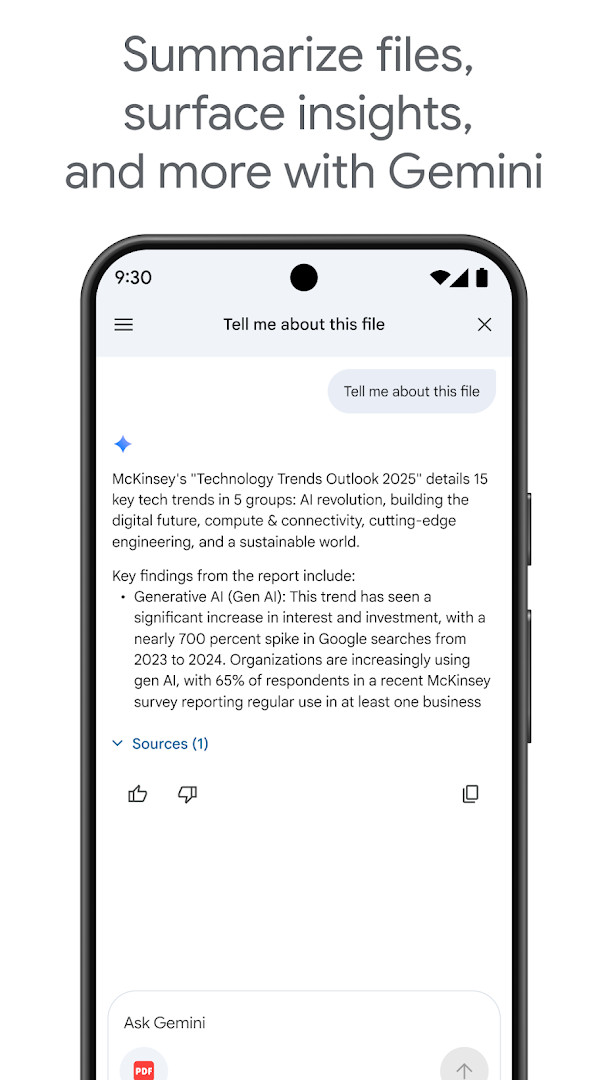
- Advanced AI summarization and admin controls require a Google Workspace subscription.
- Offline access needs to be set up per file or folder, which can be easy to overlook.
- Heavy use of camera, storage, and contact permissions may concern privacy-focused users.
- Some collaboration features feel oriented toward teams rather than casual personal use.
Latest changes
This update focuses on bug fixes and performance improvements to keep Google Drive running smoothly. Enjoy a more stable and responsive experience when storing, accessing, and sharing your files.
Older versions
| Version | Size | Requires Android | Updated |
|---|---|---|---|
| 2.26.387.0.all.alldpi | 124 MB | 8.0 | Sep 24, 2026 |
Google Drive is best for people who already use a Google account and want a simple way to back up, sync, and share files across devices. It works well for students, professionals, and small teams that need reliable cloud storage without switching between multiple apps.
Set up offline access for the files you need most before traveling, since only items you mark will be available without a connection. If storage runs low, check Gmail and Google Photos first, because all three share the same 15 GB. For scanning several pages, use the camera feature in good lighting and keep the document flat to improve readability.
Permissions
FAQ
How do I install the Google Drive APK on my Android device?
To install the Google Drive APK, download the APK file from a trusted source, then open it on your Android device. You may need to allow installation from unknown sources in your device settings. Once installed, you can sign in with your Google account.
What is the current version of Google Drive?
The current version of Google Drive is 2.26.387.0.all.alldpi, released on September 24, 2026. The app was originally released on April 27, 2011.
Does Google Drive contain ads or require purchases?
Google Drive is free to download and does not display ads. However, it offers in-app purchases for additional storage through Google One, starting at $1.99 per month for 100 GB in the US.
Can I use Google Drive offline?
Yes, Google Drive allows you to view your content on the go while offline. You can set files to be available offline, allowing access without an internet connection.
Are there alternatives to Google Drive in the Productivity category?
Yes, there are other cloud storage and file management apps available in the Productivity category. However, Google Drive stands out with its deep integration with Google Workspace and its ability to handle over 100 file types.
How much storage does a Google account get with Google Drive?
A free Google account includes 15 GB of storage, which is shared across Google Drive, Gmail, and Google Photos. For more space, you can upgrade to Google One via in-app purchase.
What are the system requirements for Google Drive on Android?
Google Drive requires Android 8.0 or higher. The app size is approximately 124 MB, and it needs permissions for identity, contacts, photos/media/files, storage, camera, and Wi-Fi connection information.
For anyone already using a Google account, Drive is a natural extension that brings documents, photos, and scans together in one place. The free 15 GB is enough to start, and the app remains one of the most straightforward ways to keep files accessible and shareable without needing another service.
Similar apps







More from this developer




Updated: Oct 28, 2026