
My Verizon for Android
My Verizon is a lifestyle app from Verizon Consumer Group for managing Verizon accounts, bills, plans and support.
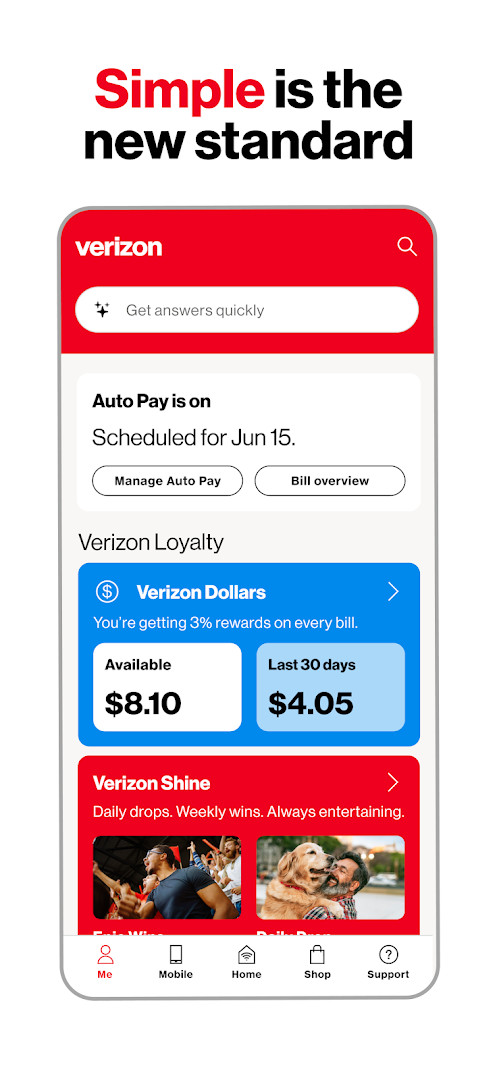
Download My Verizon · v22.1.8My Verizon is built for Verizon customers who want to handle their mobile and Home Internet accounts from one place. The app shows a personalized view of shortcuts, current balance, bill savings, perks and offers, and it is free to download with no ads and no in-app purchases.
Screenshots
- Version
- 22.1.8
- Requires Android
- 10
- Updated
- Oct 13, 2026
- Installs
- 100M+
- Rating
- ★ 4.54 (1,298,931)
- Category
- Lifestyle
- Developer
- Verizon Consumer Group
- Content rating
- Mature 17+
- Package
- com.vzw.hss.myverizon
- Free
- ✓
My Verizon is a lifestyle app by Verizon Consumer Group that serves as a unified control center for managing your entire Verizon relationship. It lets you handle mobile and home internet accounts, pay bills, monitor usage, and access exclusive perks without needing to visit a website or store. The app is designed for current Verizon customers who want to consolidate everyday account tasks into a single, mobile-friendly experience.
Beyond basic account oversight, the app surfaces loyalty rewards like Verizon Shine, which delivers daily giveaways and experiences, and Verizon Dollars, a cash-back program that earns you 3% each month. You can also shop for new devices or upgrade existing lines directly within the interface, making it the fastest way to act on a new phone or home service.
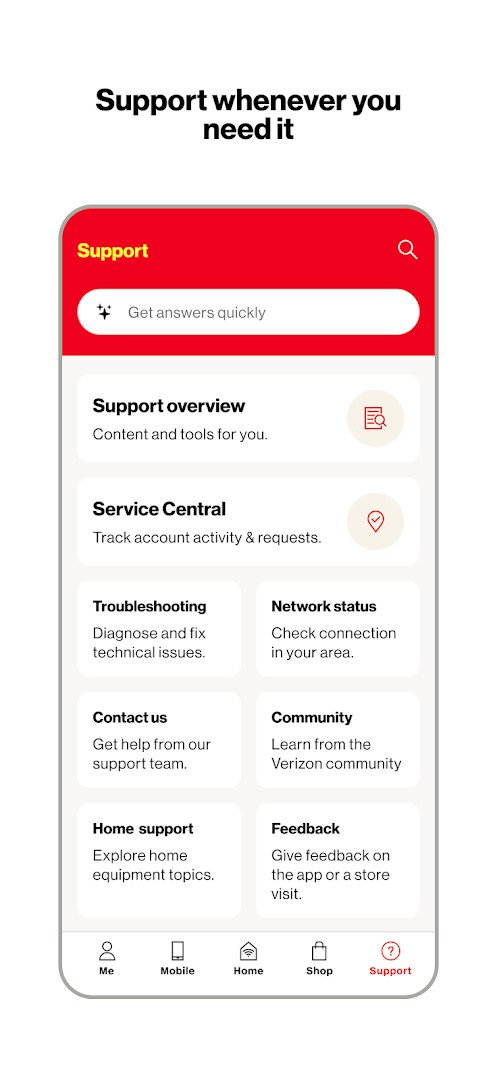
Support is woven throughout the experience, with a 24/7 virtual assistant available for troubleshooting, plan exploration, and step-by-step account help. Whether you are checking your latest bill, tweaking your plan, or simply browsing offers, the app aims to make every interaction quicker and more intuitive.
Key features
- Personalized dashboard with customizable shortcuts, account balance, and savings overview.
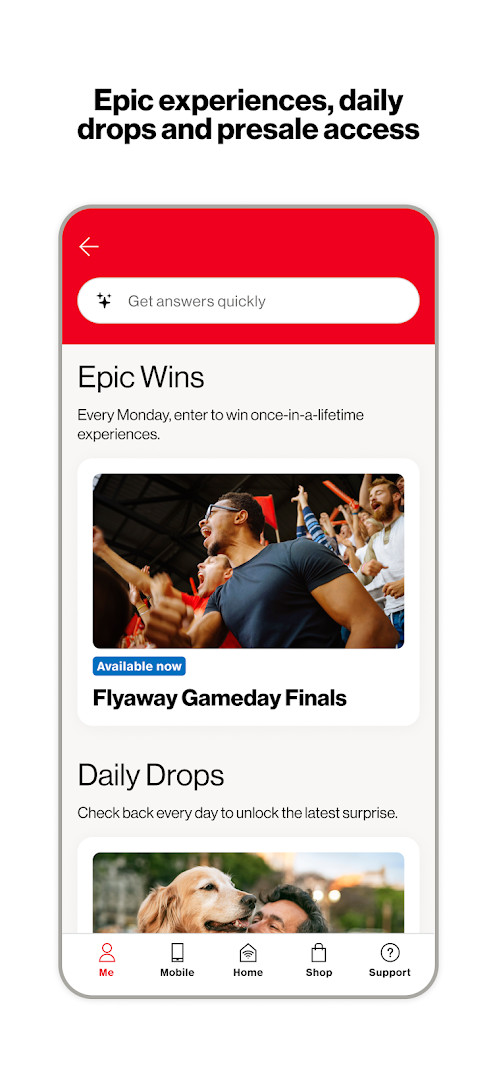
- Verizon Shine for daily drops, gift cards, merchandise, and exclusive experiences.
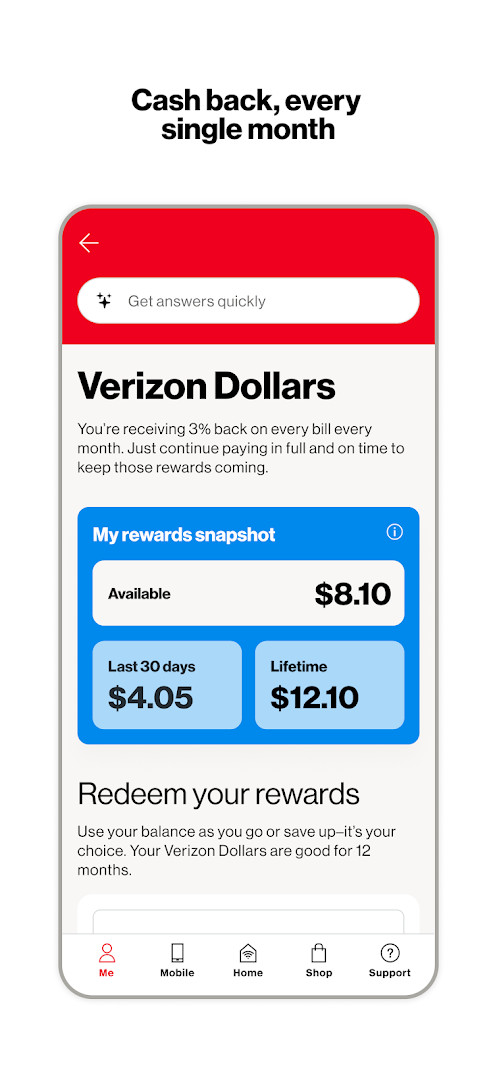
- Verizon Dollars program offering 3% monthly cash back for enrolled customers.
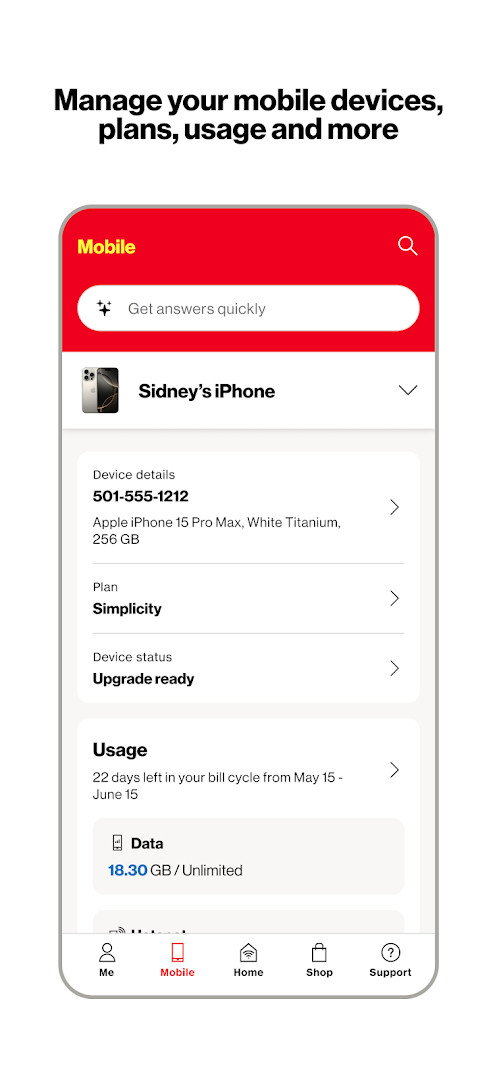
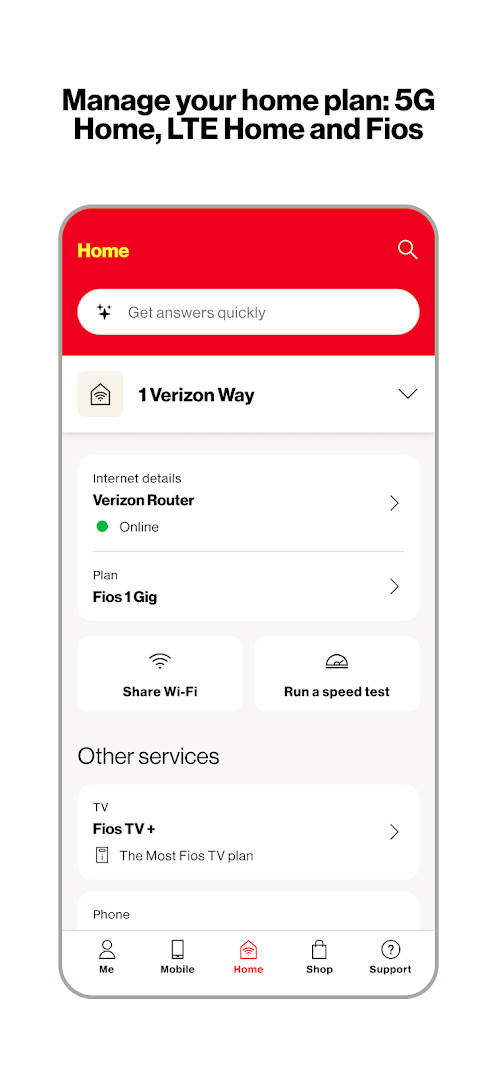
- Unified management for Mobile, 5G Home, LTE Home, and Fios accounts.
- Simplified bill view with AutoPay scheduling and secure payment options.
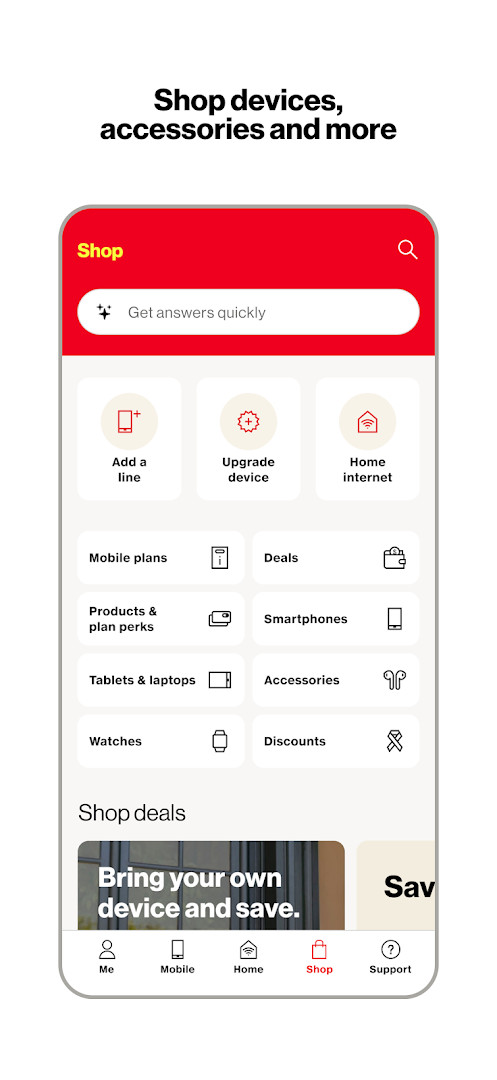
- In-app shopping and device upgrades for mobile and home services.
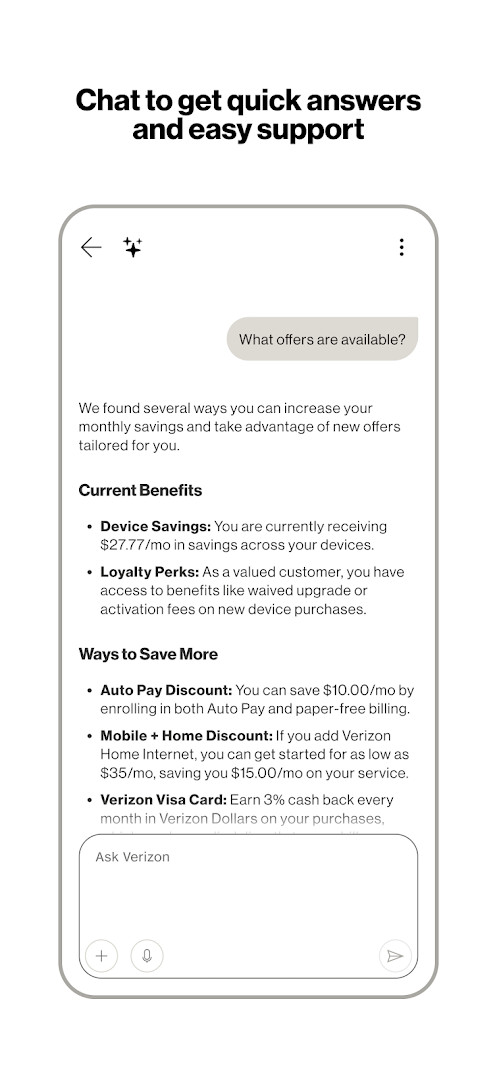
- 24/7 chat support with the Verizon Assistant for troubleshooting and account help.
- Enrollment in Verizon Loyalty to eliminate activation and upgrade fees.
How to install
- Tap the download button on this page to get the APK file.
- When prompted by Android, allow your browser or file manager to install apps by enabling the “Install unknown apps” setting.
- Locate and open the downloaded APK file from your notifications or file manager.
- Tap Install and wait for the process to complete.
- Open the app and sign in to your Verizon account to get started. The file size is not available, and your device must run Android 10 or later.
Pros
- Brings mobile, home internet, and Fios account management under one roof.
- Loyalty perks like fee waivers and cash back add tangible value for customers.
- Supports secure payments and AutoPay directly from the app.
- 24/7 virtual assistant provides immediate help without a phone call.
Cons
- Extensive permission requests, including access to SMS, calendar, and contacts, may feel excessive to privacy-conscious users.
- The Mature 17+ content rating may be unexpected for a utility app, though it likely reflects broad permissions rather than explicit content.
- Navigation can be dense for new users due to the sheer number of features packed into the interface.
Latest changes · 22.1.8
This update introduces Verizon Shine, giving you instant access to free gift cards, merchandise, and giveaways all week, plus a chance at once-in-a-lifetime experiences every Monday. You can now opt in to Verizon Dollars to earn 3% cash back monthly just for being a customer, redeemable for shopping, gift cards, or hotel and ticket rewards. Additionally, enrolling in Verizon Loyalty lets you eliminate activation and upgrade fees on future device purchases.
Older versions
| Version | Size | Requires Android | Updated |
|---|---|---|---|
| 22.1.8 | — | 10 | Oct 13, 2026 |
This app is ideal for existing Verizon customers who manage one or more lines, home internet, or Fios services and want a convenient way to track bills, redeem loyalty rewards, and get support without logging into a desktop browser.
Enable biometric login if your device supports it for faster account access. Review the permission requests during setup and grant only what you are comfortable with; core account functions will still work without optional access like calendar or contacts.
Permissions
FAQ
How do I install the My Verizon APK on my Android device?
To install the APK, download the file to your Android device, then open it. If prompted, allow installation from unknown sources in your system settings. Follow the on-screen steps to complete the installation.
What is the current version of My Verizon?
The current version is 22.1.8, released on October 13, 2026. It requires Android 10 or higher.
Does My Verizon contain ads or in-app purchases?
No, the app is free, contains no ads, and does not offer in-app purchases. All features are included without additional costs.
Can I use My Verizon offline?
The app is designed for online connectivity to manage your Verizon accounts, view usage, make payments, and access support. Offline functionality is not described in the available details, so an internet connection is recommended for full feature use.
Are there other apps in the Lifestyle category that serve similar purposes?
Yes, there are other lifestyle apps that offer account management, bill tracking, and rewards programs, but they may not be specific to Verizon services. You can explore similar tools based on your needs.
What are the main features of My Verizon?
The app provides a personalized dashboard with shortcuts to your balance, bill savings, perks, and offers. It lets you manage mobile and home internet accounts, view usage, make payments, and shop or upgrade devices. It also includes Verizon Shine for daily rewards and Verizon Dollars for cash back.
My Verizon effectively consolidates account management, rewards, and support into a single mobile tool. While its broad permissions demand attention, the convenience of handling bills, upgrades, and troubleshooting in one place makes it a worthwhile download for any Verizon customer seeking to streamline their digital routine.
Similar apps
 SmartThingsSamsung Electronics Co., Ltd.4.6
 PinterestPinterest4.2
 Tinder Dating App: Chat & DateTinder LLC3.9
 Dating and Chat - SweetMeetSweetMeet4.0
 Life360: Family Safety & GPSLife3604.8
 Samsung Wallet (Samsung Pay)Samsung Electronics Co., Ltd.4.1
 happn: dating apphappn4.0
 Samsung Members v1Samsung Mobile US4.6
Updated: Oct 15, 2026