
Samsung Wallet (Samsung Pay) for Android
Samsung Wallet (Samsung Pay) is a digital wallet app from Samsung Electronics Co., Ltd. for storing payment cards, keys, passes, and more on a phone.
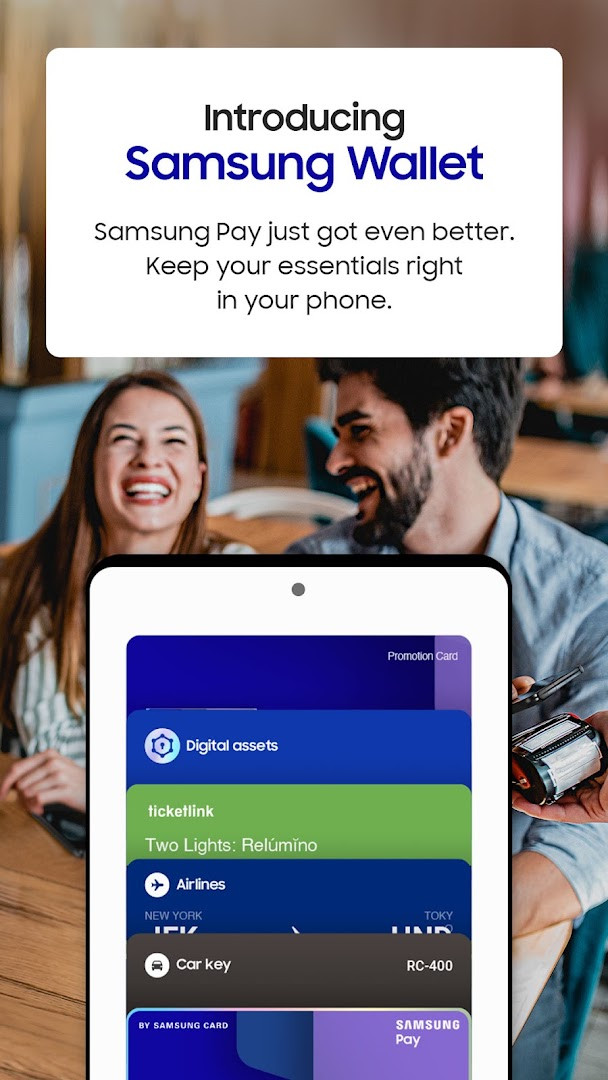
Download Samsung Wallet · v2.5.76Samsung Wallet is intended for people who want to keep essentials like bank cards, digital keys, boarding passes, and loyalty cards in one place on a Samsung device. It combines the features of Samsung Pay with Samsung Pass, digital home and car keys, and digital asset management in a simplified in-app experience.
Screenshots

- Version
- 2.5.76
- Size
- 2.3 MB
- Requires Android
- 7.0
- Updated
- Jun 30, 2025
- Installs
- 100M+
- Rating
- ★ 4.08 (1,144,757)
- Category
- Lifestyle
- Developer
- Samsung Electronics Co., Ltd.
- Content rating
- Everyone
- Package
- com.samsung.android.spay
- Free
- ✓
Samsung Wallet (Samsung Pay) is a lifestyle and payments application by Samsung Electronics Co., Ltd. that brings contactless payments, digital keys, loyalty items, and credential storage together in a single interface. It evolved from the earlier Samsung Pay service and now includes Samsung Pass, digital home and car keys, and digital asset management tools. The app is designed to reduce the number of physical cards and keys a person needs to carry by placing these essentials on a compatible Galaxy phone.
The current release is version 2.5.76, published on June 30, 2025. It requires Android 7.0 or higher and has a compact APK size of 2.3 MB. The app is free to download, contains no ads, and does not use in-app purchases. It has been installed over 100 million times and holds a user rating of 4.09 based on more than 1.14 million reviews. The app is rated for Everyone under content rating guidelines.
This update focuses on minor bug fixes and improvements rather than introducing new features. Users who already have Samsung Wallet installed can expect a more stable experience, but the core functionality remains the same. The app retains the Quick Access swipe-up gesture for faster launching, and all previously supported capabilities such as payment transactions, digital keys, and boarding pass storage continue to operate as before. Availability of individual functions still depends on the user's device model, carrier, firmware, and country or region.
Key features
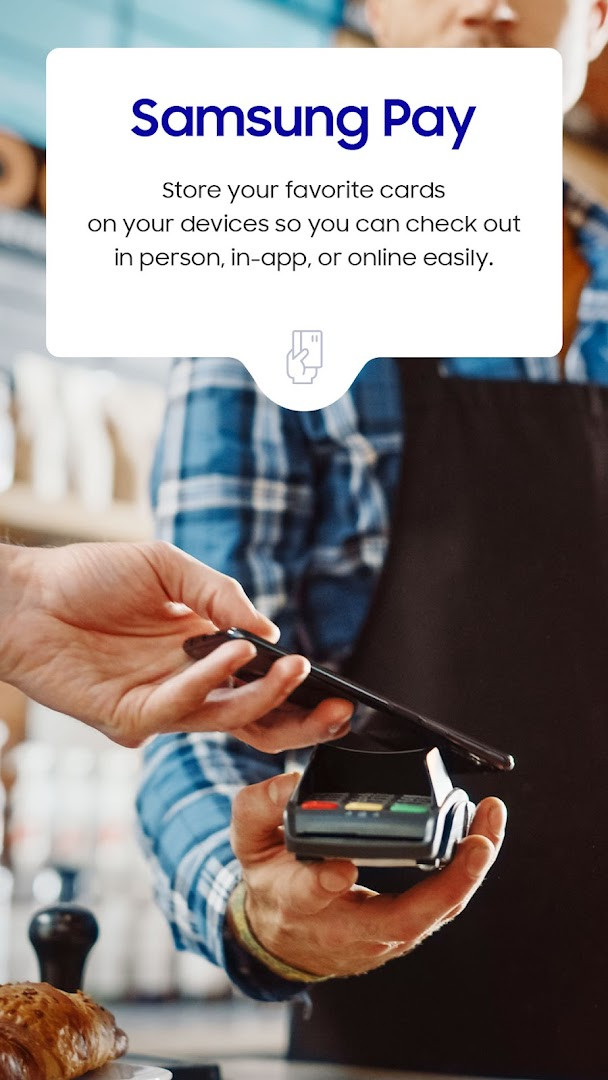
- Contactless payment support for credit, debit, gift, and membership cards on eligible Samsung hardware.
- Cash Back Awards for savings at participating merchants when using compatible cards.
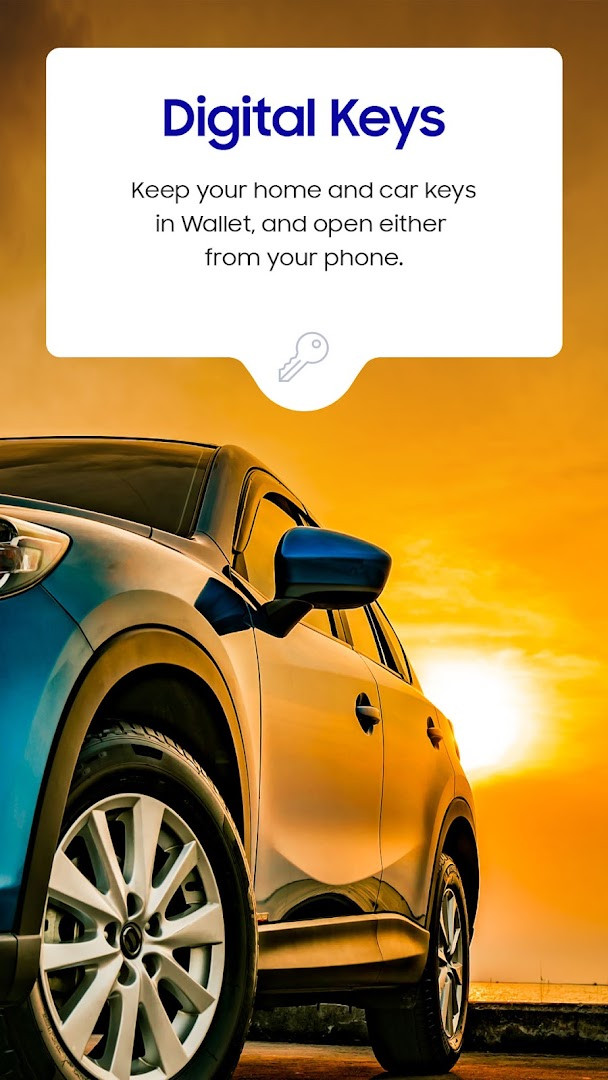
- Digital keys for select SmartThings-compatible locks and vehicles from BMW, Kia, Hyundai, and Genesis.
- Digital asset management for viewing crypto balances and current prices through linked exchange partners.
- Boarding pass storage for select airlines with quick swipe access.
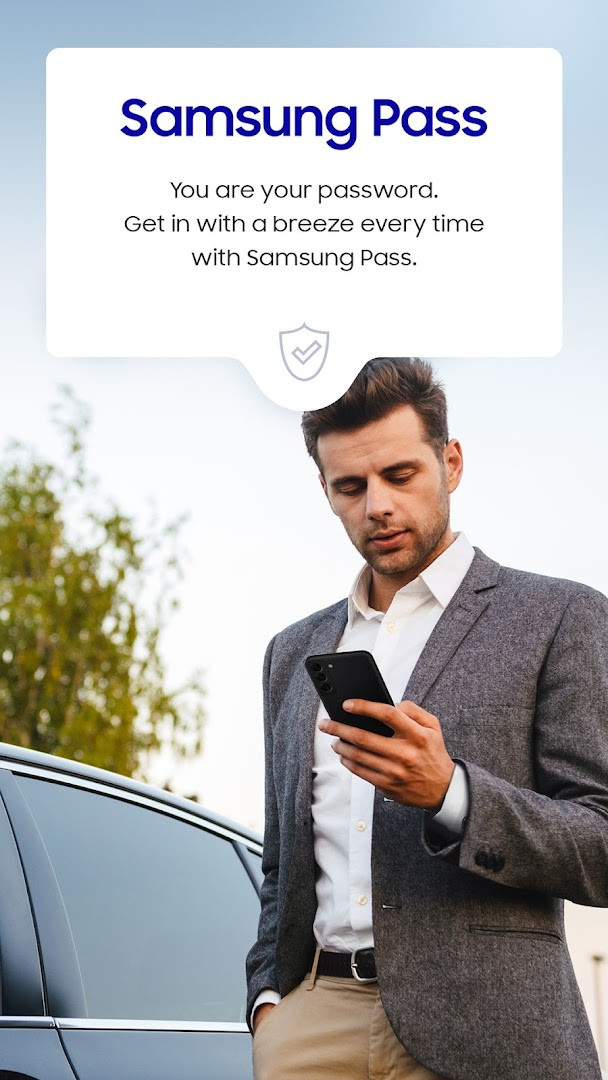
- Samsung Pass integration for storing passwords, addresses, and card details protected by Samsung Knox.
- Quick Access swipe-up gesture to launch the wallet from the home screen.
How to install
- Tap the download button on this page to get the APK file, which is about 2.3 MB in size.
- When Android asks, allow your browser or file manager to install apps by enabling the 'Install unknown apps' setting.
- Open the downloaded APK file from your notifications or file manager.
- Tap Install and wait for the process to finish.
- Open the app and complete any additional updates or setup prompts that may appear.
- Ensure your device runs Android 7.0 or newer, as this is the minimum supported operating system version.
Pros
- Combines payments, digital keys, Samsung Pass, and asset tracking in one place.
- Quick Access gesture makes launching the wallet fast and convenient.
- Small APK size of 2.3 MB keeps storage impact low.
- No ads or in-app purchases in the free version.
- Broad install base and regular updates from a major device manufacturer.
Cons
- Compatibility is limited to select Samsung devices, and several functions depend on model, carrier, firmware, and country.
- Digital keys work only with specific smart locks and vehicle models, so many users cannot take advantage of the feature.
- Digital asset management is restricted to supported exchange partners.
- Card support is limited to participating banks and issuers, and some features such as Samsung Pay+ are region-specific.
- Setup may require additional updates beyond the initial installation.
Latest changes · 2.5.76
Version 2.5.76, released June 30, 2025, includes minor bug fixes and improvements in the app. This update focuses on stability and performance rather than new features.
Older versions
| Version | Size | Requires Android | Updated |
|---|---|---|---|
| 6.8.06 | 339 MB | 12 | Oct 11, 2026 |
| 6.8.05 | 339 MB | 12 | Aug 7, 2026 |
| 15.8.60 | 294 MB | 10 | Apr 13, 2026 |
| 6.4.42 | 297 MB | 11 | Mar 6, 2026 |
| 2.5.76 | 2.3 MB | 7.0 | Jun 30, 2025 |
| 15.4.01 | 199 MB | 9 | Jan 3, 2025 |
| 4.9.38 | 156 MB | 7.0 | Jan 4, 2023 |
| 3.9.52 | 68 MB | 6.0 | Jan 21, 2020 |
| 2.4.03 | 35 MB | 5.1 | Nov 9, 2016 |
This app is best suited for Samsung Galaxy owners who already use contactless payments and want to reduce physical card clutter. It is also useful for users with compatible smart door locks or supported BMW, Kia, Hyundai, or Genesis vehicles who want phone-based entry and remote start. People who frequently forget passwords may appreciate the Samsung Pass integration for biometric sign-in.
Before relying on Samsung Wallet for payments or digital keys, check the Samsung Pay support page to confirm that your specific card issuer, smart lock, or vehicle model is compatible with your device and region.
Permissions
FAQ
What features does Samsung Wallet offer beyond contactless payments?
Samsung Wallet combines the former Samsung Pay with Samsung Pass, plus features for digital keys, digital asset management, and boarding passes. It lets you carry credit and debit cards, membership cards, and gift cards for tap-to-pay checkout, and you can swipe up from the home screen for quick access.
Which cars and locks are supported by the digital key feature in Samsung Wallet?
Digital keys are compatible with select SmartThings-compatible smart door locks and certain vehicle models, including BMW 1-8 Series, X5-X7, and iX models launched after July 2020, Kia Niro, Hyundai Palisade, Genesis GV60, and G90. Availability may vary by model and is subject to change.
What are the device and OS requirements for Samsung Wallet version 2.5.76?
Samsung Wallet version 2.5.76 requires a device running Android 7.0 or higher and is compatible only with select Samsung devices. Availability of features varies by device model, carrier, firmware version, and country or region.
Which types of payment cards can I add to Samsung Wallet?
You can add eligible credit, debit, gift, and membership cards from participating banks and issuers. Only select Visa, Mastercard, American Express, and Discover cards are compatible, so you should check with your bank or card issuer to confirm support.
What can I do with the digital asset management feature in Samsung Wallet?
The digital asset management feature lets you check your cryptocurrency balances and current prices through linked exchange partners, though it is available for supported exchanges only.
Samsung Wallet consolidates payments, digital keys, credential storage, and asset tracking into one utility for Galaxy owners. While the breadth of features is impressive, their usefulness depends heavily on compatible hardware, participating banks, and regional availability. Users who already rely on NFC payments and Samsung Pass will find the unified experience worthwhile, though those outside supported ecosystems may see little benefit.
Similar apps
 Voice RecorderSamsung Electronics Co., Ltd.4.0
 Samsung Smart Switch MobileSamsung Electronics Co., Ltd.3.9
 Samsung MusicSamsung Electronics Co., Ltd.3.8
 SmartThingsSamsung Electronics Co., Ltd.4.6
 PinterestPinterest4.2
 Tinder Dating App: Chat & DateTinder LLC3.9
 Dating and Chat - SweetMeetSweetMeet4.0
 Life360: Family Safety & GPSLife3604.8
More from this developer




Updated: Oct 16, 2026