Trust: Crypto & Bitcoin Wallet: Multi-Chain Self-Custody Wallet
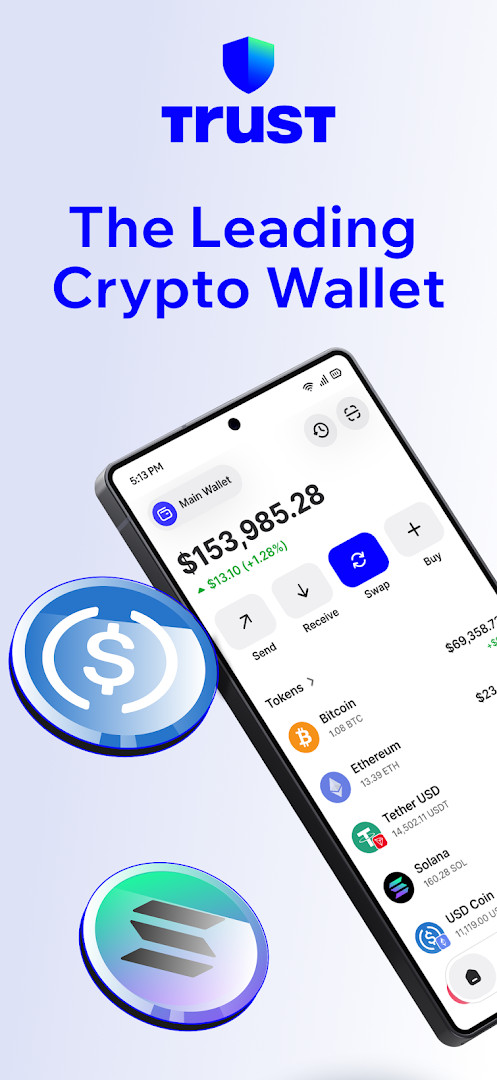
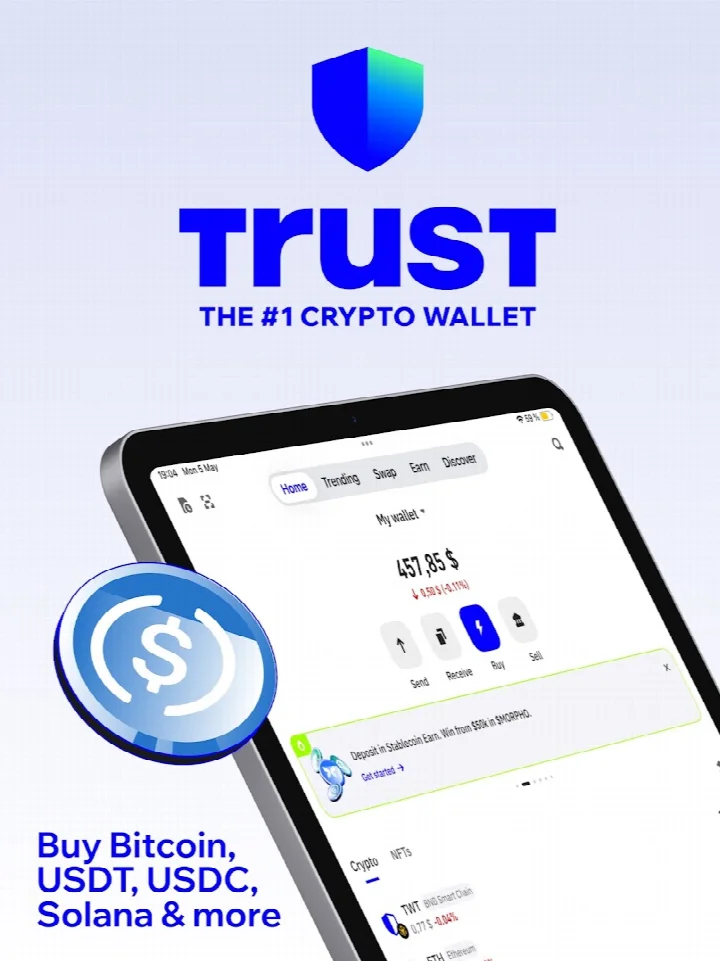
Trust: Crypto & Bitcoin Wallet is a multi-chain self-custody wallet by DApps Platform, Inc. that lets you buy, sell, swap, and earn across 100+ blockchains.
Download Trust Wallet · v26.41.13Trust: Crypto & Bitcoin Wallet gives you full control of your private keys, which are encrypted and stored on your device, and supports over 10 million digital assets, NFTs, and thousands of Web3 dApps. It is designed for both newcomers and power users, offering features like staking, stablecoin earning, and a dApp browser with network auto-detect.
Screenshots
- Version
- 26.41.13
- Requires Android
- 9
- Updated
- Oct 13, 2026
- Installs
- 50M+
- Rating
- ★ 4.49 (2,569,864)
- Category
- Finance
- Developer
- DApps Platform, Inc.
- Content rating
- Everyone
- Package
- com.wallet.crypto.trustapp
- Free
- ✓
Trust: Crypto & Bitcoin Wallet is a self-custody cryptocurrency wallet by DApps Platform, Inc. that provides a unified interface for storing, trading, and earning yield on digital assets. The application puts users in sole control of their private keys, which remain encrypted on the device rather than on a centralized server. Version 26.41.13, released on October 13, 2026, refines the underlying mechanics of the platform. This particular update focused on smoother sending and receiving flows, more reliable in-app navigation, and improved keyboard handling. The developers also addressed stability problems, incorporating a critical fix to safeguard wallet integrity, alongside general performance polishing.
Key features
- Full self-custody architecture with private keys stored locally and encrypted using AES on your device.
- Multi-chain support across over 100 blockchains for managing Bitcoin, Ethereum, Solana, and more than 10 million digital assets.
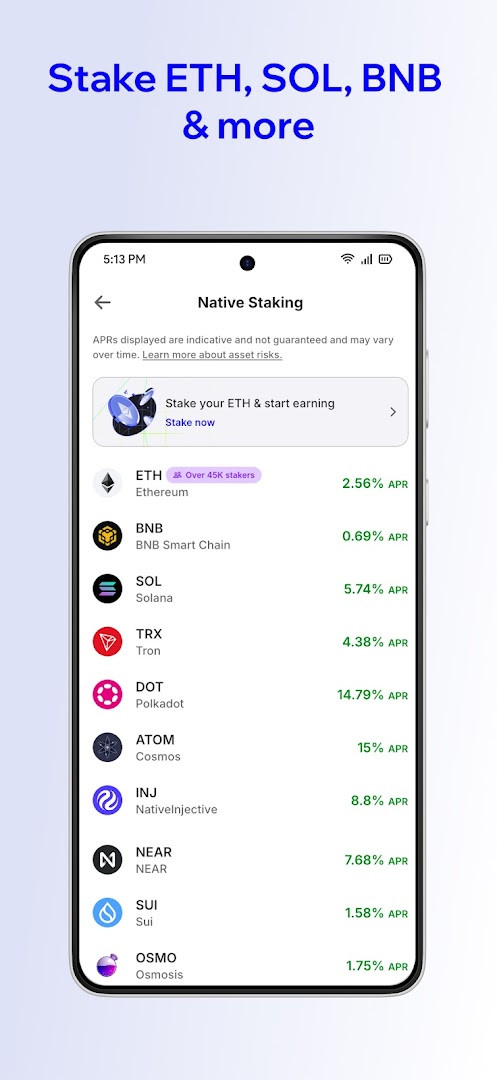
- Integrated staking for proof-of-stake assets like ETH, SOL, BNB, and TRX to earn rewards directly within the wallet.
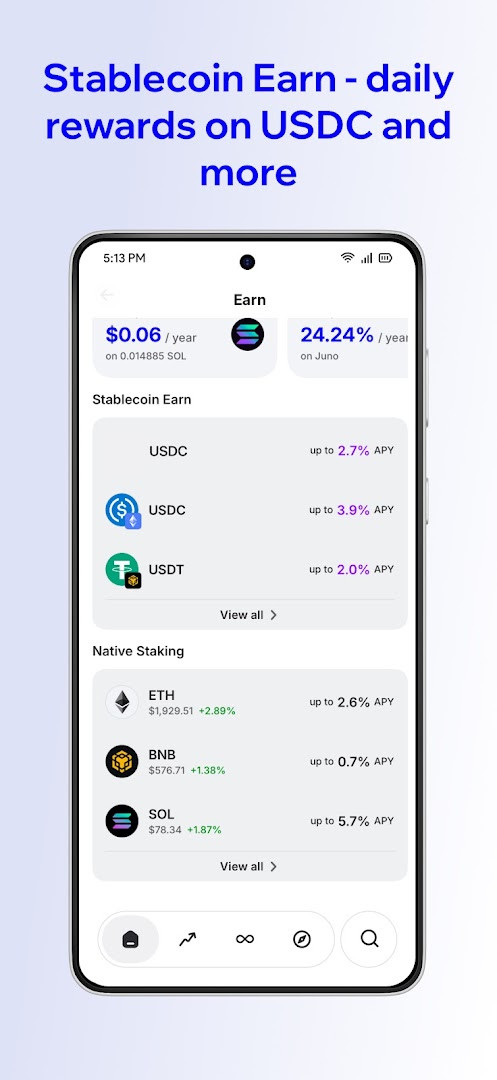
- A Stablecoin Earn feature that generates real-time rewards on USDT, USDC, DAI, and USDA via transparent onchain protocols.
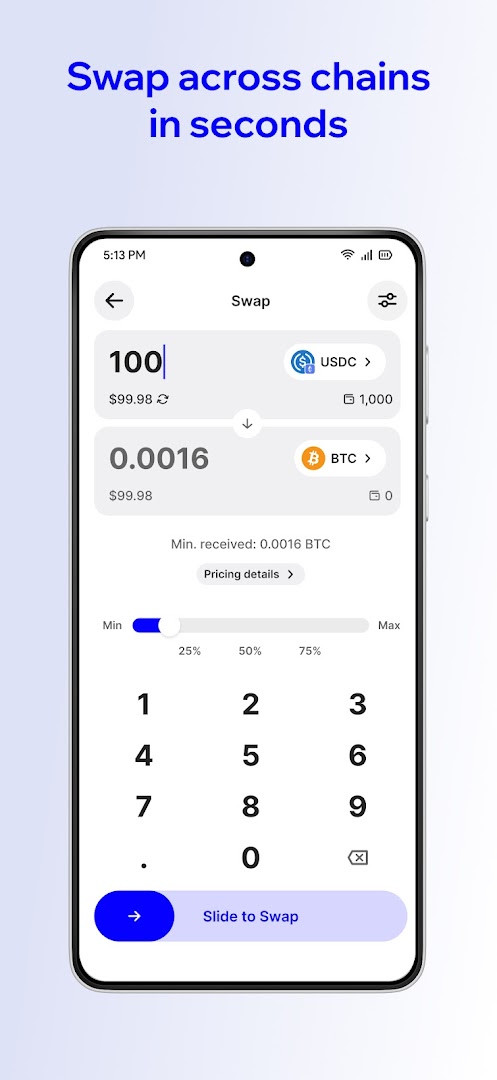
- In-app token swap functionality enabling cross-chain exchanges across millions of tokens in a single transaction.
- A built-in dApp browser with automatic network detection for secure connection to DeFi platforms, NFT marketplaces, and Web3 games.
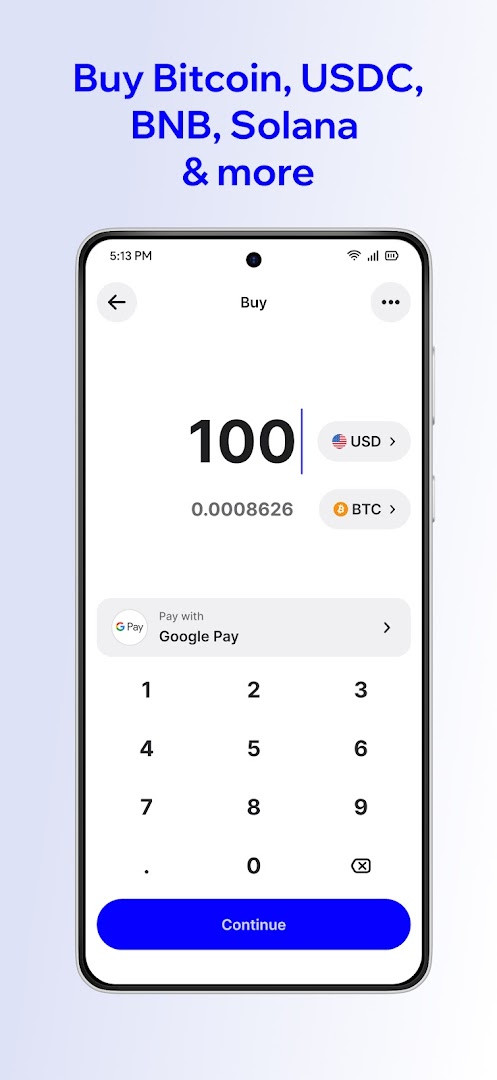
- Fiat on-ramp integration allowing crypto purchases via credit card, bank transfer, or Google Pay.
- Optional tax reporting tools to simplify the process of filing crypto-related taxes.
How to install
- Tap the download button on this page to begin acquiring the APK; the exact file size is not specified.
- When prompted by Android, adjust your browser or file manager settings to allow app installations from this source by enabling the “Install unknown apps” permission.
- Open the downloaded APK file from your notifications or file manager to start the installation process.
- Review the list of requested permissions, which includes access to storage, camera, and location, then tap “Install”.
- Once the installation completes, tap “Open” to launch the wallet and begin the process of creating a new wallet or importing an existing one.
- Ensure your device runs Android 9 or higher, as this is the minimum operating system version required.
Pros
- Grants true asset ownership through non-custodial key management, meaning no third party can freeze or access funds.
- Extremely broad asset support spanning over 100 blockchains and millions of tokens, including NFTs.
- Offers multiple passive income streams such as native staking and a Stablecoin Earn product with no lock-up periods.
- Free to use with no advertisements or in-app purchases, maintaining a clean user experience.
- Backed by a vast community of over 200 million installs and an established development history dating back to 2017.
Cons
- Requires a fairly broad set of device permissions, including access to location, camera, and microphone, which may concern privacy-focused users.
- Full self-custody means losing your recovery phrase results in irreversible loss of funds with no support team able to reset access.
- The extensive feature set and dApp browser can feel overwhelming for users who only need simple storage and transfers.
- The minimum Android version requirement of 9 excludes devices running older operating systems.
Latest changes · 26.41.13
Version 26.41.13 refines sending and receiving flows, navigation reliability, and keyboard behavior. Crypto purchases benefit from adjusted quotes and payment options. Stability issues were addressed, including a fix related to wallet safety. General performance and polish improvements are also part of this release.
Older versions
| Version | Size | Requires Android | Updated |
|---|---|---|---|
| 26.41.13 | — | 9 | Oct 13, 2026 |
This wallet suits long-term Bitcoin holders who demand full control over their private keys, active DeFi users who need to interact with dApps across multiple blockchains, and yield-seeking investors looking to earn daily rewards on stablecoin holdings without locking assets.
When using the dApp browser to interact with a new decentralized application, always verify the smart network auto-detect has selected the correct blockchain before approving a transaction to avoid losing funds to a mismatched network.
Permissions
FAQ
Which blockchains and assets can I manage with this wallet?
It supports over 100 blockchains and more than 10 million assets including BTC, ETH, SOL, BNB, USDT, USDC, XRP, ADA, SUI, AVAX, TRON, and DOGE.
Does the wallet offer any staking or earning features for my crypto?
Yes, you can stake ETH, SOL, BNB, TRX, and more to earn rewards, and you can also earn daily rewards on stablecoins like USDT, USDC, DAI, and USDA using self-custodial on-chain protocols.
How are my private keys secured on my device?
Private keys are stored safely on your device and encrypted using AES. You control your keys, and no personal data is collected.
What improvements were included in the latest update?
Version 26.41.13, updated on October 13, 2026, brings smoother sending and receiving, more reliable navigation, and a critical fix for wallet safety.
What payment methods are available to purchase crypto directly in the app?
You can buy crypto using a card, bank transfer, or Google Pay.
For anyone seeking a non-custodial gateway to decentralized finance and digital assets, the application offers a mature, feature-rich environment. The combination of broad multi-chain coverage, integrated earning mechanisms, and a proven track record with a massive user base makes it a formidable tool. Its reliance on self-managed keys demands a responsible user, but the control and privacy it returns are the very tenets of Web3 ownership.
Similar apps
 Google WalletGoogle LLC4.3
 PayPal - Pay, Send, SavePayPal Mobile4.2
 FinShell PayM-Kash India Financial Solutions Private Limited
 Samsung PayPT. Samsung Electronics Indonesia3.4
 bKashbKash Limited4.4
 Mercado Pago: cuenta digitalMercado Libre4.8
 easypaisa – a digital bankEasypaisa Bank Limited4.6
 Cash AppBlock, Inc.4.7
Updated: Oct 16, 2026