Audiomack: Music Downloader - Stream & Download Music
Audiomack: Music Downloader is a free music app by Audiomack Music Apps that lets you stream and download full tracks for offline listening.
Get AudiomackAudiomack: Music Downloader has been downloaded over 100 million times and supports Android devices with an average rating of 4.80 from 9.1 million ratings. The app includes ads and offers in-app purchases, including an ad-free subscription for $4.99 per month.
Screenshots
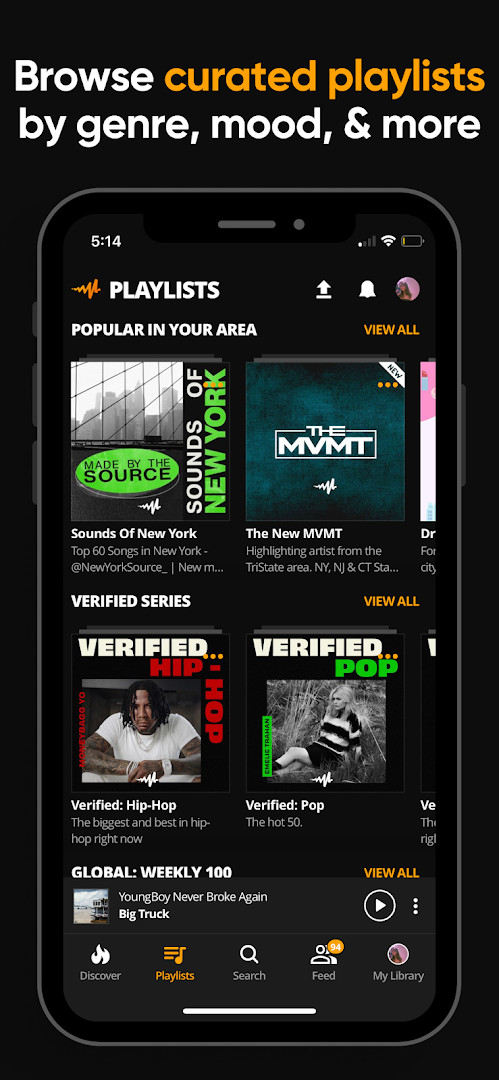
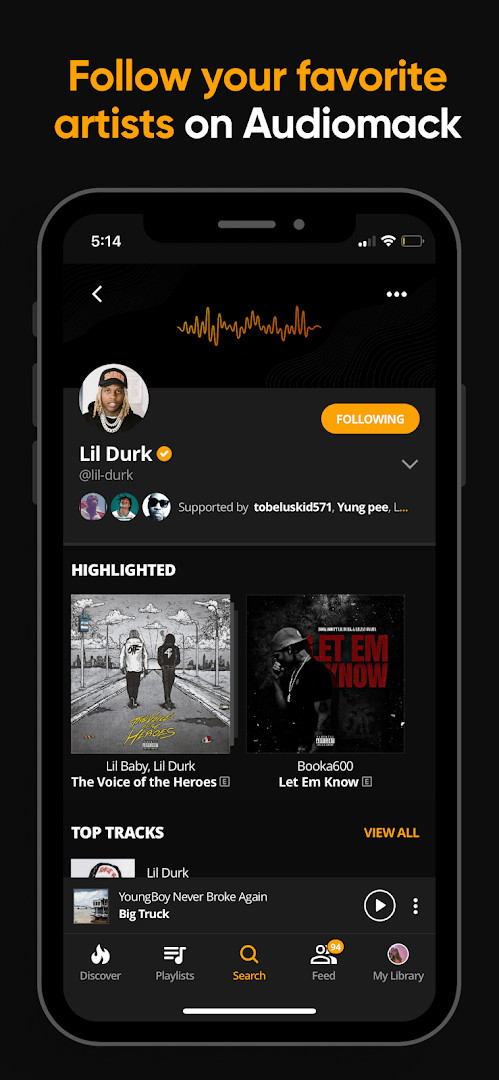
- Size
- 16 MB
- Requires Android
- 4.1
- Updated
- Oct 9, 2026
- Installs
- 100M+
- Rating
- ★ 4.8 (9,115,253)
- Category
- Entertainment
- Developer
- Audiomack Music Apps
- Content rating
- Teen
- Package
- com.audiomack
- Free
- ✓ · Contains ads · In-app purchases
Audiomack: Music Downloader is a music and audio app by Audiomack Music Apps that lets you stream trending tracks and download songs for offline listening. The app addresses the need to hear new and popular music without constantly using mobile data, especially for people who want to keep listening when they have no connection. It combines a large catalog of genres, a built-in local file player, and playlist tools to keep everything in one place.
Key features
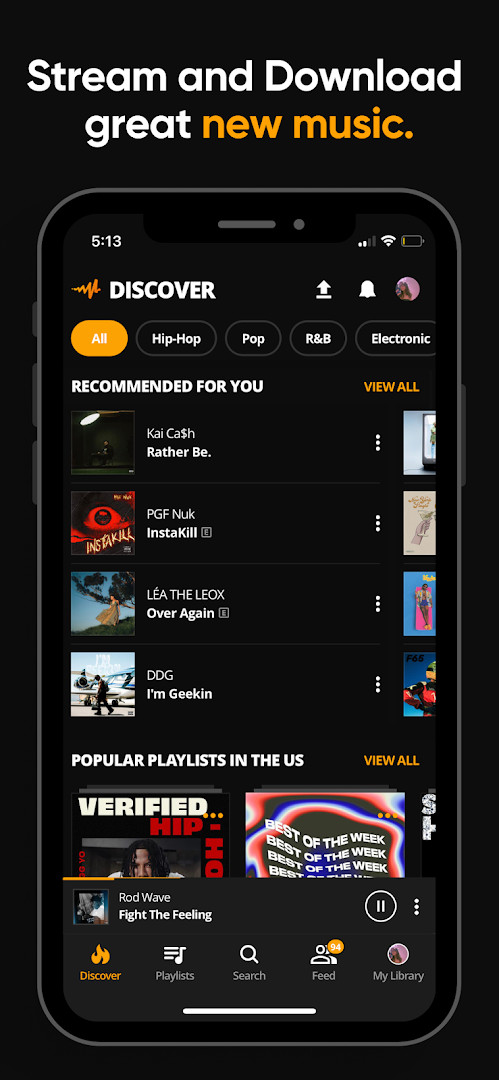
- Stream full tracks and mixtapes across genres such as Hip-Hop, Rap, R&B, EDM, Afropop, and Reggae.
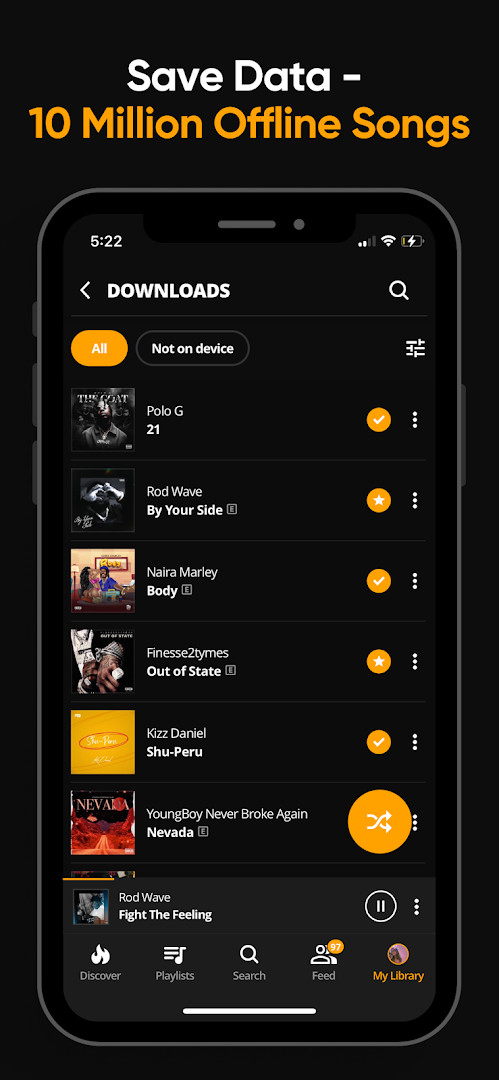
- Download full songs and albums for offline listening without using mobile data or Wi-Fi.
- Play local audio files including MP3, WAV, M4A, and AAC directly from the app.
- Create unlimited playlists and favorite tracks, albums, or playlists for quick access.
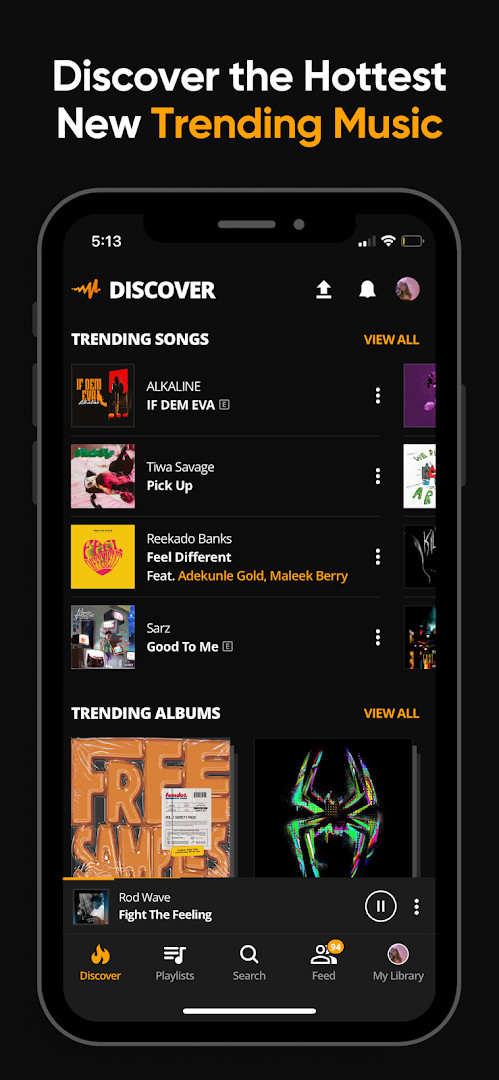
- Browse curated playlists organized by mood and genre, plus a dedicated Trending section for hot songs and albums.
- Follow artists, producers, and tastemakers to see exclusive messages through the Connect Tab feature.
- Continue listening while using other apps, with support for Wear OS and Android Auto.
- Remove ads with a paid subscription priced at $4.99 per month.
How to install
- Tap the download button on this page to get the APK file for Audiomack.
- When Android asks, allow your browser or file manager to install apps by enabling the 'Install unknown apps' setting.
- Open the downloaded APK file from your notifications or file manager.
- Tap Install and wait for the process to finish. The file size is not specified, but the app requires an Android version that is not listed here.
- Open the app from your app drawer and follow any initial prompts to start browsing or playing music.
Pros
- Large catalog of trending and new music across many genres, including Hip-Hop, Afropop, Reggae, and EDM.
- Offline downloads allow data-free listening when Wi-Fi or mobile data is unavailable.
- Supports local audio files such as MP3, WAV, M4A, and AAC, making it useful beyond streaming.
- Free to use with no upfront cost, with an optional ad-free subscription at $4.99 per month.
- Works with Wear OS and Android Auto, adding flexibility for different listening setups.
- Unlimited playlist creation and easy favoriting help you organize music quickly.
Cons
- Contains ads, which may interrupt the listening experience unless you pay for the ad-free tier.
- Offers in-app purchases, so some conveniences are locked behind a recurring $4.99 monthly subscription.
- Requests access to photos, media, files, and storage, which may feel broad for users who only want streaming.
- The download feature is tied to the app's terms of service and privacy policy, so offline access is not entirely unrestricted.
- The interface and feature set may feel overwhelming at first for someone brand new to music apps.
Latest changes
Audiomack version 8, released on October 9, 2026, brings bug fixes and performance improvements to your music streaming and downloading experience. The update focuses on enhancing overall stability, so you can enjoy unlimited offline tracks, local file playback, and ad-free listening with fewer interruptions. If you have any feedback, the developer invites you to reach out via Twitter at @audiomack.
Older versions
| Version | Size | Requires Android | Updated |
|---|---|---|---|
| 4.12.5 | 16 MB | 4.1 | Feb 16, 2020 |
Audiomack is a good fit for beginners who want a free way to discover trending music, download songs for offline listening, and organize tracks into playlists without needing technical knowledge. It suits listeners who enjoy Hip-Hop, Rap, R&B, Afropop, Reggae, and EDM, as well as people who want to play their own local audio files alongside streamed content. If you are comfortable with ads and occasional prompts for an optional subscription, this app offers a practical starting point for music discovery.
Start by exploring the Trending section to see what is currently popular, then use the download option on songs or albums you want to keep for offline listening. If you have local music files on your device, open the local file player to mix them with streamed tracks in your playlists. To reduce interruptions, consider the ad-free subscription, but only after you have used the free version for a while to see if it fits your habits. When downloading, make sure you have enough storage space on your device, since the app requests access to photos, media, and files.
Permissions
FAQ
How do I install the Audiomack APK on Android?
Download the APK file for the app, then open it on your device. If your system asks for permission to install from unknown sources, allow it for this file only and continue with the installation.
What is the current version of the app?
The current version in the data is v8, released with an update dated October 9, 2026.
Does the app have ads or purchases?
The app includes ads and also offers in-app purchases. You can go ad-free for $4.99 per month.
Can I use Audiomack offline?
Yes, you can download full songs and albums for offline, data-free listening, so no Wi-Fi is needed after downloading.
Are there alternatives to this app?
There are other music and audio apps in the same category, but Audiomack stands out with its download feature, local file playback, and trending sections.
Audiomack covers a lot of ground for a free music app, from curated trending tracks to local file playback and offline downloads. Beginners who want a straightforward way to explore new music and build playlists will likely find it easy to settle into, though the ads and subscription prompt are worth keeping in mind.
Similar apps








Updated: Oct 16, 2026