Google TV – Movie & Show Streaming Hub
Google TV is a free video player by Google LLC that lets you discover, buy, rent, and stream movies and shows from multiple services in one place.
Get AppGoogle TV takes up about 40 MB and requires Android 6.0 or newer. The app is free to download but offers in-app purchases for buying or renting content, and separate subscriptions are needed for some streaming services. It suits users who want a central hub to browse over 700,000 titles, manage a shared watchlist, and get personalized recommendations across their devices.
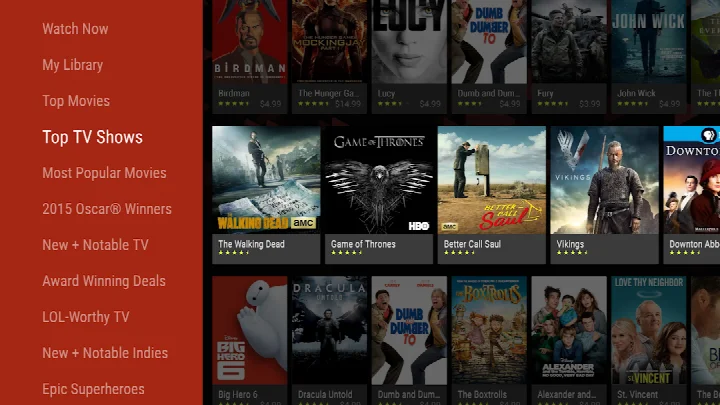
Screenshots
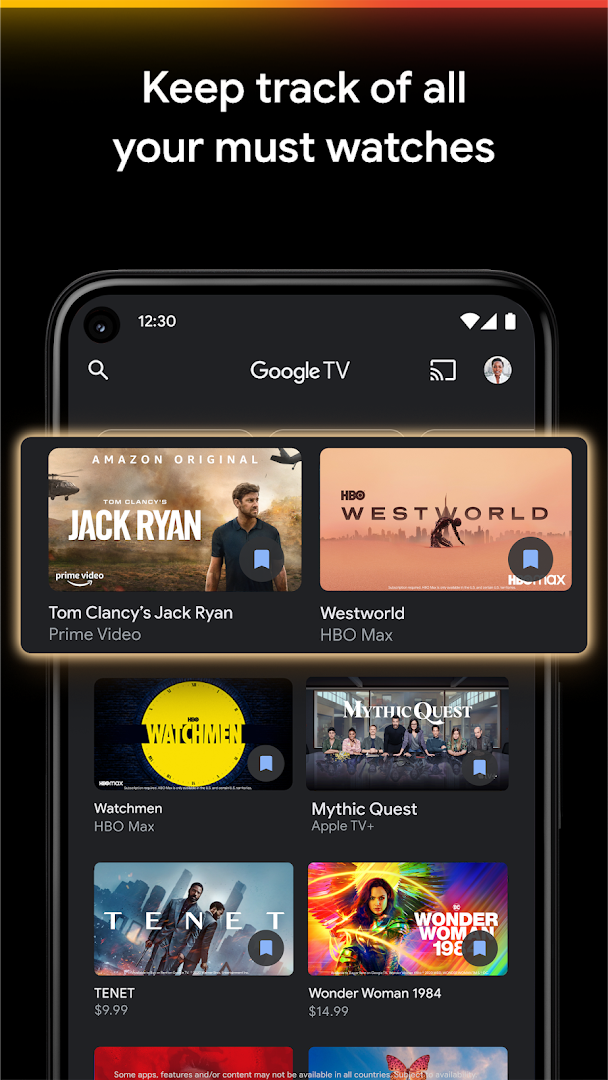
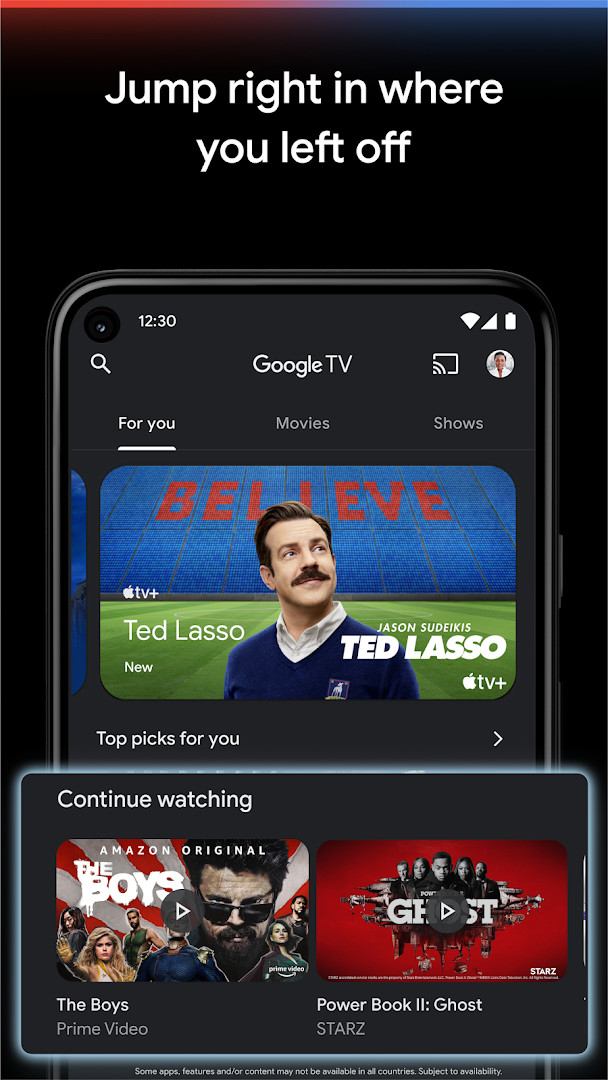
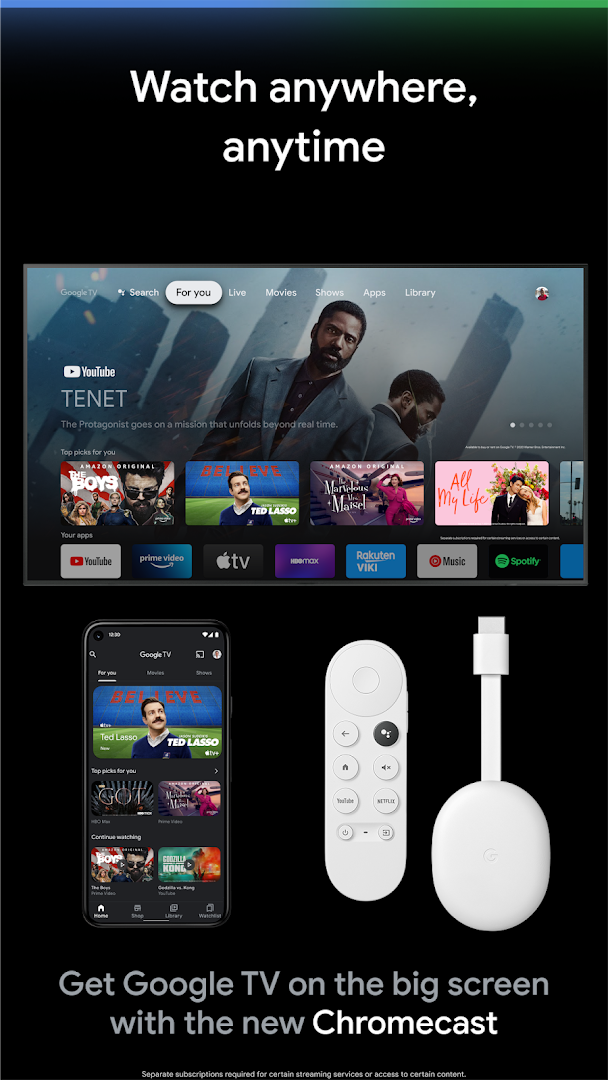
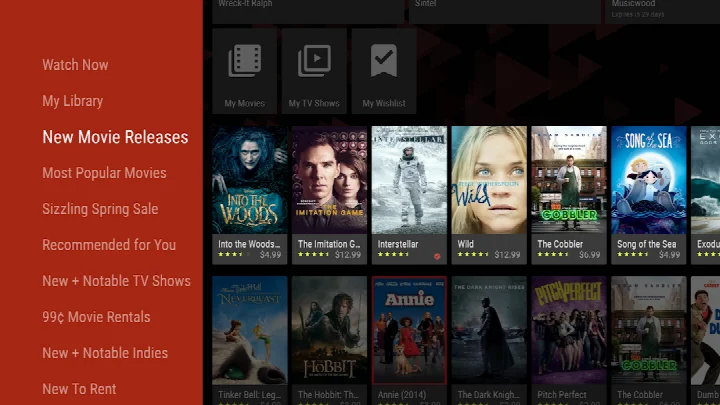
- Size
- 40 MB
- Requires Android
- 6.0
- Updated
- Sep 14, 2026
- Installs
- 10B+
- Rating
- ★ 3.92 (2,897,635)
- Category
- Entertainment
- Developer
- Google LLC
- Content rating
- Teen
- Package
- com.google.android.videos
- Free
- ✓ · In-app purchases
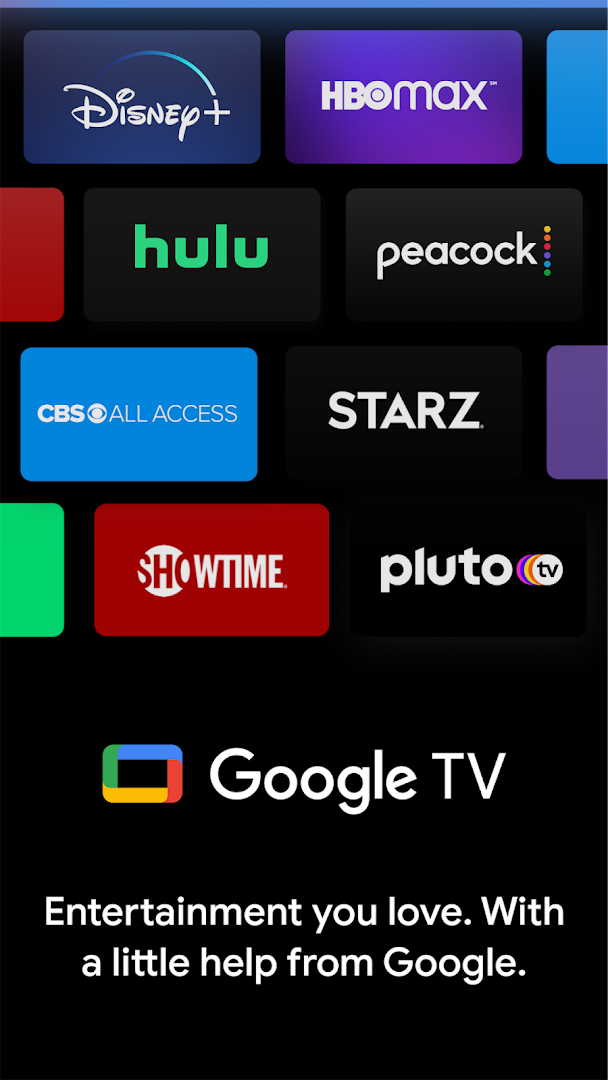
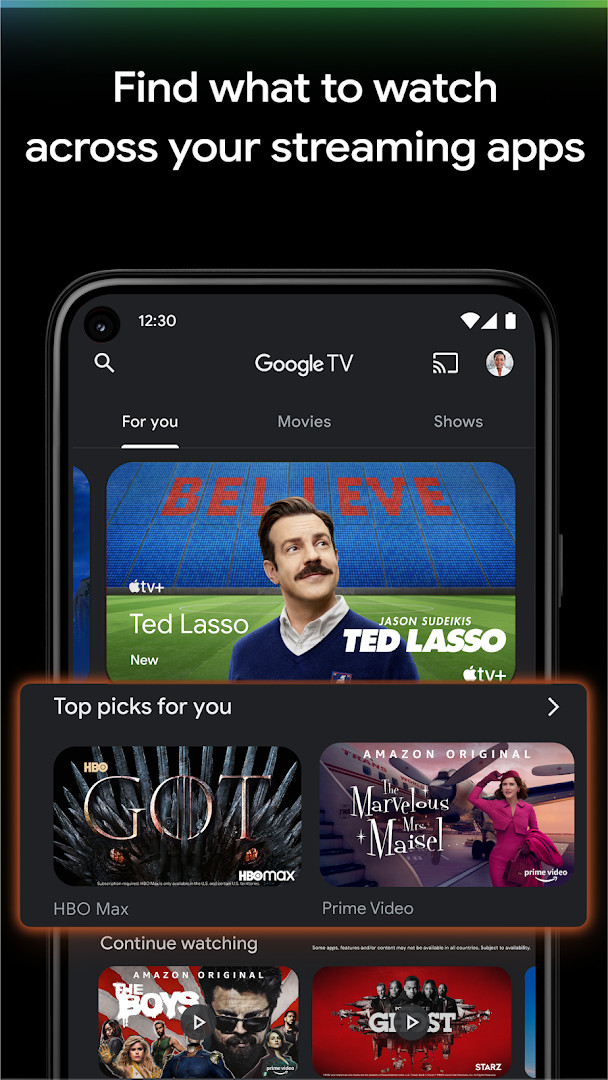
Google TV is a video player and content aggregation app by Google LLC that centralizes the discovery of movies and TV shows. The app addresses the modern problem of subscription fragmentation, where users struggle to remember which show is on which platform. It solves this by indexing a massive catalog of over 700,000 titles from your various streaming subscriptions and presenting them in a unified, personalized feed. Instead of opening multiple apps to search, you can browse topics, see what's trending, and find exactly where a title is streaming. The app also integrates a digital storefront for renting or buying content and doubles as a remote control for your television.
Key features
- Aggregates a catalog of over 700,000 movies and TV episodes from various streaming services into a single, browsable interface.
- Provides personalized recommendations by allowing you to rate content with a thumbs up or down, refining suggestions based on your taste.
- Features a universal Watchlist that syncs across your phone, tablet, laptop, and TV, letting you save discoveries for later from any device.
- Searches across your subscribed streaming apps to show you exactly where a specific movie or show is available to watch.
- Includes a built-in remote control for Google TV and Android TV OS devices, with the option to use your phone's keyboard for easier text input.
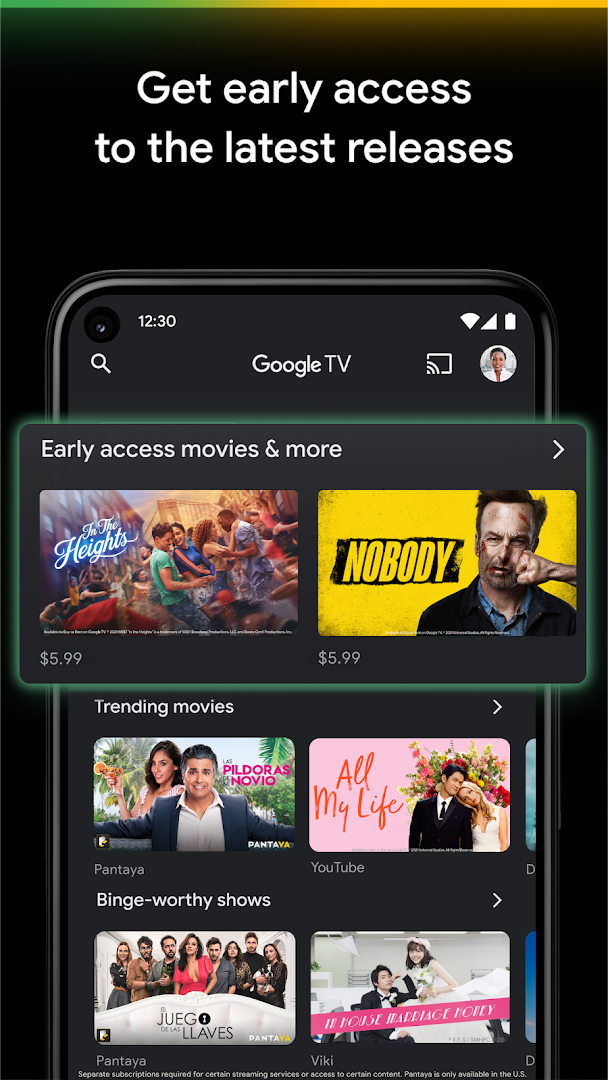
- Offers a dedicated Shop tab to buy or rent the newest releases, with purchases stored in your Library and downloadable for offline viewing.
How to install
- Tap the download button on this page to get the APK file for Google TV.
- When prompted by Android, allow your browser or file manager to install from unknown sources by toggling the setting on.
- Open the downloaded APK file, which is approximately 40 MB in size.
- Tap the 'Install' button and wait for the installation process to complete.
- Once installed, open the app. Google TV requires a device running Android 6.0 or later.
Pros
- Provides a single, unified search across multiple streaming services, saving you the effort of checking each app individually.
- The cross-device Watchlist is a standout feature for planning what to watch, seamlessly syncing between your phone, computer, and TV.
- The built-in remote and keyboard functionality adds tangible utility for navigating Google TV and Android TV OS devices.
- Recommendations improve over time with active use, helping to surface relevant content from a vast library without manual searching.
- Offline downloads for purchased content ensure you can watch on the go without a Wi-Fi or mobile data connection.
Cons
- Extensive permission requests, including access to Identity, Contacts, Location, and Phone, raise significant privacy concerns for a streaming aggregator.
- The core value proposition depends heavily on maintaining active subscriptions to multiple external services, as the app itself offers limited free content.
- In-app purchases for renting or buying movies and shows are present, meaning the free app can lead to significant incidental spending.
- The user experience can feel fragmented, as tapping on a title often launches a separate streaming app to begin playback.
- With a user rating of 3.92 from nearly three million reviews, some users clearly encounter friction or find the recommendations less than perfect.
Latest changes
The latest release focuses on helping you locate where your favorite shows and movies can be streamed. It also makes it quicker to uncover something new with just a few taps. You can now give a thumbs up or thumbs down so recommendations better reflect what you enjoy watching. In addition, the update shows which streaming apps carry the title you are looking for. Google TV is a free video player app for Android 6.0 and above, sized at about 40 MB, with optional in-app purchases and no ads. It is rated for Teen audiences and carries a rating of 3.92 from more than 2.8 million user ratings.
Older versions
| Version | Size | Requires Android | Updated |
|---|---|---|---|
| 4.39.2486.665854892.9-release | 40 MB | 6.0 | Jul 10, 2026 |
This app is best suited for experienced users who subscribe to three or more streaming platforms and feel overwhelmed by the choice and fragmentation. It is ideal for those who want a single, intelligent dashboard to track what's new, manage a cross-platform watchlist, and control their smart TV. However, privacy-conscious users should carefully weigh the convenience against the extensive list of permissions requested, which go well beyond what one might expect from a media discovery tool.
To get the most relevant recommendations, proactively use the thumbs up and thumbs down rating buttons. The app's value scales with the number of streaming services you add, so take the time to select your subscriptions under the 'Manage services' section for a truly unified search experience.
Permissions
FAQ
Is the Google TV app free?
Yes, Google TV is completely free to install and use as a central hub for browsing content, though some movies and shows within the app require separate purchases or streaming subscriptions.
What Android version and storage space are needed?
The app requires a device running Android 6.0 or newer. The download file size is 40 MB, so you'll need that much free space.
Do I need an account to use this app?
While you can browse content without signing in, you will need a Google account to fully use features like personalized recommendations, your Watchlist, and to buy or rent movies.
How do I get the latest version?
To update, simply download the newest version of the Google TV APK from this page. Installing it over your current app will bring you the latest features, like the new streaming discovery options added on September 14, 2026.
What permissions does the Google TV app ask for?
The app may request access to Identity, Contacts, Location, Phone, Photos/Media/Files, Storage, Microphone, Wi-Fi connection information, and Device ID & call information to enable features like recommendations, remote control, and downloads.
Google TV successfully unifies a messy streaming landscape into a single, searchable interface, though its utility is somewhat diminished by broad permission requirements and the recurring costs of content. It stands as a powerful organizational tool for committed streamers willing to trade some privacy for convenience.
Similar apps







More from this developer






Updated: Oct 14, 2026