
Mi Video-Short Video Download for Android
Mi Video-Short Video Download is an entertainment app from Mi Video for playing, downloading, and managing videos on Android.
Download Mi Video-Short Video Download · v2026101200(MiVideo-GP)Mi Video-Short Video Download is aimed at Android users who want one place to watch local files, stream online clips, and save short videos for offline viewing. The app is free to use, shows ads, and needs Android 7.0 or later, with a download size of about 100 MB.
Screenshots
- Version
- 2026101200(MiVideo-GP)
- Size
- 100 MB
- Requires Android
- 7.0
- Updated
- Oct 15, 2026
- Installs
- 1B+
- Rating
- ★ 4.43 (1,226,451)
- Category
- Entertainment
- Developer
- Mi Video
- Content rating
- Teen
- Package
- com.miui.videoplayer
- Free
- ✓ · Contains ads
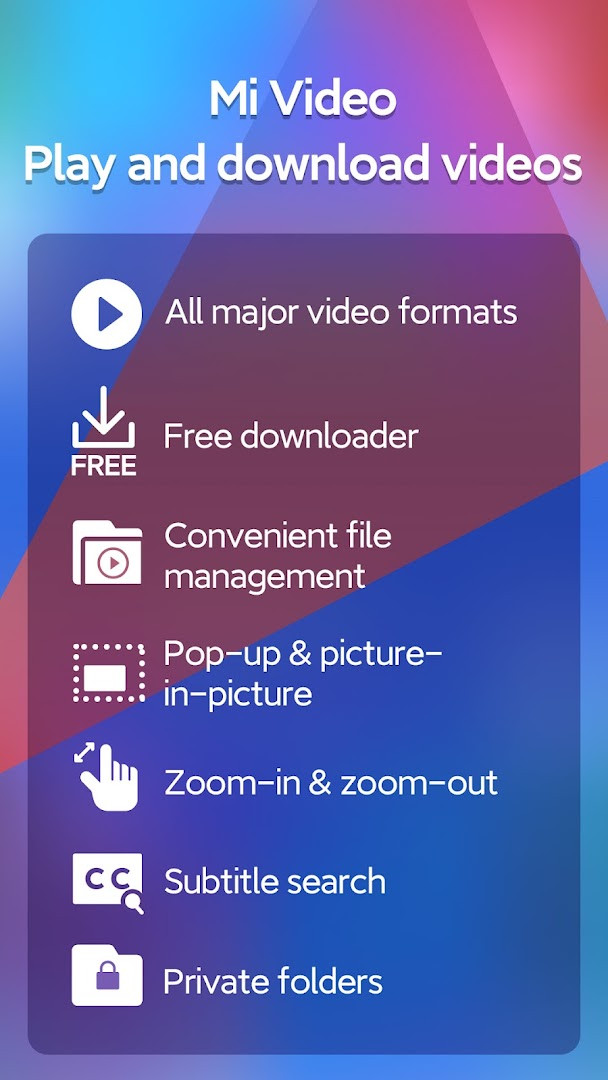
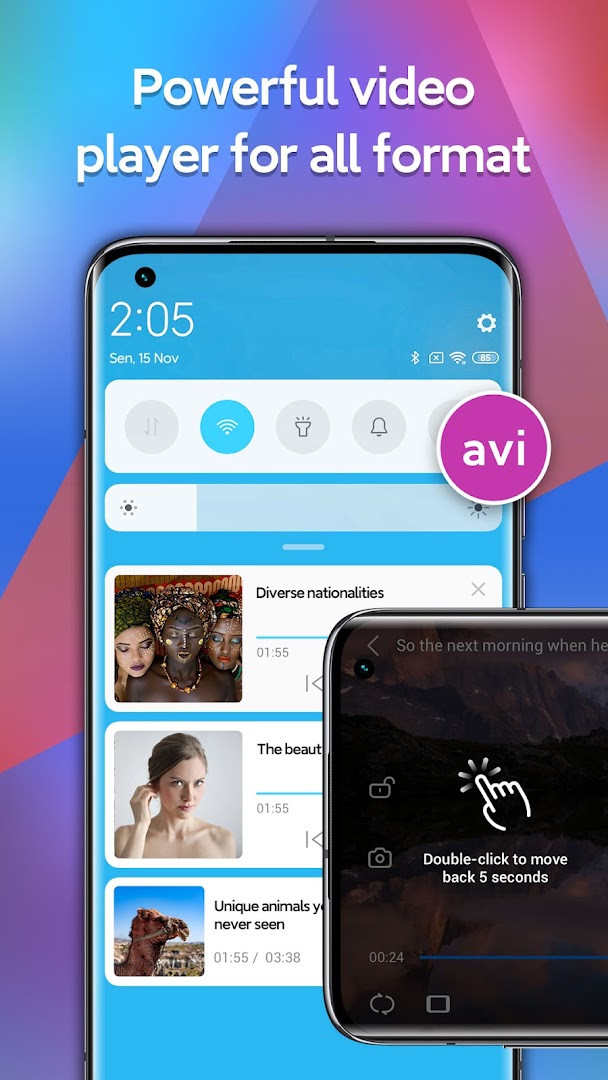
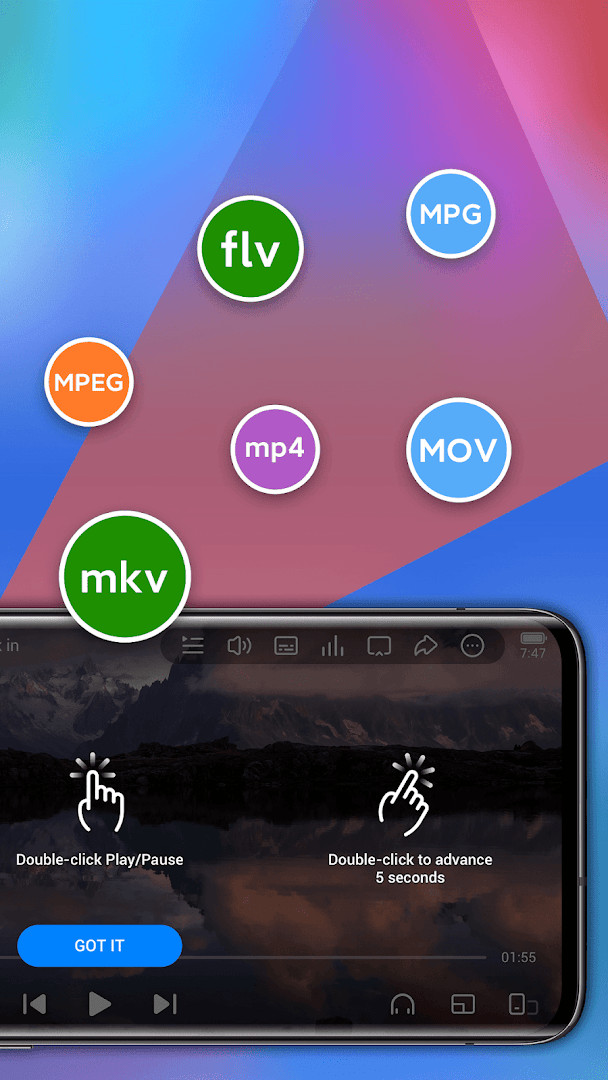
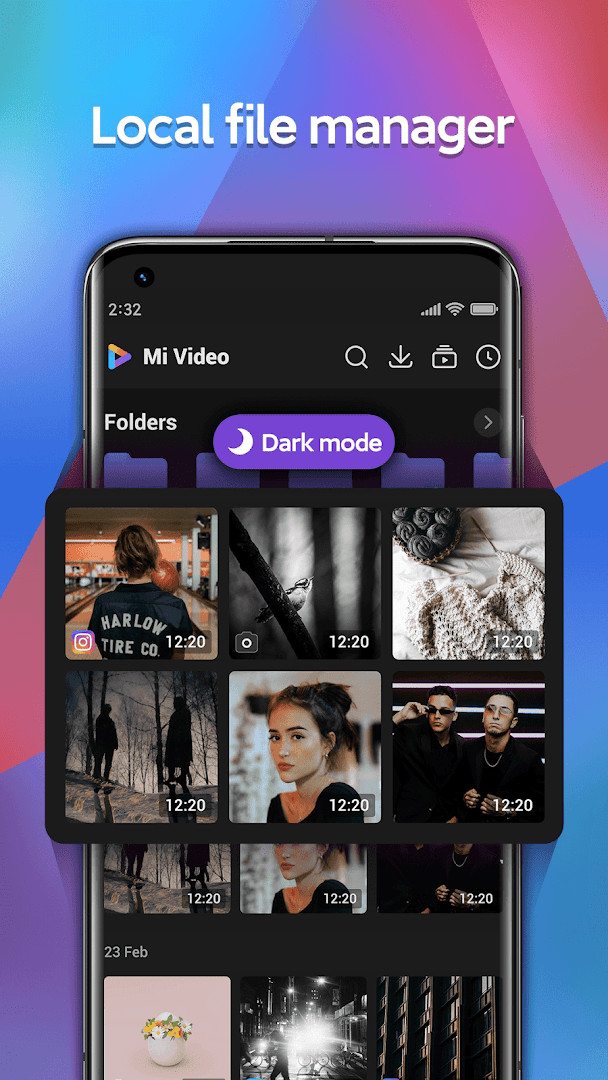
Mi Video-Short Video Download is a video player and downloader by Mi Video that lets you watch, save, and organize videos on your Android device. It solves the problem of juggling separate apps for playing local files, streaming online content, and grabbing clips from social platforms. The app combines a media player with a built-in downloader, so you can handle everything in one place. It also includes a file manager for keeping your video library tidy, and a personalized feed called Moment that learns your tastes and serves up trending clips. For those who want to watch later without an internet connection, the high-speed download feature saves videos directly to your device. The player supports common formats like MKV, MP4, MOV, and AVI, and offers features like background playback, gesture controls, and zoom. You can even search for subtitles online, which is handy for local videos. With an interface designed for quick navigation, it aims to simplify both playback and downloading, making it a versatile tool for casual viewers and frequent downloaders alike.
Key features
- Play local videos in major formats including MKV, MP4, MOV, and AVI
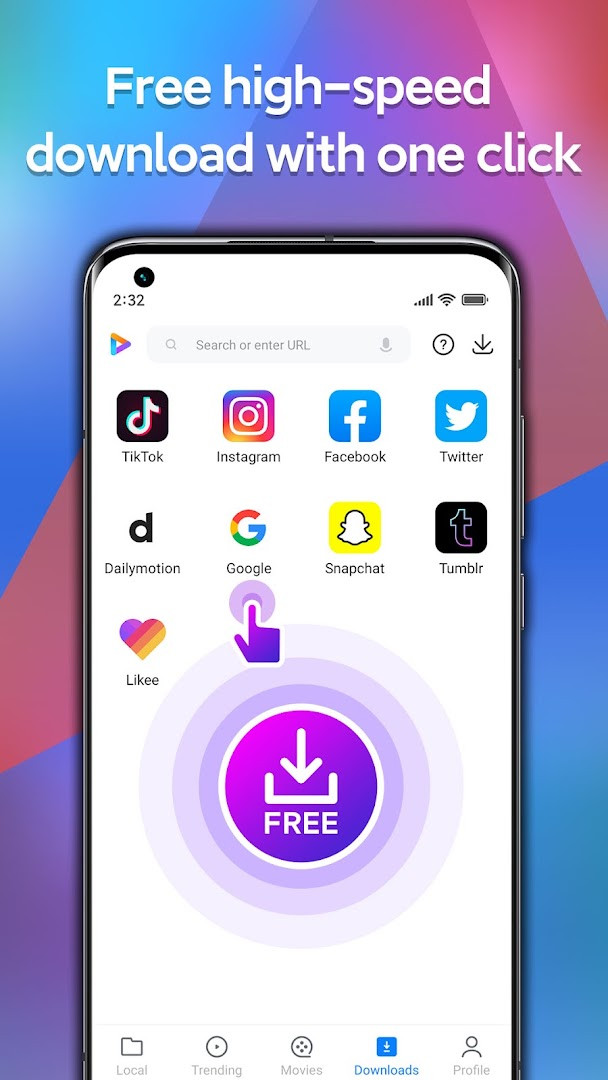
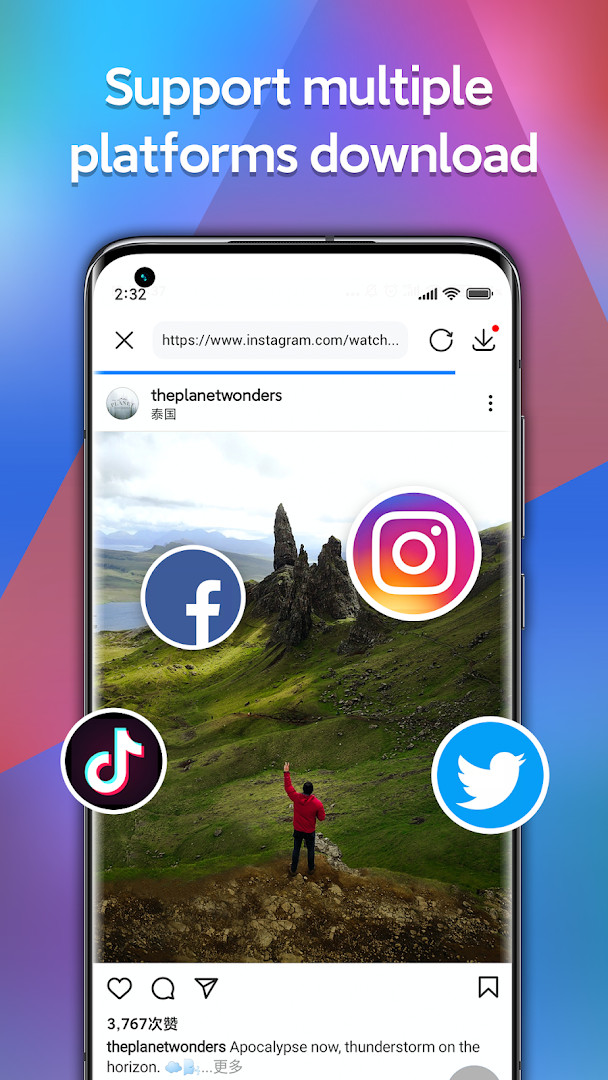
- Download videos from social platforms such as Instagram, TikTok, Facebook, Likee, Tumblr, Snapchat, and more
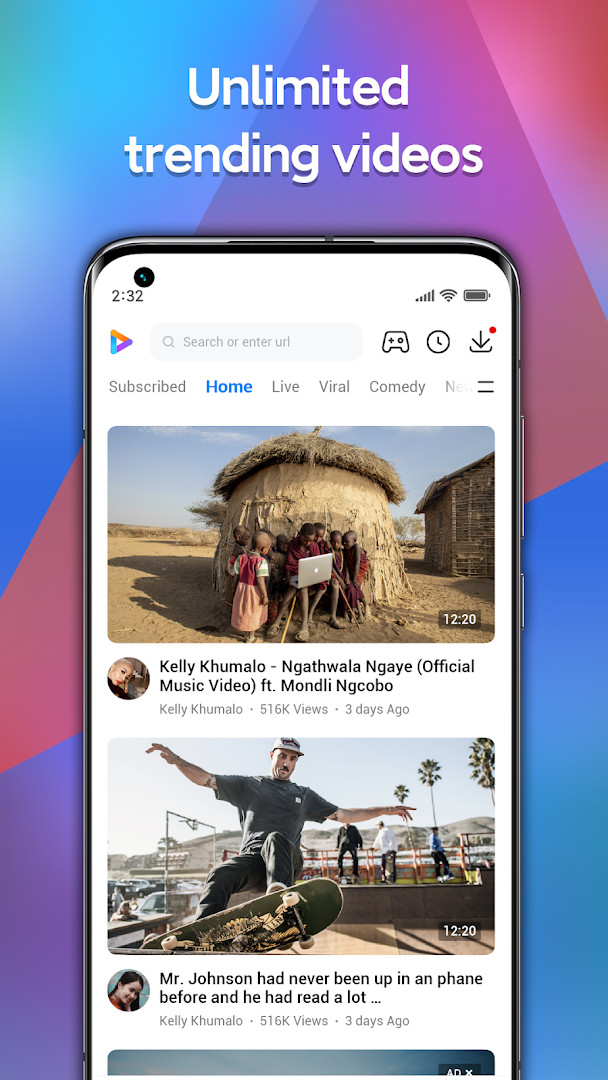
- Stream online content from a built-in library with trending videos and a Facebook Watch feed
- Use the Moment feed for personalized recommendations based on your viewing history
- Control playback with gestures for volume, brightness, and progress, plus double-tap to pause or resume
- Zoom videos from 25% to 500% and adjust aspect ratio between 16:9 and 4:3
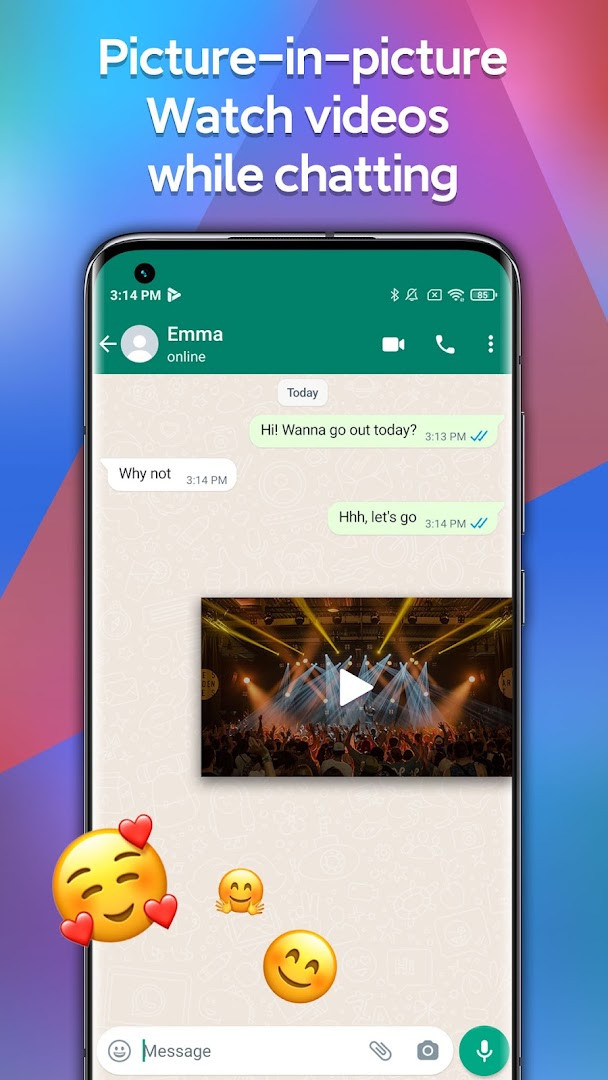
- Search for subtitles online and enable picture-in-picture for TV and movies
- Organize files with a manager that supports password-protected folders
How to install
- Tap the download button on this page to get the APK file (about 100 MB).
- When prompted, allow your browser or file manager to install apps by enabling the 'Install unknown apps' setting.
- Open the downloaded APK file from your notifications or file manager.
- Tap Install and wait for the process to finish.
- Open the app from your home screen or app drawer.
- Note: The app requires Android 7.0 or higher.
Pros
- All-in-one player, downloader, and file manager
- Wide format support for local video files
- Personalized recommendations in the Moment feed
- Password-protected folders for private videos
- Background playback and gesture controls
- Free to use with no in-app purchases
Cons
- Contains ads, which may interrupt playback or browsing
- Requests access to identity, photos, media, files, storage, and Wi-Fi connection information
- Downloading from social platforms may raise copyright concerns for some users
- Personalized feed requires tracking your viewing behavior
Latest changes · 2026101200(MiVideo-GP)
This release of Mi Video focuses on refining the overall experience. Search functionality has been optimized to help you find content more quickly. The subtitle support for local videos has also been improved, and TV and movie playback now includes subtitle and picture-in-picture features. Additionally, several bugs have been fixed to ensure smoother performance.
Older versions
| Version | Size | Requires Android | Updated |
|---|---|---|---|
| 2026061500(MiVideo-GP) | 87 MB | 7.0 | Oct 24, 2026 |
| 2026091100(MiVideo-GP) | 100 MB | 7.0 | Oct 15, 2026 |
| 2026101200(MiVideo-GP) | 100 MB | 7.0 | Oct 15, 2026 |
| 2026052801(MiVideo-GP) | 86 MB | 7.0 | Oct 15, 2026 |
| 2026071401(MiVideo-GP) | 87 MB | 7.0 | Oct 15, 2026 |
| 2026012101(MiVideo-GP) | 83 MB | 7.0 | Oct 4, 2026 |
| 2026031800(MiVideo-GP) | 83 MB | 7.0 | Oct 3, 2026 |
| 2026042101(MiVideo-GP) | 85 MB | 7.0 | Oct 2, 2026 |
| 2025081302(MiVideo-GP) | 89 MB | 7.0 | Oct 1, 2026 |
| 2026082000(MiVideo-GP) | 86 MB | 7.0 | Sep 26, 2026 |
This app suits people who watch a lot of short videos and want a single tool to play, save, and manage them. It appeals to those who frequently save clips from social media for offline viewing, and to users who want a local video player with extra features like background playback and subtitle search. The file manager with password-protected folders also attracts users who value privacy for certain videos. It works across various Android devices, not just Xiaomi phones, so it's a practical choice for anyone looking to consolidate their video needs.
To get the most out of the downloader, check the in-app Help section for step-by-step guidance on saving videos from different platforms. Use the gesture controls to quickly adjust volume and brightness without fumbling through menus.
Permissions
FAQ
Is Mi Video-Short Video Download free?
Yes, it is free to download and use. The listed price is 0.00 USD, and there are no in-app purchases.
What Android version do I need and how large is the file?
You need Android 7.0 or newer. The installation file is about 100 MB.
Do I need to create an account?
No account is required to use the app. You can play, download, and manage videos without signing in.
What permissions does it ask for?
The app may request access to Identity, Photos/Media/Files, Storage, and Wi-Fi connection information.
How do I update the app?
Download the updated APK from this page and install it over the current version. The latest release shown here is version 2026091100(MiVideo-GP).
Does the app show ads?
The app contains ads, but all core features remain available without any required purchases.
Mi Video-Short Video Download packs a lot of utility into one app, covering playback, downloading, and file organization. It is a solid option for Android users who want a versatile video tool, though the ads and permission requests are worth considering before installing.
Similar apps








Updated: Oct 29, 2026