
Visha-Video Player All Formats: Feature-Rich Media Player
Visha-Video Player All Formats is a video and audio player by Visha Group that provides ad-free local playback, online streaming, and privacy tools.
Install Now · v8.3.0.33Visha-Video Player All Formats offers an ad-free experience for playing local video and audio files, streaming online content, and downloading media. It is designed for users who want a customizable player with a hidden privacy folder, video editing, and background playback, supporting Android 10 and above.
Screenshots
- Version
- 8.3.0.33
- Requires Android
- 10
- Updated
- Oct 21, 2026
- Installs
- 1B+
- Rating
- ★ 4.27 (1,712,096)
- Category
- Entertainment
- Developer
- Visha Group
- Content rating
- Everyone
- Package
- com.transsion.magicshow
- Free
- ✓ · In-app purchases
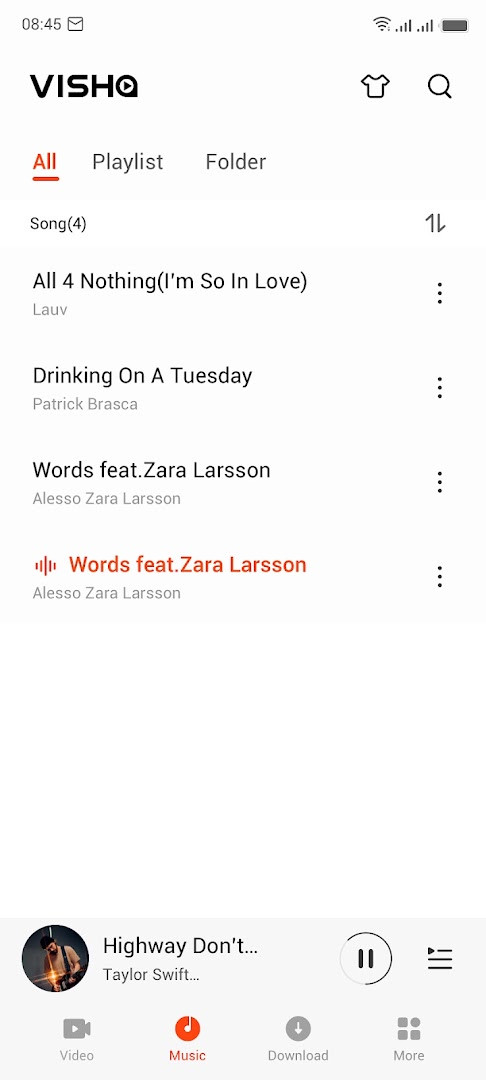
Visha-Video Player All Formats is a video player by Visha Group that handles local video and audio playback on Android devices. It is built for people who keep a lot of media on their phones and want one player that opens almost any file without extra tools. The app runs on Android 10 and above and is offered at no cost, with optional in-app purchases available.
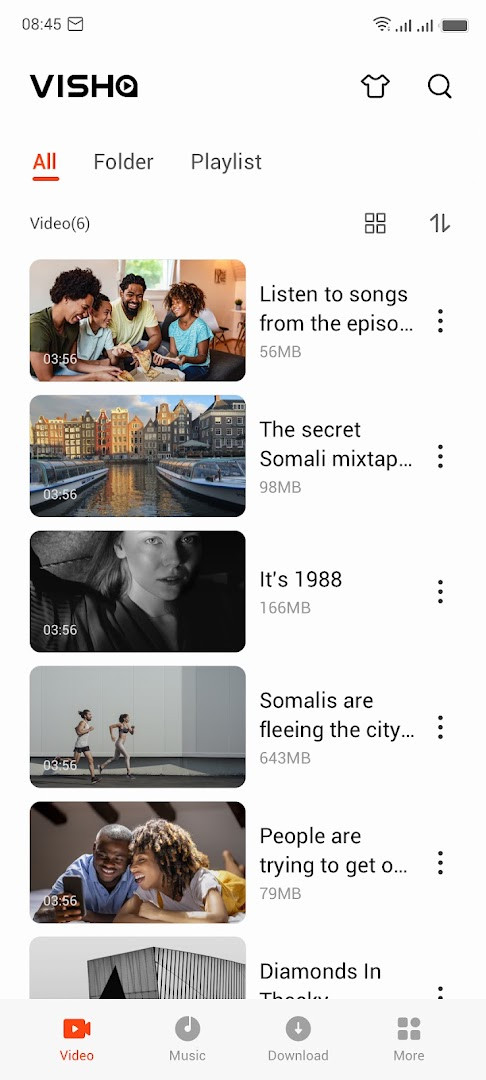
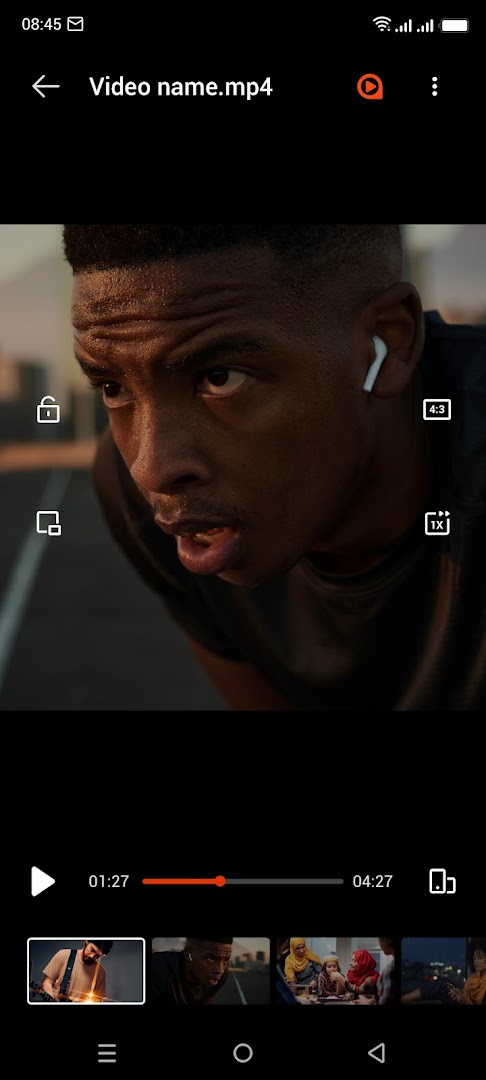
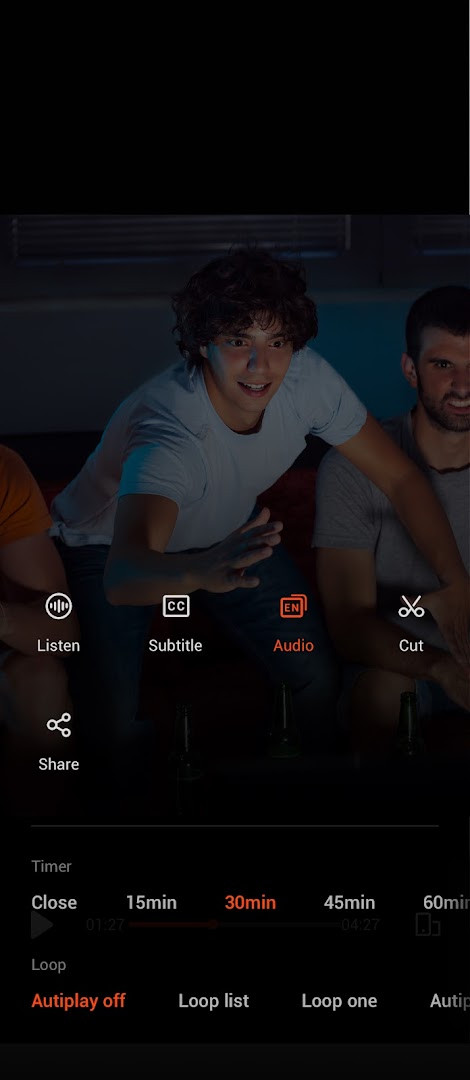
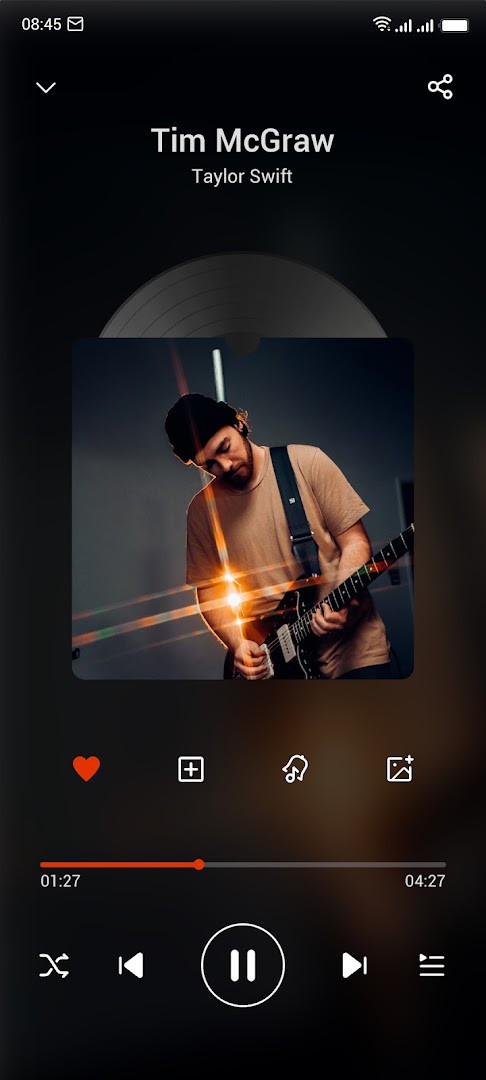
Playback is the core of the app. It finds video files stored on the device, groups them by where they came from so they are easier to locate, and supports background and floating playback along with speed control, multiple audio tracks, subtitle downloads, and a history list. Double-tapping fast-forwards or rewinds, and playback can pause automatically when a video ends. For audio, the app manages files from phone memory and SD cards, adds filtering and sorting, an equalizer, and a timer that shuts audio down on its own.
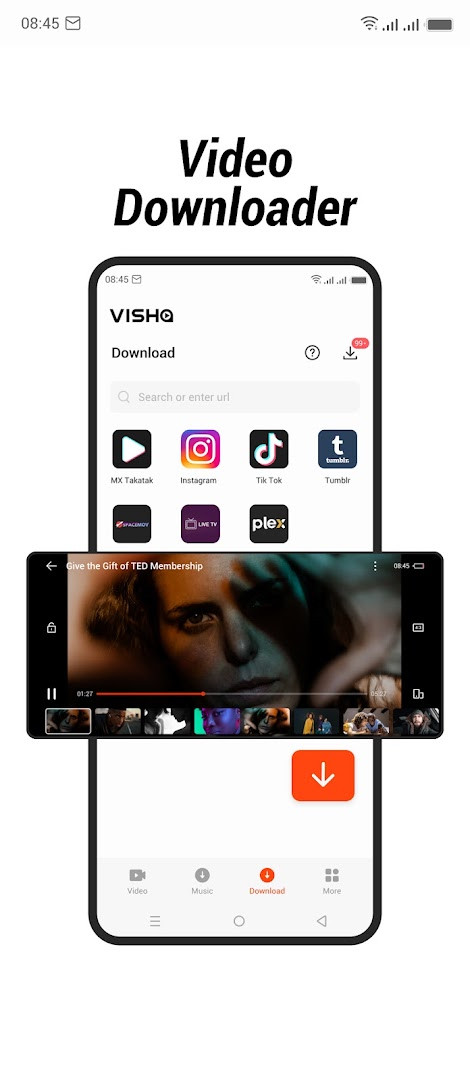
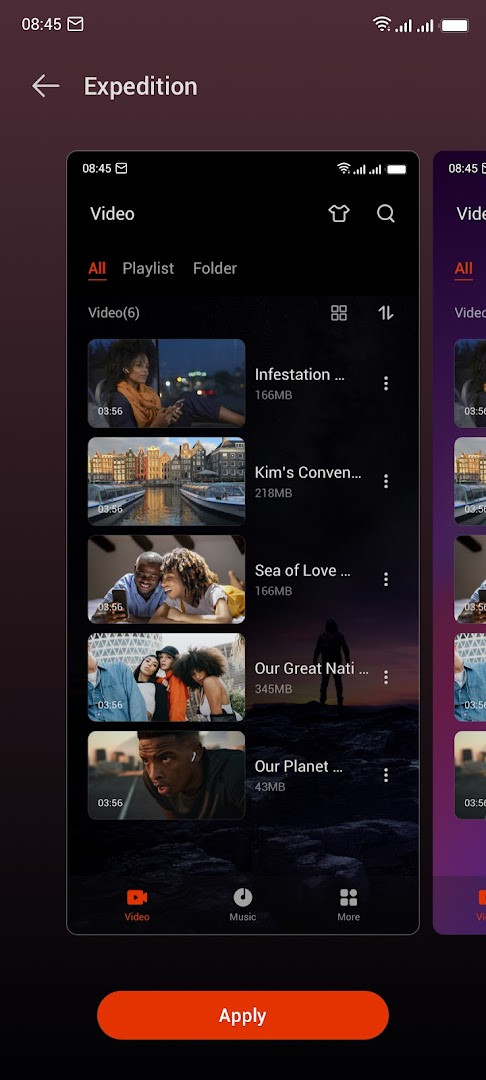
Beyond local files, the app also plays online video content from several countries, including movies, TV shows, and variety programs. Videos and audio can be downloaded, and a paid membership tier adds ad-free viewing, exclusive content, and 1080P HD mode. Personalization options include custom skins and a tool that converts video to MP3.
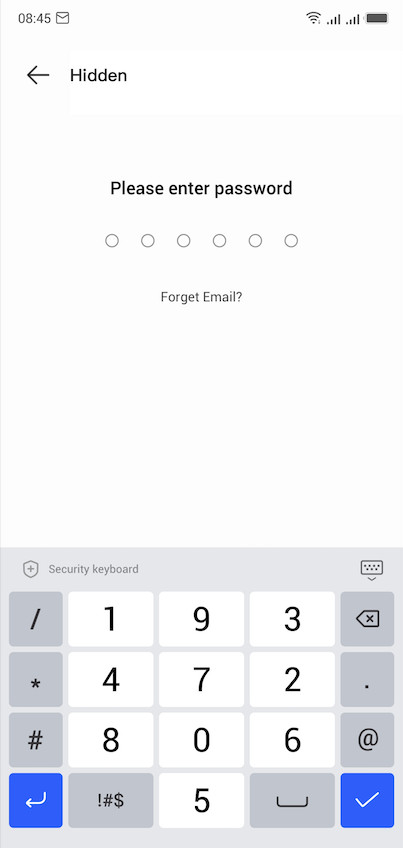
Privacy is part of the design: a hidden Privacy Folder lets you move private videos out of the regular gallery view, and the app requests permissions only for the areas it touches, such as media files, storage, camera, microphone, location, and Wi-Fi connection information. The latest update focuses on smoother playback and downloads over weak connections.
Key features
- Local video playback with browsing of device video files, including status videos, trailers, and movies
- Video classification by download source for faster searching
- Background play and floating play modes
- Playback speed control, double-tap fast forward and rewind, and auto pause after playback
- Multiple audio tracks for videos and subtitle downloads
- Music playback from phone memory and SD card with filtering, sorting, equalizer, and an auto-shutdown timer
- Privacy Folder for hiding private videos
- Online video content from multiple countries, with a membership tier offering ad-free viewing, exclusive content, and 1080P HD mode
- Video and audio downloads, custom skins, and video-to-MP3 conversion
How to install
- Tap the download button on this page to get the APK file. The file size is not listed in the app data.
- When Android asks, allow your browser or file manager to install apps by enabling the Install unknown apps setting for that app.
- Open the downloaded APK file from your notifications or file manager.
- Tap Install and wait for the process to finish.
- Open the app. It requires Android 10 or newer.
Pros
- Plays a wide range of local video and audio formats in one app
- Background, floating, and speed-controlled playback for flexible viewing
- Privacy Folder keeps selected videos out of the regular gallery
- Music tools include an equalizer and an auto-shutdown timer
- No ads are shown according to the app data
Cons
- Requests several sensitive permissions, including location, camera, and microphone
- In-app purchases are available, and some online content and HD mode are tied to a membership
- Online content depends on network quality, though recent updates improved weak-network performance
Latest changes · 8.3.0.33
Version 8.3.0.33 brings several improvements. Downloads now work more reliably on weak connections, making the video download page more dependable. Playback stuttering and audio-video sync problems have been fixed, and high-definition video playback is now supported. You can also listen to music while playing games, and a new audio-only mode lets you keep listening to a video's sound while on the go.
Older versions
| Version | Size | Requires Android | Updated |
|---|---|---|---|
| 8.3.0.33 | — | 10 | Oct 21, 2026 |
| 3.4.2.31 | 15 MB | 4.4 | Sep 26, 2026 |
This app suits Android users who store a lot of video and music on their phones and want a single player for local files, plus optional online shows. It is also a reasonable fit for people who want a private folder for personal videos and basic editing or MP3 conversion without installing several separate tools.
During setup, grant only the permissions you are comfortable with and check the app's settings later if you want to review or revoke them. Use the Privacy Folder for videos you do not want visible in the main library, and remember that features such as HD mode and ad-free viewing depend on the membership tier.
Permissions
FAQ
What version of Visha-Video Player All Formats is covered by the latest update, and when was it released?
The current version is 8.3.0.33, updated on 2026-08-31. A separate version 3.4.2.31 is also listed with a date of 2026-09-26.
Does the app display advertisements during playback?
No, the app is described as providing an uninterrupted video experience without ads. However, in-app purchases are available, and a VIP membership is mentioned that includes ad-free viewing and exclusive content.
What improvements were made in the most recent update regarding network conditions and playback?
The update optimized performance on poor-network connections, improving the success rate on the video download page. It also fixed playback stuttering and audio-video desync issues, and now supports high-definition video playback.
What can users do with the Privacy Folder feature?
The Privacy Folder allows you to hide secret videos in a private folder to protect your privacy. It is one of the personalization and privacy options in the app.
What audio-related features does the app offer, including for music playback?
The app can locate and manage audio files from phone memory and SD card, and includes an audio timer for auto-shutdown, audio file filtering and sorting, and an audio equalizer. It also supports audio-only video playback and converting video to MP3.
Visha-Video Player All Formats combines local playback, music tools, downloads, and online content in one package, with a Privacy Folder for sensitive clips. It is free to install on Android 10 and above, and its update history shows continued attention to playback quality.
Similar apps








Updated: Oct 22, 2026