
Google Play Games: Instant Play & Cloud Saves
Google Play Games is a free entertainment app by Google LLC that lets you discover, play, and save progress across a library of mobile games.
Get APKGoogle Play Games has a download size of 14 MB and requires Android 5.0 or newer. The app contains advertisements but no in-app purchases, and it has earned a rating of 3.91 from over 18.7 million ratings. Google Play Games is designed for players who want to try games instantly without installation, compete on leaderboards, and automatically back up their progress.
Screenshots
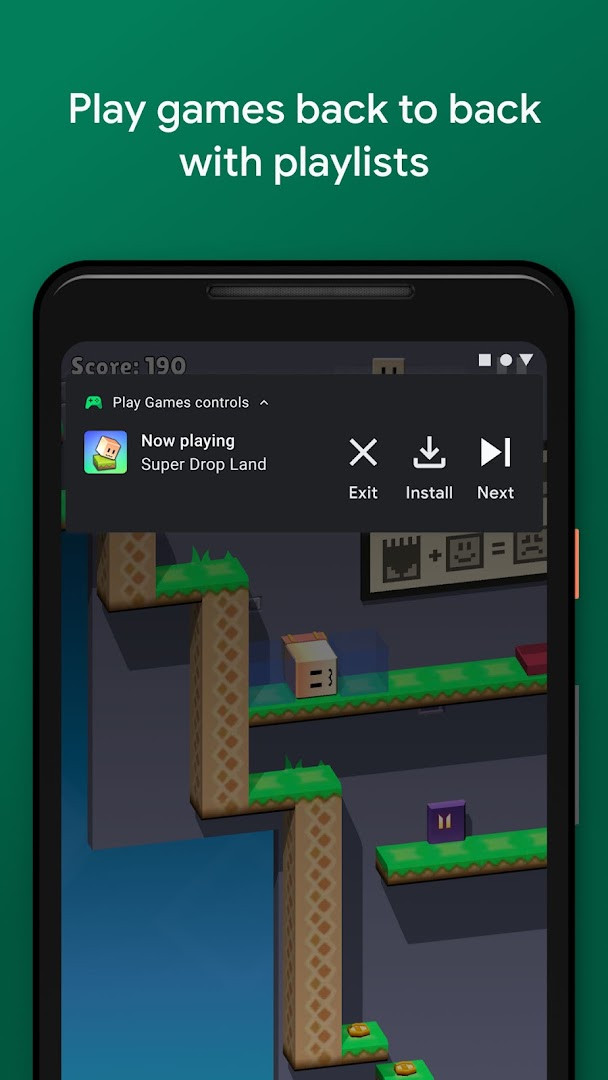
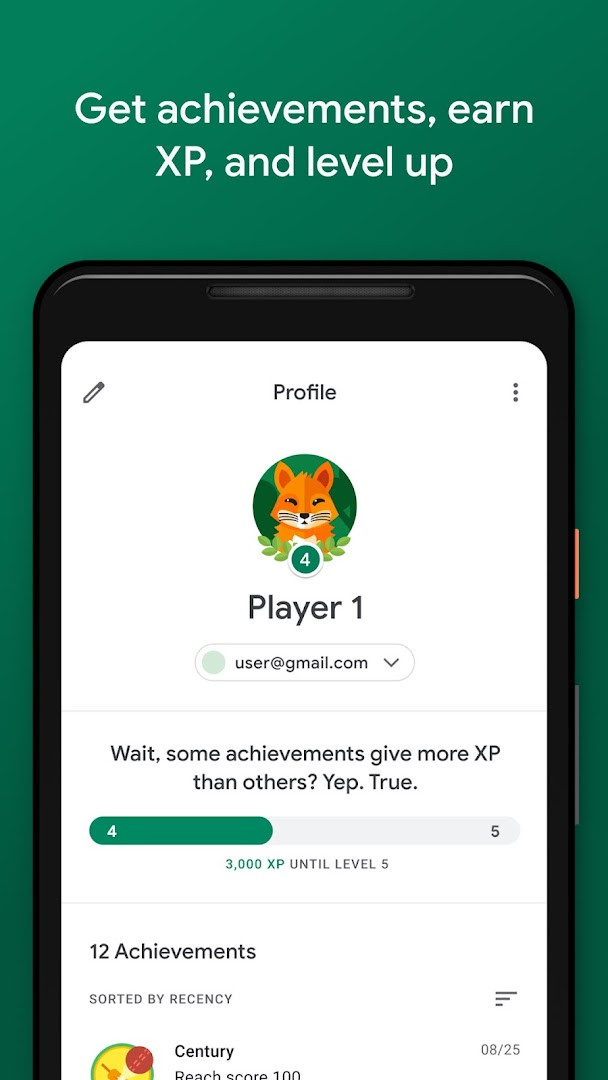
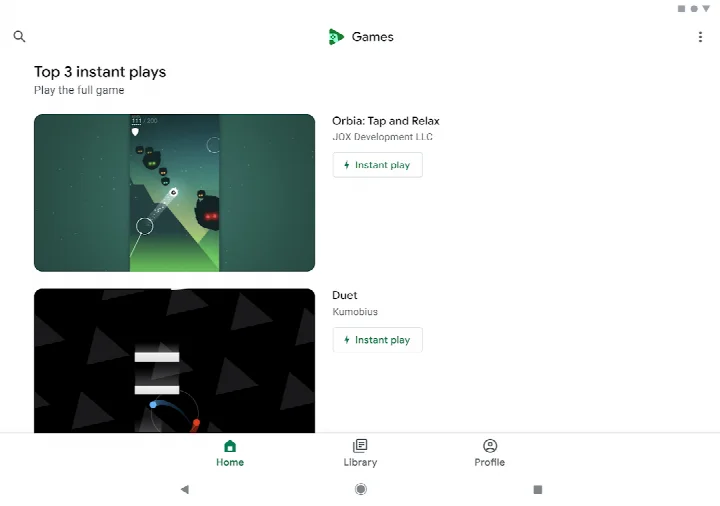
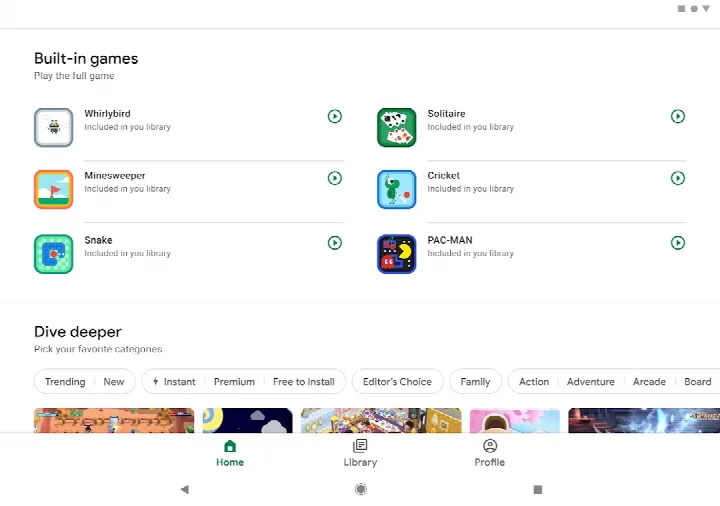
- Size
- 14 MB
- Requires Android
- 5.0
- Updated
- May 7, 2026
- Installs
- 5B+
- Rating
- ★ 3.91 (13,146,858)
- Category
- Entertainment
- Developer
- Google LLC
- Content rating
- Teen
- Package
- com.google.android.play.games
- Free
- ✓ · Contains ads
Google Play Games is an entertainment app by Google LLC that helps you discover new games, play them instantly without installation, and keep your progress saved across devices. It is designed for anyone who enjoys casual or serious gaming on an Android device, from puzzle lovers to action fans.
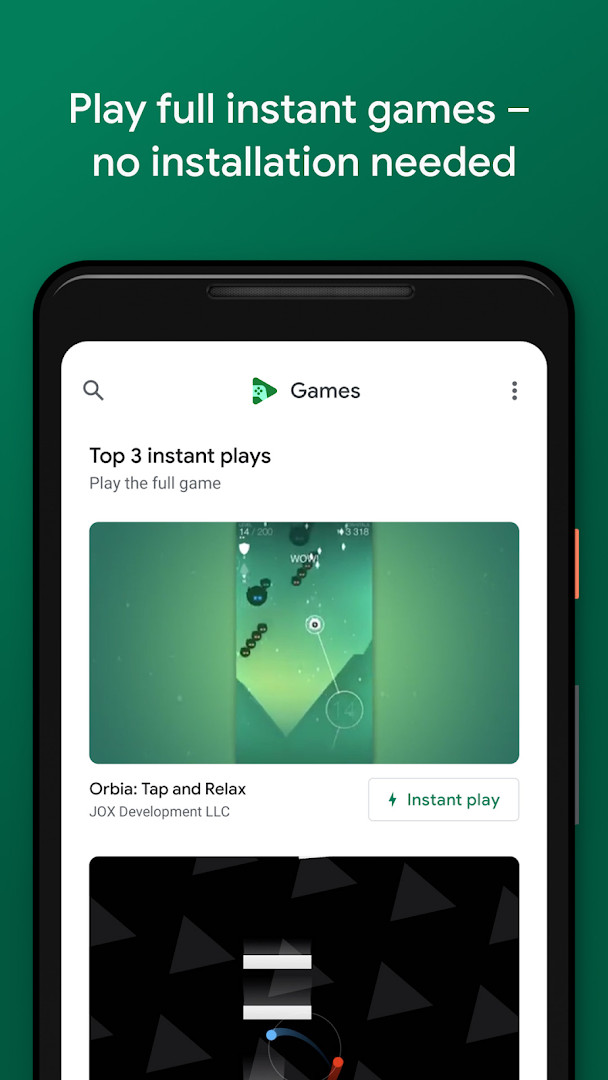
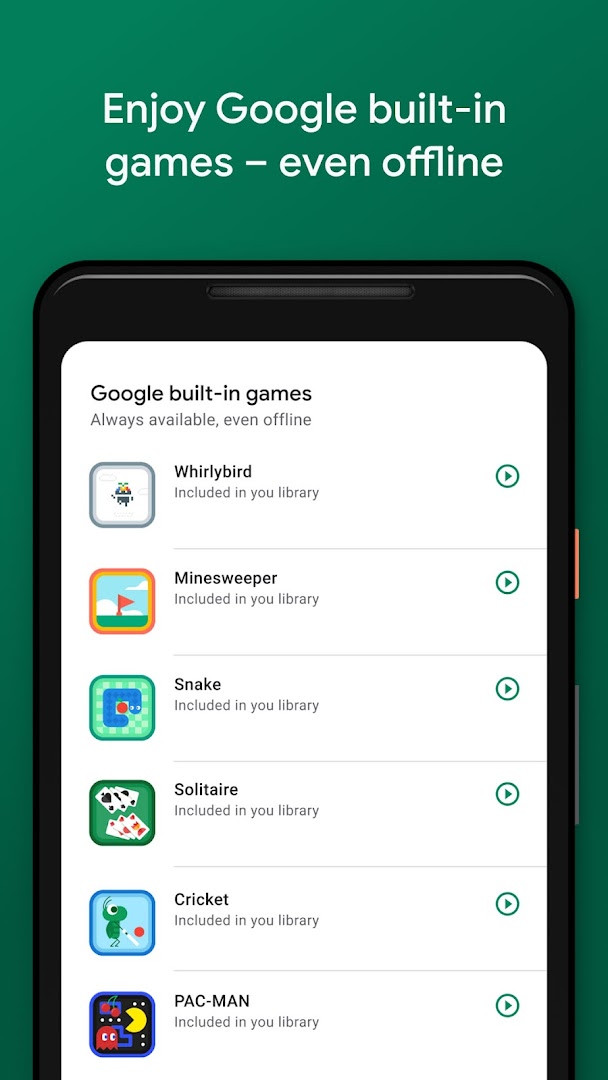
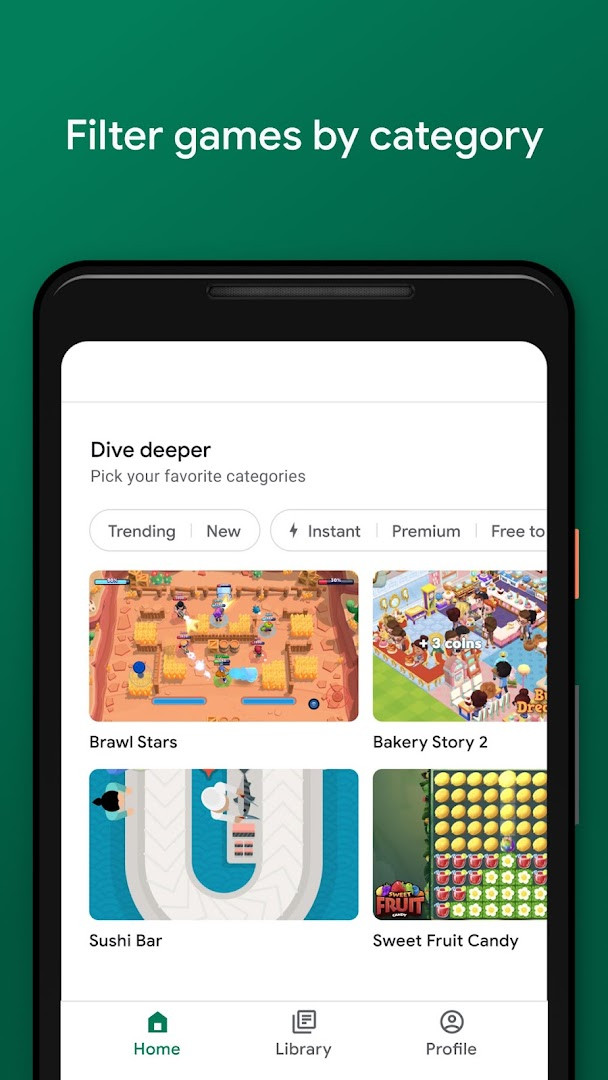
The app acts as a central hub for your gaming life. It suggests games based on your tastes, from action to puzzles, and includes a built-in collection of classic Google games like Solitaire, Minesweeper, Snake, PAC-MAN, Cricket, and Whirlybird that you can play even when you're offline. With the "Instant play" feature, many full games can be launched directly from the app without needing to install anything, which is great for trying something new quickly or when you're short on storage space.
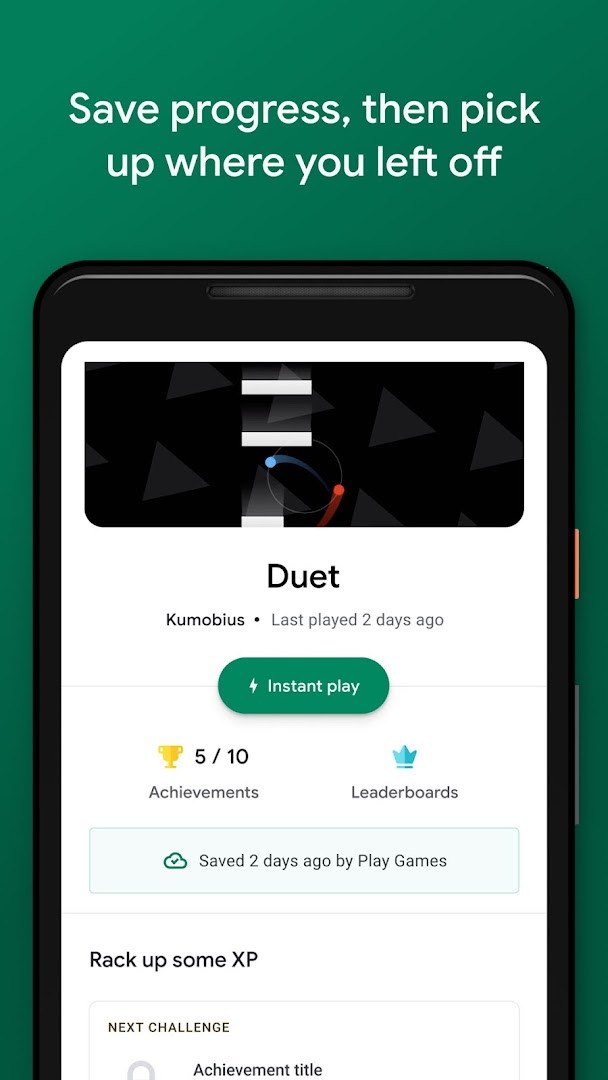
Your progress is automatically saved to the cloud whenever you see the "Progress saved by Play Games" indicator, so you can switch between devices and pick up right where you left off. The app also lets you create a custom gamer profile, unlock achievements, earn experience points, and level up, adding a layer of progression to your gaming sessions. Additionally, you can record and share your best gameplay moments with friends.
For beginners, Google Play Games is straightforward: you sign in with your Google account, and the app handles the rest. It's free to use, though it contains ads, and it requires Android 5.0 or higher. With over 5 billion installs, it's a widely used tool that aims to make gaming more accessible and connected.
Key features
- Instant play: No installation needed – look for the "Instant play" button to instantly play full games.
- Built-in Google games: Play Solitaire, Minesweeper, Snake, PAC-MAN, Cricket, and Whirlybird – even when you're offline.
- Save your progress: Your progress is automatically saved to the cloud when you see "Progress saved by Play Games."
- Gamer profile: Create a custom gamer ID, unlock achievements, earn XP, and level up.
- Gameplay recording: Easily record and share your best gameplay moments.
How to install
- Tap the download button on this page to get the APK file (size: 14 MB).
- When Android asks for permission, allow your browser or file manager to install apps by enabling the "Install unknown apps" setting for that app.
- Open the downloaded APK file from your notifications or file manager.
- Tap "Install" and wait for the installation to complete.
- Open the app from your app drawer and sign in with your Google account.
- Note: The app requires Android 5.0 or higher.
Pros
- Instant play for many games without installation
- Built-in classic games that work offline
- Automatic cloud saving for progress
- Gamer profile with achievements and XP
- Gameplay recording and sharing
- Free to use
Cons
- Contains ads
- Requires permissions for Identity, Contacts, and Microphone
- May not support all devices running Android 5.0 due to hardware requirements
- Some games may require an internet connection for full features
Latest changes
The update from May 7, 2026 brings a smoother sign-in flow: games now sign you in automatically after you pick an account, and you can switch accounts anytime in settings. Additional built-in mini games are on the way, giving you more options to mix things up while playing offline.
Older versions
| Version | Size | Requires Android | Updated |
|---|---|---|---|
| 5.14.7825 (224833494.224833494-000700) | 16 MB | 4.0 | Aug 21, 2026 |
| 1.1.04 (794842-30) | 2 MB | — | Nov 4, 2025 |
| 2024.03.51732 (646593252.646593252-020700) | 14 MB | 5.0 | Sep 22, 2024 |
| 2024.03.50149 (625366451.625366451-000800) | 21 MB | 4.4 | Jun 2, 2024 |
| 2.1.13 (1518121-106) | 4.1 MB | 4.2 | Mar 7, 2015 |
| 2.0.13 (1404932-038) | 3.3 MB | — | Sep 15, 2014 |
This app is for casual and dedicated gamers who want a single place to discover, play, and track their games on Android, especially those who enjoy quick sessions without installation or want to keep progress across multiple devices.
To get the most out of Google Play Games, sign in with the same Google account on all your devices to keep progress in sync. Look for the "Instant play" button to try games without using storage, and don't forget to check the offline games when you have no connection. You can also adjust your gamer profile and account in the settings at any time.
Permissions
FAQ
How do I install Google Play Games on Android?
You can get the app by downloading its APK and running it on a device with Android 5.0 or higher. The file is about 14 MB.
What is the current version of Google Play Games?
The latest version is 5.14.7825, dated August 21, 2026.
Does Google Play Games have ads or purchases?
The app is free and contains ads, but it does not have in-app purchases.
Can I use Google Play Games without an internet connection?
Yes, built-in games like Solitaire, Minesweeper, Snake, PAC-MAN, Cricket, and Whirlybird can be played offline.
What are some alternatives in the same category?
There are other entertainment apps that help you discover games, track achievements, or play quick titles, but their feature sets differ.
What permissions does Google Play Games require?
The app requests access to Identity, Contacts, and Microphone permissions.
What is the content rating and user rating for Google Play Games?
It is rated Teen and has a user rating of 3.91 based on over 13 million reviews.
Google Play Games is a handy companion for Android gamers, offering instant play, offline classics, and cloud saving in one free package. While it includes ads and asks for some permissions, its convenience and broad feature set make it a solid choice for beginners and veterans alike.
Similar apps








More from this developer






Updated: Oct 14, 2026