CapCut - Video Editor: All-in-One Video Editing App
CapCut is a video editing app by Bytedance Pte. Ltd. that provides tools for trimming, effects, and advanced editing features.
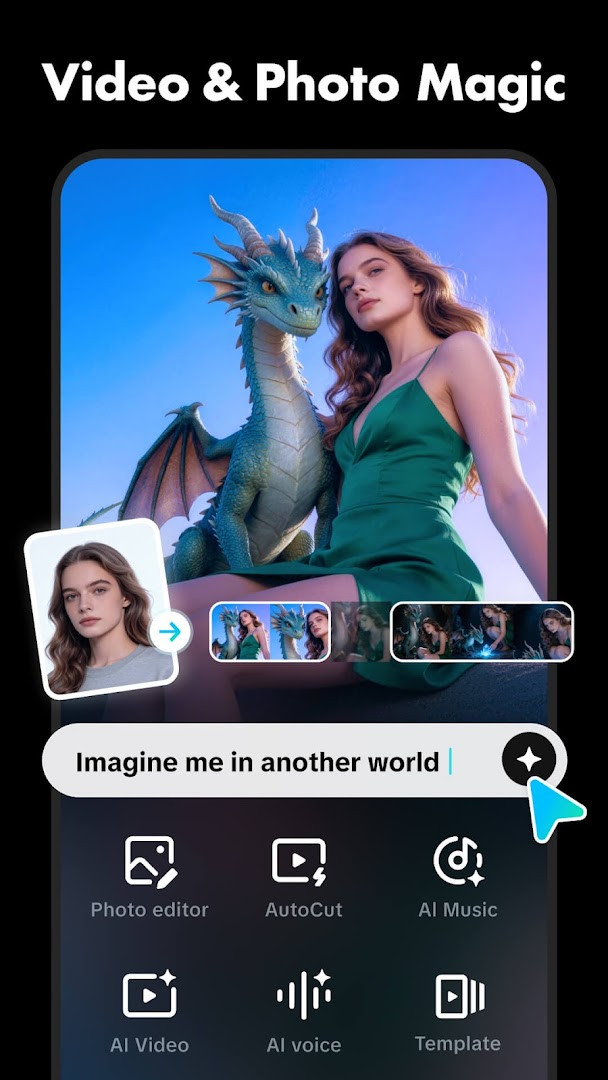
Download CapCut · v19.7.0CapCut offers a range of editing tools, from basic trimming to advanced features like keyframe animation, chroma key, and stabilization. It is suitable for both beginners and advanced users, with intelligent features such as auto captions and background removal. The app is free to use with in-app purchases, requires Android 6.0 or higher, and has a download size of 306 MB.
Screenshots
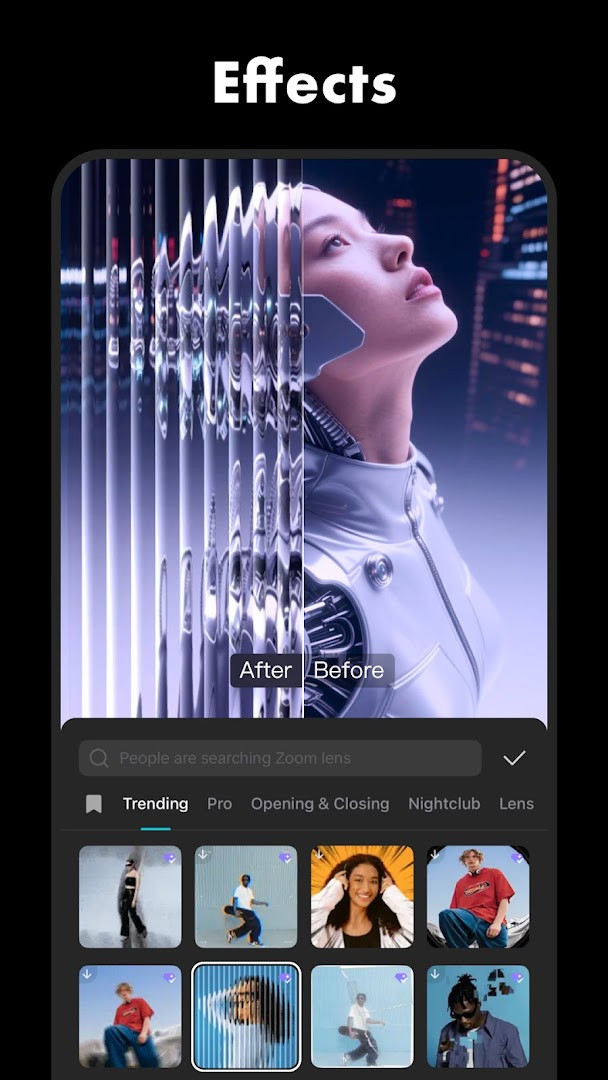
- Version
- 19.7.0
- Size
- 306 MB
- Requires Android
- 6.0
- Updated
- Oct 8, 2026
- Installs
- 1B+
- Rating
- ★ 3.55 (13,088,160)
- Category
- Entertainment
- Developer
- Bytedance Pte. Ltd.
- Content rating
- Teen
- Package
- com.lemon.lvoverseas
- Free
- ✓ · In-app purchases
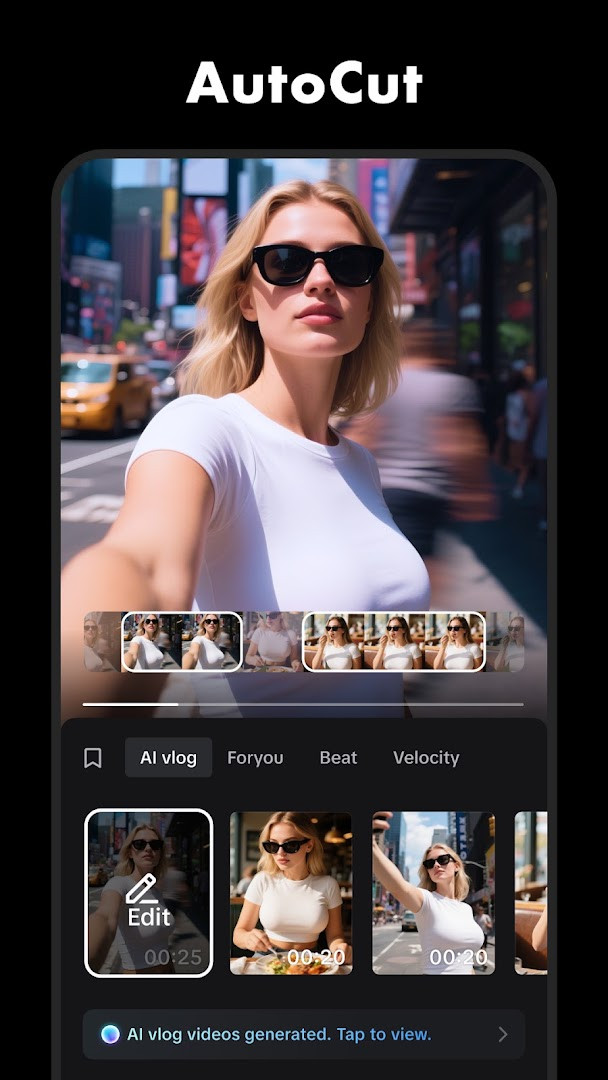
CapCut is a video editing application by Bytedance Pte. Ltd. that provides a comprehensive set of tools for creating and refining videos on Android devices. It solves the problem of needing multiple apps or complex software by bundling basic editing, advanced effects, and intelligent automation into one interface. Beginners can quickly trim clips, add text, and apply music, while more experienced users can use keyframe animation, chroma key, and speed curves. The app also includes smart features like auto captions, text-to-speech, background removal, and motion tracking, making it easy to produce polished content for social platforms. With support for high-resolution export, it aims to be an all-in-one solution for mobile video creation.
Key features
- Trim, split, merge, and adjust video speed from 0.1x to 100x with speed curves
- Keyframe animation for all settings and smooth slow-motion using optical flow
- Chroma key to remove specific colors and stabilization to steady footage
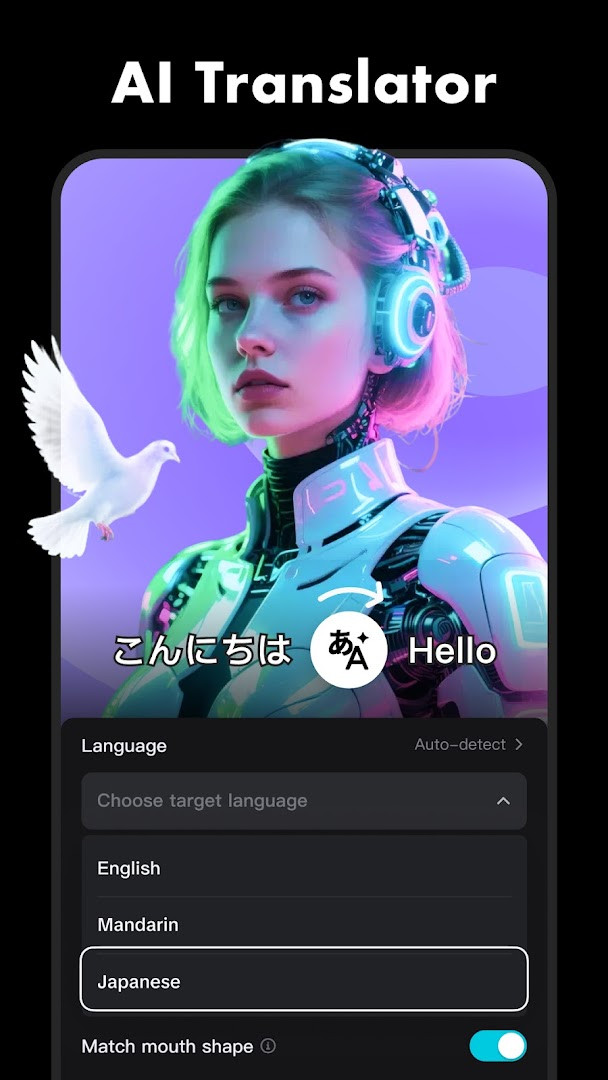
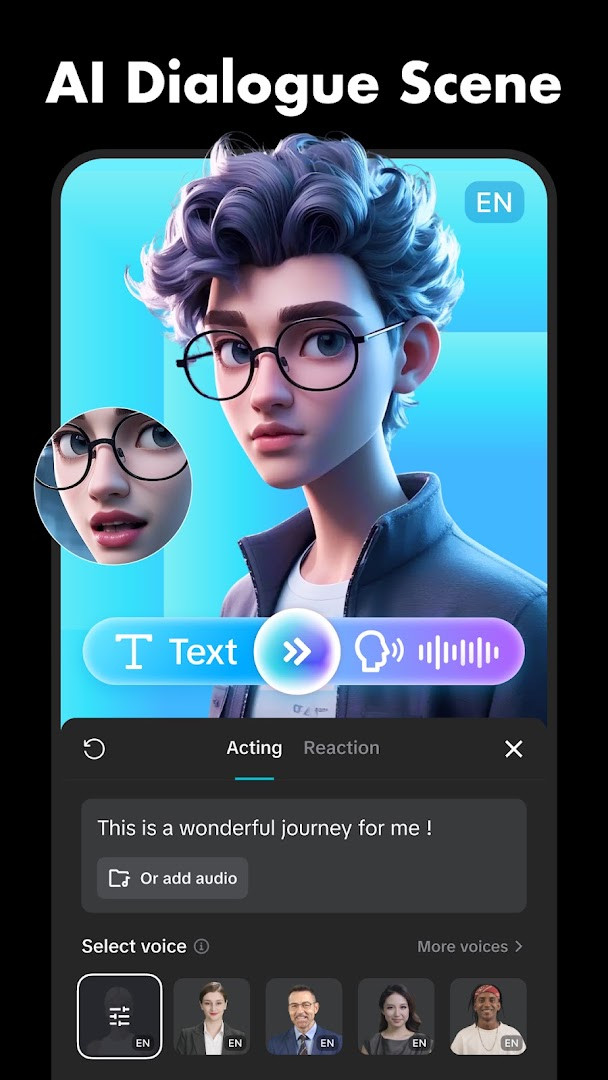
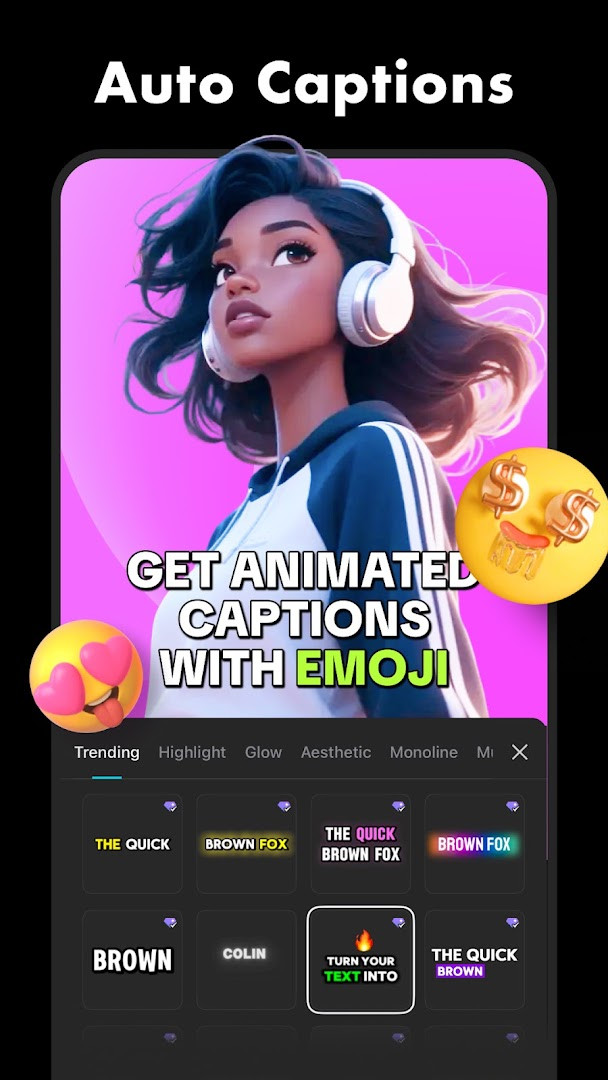
- Auto captions via speech recognition and text-to-speech in multiple languages
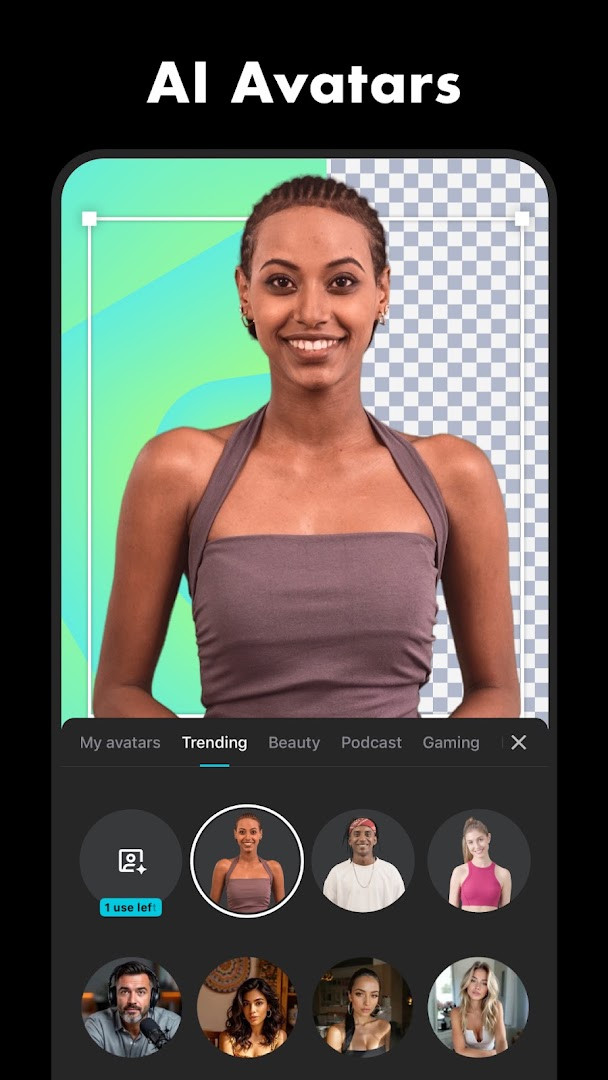
- Background removal and motion tracking for dynamic edits
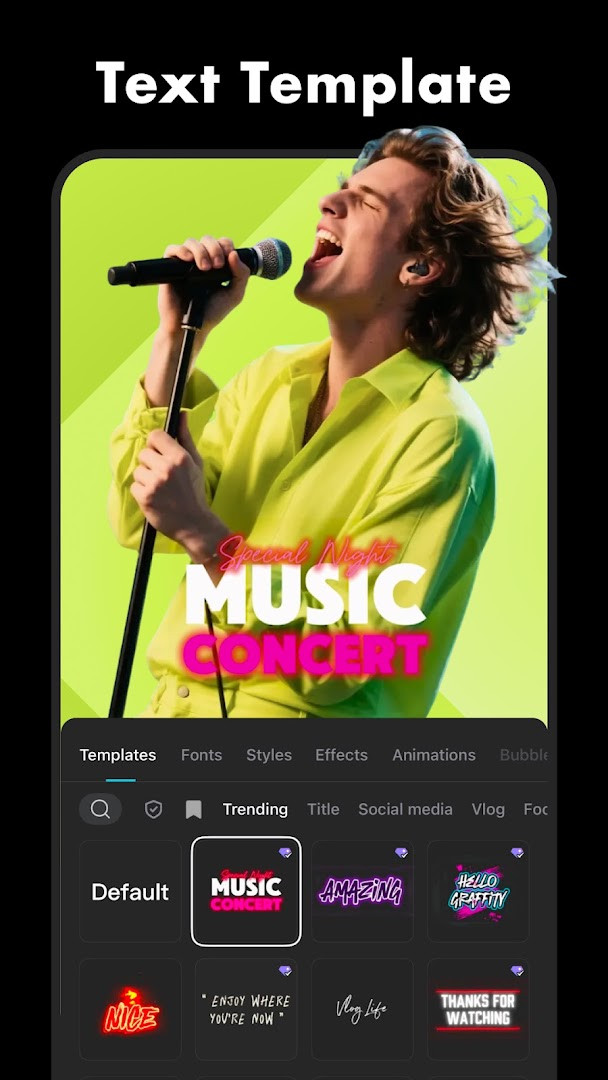
- Add text with various fonts, import local fonts, and manage subtitles on the timeline
- Access hundreds of trending effects and weekly updated filters including Glitch, Blur, and 3D
- Export in up to 4K 60fps with smart HDR support
How to install
- Tap the download button on this page to get the APK file (306 MB).
- When Android prompts, allow your browser or file manager to install apps by enabling the 'Install unknown apps' setting for that app.
- Open the downloaded APK file from your notifications or file manager.
- Tap 'Install' and wait for the installation to complete.
- Open CapCut from your app drawer to start editing. Note: requires Android 6.0 or higher.
Pros
- Free to download and use without ads
- Wide range of editing tools from basic to advanced
- Smart features like auto captions and background removal save time
- Supports high-quality exports up to 4K 60fps
- Regular updates keep effects and filters current
Cons
- Contains in-app purchases for additional content
- Requires access to calendar, camera, microphone, and storage which may raise privacy concerns
- Large file size (306 MB) may take up significant storage
Latest changes · 19.7.0
Version 19.7.0 of CapCut includes fixes for some known issues and improvements to the trimming experience. The update is available as of October 8, 2026.
Older versions
| Version | Size | Requires Android | Updated |
|---|---|---|---|
| 19.7.0 | 306 MB | 6.0 | Oct 8, 2026 |
| 19.6.0 | 305 MB | 6.0 | Sep 19, 2026 |
| 19.5.0 | 304 MB | 6.0 | Sep 13, 2026 |
| 999.999.45 | 0.2 MB | 4.4 | Mar 13, 2026 |
This app is ideal for beginners who want a straightforward yet powerful video editor on their phone. It suits social media enthusiasts looking to create engaging content for platforms like TikTok, YouTube, or Instagram, as well as hobbyists who need to quickly trim, add captions, and apply effects without learning complex desktop software. Its intelligent tools also appeal to users who want automated subtitles or background removal without manual effort.
For smoother slow-motion, use the optical flow feature. Explore the weekly updated filters to keep your videos trendy. Adjust export resolution to balance quality and file size.
Permissions
FAQ
How do I install the CapCut APK on my Android device?
To install the APK, download the file from this page and open it. If your device blocks installs from unknown sources, allow that permission in your security settings before opening the file.
What is the current version of CapCut and what's new?
The latest version is 19.7.0, released on October 8, 2026. It includes fixes for known issues and an improved trimming experience.
Does CapCut show ads or require a purchase?
CapCut is free to download and does not display ads. However, it offers in-app purchases for additional features or content.
Does CapCut work offline?
CapCut can edit videos without an internet connection, but some features like trending effects, music, and auto captions may require online access.
Are there alternative video editors in the same category?
Yes, there are other video editing apps available for Android that offer similar basic editing tools. You can compare features like trimming, filters, and export options to find one that suits your needs.
What are the minimum system requirements for CapCut?
CapCut requires Android 6.0 or higher. The app size is about 306 MB, so you'll need enough free storage space.
CapCut delivers a robust editing experience that scales from simple cuts to advanced keyframe work, all within a free, ad-free package. Its intelligent features and high-resolution export make it a reliable choice for mobile creators, though the in-app purchases and permissions are worth considering.
Similar apps








Updated: Oct 14, 2026