
Disney+ for Android
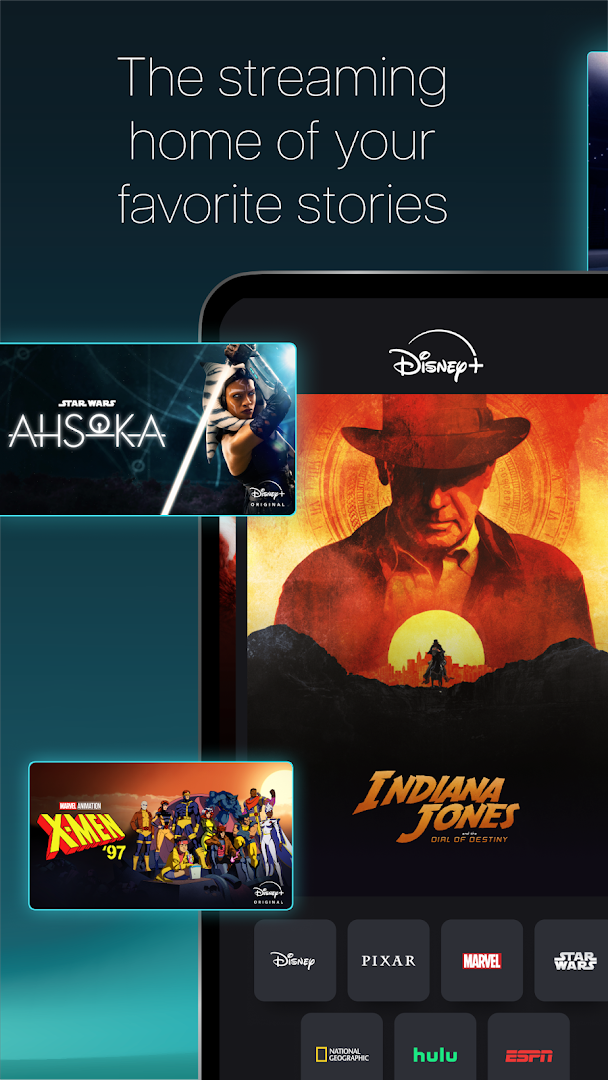
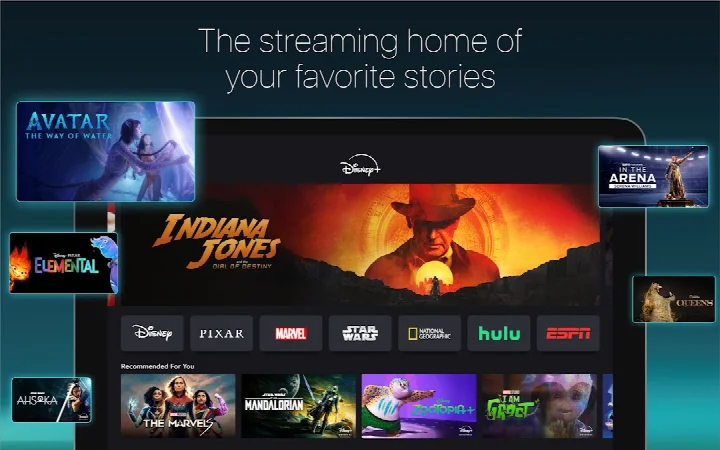
Disney+ is a streaming app from Disney for watching movies, TV shows, and Originals from Disney, Pixar, Marvel, Star Wars, and National Geographic.
Get Disney+ · v26.18.0+rc5-2026.10.05Disney+ is for fans of Disney, Pixar, Marvel, Star Wars, and National Geographic who want to stream movies, series, and Originals on their Android device. The app is free to download, requires Android 6.0 or higher, and has an install base of 500 million.
Screenshots
- Version
- 26.18.0+rc5-2026.10.05
- Requires Android
- 6.0
- Updated
- Oct 6, 2026
- Installs
- 500M+
- Rating
- ★ 4.3 (5,149,417)
- Category
- Entertainment
- Developer
- Disney
- Content rating
- Teen
- Package
- com.disney.disneyplus
- Free
- ✓
Disney+ is an entertainment application by Disney that provides streaming access to movies, series, and exclusive original programming. It brings together content from Disney, Pixar, Marvel, Star Wars, and National Geographic in one place.
The app is designed for viewers who want a broad catalog of family-friendly and franchise-based entertainment. It includes new releases, older classics, past seasons of TV shows, and a growing lineup of Originals. A Disney+ subscription plan is required to use the service.
Depending on the plan and region, users can also access live ABC News, curated Streams, a selection of Hulu content, and ESPN sports programming through hubs inside the app. The experience includes support for 4K UHD, HDR, and IMAX Enhanced on compatible titles.
Key features
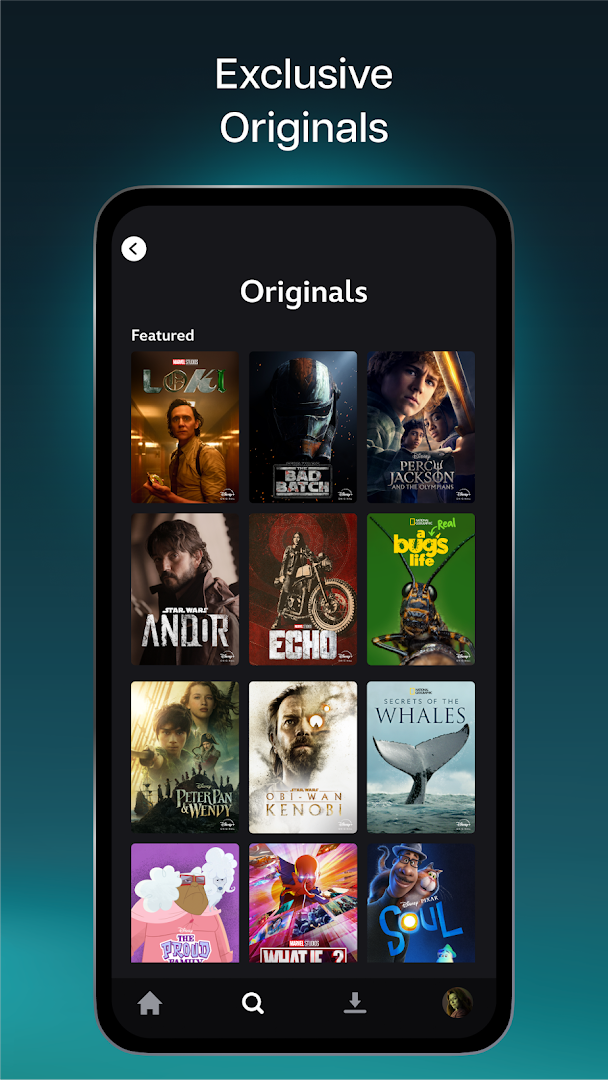
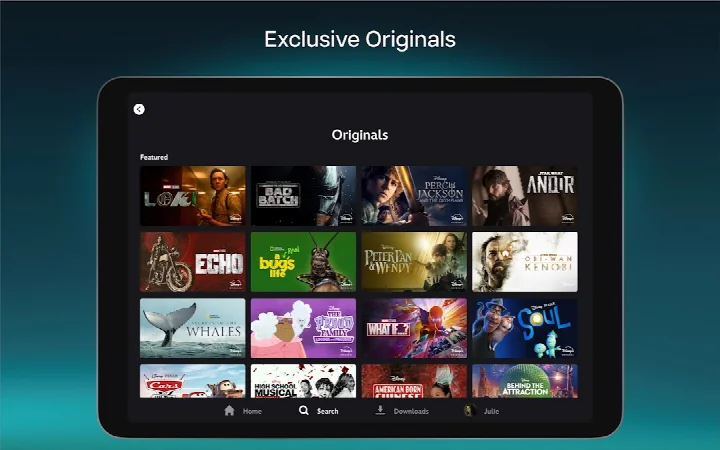
- Exclusive new Originals from Disney, Pixar, Marvel, Star Wars, and National Geographic.
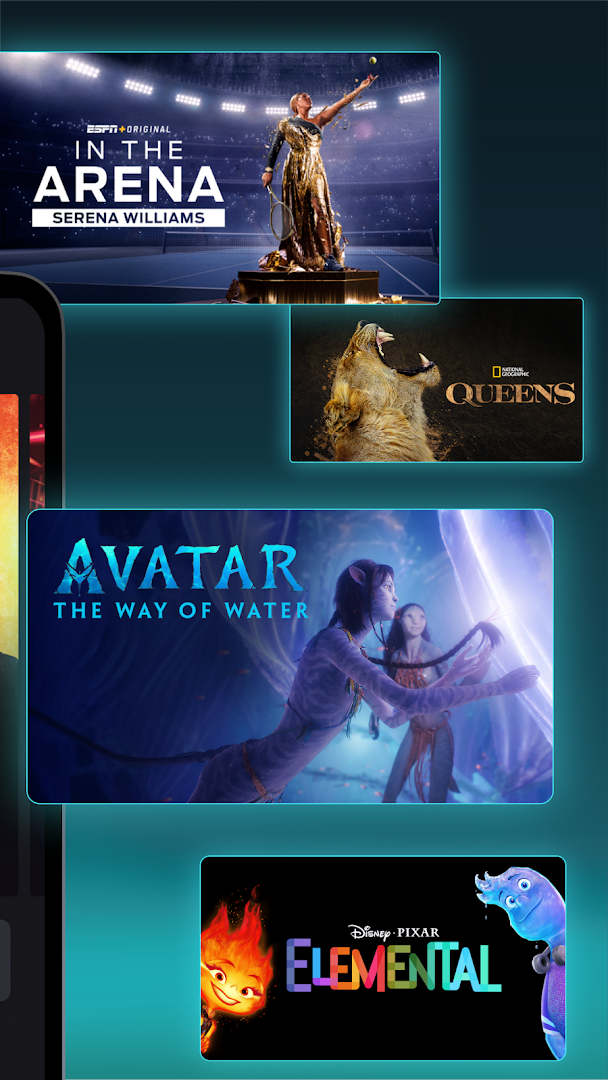
- Access to new releases, timeless classics, and past seasons of TV shows.
- Live ABC News feed and curated Streams with continuous programming.
- Over 100 titles available in 4K UHD and HDR.
- Watch on multiple screens at once at no extra cost.
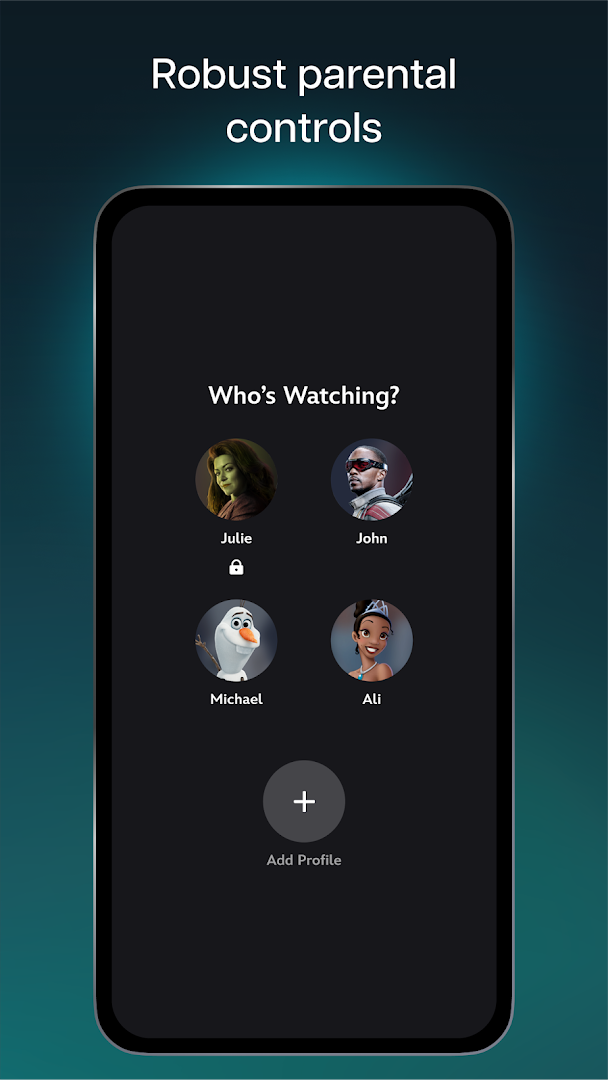
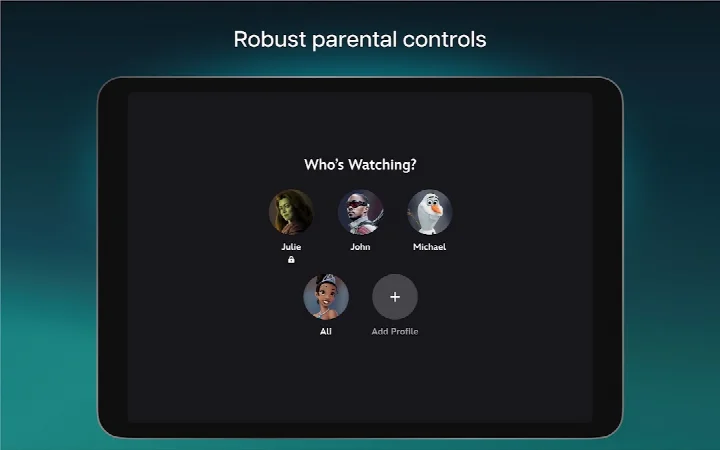
- Parental controls including Profile PIN, Kid-Proof Exit, and adjustable Content Rating settings.
- IMAX Enhanced expanded aspect ratio for certain Marvel and Pixar titles.
- Curated Hulu hub content and ESPN hub content, including live sports events and ESPN Originals.
How to install
- Tap the download button on this page to get the Disney+ APK file.
- If Android prompts you, allow your browser or file manager to install apps by enabling the 'Install unknown apps' setting.
- Open the downloaded APK file once the download completes.
- Tap Install and wait for the process to finish.
- Open the app and sign in or start setting up a Disney+ subscription.
- The file size is n/a and the app requires Android 6.0 or higher.
Pros
- Large catalog spanning Disney, Pixar, Marvel, Star Wars, and National Geographic.
- Supports 4K UHD and HDR on over 100 titles.
- Multiple parental controls make it suitable for households with children.
- No ads and no in-app purchases.
- Multi-screen viewing at no additional cost.
Cons
- Requires Location and Microphone permissions, which may feel unnecessary for a streaming service.
- Some advertised content may not be available in every region.
- Full Hulu and ESPN experiences require bundling separate services with a Disney+ subscription.
- A Disney+ subscription plan is needed to access most content.
Latest changes · 26.18.0+rc5-2026.10.05
This update includes a variety of bug fixes and minor improvements to enhance your overall streaming experience. The developer has made adjustments to help the app run more smoothly, so you can enjoy your favorite shows and movies with fewer interruptions.
Older versions
| Version | Size | Requires Android | Updated |
|---|---|---|---|
| 26.18.0+rc5-2026.10.05 | — | 6.0 | Oct 6, 2026 |
Disney+ is best for households and individuals who enjoy Disney, Pixar, Marvel, Star Wars, or National Geographic content and want a subscription-based streaming app with family profiles and high-quality video options.
Set up separate profiles with age-appropriate Content Rating settings if children will use the app. Check regional availability before expecting specific titles, since the catalog can vary by country.
Permissions
FAQ
How can I install the Disney+ APK on my Android device?
You can install it by obtaining the APK file and allowing your device to accept installations from unknown sources in the security settings. Then, open the file to start the process.
What is the latest version of Disney+ and what does it include?
The current version is 26.18.0+rc5-2026.10.05, released on October 6, 2026, with minor bug fixes and performance updates.
Does Disney+ contain ads or require additional purchases?
The app is free to install and requires a subscription plan to stream. It does not show ads and has no in-app purchases.
Can I watch content offline with Disney+?
Yes, you can download movies, TV shows, and Originals to watch offline on your device.
What are the device requirements for running Disney+?
It requires Android 6.0 or higher and uses permissions for location and microphone.
Are there other apps similar to Disney+?
There are several other streaming services that offer a mix of movies and original series, but Disney+ focuses on content from its own major brands.
Disney+ offers a well-rounded streaming library across major franchises and brands. The app is free to download, includes a Teen content rating, and requires a subscription plan for full access. Its combination of exclusive Originals, 4K options, and multi-profile controls makes it a practical choice for households that want a single entertainment hub.
Similar apps








Updated: Oct 15, 2026