
DistroHopper • Linux desktop: home screen replacement
DistroHopper • Linux desktop is a home screen replacement by Robin Jacobs that brings Linux desktop styles to Android.
Download free · v3.0.4DistroHopper • Linux desktop is a free, open-source home screen replacement for people who want the look of a Linux desktop on an Android device. It offers themes, local and remote search sources, customization options, and a choice of Unity, Pantheon, or Gnome desktop styles. The app requires Android 12 or newer and has a download size of about 10 MB.
Screenshots
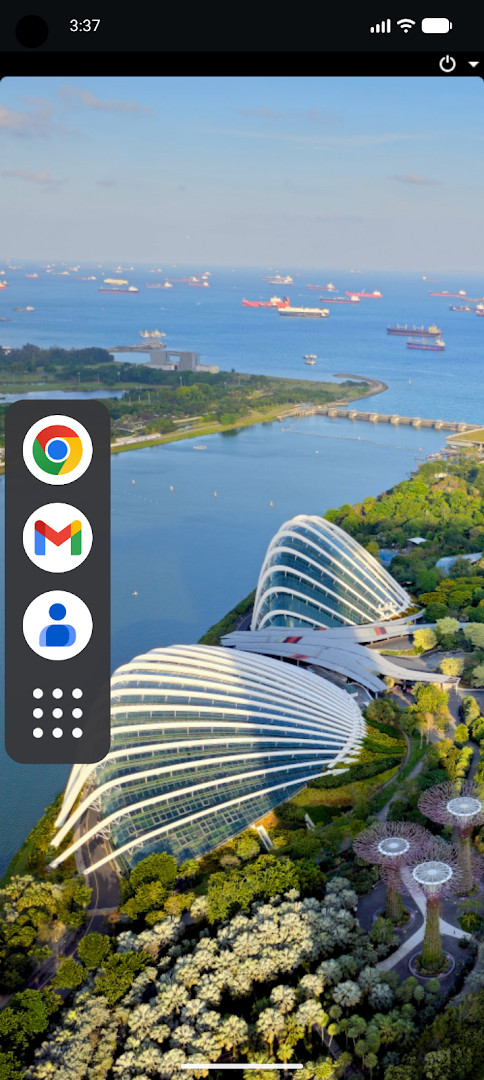
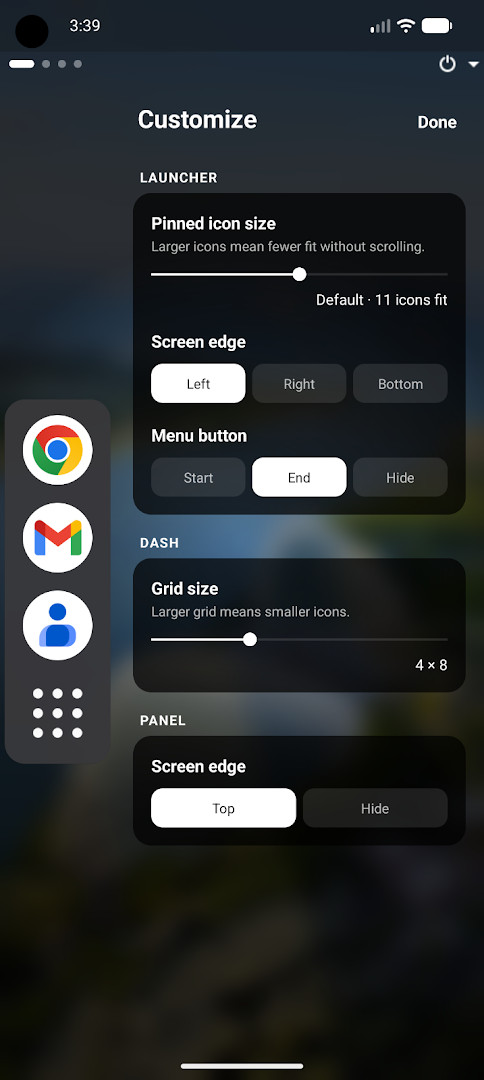
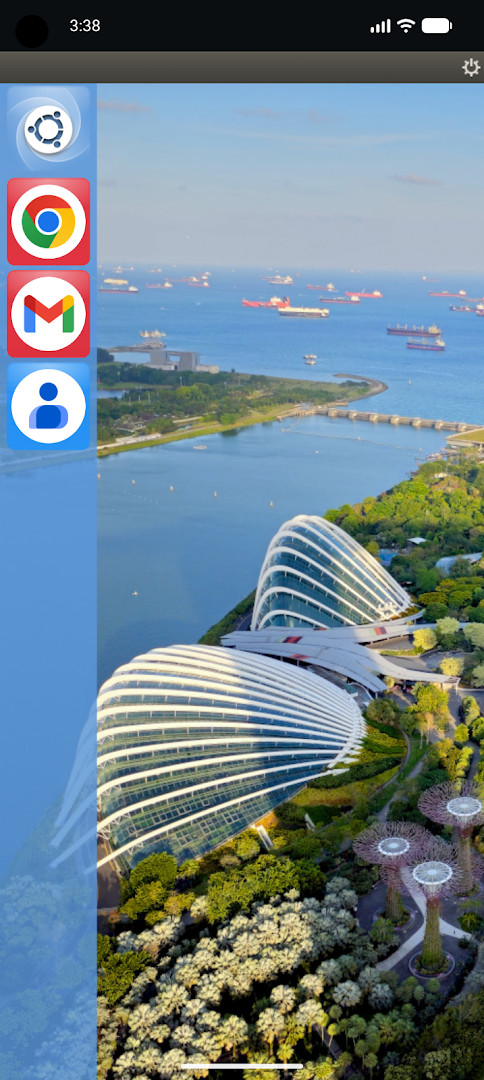
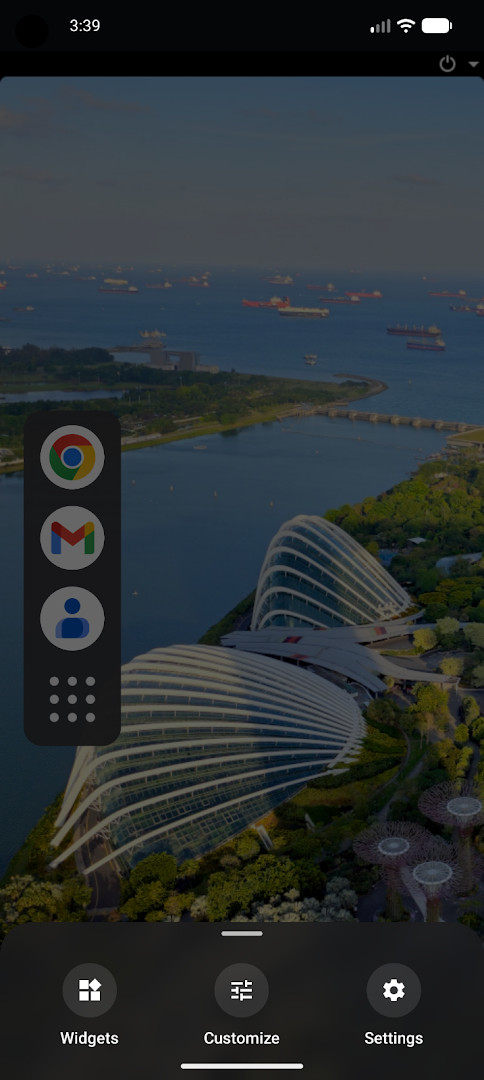
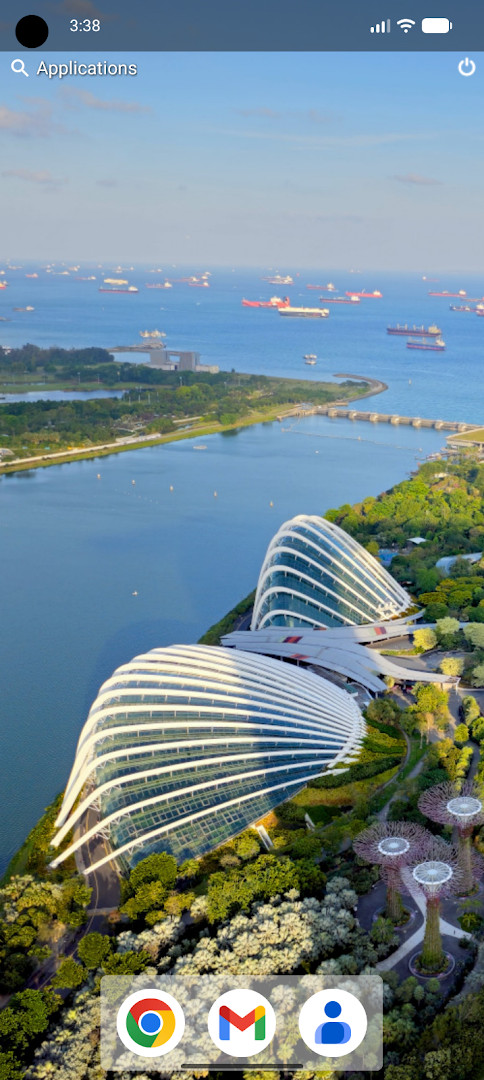
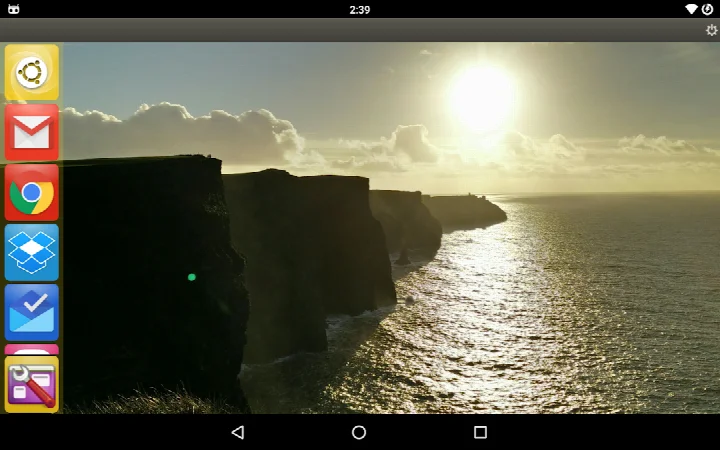
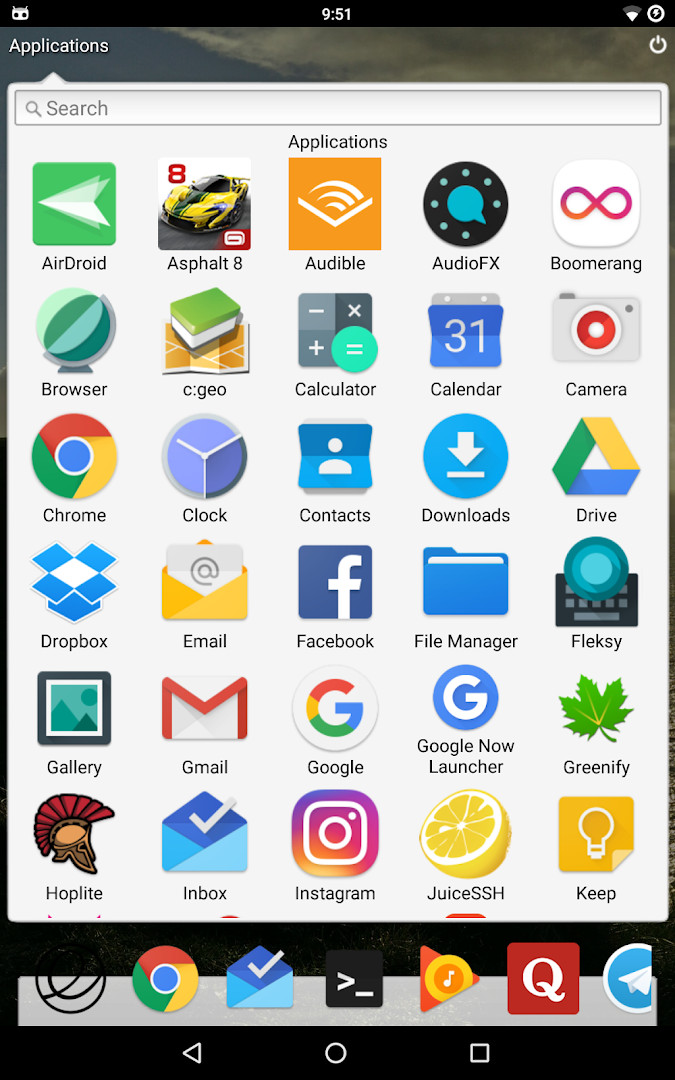
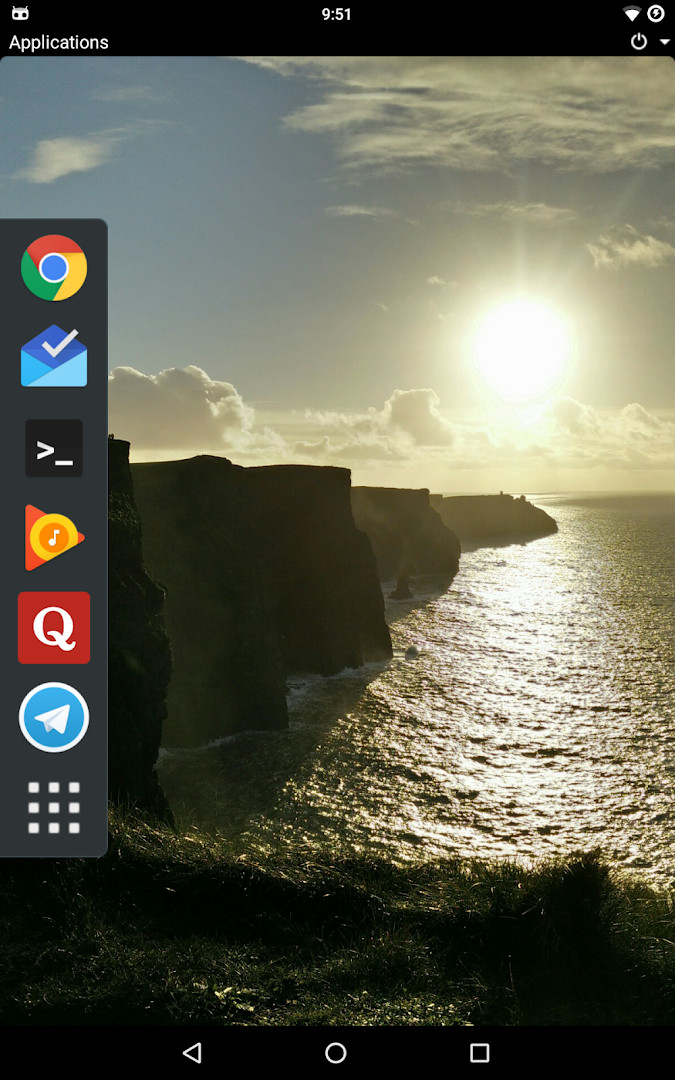
- Version
- 3.0.4
- Requires Android
- 12
- Updated
- Oct 14, 2026
- Installs
- 10K+
- Rating
- ★ 3.89 (314)
- Category
- Tools
- Developer
- Robin Jacobs
- Content rating
- Everyone
- Package
- be.robinj.distrohopper
- Free
- ✓
DistroHopper • Linux desktop is a home screen replacement app by Robin Jacobs that recreates the look and feel of several Linux desktop environments on an Android device. Instead of a conventional launcher, it offers Unity, elementary OS Pantheon, and Gnome layouts for users who want a familiar open-source desktop atmosphere on their phone or tablet. The app addresses the gap between mobile home screens and traditional Linux desktops by providing themes, a multi-source search function, and customization options. An optional gesture can open the notification tray through an Android Accessibility Service, which is used only for that purpose and does not read screen content.
Key features
- Switch between Unity, elementary OS Pantheon, and Gnome desktop layouts.
- Apply a couple of different visual themes to change the look of the home screen.
- Use a search feature that queries multiple local and remote sources.
- Customize the interface through various options exposed in the app.
- Enable an optional swipe gesture to open the Android notification tray.
- Run entirely without ads or in-app purchases.
How to install
- Tap the download button on this page to get the DistroHopper APK file.
- When prompted by Android, allow your browser or file manager to install apps by enabling the Install unknown apps setting.
- Open the downloaded APK file from your notifications or file manager.
- Tap Install and wait for the process to finish.
- Open the app and choose your preferred Linux desktop layout.
- Note that the app requires Android 12 or newer; the APK file size is not listed.
Pros
- Offers three distinct Linux desktop styles: Unity, Pantheon, and Gnome.
- Completely free with no ads and no in-app purchases.
- Open-source under GPL-3.0-only, allowing community inspection and contribution.
- Optional notification tray gesture works without reading screen content.
- Regular updates, including fixes for high CPU and memory usage.
Cons
- Requests Device & app history permission, which may concern privacy-focused users even though the scope appears narrow.
- Current rating of 3.89 suggests some users have encountered stability or usability issues across different devices.
- Adding a missing desktop environment depends on community interest and developer availability, so customization is not unlimited.
- Minimum Android version is 12, so users on older devices cannot install this build.
Latest changes · 3.0.4
Version 3.0.2 addresses several issues. It corrects certain non-US English locales that were displaying US English instead of British English. High CPU and memory usage has been reduced. The app no longer crashes when a widget exceeds desktop boundaries, when a selected icon pack is uninstalled or unavailable, or on specific OEM Android versions that fail to return an Android profile glyph.
Older versions
| Version | Size | Requires Android | Updated |
|---|---|---|---|
| 3.0.4-paranoia | 16 MB | 12 | Oct 14, 2026 |
| 3.0.4 | — | 12 | Oct 14, 2026 |
| 3.0.3-paranoia | 16 MB | 12 | Sep 17, 2026 |
| 3.0.2 | — | 12 | Sep 8, 2026 |
| 3.0.0-paranoia | 16 MB | 12 | Aug 15, 2026 |
| 2.7.0 | 8.9 MB | 10 | Nov 1, 2025 |
| 2.6.1 | 3.4 MB | 4.4 | Oct 4, 2020 |
DistroHopper is aimed at Linux and open-source enthusiasts who want a desktop-like home screen on a modern Android device. It will also appeal to users who enjoy customizing launchers and are comfortable managing permissions such as Accessibility Service access. Those with Android 12 or newer will get the most out of the app.
If you enable the swipe gesture, remember that the Accessibility Service is used only to open the notification tray. You can disable it anytime if you prefer not to grant that permission.
Permissions
FAQ
Is DistroHopper free to use?
Yes, the app is free of charge and costs nothing to download. It contains no ads and no in-app purchases.
Which Android version do I need to run it?
The app requires Android 12 or newer. Devices running an older version of Android are not supported.
How large is the download?
The file size is not listed in the available details. Since the app is a home screen replacement without bundled media, it is generally a fairly light download.
Do I need an account to use the app?
No account or sign-in is required. You can install the app and start using it right away.
What permissions does the app request?
The app requests access to device and app history. This is tied to its role as a home screen replacement, so a home screen app can function properly.
How do I update DistroHopper to a newer version?
Updates are delivered by downloading the latest version from this page and installing it over your current copy. The current version is 3.0.2, and newer releases such as 3.0.3-paranoia and 3.0.4-paranoia have also been made available.
DistroHopper is a capable home screen replacement for users who want a Linux-style desktop experience without leaving Android. Its open-source license and active update history make it a reasonable choice for tinkerers, though the limited permission set and modest rating suggest it is best suited to those comfortable with occasional rough edges.
Similar apps








Updated: Oct 22, 2026