
Private Compute Services: system privacy tool
Private Compute Services is a system tool by Google LLC that powers intelligent Android features through a privacy-preserving update path.
Download the appPrivate Compute Services supports machine learning features such as Live Caption, Now Playing, and Smart Reply by delivering model updates over a private channel. It is designed for Android users whose devices rely on the Private Compute Core and is available free of charge. The app requires Android 14 or newer and has a download size of 21 MB.
Screenshots
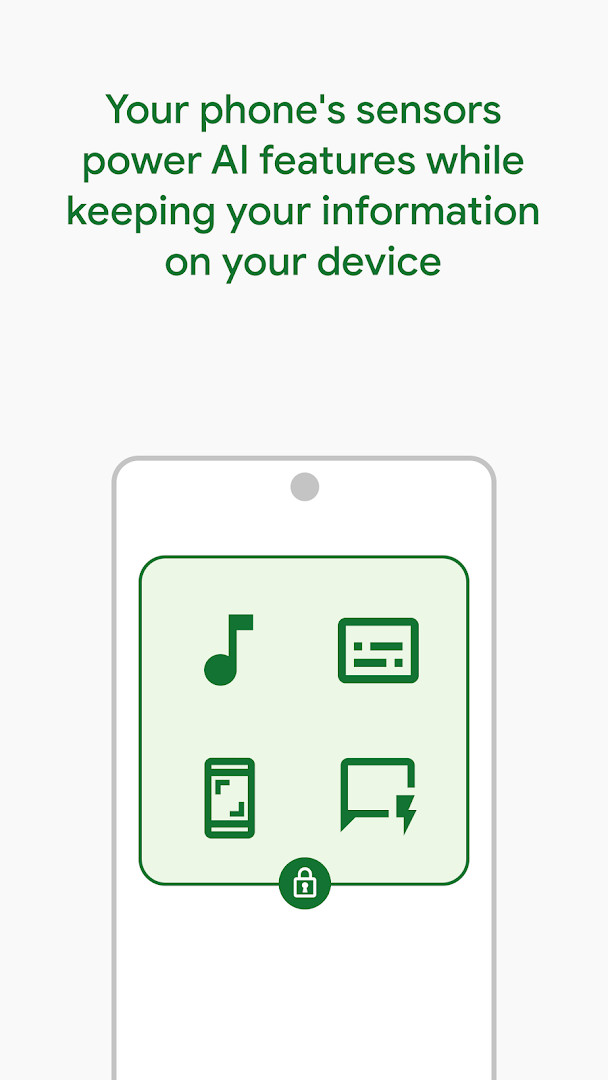
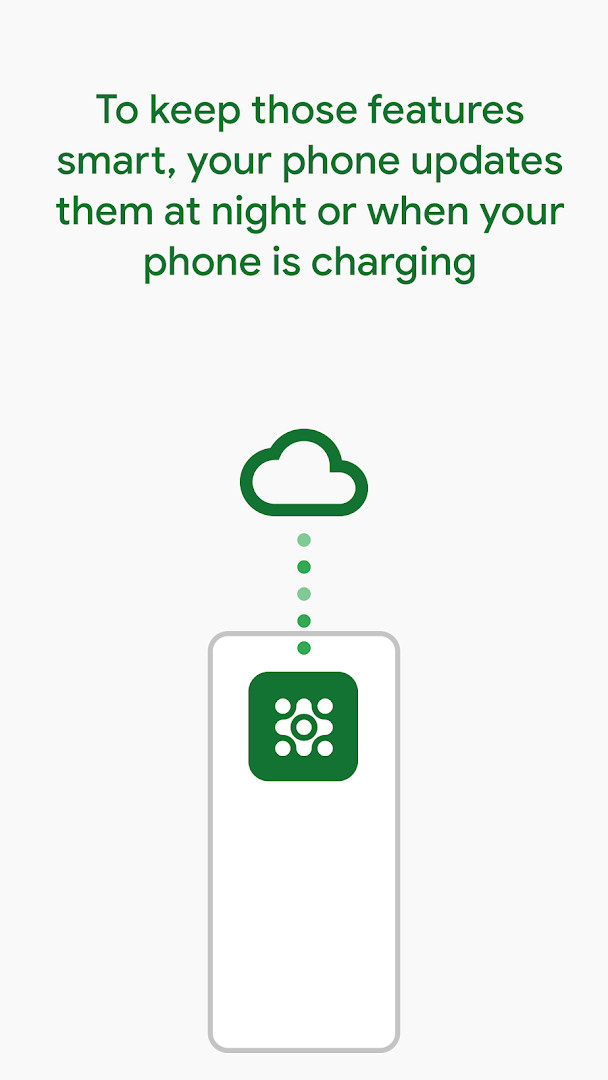
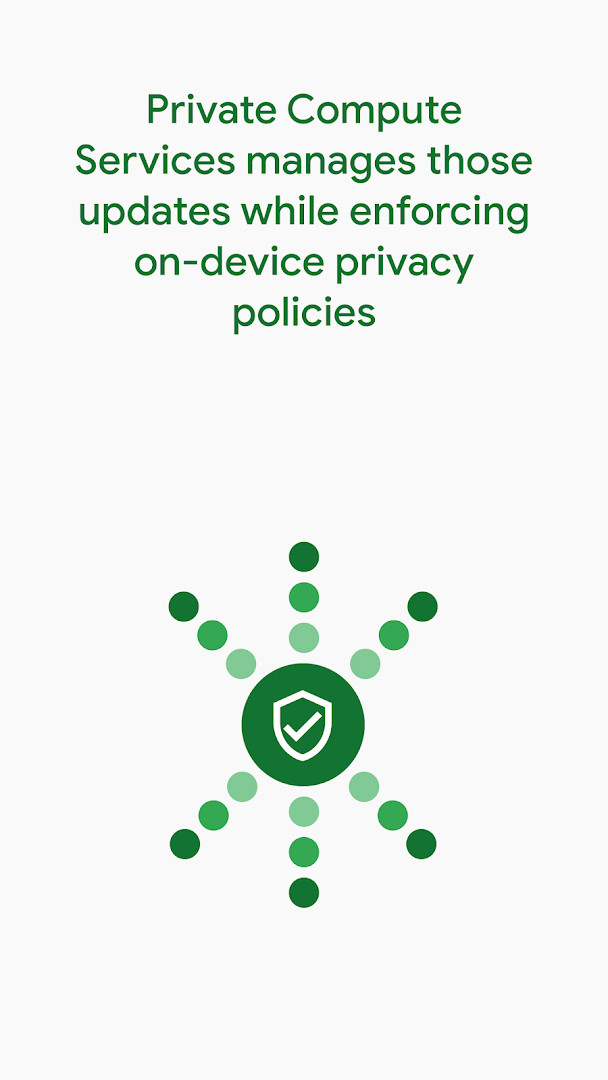
- Size
- 21 MB
- Requires Android
- 14
- Updated
- Oct 20, 2026
- Installs
- 5B+
- Rating
- ★ 4.04 (450,008)
- Category
- Tools
- Developer
- Google LLC
- Content rating
- Everyone
- Package
- com.google.android.as.oss
- Free
- ✓
Private Compute Services is a system-level tools component developed by Google LLC that supports machine learning features running inside Android's Private Compute Core, including Live Caption, Now Playing, and Smart Reply. The underlying problem it addresses is a deliberate architectural restriction: Android keeps any feature inside the Private Compute Core from reaching the network directly, so those features cannot fetch updated machine learning models on their own. Private Compute Services provides the bridge. Features talk to it through open-source APIs, and the component strips identifying information from those exchanges before any data leaves the device. It then applies a set of privacy technologies, among them federated learning, federated analytics, and private information retrieval, so that model updates and usage signals can be handled without exposing what an individual user typed, watched, or listened to. In practice this means the intelligent features that ship with Android can keep improving over time while the isolation of the Private Compute Core is preserved. The app is listed as free, carries no advertising, and offers no in-app purchases. It has been available since October 11, 2021, and the most recent update noted is dated October 7, 2026.
Key features
- Acts as the communication path between Private Compute Core features and the outside world, since those features have no direct network access of their own.
- Exposes open-source APIs that Android's on-device machine learning features use to request and receive model updates.
- Removes identifying information from data before it is used, so requests are not tied back to a specific user.
- Applies federated learning so models can be improved from data that stays on the device rather than being collected centrally.
- Uses federated analytics to derive aggregate insights without pulling raw records off individual devices.
- Employs private information retrieval so lookups can be performed without revealing what was queried.
- Supports the intelligent features named in the listing: Live Caption, Now Playing, and Smart Reply.
- Maintenance releases cover operating system improvements and capabilities alongside bug fixes and various optimizations.
How to install
- Start the download by tapping the download button on this page.
- When Android prompts you, allow your browser or file manager to install apps; this is the 'Install unknown apps' setting and it is required for a manually downloaded package.
- Open the downloaded APK file once the transfer finishes; the package is about 21 MB.
- Tap Install and wait for the system to copy and register the component.
- Open the app after installation completes; the minimum supported Android version is 14.
Pros
- Free to use, with no advertising and no in-app purchases.
- Handles a privacy-sensitive job by design, stripping identifying information and relying on federated learning, federated analytics, and private information retrieval.
- Works behind the scenes for features such as Live Caption, Now Playing, and Smart Reply, so there is no separate interface to manage.
- Publicly documented through open-source APIs, which makes its role in the Private Compute Core inspectable.
- Keeps receiving maintenance releases with operating system improvements, bug fixes, and optimizations.
- Rated 4.02 from 443,349 ratings, suggesting the component behaves as expected for most users who notice it at all.
Cons
- Requests several sensitive or low-level permissions, including reading restricted stats, reading device configuration, and managing a virtual machine.
- Requires Android 14 or newer, so it cannot be installed on older devices.
- Has no user-facing screen or settings of its own, which can make it hard to tell whether it is working.
- Because it is a supporting component rather than a standalone tool, uninstalling it may affect the intelligent features that depend on it.
- Its benefits are indirect and difficult to measure from the outside, since the work happens inside the Private Compute Core.
Latest changes
The update adds operating system improvements and capabilities, along with bug fixes and various optimizations. No other specific feature changes are listed.
Older versions
| Version | Size | Requires Android | Updated |
|---|---|---|---|
| 1.0.release.667904832 | 21 MB | 13 | Sep 28, 2026 |
| 1.0.release.510133257 | 32 MB | 12 | Sep 28, 2026 |
| 1.0.release.717856639 | 21 MB | 14 | Sep 19, 2026 |
| 1.0.release.728259504 | 21 MB | 14 | May 19, 2025 |
This component is intended for users of Android 14 and later who rely on the built-in intelligent features that run inside the Private Compute Core, such as Live Caption, Now Playing, and Smart Reply. It is not a productivity or entertainment app that someone opens deliberately; it is infrastructure that keeps those features supplied with updated models while their network isolation stays intact. Anyone interested in how on-device machine learning can be improved without centralized collection of personal data may find it worth understanding, particularly since its APIs are open source. Users on older Android versions, or those who want a visible app with controls and a dashboard, are outside its target group.
Treat this as a background component rather than something to configure. After installation, simply use the Android features it supports and let updates arrive normally. If you install it manually from an APK, keep the file in a known location until installation succeeds, since the package is roughly 21 MB and the system needs to register it before it can take effect. Reviewing the permission list in the system settings is a reasonable way to understand its scope, but note that the permissions reflect its role in the Private Compute Core rather than ordinary app behavior. For anyone who wants to verify claims rather than take them on trust, the open-source APIs and published source code are the place to look.
Permissions
FAQ
How do I install the Private Compute Services APK on my Android device?
Download the APK from the download button on this page and open it. You may need to allow installation from unknown sources in your device settings. The app requires Android 14 or higher.
What is the current version of Private Compute Services?
The latest version listed is 1.0.release.667904832, updated on September 28, 2026.
Does Private Compute Services contain ads or in-app purchases?
No. The app is free, and it does not include ads or in-app purchases.
Can Private Compute Services be used offline?
The app primarily works in the background to update machine learning models via a private network path. It requires internet access to receive updates, but once models are downloaded, features like Live Caption and Smart Reply may work offline.
Are there alternative apps in the Tools category that serve a similar purpose?
There are other tools that manage system components or enhance device functionality, but Private Compute Services is specifically designed to handle private machine learning updates for Android features. Alternatives would depend on your specific needs, such as system maintenance or performance optimization apps.
Private Compute Services is a quiet piece of Android infrastructure whose only job is to let privacy-preserving machine learning features receive updates without breaking the network isolation of the Private Compute Core. It is free, ad-free, and maintained, but it asks for broad permissions and Android 14 or newer, so it suits users who want those intelligent features to keep improving rather than anyone looking for a conventional app.
Similar apps








More from this developer





Updated: Oct 22, 2026