
Android System Intelligence by Google
Android System Intelligence is a system component from Google LLC that powers intelligent features across Android while keeping your data private.
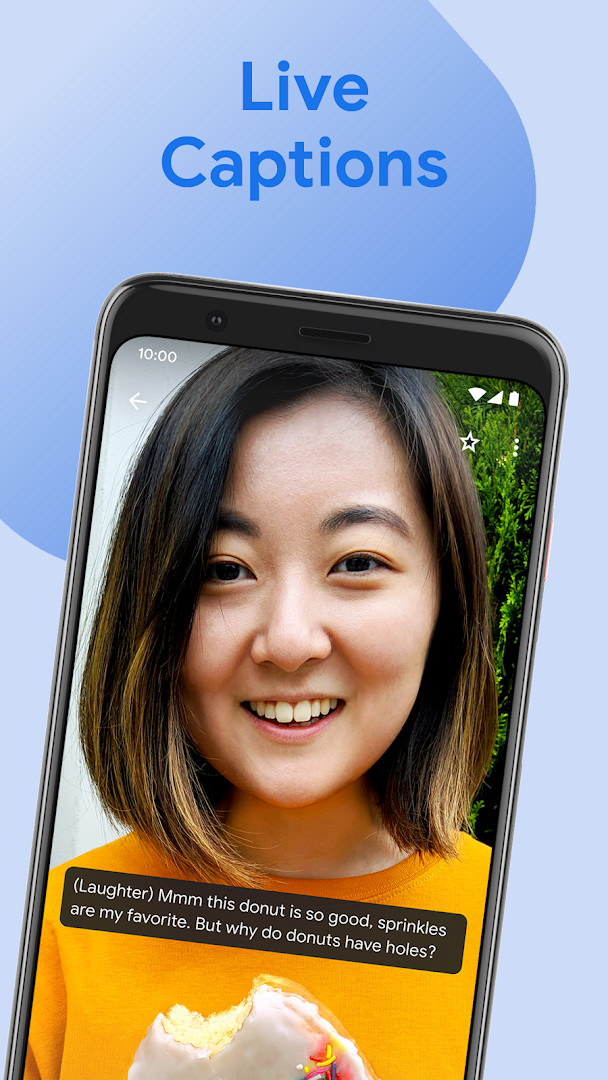
Download for AndroidAndroid System Intelligence is designed for Android users who want smarter, context-aware system behavior on their devices. It provides features such as Live Caption, Screen Attention, improved copy and paste, app predictions, smart text selection, and notification actions.
Screenshots
- Size
- 108 MB
- Updated
- Oct 6, 2026
- Installs
- 5B+
- Rating
- ★ 4.18 (472,911)
- Category
- Tools
- Developer
- Google LLC
- Content rating
- Everyone
- Package
- com.google.android.as
- Free
- ✓
Android System Intelligence is a system component by Google LLC that powers a collection of smart, context-aware features across the Android operating system. In practice, it is the background service that watches for the right moment and quietly adds helpful suggestions, captions or shortcuts while you use your phone. Because it works behind the scenes rather than as a standalone tool with its own icon, many people never realize it is there until they notice one of its features at work.
The component was first released in August 2018 and has been updated regularly since then, with the most recent update listed as October 6, 2026. It is free to use, contains no advertising, and does not offer in-app purchases. Its content rating is Everyone. The package is fairly large at 108 MB, and it has accumulated a very high number of installs, which reflects the fact that it ships as part of the system on many devices rather than being sought out individually.
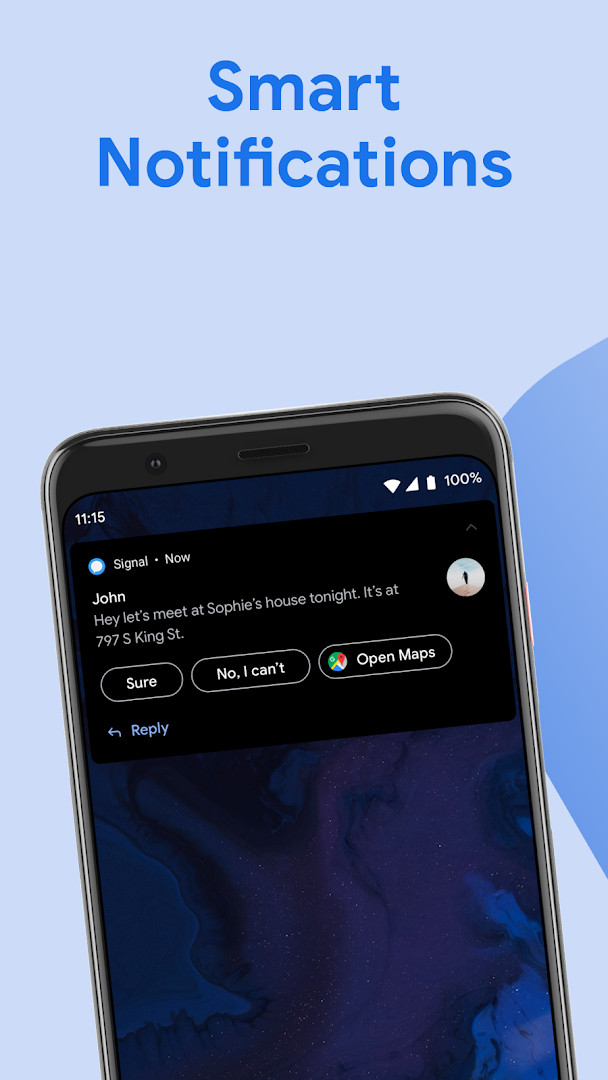
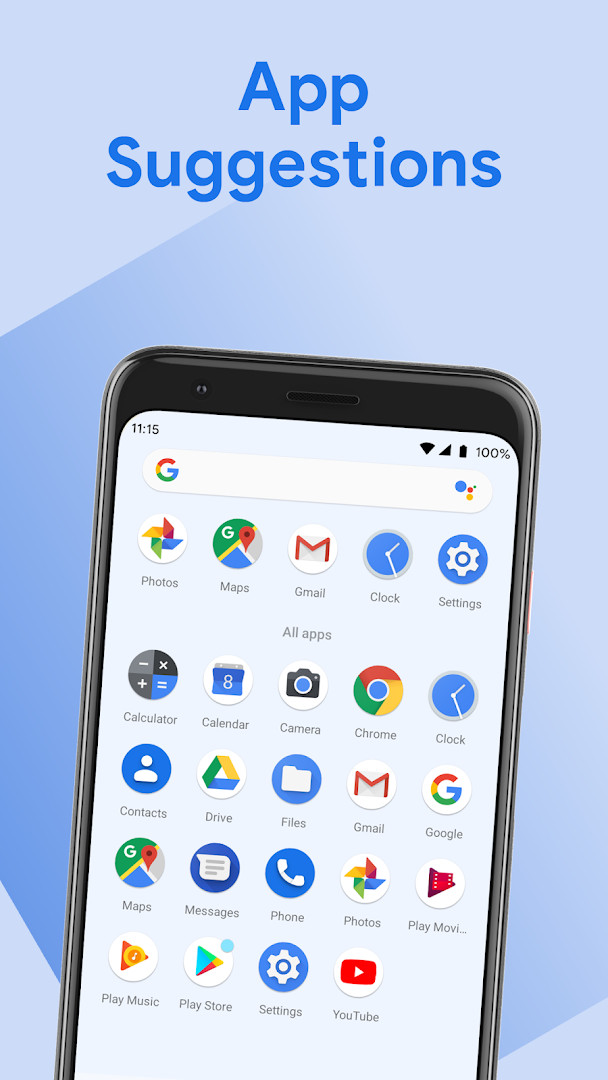
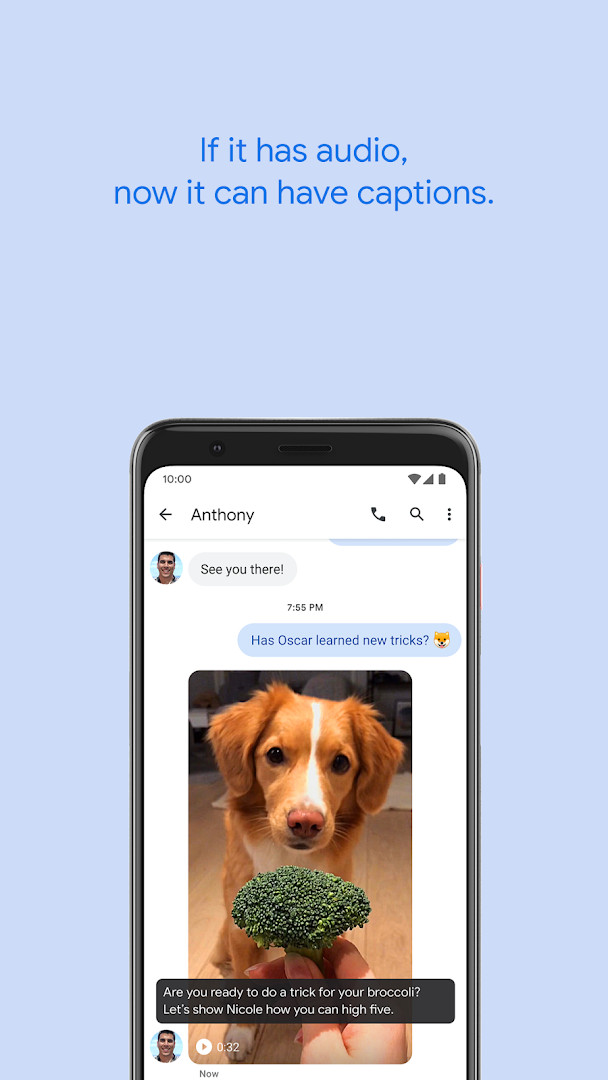
What it does is broad by design. It can caption media that is playing, keep the screen awake while you are looking at it, make copying and pasting text between apps smoother, suggest apps you may want next, and add action buttons to notifications for things like directions or package tracking. It also helps with selecting text and turning plain text into tappable links. To do this, it relies on system permissions such as access to contacts, location, camera, microphone and storage. The latest version notes mention operating system improvements and capabilities alongside bug fixes and various optimizations, so the changes are mostly refinements rather than a redesign.
Because so many of its abilities depend on personal context, the permission list is long. The app can see your identity, calendar, contacts, location, messages, phone state, photos and files, and it can use the camera, microphone and Wi-Fi connection information. That is a lot of access, and it is worth understanding before you decide how much you want to rely on the smart features. The trade-off is straightforward: the more the system knows, the more relevant its suggestions tend to be, but the more you are trusting it with.
Key features
- Live Caption automatically generates captions for media playing on the device
- Screen Attention keeps the display from turning off while you are looking at it
- Improved copy and paste makes it easier to move text between apps
- App Predictions suggests apps you may want to open next in the launcher
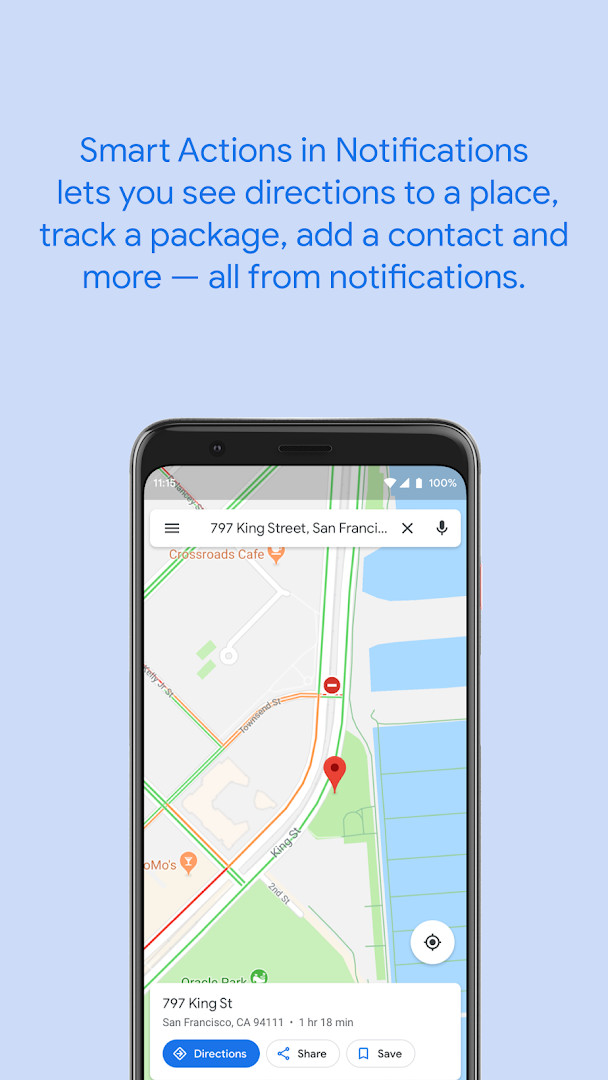
- Smart Actions adds action buttons to notifications, such as directions or package tracking
- Smart Text Selection lets you long-press text like an address and act on it immediately
- Linkifies text inside apps so plain text becomes tappable
- Uses system permissions to deliver personalized predictions and suggestions
How to install
- Tap the download button on this page to get the APK file.
- When Android asks, allow your browser or file manager to install apps by enabling the Install unknown apps setting for that app.
- Open the downloaded APK file from your notifications or your file manager.
- Tap Install and wait for the process to finish. The file is 108 MB, so it may take a moment.
- Make sure your device runs at least the minimum Android version required, then open the app once installation completes.
Pros
- Adds genuinely useful conveniences like captions, screen attention and smarter text selection
- Free with no ads and no in-app purchases
- Updated frequently with fixes and optimizations
- Works quietly in the background without requiring constant attention
- Rated well by a very large number of users
Cons
- Requests a long list of sensitive permissions, including contacts, location, SMS and microphone
- Large install size at 108 MB
- Not a standalone app with its own interface, so its behavior can be hard to observe
- Some features may not work on every device
- Deep system integration means you cannot easily pick and choose individual abilities
Latest changes
This update brings operating system improvements and new capabilities. It also includes bug fixes and various optimizations to help the app run more smoothly.
Older versions
| Version | Size | Requires Android | Updated |
|---|---|---|---|
| Q.33.playstore.pixel1.358875836 | 33 MB | 10 | Oct 12, 2026 |
| V.41.playstore.pixel9.843410720 | 110 MB | 15 | Oct 6, 2026 |
| V.27.playstore.pixel9.757670605 | 106 MB | 15 | Oct 1, 2026 |
| B.29.playstore.oemfull.988117775 | 66 MB | 16 | Sep 28, 2026 |
| B.27.playstore.oemfull.961698966 | 65 MB | 16 | Aug 13, 2026 |
| C.5.playstore.pixel8.955707791 | 108 MB | — | Aug 9, 2026 |
| T.43.playstore.pixeltablet.602378330 | 100 MB | 13 | Jul 27, 2026 |
| U.42.playstore.oemfull.718292094 | 55 MB | 14 | Jul 27, 2026 |
| 2.11.300580161 | 1 MB | 10 | Jul 6, 2026 |
| T.43.playstore.oemfull.629854497 | 42 MB | 13 | Nov 15, 2025 |
This is aimed at everyday Android users who want their phone to feel more helpful without installing extra tools, people who rely on captions or hands-free screen behavior, and users who appreciate notification shortcuts like directions or package tracking. It is less suited to anyone who prefers to keep system permissions to a minimum.
Review the app's permissions in your device settings and turn off any smart features you do not use. Reducing access you are not comfortable with is a simple way to keep the conveniences you like while limiting what the service can see.
Permissions
FAQ
Is Android System Intelligence free to download?
Yes, this app is free to download. It is listed with a price of $0.00 and does not include any ads or in-app purchases.
How large is the download file?
The file size is 108 MB. Make sure your device has enough free storage space before downloading.
Does Android System Intelligence require an account or sign-in?
No, no account is required to install or use this app. It operates as a system component and does not ask for a login.
What permissions does Android System Intelligence request?
It requests a broad set of permissions including identity, contacts, location, SMS, phone, camera, microphone, storage, and Wi-Fi information. These are used to power intelligent features like smart text selection and app predictions.
How do I update Android System Intelligence?
To update, simply download the latest version from this page and install it over your current version. The most recent listed version is Q.33.playstore.pixel1.358875836, dated 2026-10-12.
Which Android versions are supported?
The app is compatible with Android devices running recent versions, but no specific minimum version is stated. It has been available since August 2018 and is regularly updated.
Android System Intelligence is a capable background component that makes Android feel more attentive, and its free, ad-free nature plus frequent updates are clear strengths. The catch is the broad permission footprint and the fact that it operates out of sight, so it rewards users who take a moment to review their settings. If you value convenience and are comfortable with the access it requests, it is a solid addition; if privacy is your priority, weigh those permissions carefully before installing.
Similar apps








More from this developer





Updated: Oct 14, 2026