Gboard - the Google Keyboard for Android
Gboard - the Google Keyboard is a typing app from Google LLC for fast and smart text entry on Android devices.
Download GboardGboard - the Google Keyboard suits anyone who wants quicker everyday typing on an Android phone or watch. It is free, has no ads and no in-app purchases, requires Android 4.4 or newer, and takes up 9.4 MB.
Screenshots
- Size
- 9.4 MB
- Requires Android
- 4.4
- Updated
- Sep 30, 2026
- Installs
- 10B+
- Rating
- ★ 4.49 (18,884,966)
- Category
- Tools
- Developer
- Google LLC
- Content rating
- Everyone
- Package
- com.google.android.inputmethod.latin
- Free
- ✓
Gboard - the Google Keyboard is a keyboard utility by Google LLC that replaces the default on-screen keyboard with a faster, smarter input method. It addresses common typing frustrations such as slow tap-typing, frequent language switching, and difficult access to emojis or GIFs by combining multiple input modes into a single interface. Glide Typing, voice dictation, handwriting recognition, and multilingual autocorrect work together so users can choose the most convenient way to enter text at any moment. The app also integrates Google Translate directly into the keyboard, removing the need to switch to a separate translation tool. With support for hundreds of language varieties and optional Wear OS functionality, it adapts to a wide range of devices and typing habits.
Key features
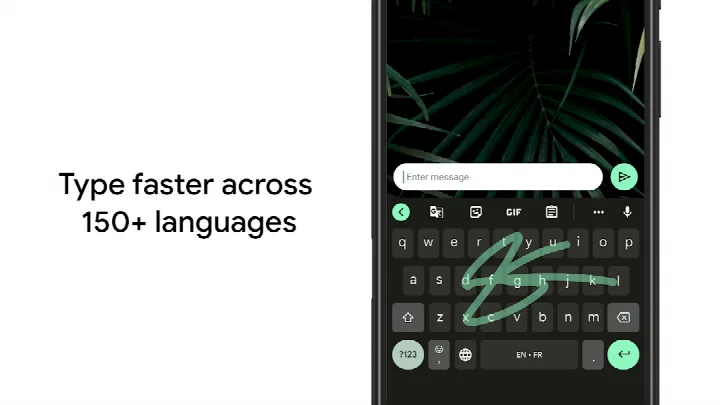
- Glide Typing lets you slide a finger from letter to letter to form words without lifting your hand.
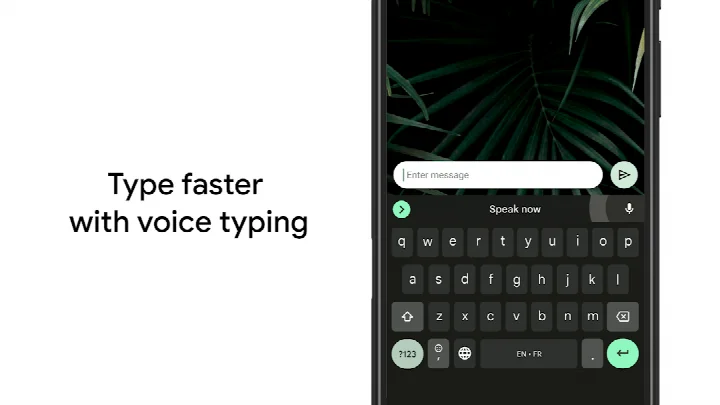
- Voice typing converts spoken words into text for hands-free input.
- Handwriting recognition supports both cursive and printed letters.
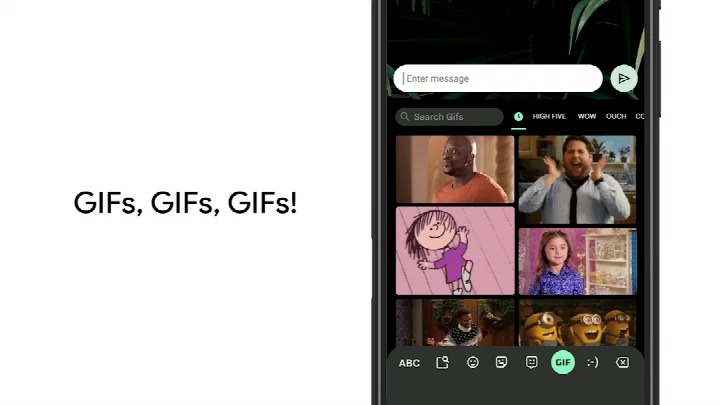
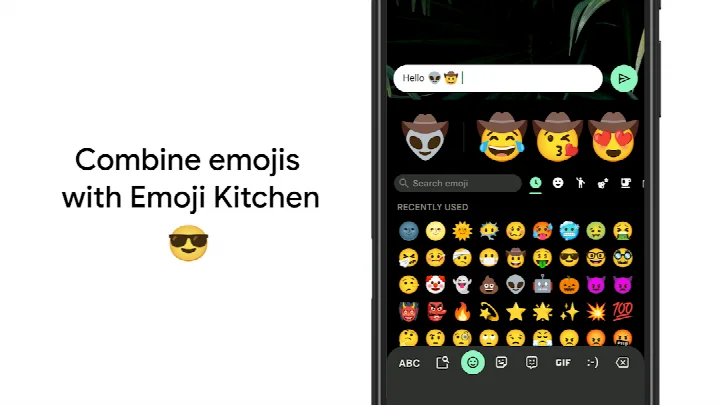
- Emoji Search helps locate the right emoji quickly, and GIF search lets you share animated reactions.
- Multilingual typing automatically provides autocorrect and suggestions from any enabled languages without manual switching.
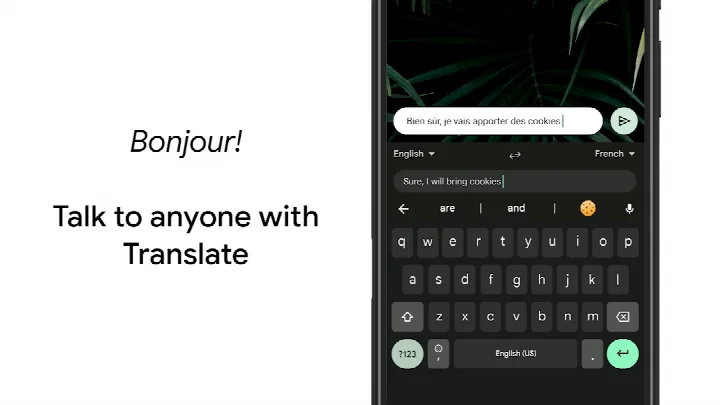
- Google Translate is built into the keyboard for translating text as you type.
- Gesture cursor control by sliding across the space bar and gesture delete by sliding left from the delete key speed up editing.
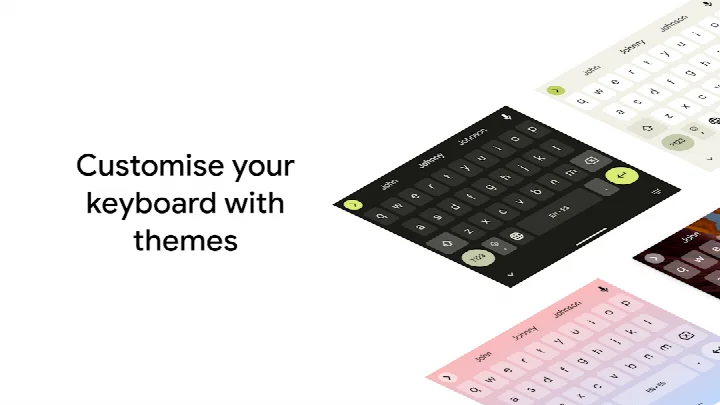
- Themes, a persistent number row, symbol hints on long press, and one-handed mode allow visual and layout customization.
How to install
- Tap the download button on this page to get the APK file, which is about 9.4 MB in size.
- When Android asks, allow your browser or file manager to install apps by enabling the 'Install unknown apps' setting.
- Open the downloaded APK file from your notifications or file manager.
- Tap Install and wait for the process to finish.
- Open the app and follow the on-screen steps to set Gboard as your active keyboard.
- Make sure your device runs Android 4.4 or a newer version before installing.
Pros
- Free to use with no ads and no in-app purchases.
- Large language coverage with hundreds of language varieties listed, including regional and minority languages.
- Glide Typing and voice typing offer faster alternatives to traditional tapping.
- Built-in Google Translate lets you translate text without leaving the keyboard.
- Wear OS support extends Glide Typing, voice typing, and emoji input to compatible watches.
- Customizable layout options such as a persistent number row, long-press symbol hints, and one-handed mode.
Cons
- Requests several permissions including Identity, Contacts, Storage, Camera, Microphone, and Wi-Fi connection information, which may concern privacy-focused users.
- Some features like Handwriting, Emoji Search, and GIFs are not supported on Android Go devices.
- The current version number listed (899.9999.999) appears unusual and may reflect a beta or placeholder build rather than a standard release.
- Requires Android 4.4 or newer, so very old devices cannot install it.
- Advanced customization such as themes and one-handed mode requires digging into the settings menu.
Latest changes
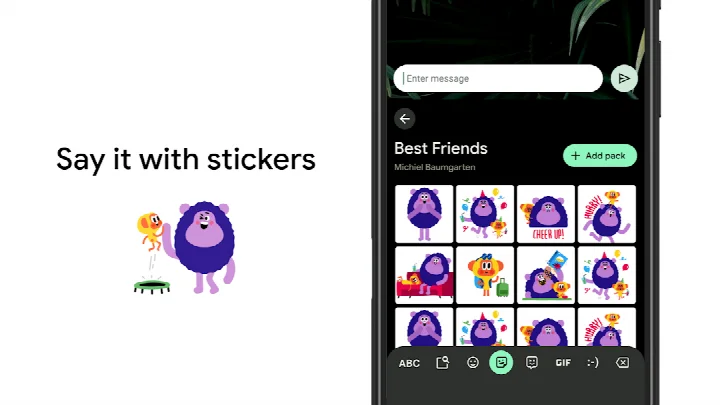
The latest Gboard update adds the ability to create and share custom stickers right inside the keyboard. This feature is powered by Pixel Studio and works on Pixel 9 and newer devices, in English, Japanese and German, in selected countries. A beta version is also offered for those who want to try upcoming improvements and send feedback. The release notes do not list any other changes for this version.
Older versions
| Version | Size | Requires Android | Updated |
|---|---|---|---|
| 899.9999.999 | 9.4 MB | 4.4 | Dec 19, 2023 |
Gboard is best for Android users who want a fast, flexible keyboard and already rely on Google services. It suits people who frequently switch between languages, use voice input while on the move, or prefer glide-based typing over tapping. Those with Wear OS watches can also benefit from a consistent typing experience across phone and watch. Privacy-conscious users should weigh the permission requests before enabling features that require microphone, camera, or contact access.
Enable the number row and long-press symbol hints in Settings → Preferences to reduce the need for extra key presses. For faster editing, slide across the space bar to position the cursor and slide left from the delete key to erase several words at once. If you type in more than one language, add all of them in Gboard settings so autocorrect and suggestions work across languages without manual switching.
Permissions
FAQ
How can I install the Gboard APK on my Android device?
Yes, you can install the Gboard APK on Android devices running version 4.4 or newer. After downloading, you may need to allow installation from unknown sources in your device settings before proceeding.
What is the current version of Gboard?
The current version listed is 899.9999.999, released on December 19, 2023. A more recent update from September 30, 2026 was also made available.
Does Gboard contain ads or in-app purchases?
Gboard does not display advertisements and has no in-app purchases. It is completely free to use.
Can Gboard be used offline?
Yes, core typing features like Glide Typing, handwriting, and multilingual autocorrect work without an internet connection. Voice typing and Google Translate require online access.
What are some alternatives to Gboard for Android?
There are several other keyboards in the Tools category that offer swipe typing, emoji support, and customization. You can explore options with similar functionality based on your preferences.
What is the download size of Gboard and are all features available on every device?
The app size is 9.4 MB. Features like Emoji Search, GIFs, and custom stickers are not supported on Android Go devices.
Does Gboard offer customization options?
Yes, you can personalize Gboard by choosing from various themes, enabling a number row, using one-handed mode, and adjusting symbol hints in the preferences.
Gboard remains a dependable, feature-rich keyboard for anyone already in the Android ecosystem. Its combination of input methods and broad language coverage makes it a strong default, though users with strict privacy requirements may want to review the requested permissions before enabling all features.
Similar apps








More from this developer





Updated: Oct 14, 2026