
Android Accessibility Suite: Eyes-Free Device Control
Android Accessibility Suite is a free tools app by Google LLC that lets you operate your device using spoken feedback, an on-screen menu, or switch controls.
Get APKAndroid Accessibility Suite has a download size of 45 MB and requires Android 9 or newer. The app is free, contains no ads, and does not offer in-app purchases. It is designed for users who need eyes-free interaction or alternative input methods, providing spoken descriptions, gesture navigation, and a large on-screen control menu.
Screenshots
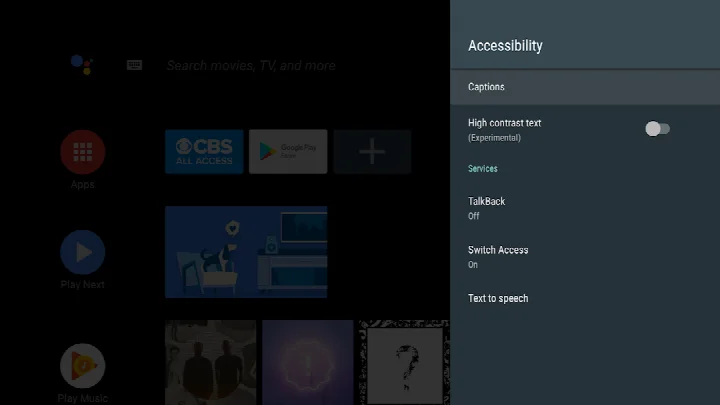
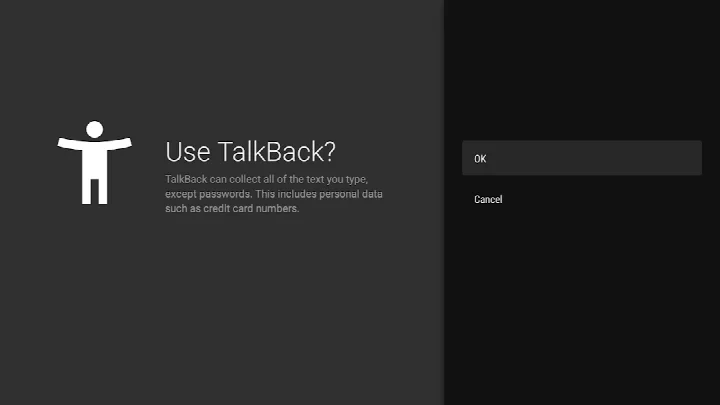
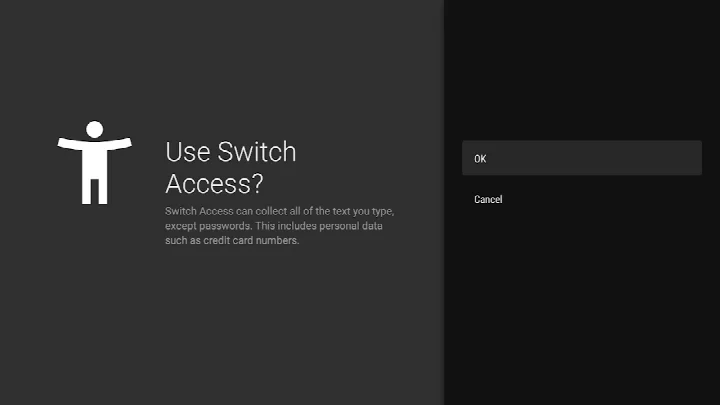
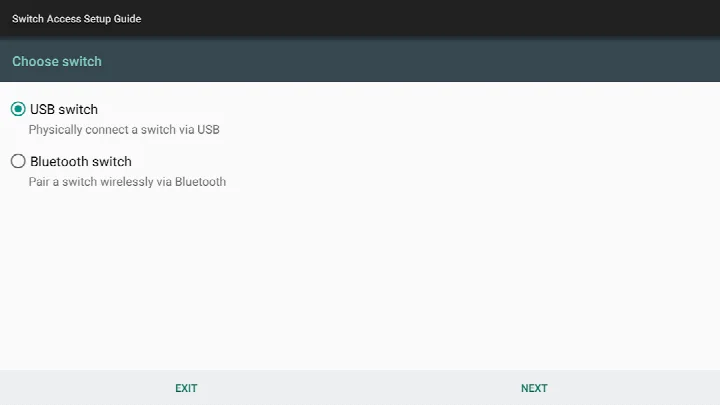
- Size
- 45 MB
- Requires Android
- 9
- Updated
- Oct 23, 2026
- Installs
- 10B+
- Rating
- ★ 4.07 (4,452,613)
- Category
- Tools
- Developer
- Google LLC
- Content rating
- Everyone
- Package
- com.google.android.marvin.talkback
- Free
- ✓
Android Accessibility Suite is a collection of accessibility tools by Google LLC that helps you use your Android device eyes-free or with a switch device. It bundles several utilities into one package, so you don't need to download separate apps for basic accessibility needs. The suite is designed to make everyday tasks like navigating the interface, reading text, and controlling your device more manageable for people with visual impairments, motor limitations, or anyone who prefers alternative input methods.
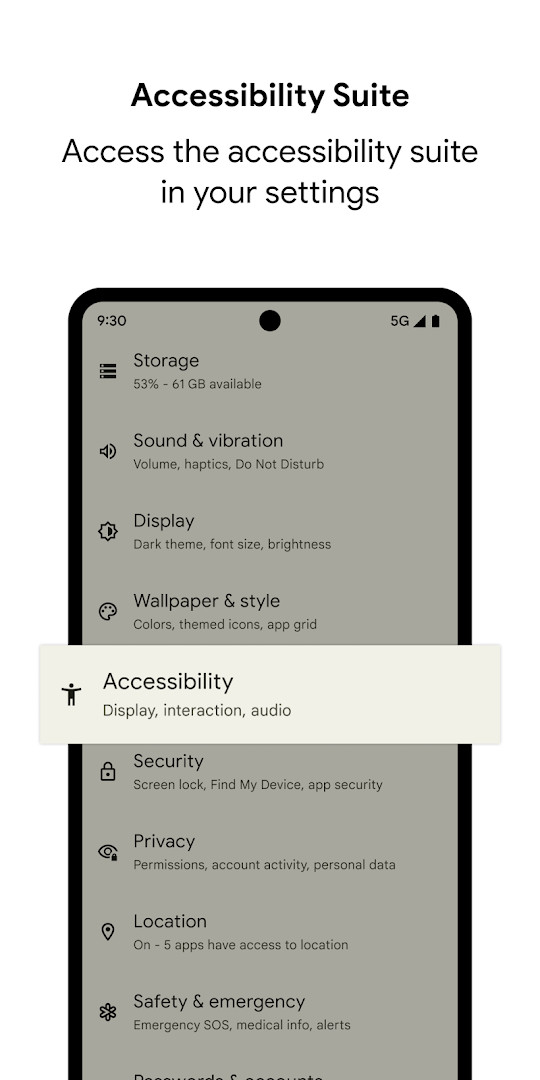
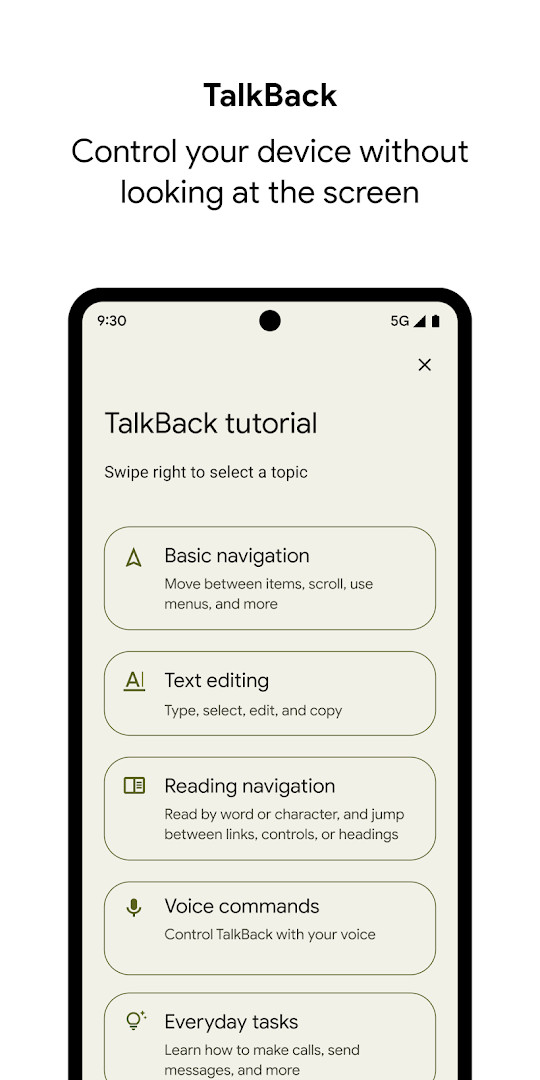
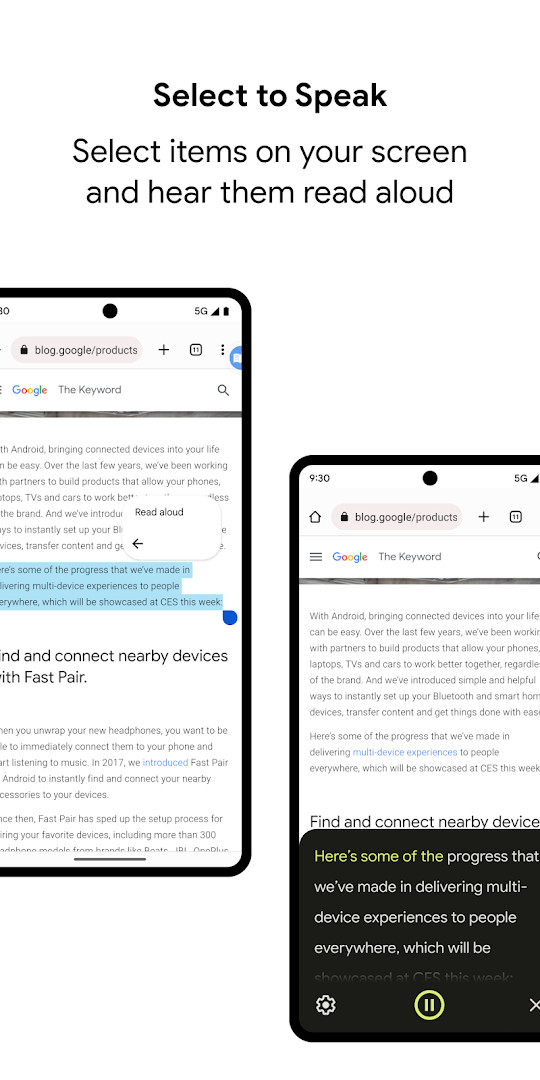
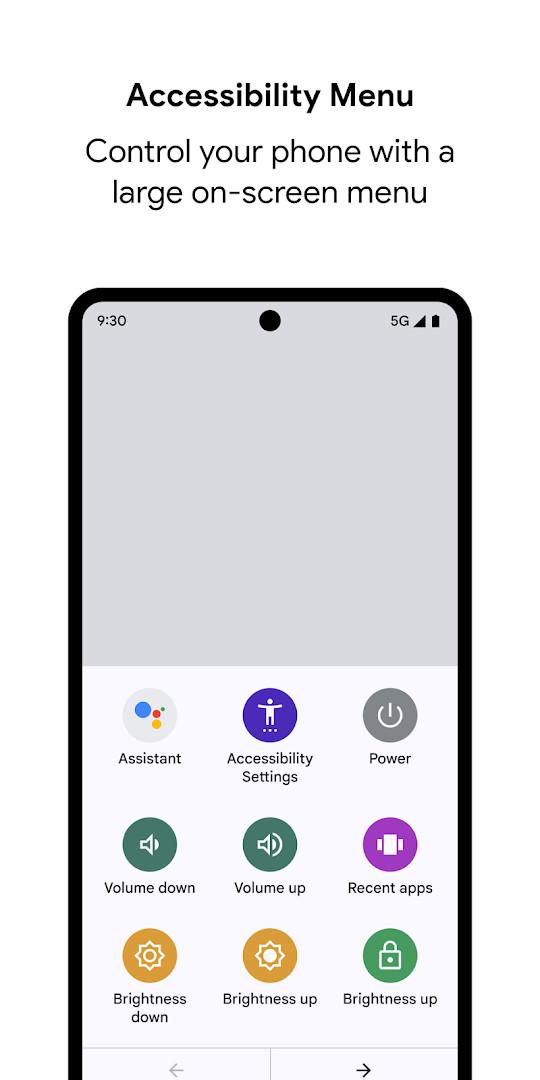
The main components are TalkBack, a screen reader that provides spoken feedback and gesture control; Select to Speak, which reads selected text aloud; and the Accessibility Menu, a large on-screen menu for quick actions like locking the phone, adjusting volume and brightness, or taking screenshots. TalkBack also includes an on-screen braille keyboard, which is particularly useful for users who are familiar with braille. The suite requires Android 9 or later, and the current version is 17.0, which was updated in late September 2026. This update brings more customization options for braille displays, a more reliable keyboard experience, and additional reading control hints when using a physical keyboard.
For most people, the suite runs silently in the background, but it's a powerful tool when activated. It works with both touch gestures and physical switches, making it adaptable for various needs. The app is free, contains no ads, and doesn't require any in-app purchases, so you get the full functionality without any cost. It's developed by Google LLC, ensuring regular updates and integration with the Android ecosystem.
Key features
- TalkBack screen reader with spoken feedback and gesture navigation
- Select to Speak: highlight text on the screen and hear it read aloud
- Accessibility Menu: a large on-screen menu for quick actions like lock, volume, brightness, and screenshots
- On-screen braille keyboard for typing without a physical keyboard
- Customizable braille display settings (added in version 17.0)
- Physical keyboard navigation with reading control hints
- Switch device support for using the phone with external switches
How to install
- Tap the download button on this page to get the APK file (approximately 45 MB).
- When Android prompts, allow your browser or file manager to install apps by enabling the 'Install unknown apps' setting.
- Open the downloaded APK file from your notification bar or file manager.
- Tap 'Install' on the installation screen.
- Open the app from your app drawer after installation completes.
- Follow the on-screen setup to enable the accessibility services you need (TalkBack, Select to Speak, or Accessibility Menu).
Pros
- Free with no ads or in-app purchases
- Combines multiple accessibility tools in one package
- Regular updates from Google LLC
- Supports external switches and braille displays
- Works on Android 9 and later
Cons
- Requires granting broad permissions, including accessibility service, which some may find privacy-concerning
- Setup can be complex for first-time users
- Some features (like TalkBack for Wear) require additional OS versions
- Large file size (45 MB) compared to simpler apps
Latest changes
The latest update brings TalkBack 17.0, offering more ways to customize your braille display, a more reliable keyboard experience, and additional reading control hints when you navigate with a physical keyboard. These changes are designed to make using your device more flexible and efficient for accessibility users.
Older versions
| Version | Size | Requires Android | Updated |
|---|---|---|---|
| 3.1.1 | 1.2 MB | 4.1 | Oct 1, 2026 |
| 17.1.0.983118198 | 45 MB | 9 | Sep 29, 2026 |
| 17.0.1.926549743 | 43 MB | 9 | Sep 24, 2026 |
| 12.2.0.461147544 leanback | 28 MB | 6.0 | Jun 26, 2026 |
| 17.0.1.911806202 | 43 MB | 9 | Jun 10, 2026 |
| 9.0.0.332399336 | 15 MB | 11 | Nov 22, 2025 |
| 3.2.0 | 1.3 MB | 4.2 | Nov 10, 2025 |
| 7.3.0.238058557 leanback | 11 MB | 5.0 | Mar 14, 2019 |
| 5.0.7 | 7.2 MB | 4.1 | Nov 13, 2016 |
This is ideal for people with visual impairments who need a screen reader, individuals with motor difficulties who benefit from the Accessibility Menu or switch control, and anyone who prefers to use their device hands-free or with alternative input methods.
Start with the Accessibility Menu first, as it's the simplest to enable and gives you quick access to common functions like screenshot and volume control. Then gradually explore TalkBack and Select to Speak as you get comfortable.
Permissions
FAQ
How do I install the APK on my Android device?
You can install an APK by enabling 'Unknown sources' in your device's security settings, then opening the downloaded file to begin the installation. The app requires Android 9 or later.
What is the latest available version?
The most recent version is 17.1.0.983118198, which was provided on September 29, 2026.
Does the app have ads or require purchases?
No, the app is completely free. It does not contain any advertisements and there are no in-app purchases.
Can this app be used offline?
Yes, many of its core functions, such as the TalkBack screen reader and Select to Speak, work without an internet connection. It does require permissions like Phone and Location for specific features.
What are some alternatives to this app?
Other applications in the Tools category offer different ways to assist with device interaction, though they may focus on specific needs like screen reading or magnification rather than a full suite.
Android Accessibility Suite is a comprehensive and free solution for making your Android device more accessible. It covers a wide range of needs, from basic magnification to advanced braille support, and is backed by Google's ongoing development. While the permission requirements may give some users pause, the suite's functionality and reliability make it the standard choice for accessibility on Android. It's well worth trying if you or someone you know needs these tools.
Similar apps








More from this developer





Updated: Oct 23, 2026