Digital Wellbeing for Android
Digital Wellbeing is a tools app from Google LLC for tracking your digital habits and disconnecting when you want to.
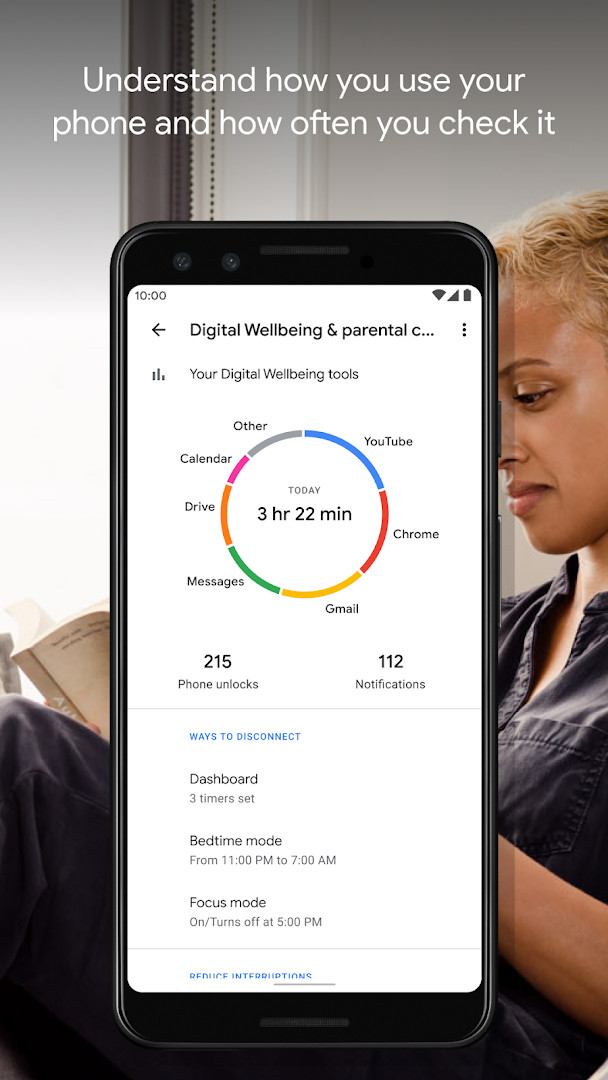
Download Digital Wellbeing · v1.49.996288414 (886717)Digital Wellbeing is made for people who want to understand how much time they spend on their phone and cut back where it matters. The app shows how often different apps are used, how many notifications arrive, and how frequently the phone is checked or unlocked.
Screenshots
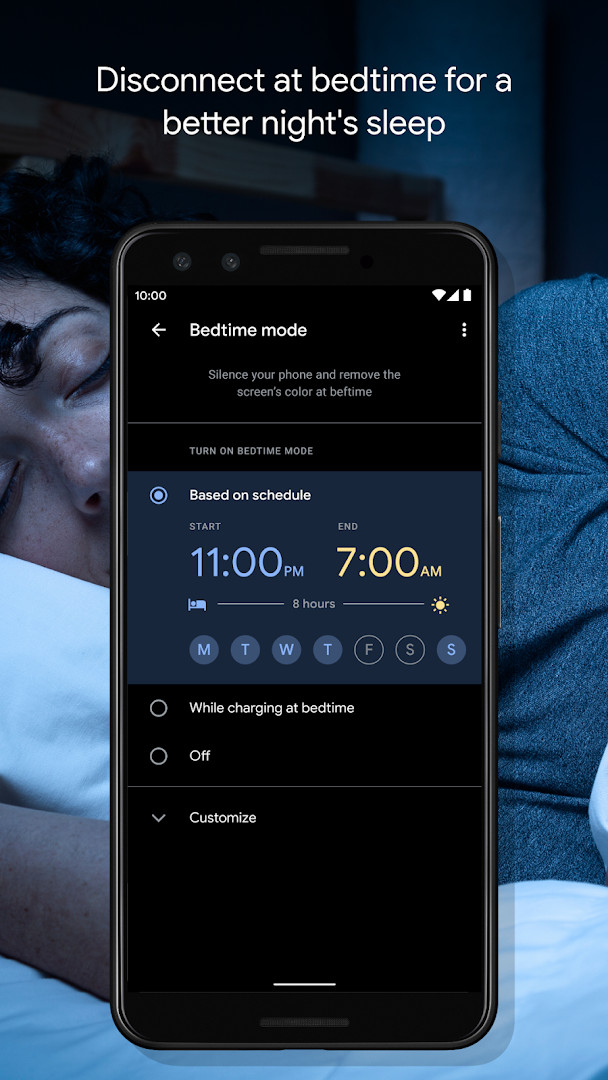
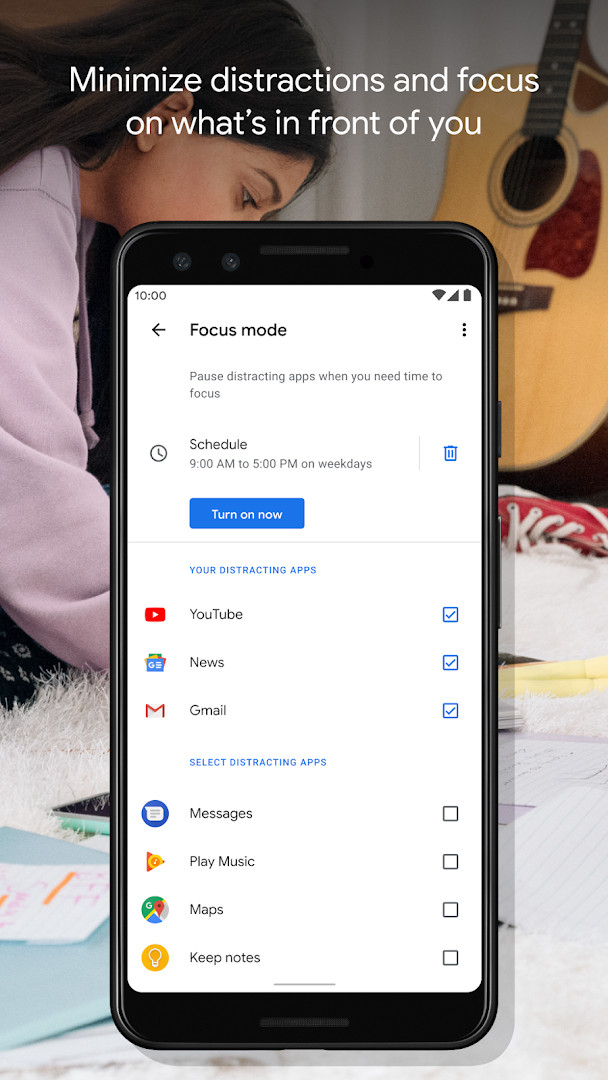
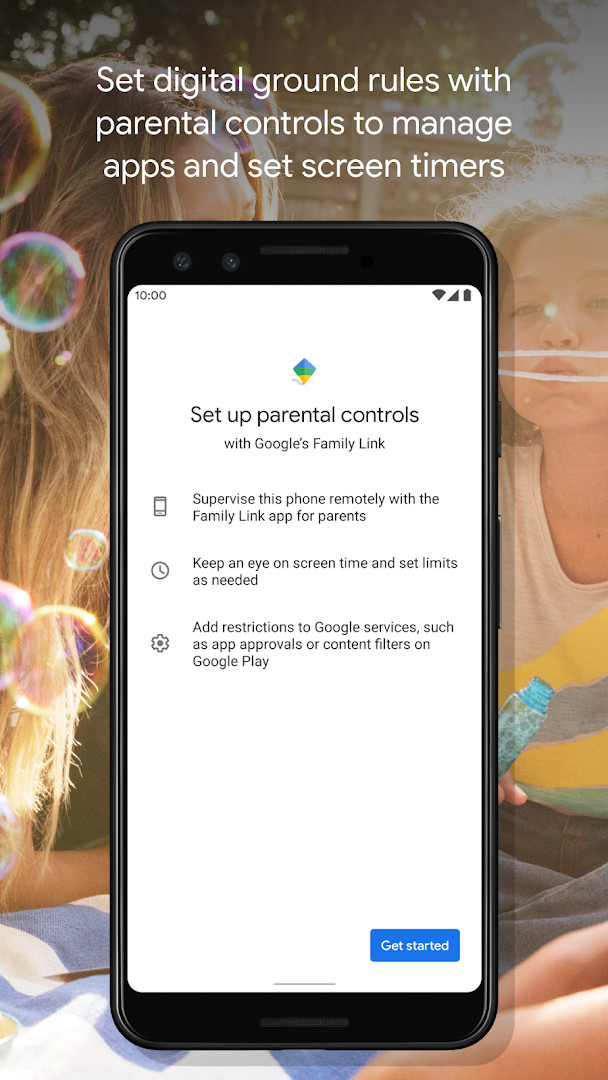
- Version
- 1.49.996288414 (886717)
- Requires Android
- 9
- Updated
- Oct 20, 2026
- Installs
- 10B+
- Rating
- ★ 3.62 (1,497,011)
- Category
- Tools
- Developer
- Google LLC
- Content rating
- Everyone
- Package
- com.google.android.apps.wellbeing
- Free
- ✓
Digital Wellbeing is a system utility app by Google LLC that helps you monitor and manage your smartphone usage to reduce distractions and encourage healthier digital habits. The app addresses the common problem of excessive screen time and notification overload by providing detailed insights into how you interact with your device, including app usage frequency, notification counts, and unlock patterns. It then offers practical tools to act on that data: daily app timers let you cap how long you spend in specific apps, Bedtime mode schedules a grayscale screen and silences notifications at night, and Focus mode pauses distracting apps with a single tap or on a set schedule. By combining awareness with control mechanisms, it aims to give you a clearer picture of your habits and the ability to disconnect when you want to, all from within your device's settings.
Key features
- Daily view of app usage frequency, notification counts, and device unlock frequency
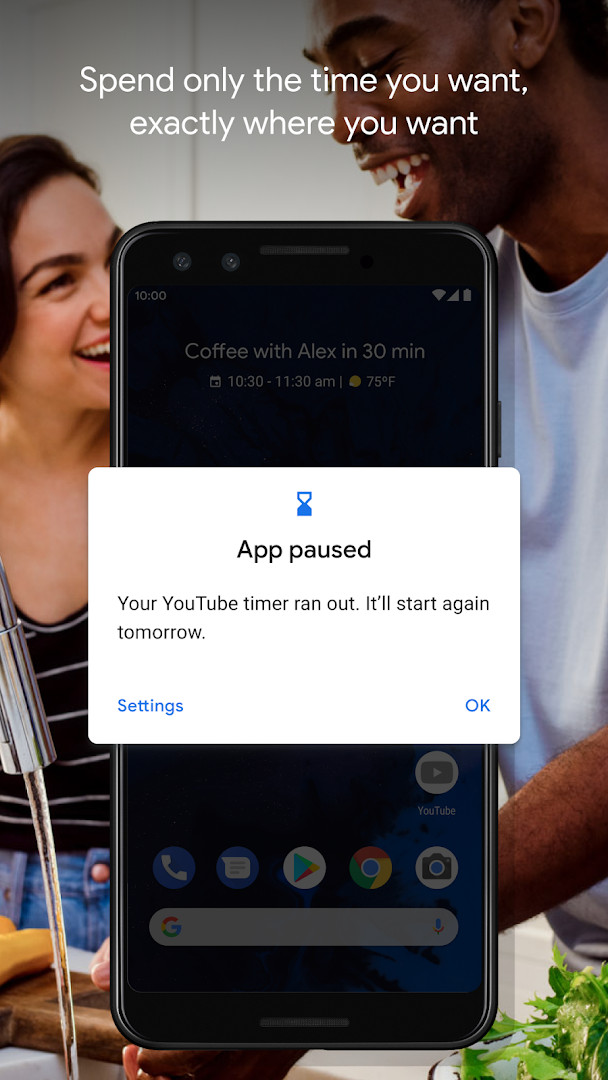
- Daily app timers to set limits on how much time you spend in individual apps
- Bedtime mode that schedules a grayscale screen and Do Not Disturb to silence notifications at night
- Focus mode to pause distracting apps with a single tap, with optional scheduled activation for work, school, or home
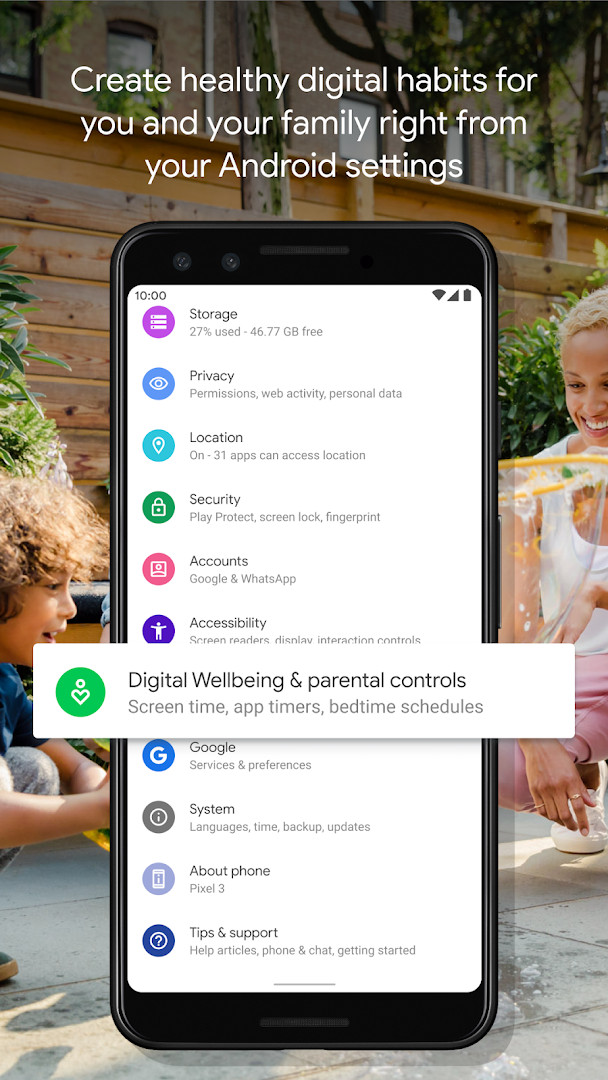
- Integration with the Android Settings menu for easy access
- Regular stability and bug fixes as noted in the latest update
How to install
- Tap the download button on this page to get the APK file.
- When Android prompts, allow your browser or file manager to install apps by enabling the 'Install unknown apps' setting for that source.
- Open the downloaded APK file from your notifications or Downloads folder.
- Tap Install and wait for the process to complete.
- Open the app from your app drawer or Settings menu as directed.
- Note: The file size is not specified; the app requires Android version 9 or higher.
Pros
- Provides a clear daily overview of your app usage, notifications, and unlock frequency
- Includes practical tools like app timers, Bedtime mode, and Focus mode to reduce distractions
- No ads and no in-app purchases, making it fully free to use
- Integrated into the system Settings, making it convenient to access
- Regular updates with bug fixes and stability improvements
Cons
- Requests permissions for Location, Phone, Photos/Media/Files, and Storage, which may raise privacy concerns for some users
- Requires Android 9 or later, so older devices are not supported
- Some users may find the rating (3.62) reflects mixed experiences with the app's effectiveness
Latest changes · 1.49.996288414 (886717)
Version 1.48.975819457 (build 880517) of Digital Wellbeing was released on September 29, 2026. According to the release notes, this update focuses on several bug fixes and stability improvements, with no new features listed. The app remains free, with no ads and no in-app purchases, and carries a content rating of Everyone. It requires Android 9 or later and is listed under Tools by Google LLC.
Older versions
| Version | Size | Requires Android | Updated |
|---|---|---|---|
| 1.48.975819457 (880517) | — | 9 | Oct 20, 2026 |
| 1.49.996288414 (886717) | — | 9 | Oct 20, 2026 |
| 1.0.427802149.beta (349228) | 15 MB | 9 | Jun 18, 2026 |
| 1.0.427802149 (349227) | 15 MB | 9 | Mar 17, 2023 |
This app is for anyone who feels their smartphone use is excessive or distracting and wants a structured way to monitor and limit it. It suits students, professionals, or parents who need to focus during work or study hours, as well as individuals who struggle to disconnect at night. The tools are straightforward, so it works for both tech-savvy users and those less familiar with digital well-being features. Since it requires Android 9 or later, it's aimed at users with reasonably recent devices.
Set a daily app timer for your most-used distraction apps first, and schedule Focus mode during your typical work or study hours to make the habit stick. For bedtime, enable the grayscale feature to reduce eye strain and signal your brain to wind down.
Permissions
FAQ
Is Digital Wellbeing free?
Yes, Digital Wellbeing is completely free to download and use, with no in‑app purchases or ads.
What Android version do I need?
The app requires Android 9 or higher. You can check your device’s Android version in the system settings before installing.
Do I need an account to use Digital Wellbeing?
No, you do not need to create or sign into an account to use Digital Wellbeing. It works locally on your device.
What permissions does Digital Wellbeing ask for?
The app may request permissions such as Location, Phone, access to photos/media/files, and Storage to provide its features. You can manage these in your device settings.
How do I update Digital Wellbeing?
To get the latest version, download the updated APK file from this page and install it. The current version available is 1.48.975819457, released on September 29, 2026.
Digital Wellbeing offers a solid set of self-monitoring and control features that can genuinely help you manage your screen time. It's a free, ad-free tool worth trying if you want more intentional control over your digital life.
Similar apps







More from this developer






Updated: Oct 23, 2026