
Family Space: Digital Caretaking & Parental Controls
Family Space is a parenting app by Motorola Mobility LLC. that provides digital caretaking tools and parental controls for safer device use.
Download Family Space · v3.1.55.13Family Space helps families manage digital habits with customizable Spaces for young children and a Family hub for monitoring app usage, screen time, and location. The app is free, requires Android 12 or higher, and has been downloaded over 100 million times since its release on January 11, 2023. Note that Family Space will be discontinued on December 31, 2026.
Screenshots
- Version
- 3.1.55.13
- Requires Android
- 12
- Updated
- Sep 8, 2026
- Installs
- 100M+
- Rating
- ★ 3.68 (24,607)
- Category
- Lifestyle
- Developer
- Motorola Mobility LLC.
- Content rating
- Everyone
- Package
- com.motorola.spaces
- Free
- ✓
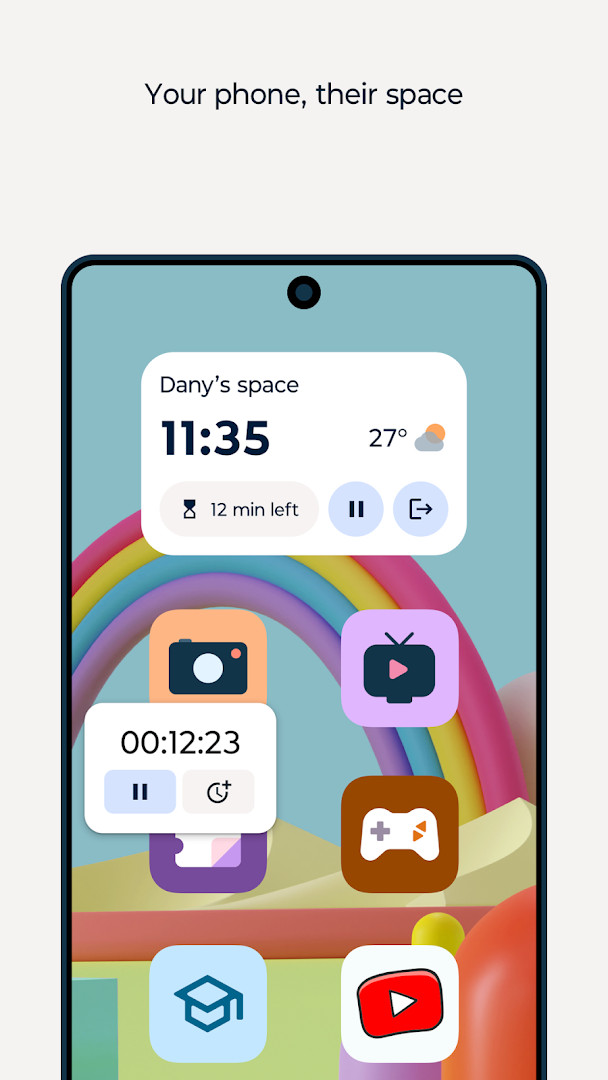
Family Space is a parenting app by Motorola Mobility LLC that helps families manage and protect children's digital activities. It addresses the challenge of keeping young kids safe when they use a shared device, and gives parents tools to oversee and limit screen time on a child's own device. The app creates a dedicated, restricted area on a phone where only parent-approved apps are accessible, preventing accidental purchases, inappropriate content, and unintended messages. For older children with their own devices, the app's family hub provides parental controls such as time limits, usage monitoring, and location tracking. It also uses accessibility services to enforce app blocking on a schedule or on demand. The app is free and does not contain ads or in-app purchases. Please note that the developer has announced the app will be discontinued on December 31, 2026.
Key features
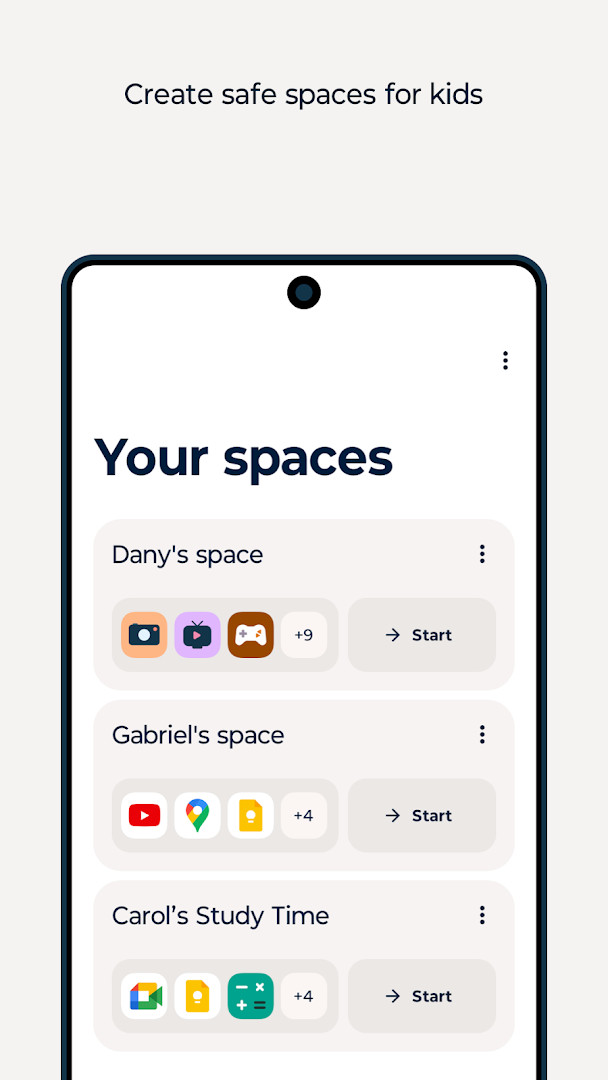
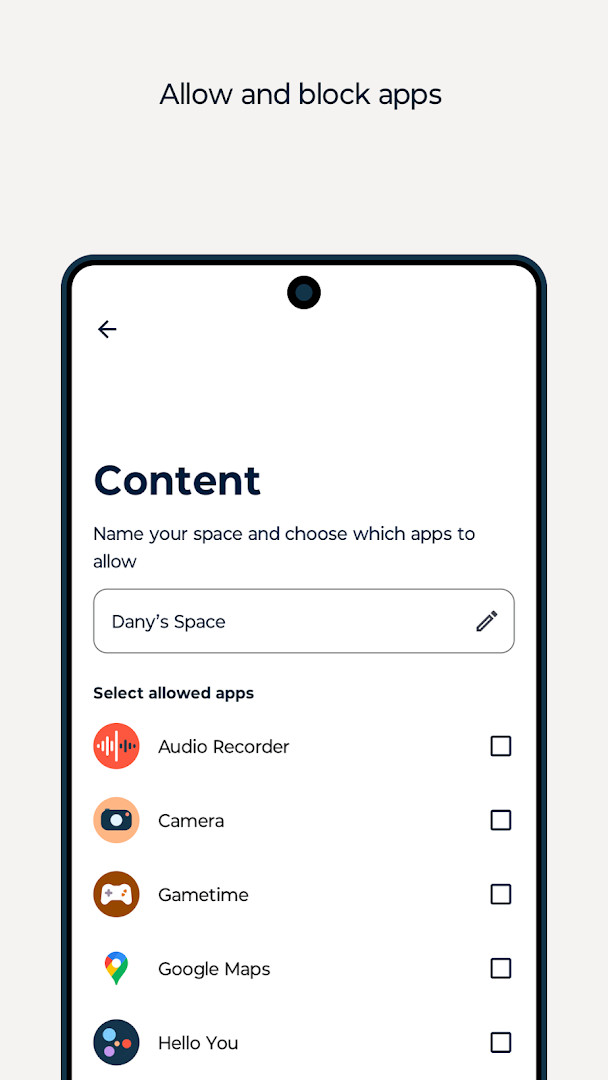
- Spaces: Create a separate, kid-safe area on your phone where only the apps you choose are accessible, preventing accidental purchases, messages, or unsuitable content.
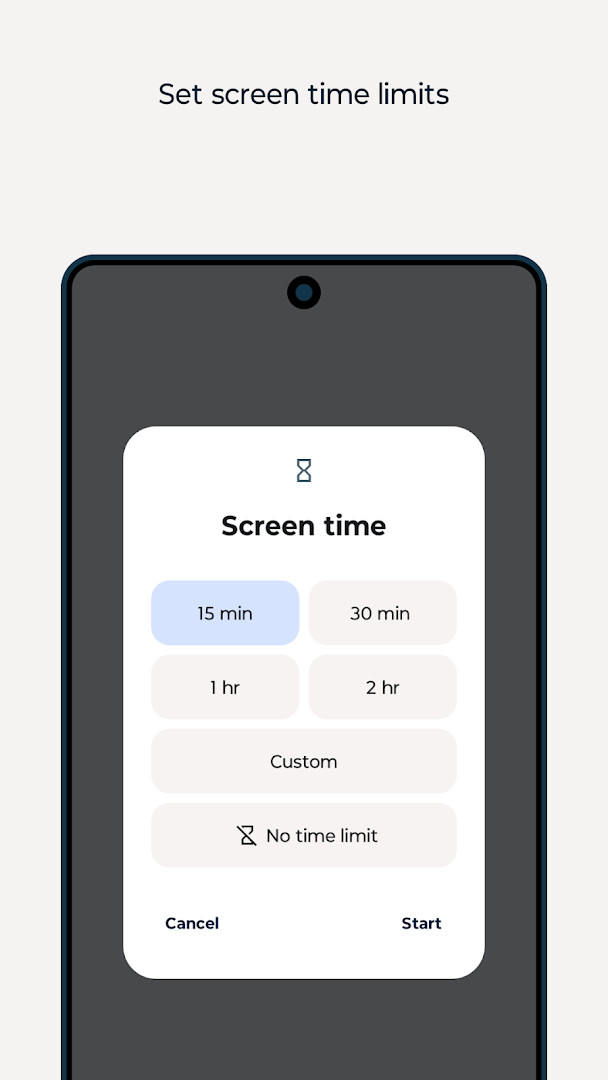
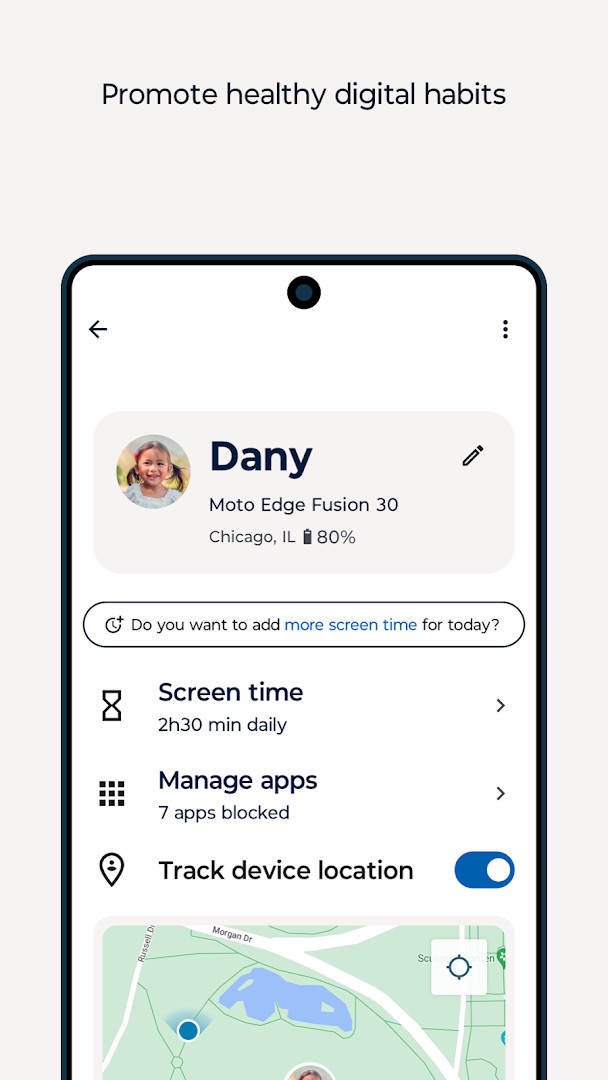
- Family hub: Set daily screen time limits, monitor app usage, and see your child's location from your own device.
- App blocking: Use accessibility services to block apps either on demand or according to a schedule you define.
- Customizable experience: Tailor the app's settings and restrictions to match your family's unique needs and values.
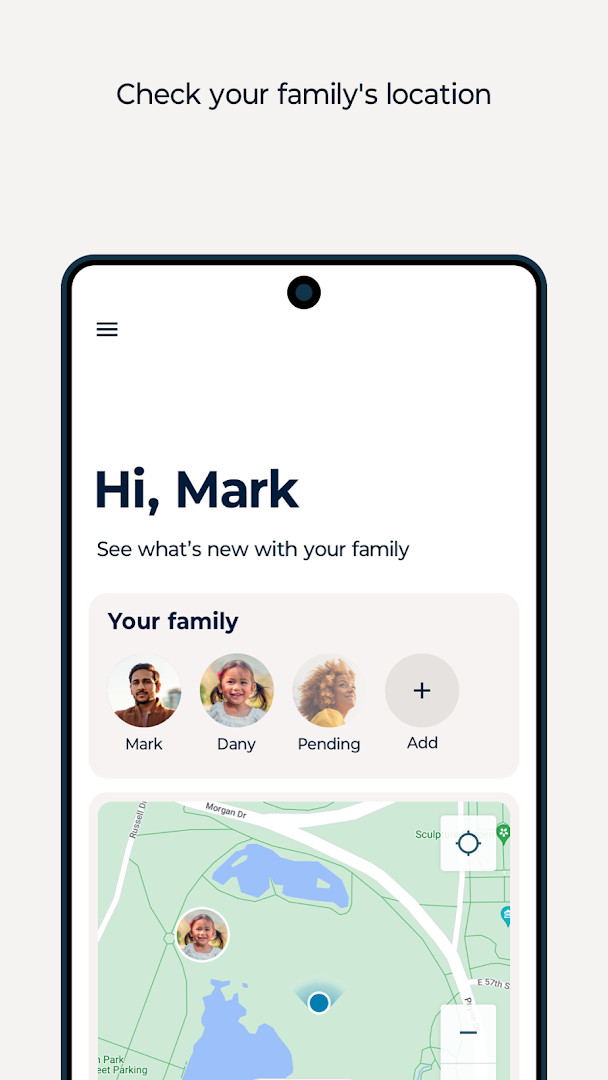
- Location tracking: See where your children are, helping you stay informed about their whereabouts.
- Safe educational fun: Allow your little ones to use your device with peace of mind, knowing they can only access age-appropriate content you have approved.
- Usage monitoring: Track how much time your children spend on their devices and which apps they use most.
How to install
- Tap the download button on this page to get the APK file for Family Space.
- When Android asks, allow your browser or file manager to install apps by enabling the 'Install unknown apps' setting.
- Open the downloaded APK file from your notifications or downloads folder.
- Tap Install on the installation screen.
- After installation, open the app from your app drawer or home screen.
- Note: The app requires Android 12 or higher and the file size will be shown on the download page.
Pros
- No ads, so the experience is not interrupted by advertising.
- No in-app purchases, reducing the risk of accidental charges.
- Comprehensive parental controls including time limits and app blocking.
- Location tracking to help parents stay aware of their children's whereabouts.
- Customizable spaces for younger children using a shared device.
- Free to download and use.
Cons
- Requires access to location, camera, and Wi-Fi information to function fully, which may raise privacy concerns.
- Uses accessibility services, which some users may be wary of granting.
- The app is scheduled to be discontinued on December 31, 2026, so long-term support is limited.
- Setting up the app and permissions may be time-consuming for less tech-savvy users.
Latest changes · 3.1.55.13
This update for Family Space focuses on fixing critical issues to improve overall reliability. We appreciate your continued support and encourage you to install the latest version to benefit from these corrections.
Older versions
| Version | Size | Requires Android | Updated |
|---|---|---|---|
| 3.1.55.13 | — | 12 | Sep 8, 2026 |
Family Space is designed for parents and guardians who want to create a safer digital environment for their children, whether they are toddlers using a parent's phone or older kids with their own devices. It suits families that value oversight of screen time, app usage, and location, and who are comfortable granting the necessary permissions, including accessibility and location access. It may be especially useful for parents who frequently lend their phone to young children and want to prevent accidental actions or exposure to inappropriate content.
To get the most out of the app, take time to customize the spaces and family hub settings according to each child's age and needs. Review the accessibility and location permissions carefully, and explain to your children why certain apps are restricted. Since the app will be discontinued at the end of 2026, consider planning an alternative parental control solution in advance.
Permissions
FAQ
Is Family Space free to use?
Yes, the app is free. The listed price is 0.00 USD, with no ads and no in-app purchases.
What Android version do I need to run Family Space?
The app requires Android 12 or newer. Make sure your device meets this minimum before installing.
What is the file size of the APK?
The available information does not list a file size for this version. You can check the download details on this page for any size information provided.
Do I need an account to use Family Space?
The available information does not state whether an account is required. Any setup steps would be shown when you first open the app after installing.
Which permissions does Family Space request?
The app asks for Location, Camera, and Wi-Fi connection information. It also uses Accessibility services to support screen time management, including app blocking on a child's device.
How do I update Family Space to the newest version?
When a new release becomes available, download the updated version from this page and install it over your current copy. The latest listed version is 3.1.55.13, dated 2026-09-08.
Family Space offers a robust set of parental controls with a strong focus on safety and customization, and it is free of ads and in-app purchases. However, its reliance on accessibility and location permissions, along with its upcoming discontinuation, are important factors to weigh before adopting it.
Similar apps
 SmartThingsSamsung Electronics Co., Ltd.4.6
 PinterestPinterest4.2
 Tinder Dating App: Chat & DateTinder LLC3.9
 Dating and Chat - SweetMeetSweetMeet4.0
 Life360: Family Safety & GPSLife3604.8
 Samsung Wallet (Samsung Pay)Samsung Electronics Co., Ltd.4.1
 happn: dating apphappn4.0
 Samsung Members v1Samsung Mobile US4.6
More from this developer

Updated: Oct 15, 2026