Moto Widget: Home Screen Time, Weather, and Fitness
Moto Widget is a free widget tool by Motorola Mobility LLC. that lets you display time, weather, battery, steps, and forecasts at a glance.
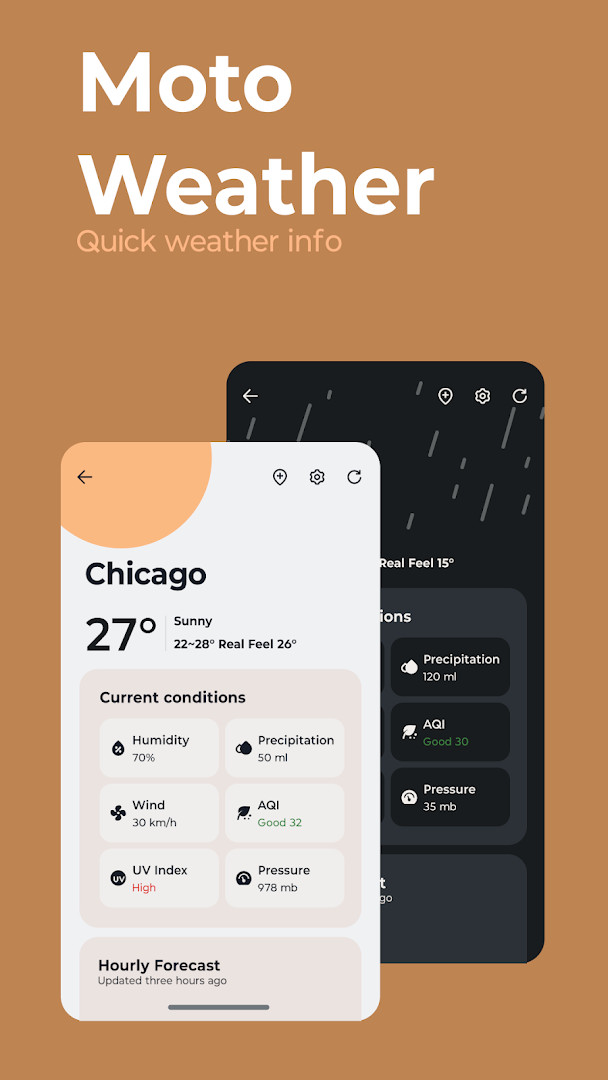
Get Moto WidgetMoto Widget offers five widget styles: Adapt, Clean, Beyond, Classic, and Weather. The app has no ads and no in-app purchases, and it is rated for Everyone. Moto Widget is designed for users who want customizable home screen information, including forecasts, UV index, allergy outlooks, radar, and smart weather notifications.
Screenshots
- Updated
- Jul 17, 2026
- Installs
- 1B+
- Rating
- ★ 4.34 (702,871)
- Category
- Tools
- Developer
- Motorola Mobility LLC.
- Content rating
- Everyone
- Package
- com.motorola.timeweatherwidget
- Free
- ✓
Moto Widget is a tools app by Motorola Mobility LLC. that puts time, weather, and fitness information on your home screen in several widget styles. It is designed for people who want quick updates without opening separate apps.
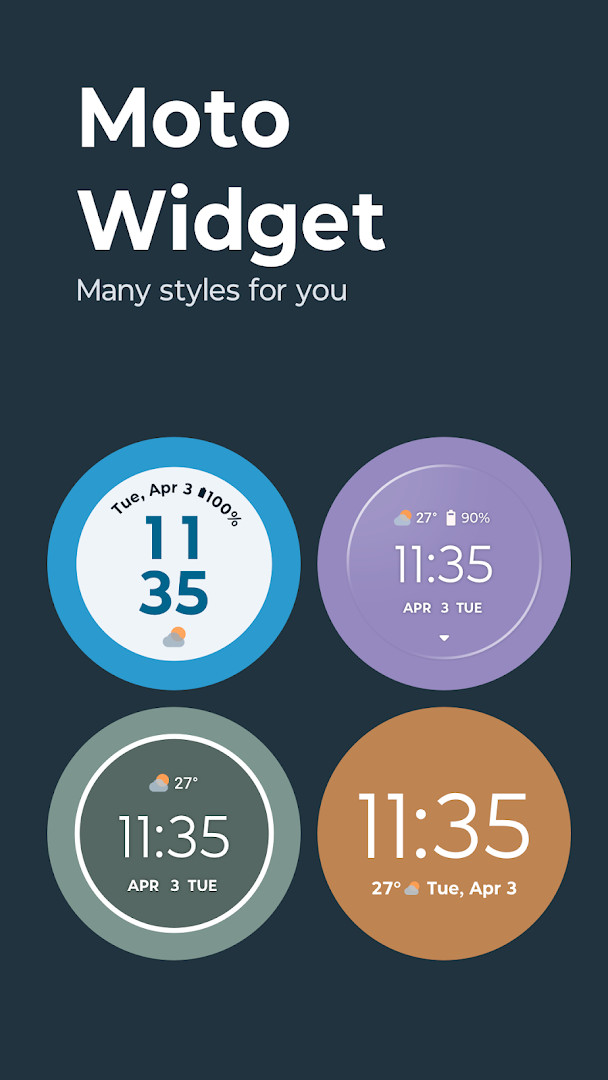
The app includes five widget layouts: Adapt, Clean, Beyond, Classic, and Weather. Each one has a different look and set of options, so you can choose a compact clock, a detailed weather panel, or a circular animated view with swipeable screens for time, weather, steps, and battery.
Moto Widget also adds smart weather notifications for daily forecasts, tomorrow's outlook, weekly summaries, and severe weather alerts. The app is free, contains no ads, and has no in-app purchases, which makes it a straightforward choice for anyone who wants more control over their home screen.
Key features
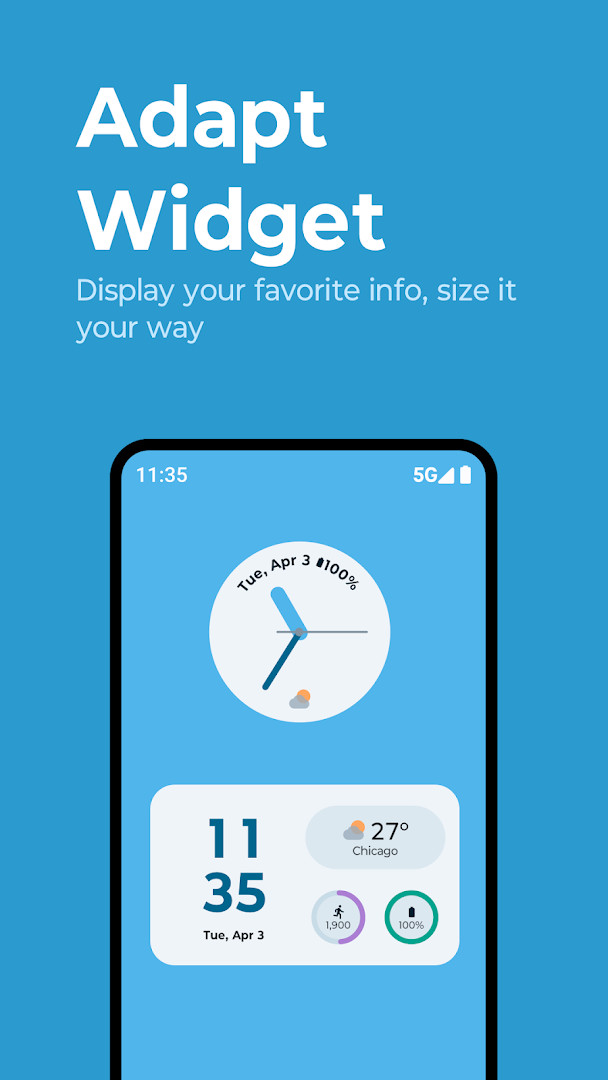
- Adapt widget lets you choose layouts and decide what to show, including clock, dual time, weather, battery, AQI, steps, and alarm.
- Clean widget offers a modern, minimal design with weather animations and customizable visual elements.
- Beyond widget provides a circular, animated display with swipeable views for time, weather, steps, and battery.
- Classic widget gives a nostalgic, minimalist look with time, date, weather, and a battery ring.
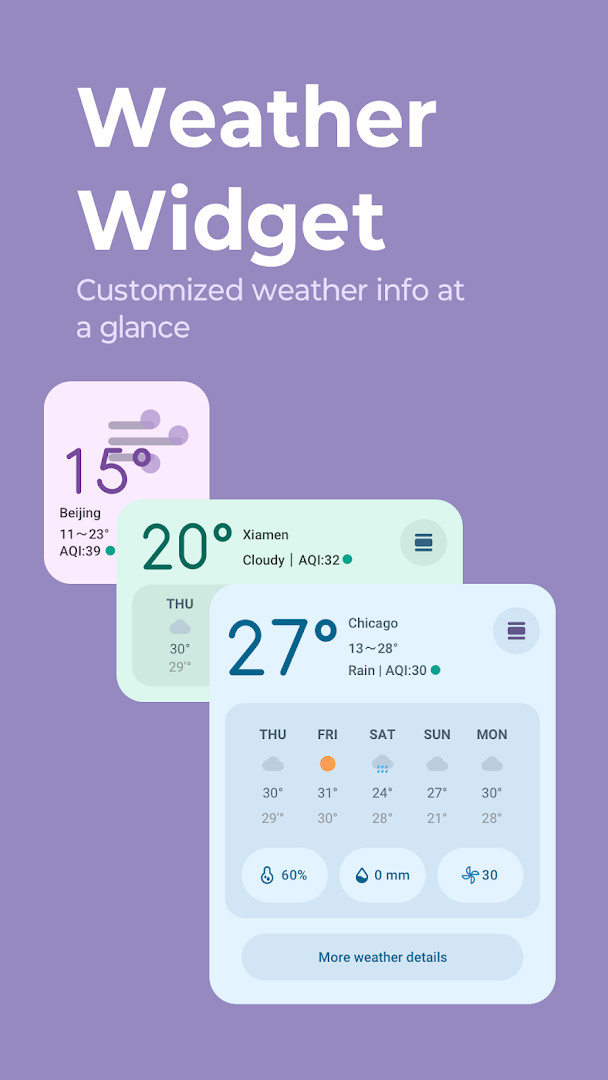
- Weather widget focuses only on weather and shows current conditions plus hourly or 5-day forecasts.
- Detailed weather information includes forecasts, UV index, allergy outlooks, and radar.
- Smart weather notifications cover daily forecasts, tomorrow's forecast, weekly outlooks, and severe weather alerts.
How to install
- Tap the download button on this page to get the Moto Widget APK file.
- When Android asks, allow your browser or file manager to install apps by turning on the "Install unknown apps" setting.
- Open the downloaded APK file. The file size is listed as n/a.
- Tap Install and wait for the process to finish.
- Open the app and follow the on-screen steps to add a widget to your home screen.
- The minimum Android version is listed as n/a, so check that your device can run the app if you have an older phone.
Pros
- Five different widget styles give plenty of room for personalization.
- Weather data includes UV index, allergy outlooks, and radar.
- Smart notifications can alert you to severe weather and weekly forecasts.
- The app is free and has no ads or in-app purchases.
- The Classic widget recreates a familiar, minimalist Moto look.
- Widgets can show fitness data like steps alongside time and weather.
Cons
- Requires location and identity permissions for some features to work fully.
- The camera permission may feel unnecessary to users who only want a clock or weather widget.
- Adapt mode may take some time to set up because of the many display options.
- No in-app purchases means certain extra visual themes are not available.
Latest changes
This update focuses on improving overall app stability and addressing minor issues. It includes general bug fixes to ensure a smoother experience for users. No new features were introduced in this release.
Moto Widget is for beginners and everyday users who want a cleaner, more informative home screen. It suits people who like checking weather, time, or step counts at a glance and prefer a free, ad-free experience without extra purchases.
Start with the Weather widget if you mainly want forecasts, then try Adapt when you are ready to combine clock, battery, steps, and other details in one layout. Long-press a blank space on your home screen, tap Widgets, and scroll to Moto Widget to see all available options.
Permissions
FAQ
Is Moto Widget free to download?
Yes, Moto Widget is free. It costs $0.00 and does not include ads or in-app purchases.
What permissions does Moto Widget require?
Moto Widget requests access to Identity, Location, and Camera. These are used to provide personalized widget features like location-based weather and other display options.
Do I need an account to use Moto Widget?
No, you do not need to create an account to download or use Moto Widget. The app does not require any login.
How do I update Moto Widget?
To update, simply download the latest version from this page. The most recent update was released on July 17, 2026, and includes bug fixes and minor improvements.
What Android version is required for Moto Widget?
The required Android version is not specified in the available information. The app was released on August 18, 2020, and has been updated since then, so it likely supports a range of Android versions.
What is the file size of Moto Widget?
The file size of Moto Widget is not listed in the available details. You can check the download button on this page for the exact size before installing.
Moto Widget brings together time, weather, and fitness details in a set of five home screen styles. The wide range of layouts and notification choices gives beginners an easy way to make a phone feel more personal without dealing with ads or in-app purchases.
Similar apps








More from this developer

Updated: Oct 15, 2026