KineMaster - AI Video Editor for Android
KineMaster - AI Video Editor is a video-editing application from KineMaster, Video Editor Experts Group for creating and enhancing videos, reels, and shorts with AI-powered tools.
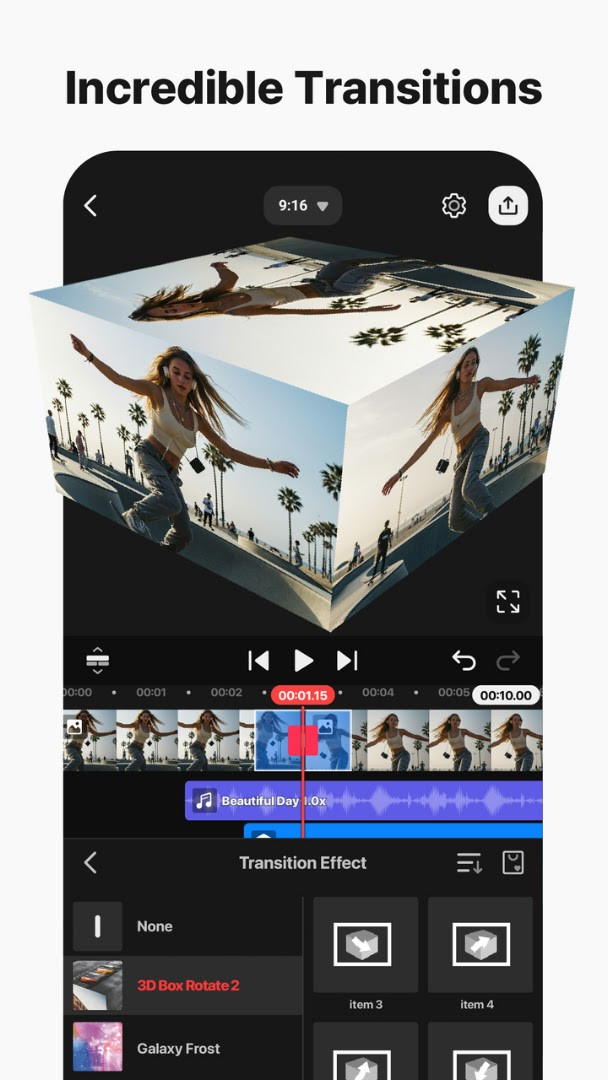
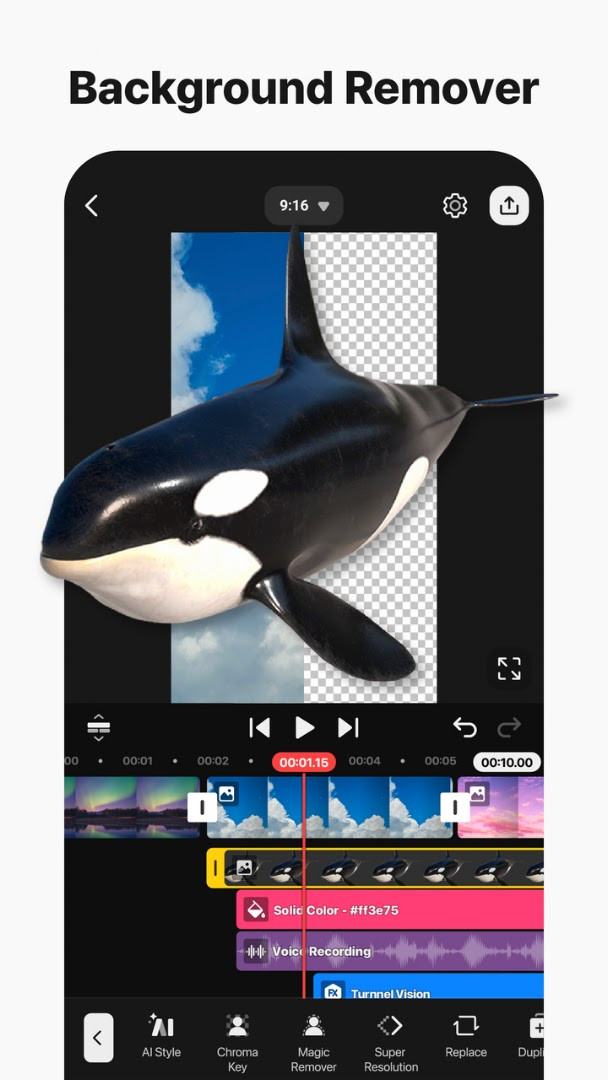
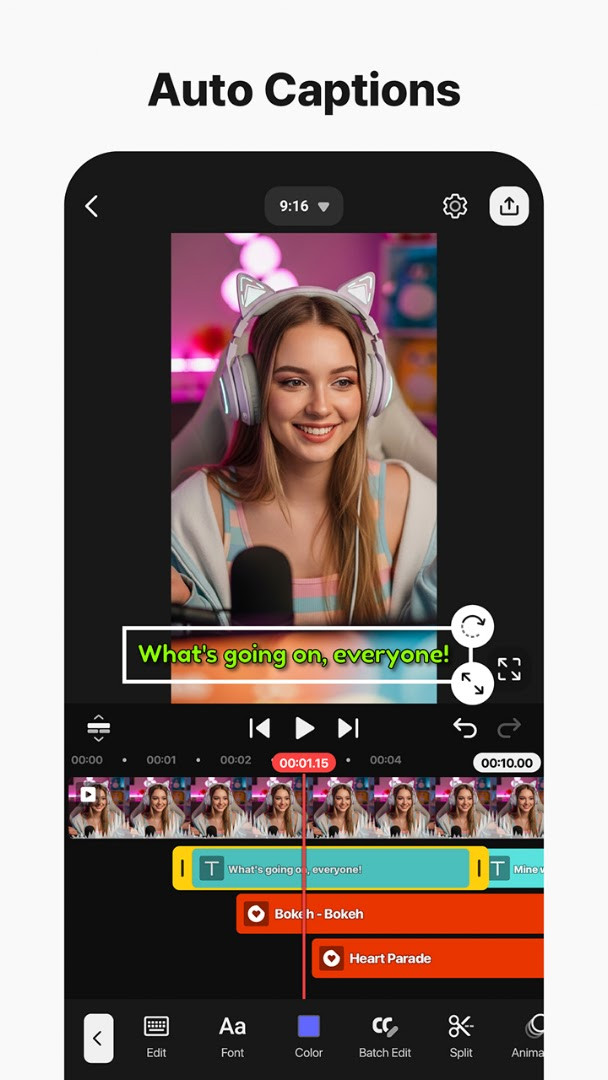
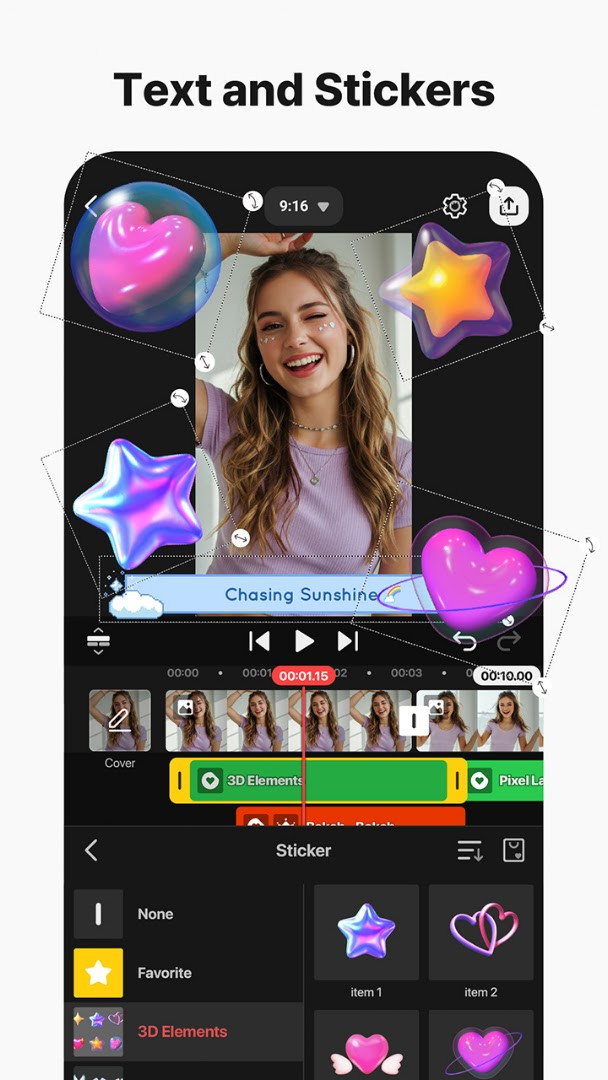
Download for free · v8.2.11.37344.GPKineMaster - AI Video Editor is designed for anyone who wants to produce engaging video content without prior editing experience. The app addresses the challenge of complex video production by offering AI-driven features like auto captions, background removal, and voice generation.
Screenshots
- Version
- 8.2.11.37344.GP
- Requires Android
- 8.0
- Updated
- Oct 10, 2026
- Installs
- 500M+
- Rating
- ★ 4.45 (6,108,511)
- Category
- Entertainment
- Developer
- KineMaster, Video Editor Experts Group
- Content rating
- Everyone
- Package
- com.nexstreaming.app.kinemasterfree
- Free
- ✓ · Contains ads · In-app purchases
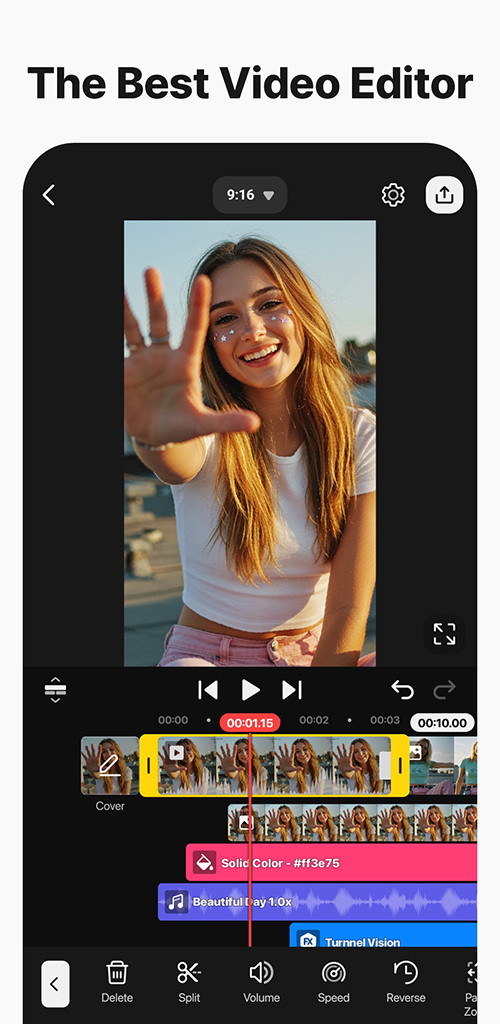
KineMaster - AI Video Editor is a video editing application by KineMaster, Video Editor Experts Group that combines traditional timeline editing with a broad set of AI-powered tools. The app is built for creating short-form content such as Reels and Shorts, but it also supports longer projects thanks to multi-layer timelines, keyframe animation, and 4K 60 FPS export. Version 8.2.11.37344.GP, updated on 2026-10-10, continues to target users who want professional results without a steep learning curve.
The current release focuses on faster creative workflows. AI tools handle tasks like generating captions, removing backgrounds, cleaning up audio, and recommending templates based on editing style. Alongside these automated features, the app retains manual controls such as Chroma Key, speed adjustment, and precise multi-layer selection. This mix makes it possible to produce polished videos directly on a phone or tablet, with options to save high-resolution files or social-media-optimized versions.
The update from 2026-10-10 introduces template recommendations that match a user's editing style, multi-layer selection for alignment and duplication, and seamless project handoff between devices. The app remains free to install with ads and in-app purchases, and it has been available since 2013-12-26, accumulating a large user base over time.
Key features
- AI Auto Captions for instant subtitles from video or audio
- AI Text-to-Speech and AI Voice tools for generating spoken audio
- AI Magic Removal and AI Noise Removal for cleanup tasks
- AI Vocal Separator to split songs into vocals and music
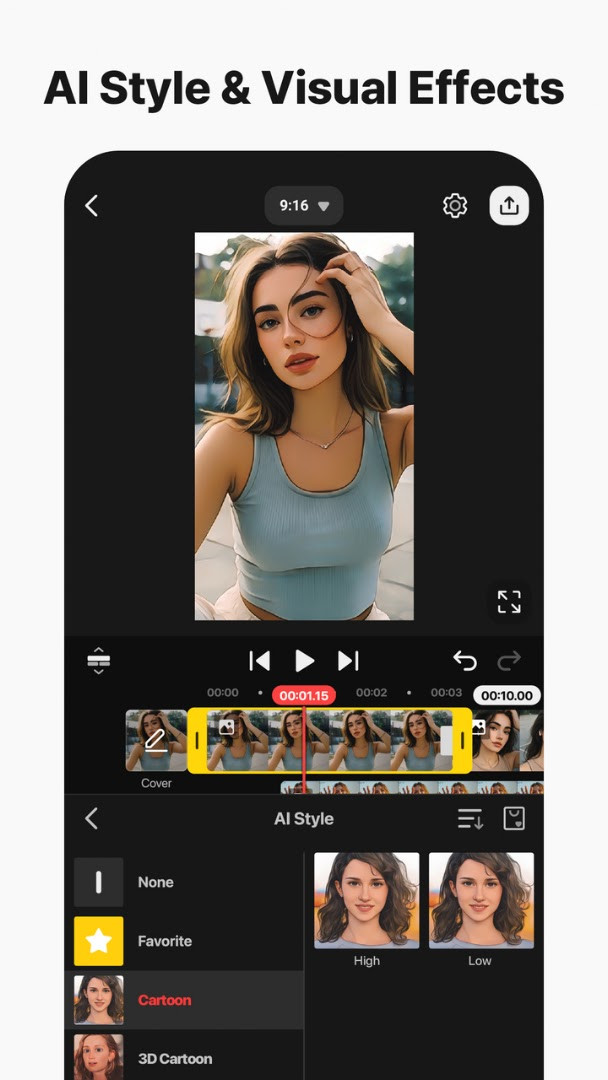
- AI Tracking, AI Upscaling, and AI Style for motion, resolution, and artistic effects
- Keyframe animation, Chroma Key green screen, and speed control
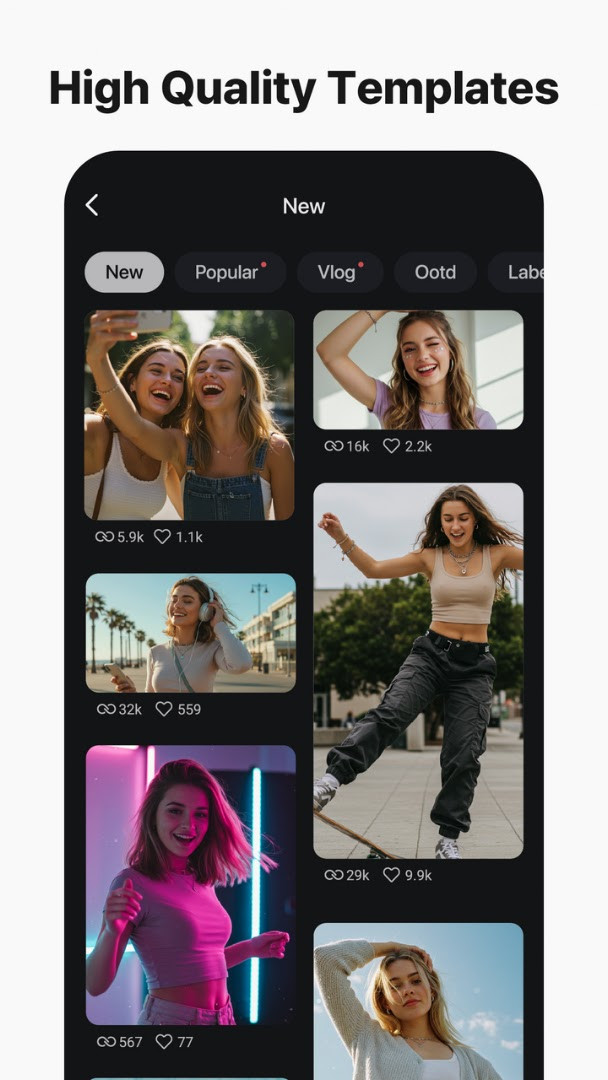
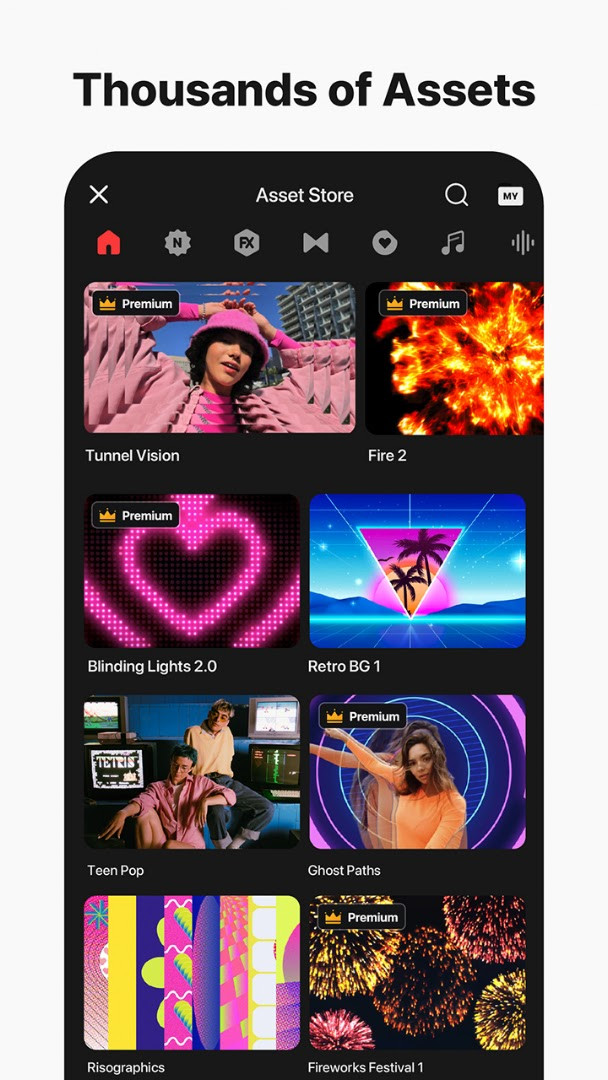
- Thousands of templates, Mix project sharing, and KineCloud backup
- 4K 60 FPS export and transparent background support
- Multi-layer editing with magnetic guides and multi-selection
How to install
- Tap the download button on this page to get the APK file.
- When Android asks, allow your browser or file manager to install apps by enabling the "Install unknown apps" setting.
- Open the downloaded APK file from your notifications or file manager.
- Tap Install and wait for the process to finish.
- Open the app and start editing. The file size is n/a and the minimum Android version required is 8.0.
Pros
- Huge library of AI tools for quick edits
- Supports 4K 60 FPS and transparent background export
- Portrait and landscape editing with tablet and Chromebook support
- Multiple undo and redo steps for safe experimentation
- Large asset store with effects, music, fonts, and stock media
Cons
- Contains ads, which can interrupt the editing flow.
- Many premium assets and AI features require in-app purchases.
- The wide range of tools can feel overwhelming at first.
- Watermark on exports unless a subscription is active.
Latest changes · 8.2.11.37344.GP
Version 8.2.11.37344.GP adds AI template recommendations based on editing style. It also lets you select and adjust multiple layers at once for precision alignment. Projects can now be handed off between devices for continued editing.
Older versions
| Version | Size | Requires Android | Updated |
|---|---|---|---|
| 8.2.11.37344.GP | — | 8.0 | Oct 10, 2026 |
KineMaster is suitable for social media creators who need fast, polished Reels and Shorts, vloggers and educators who want captions and voice tools, and hobbyist editors looking for a capable alternative to desktop software on a phone or tablet.
Use the AI Auto Captions tool early in your edit to save time on manual subtitle placement, then adjust the text style to match your video's look.
Permissions
FAQ
How do I install KineMaster on my Android device?
Use the download button on this page to get the APK file, then open it on your device and allow installation from unknown sources if prompted. The app requires Android 8.0 or later.
What is the current version of KineMaster?
The latest version listed is 8.2.11.37344.GP, updated on October 10, 2026.
Does KineMaster have ads or in-app purchases?
Yes, the app includes ads and offers in-app purchases. It is free to download with a price of $0.00 USD.
Can I use KineMaster offline?
KineMaster requires a Wi-Fi connection for some features, such as backing up projects to KineCloud or accessing certain AI tools. Basic editing may work offline, but internet access is needed for full functionality.
Are there alternatives to KineMaster for video editing?
Yes, there are other video editing apps in the same category. You can explore similar tools that offer features like AI-powered editing, templates, and multi-layer support.
What are the main features of KineMaster?
KineMaster offers AI tools like auto captions, text-to-speech, voice effects, background removal, and music matching. It also includes professional editing features such as keyframe animation, chroma key, speed control, and access to thousands of templates and assets.
What permissions does KineMaster need?
The app requests access to photos, media, and files, storage, microphone, and Wi-Fi connection information. These permissions support editing, audio recording, and online features.
KineMaster remains a strong option for mobile video editing, balancing an approachable interface with a surprisingly deep toolkit. The AI additions in version 8.2.11.37344.GP make routine tasks faster, though the ad-supported experience and subscription prompts may frustrate some users.
Similar apps








Updated: Oct 15, 2026